 GameWiki
GET YOUR BEARINGS
About Lost Castle / 失落城堡
Lost Castle is a hand‑drawn action RPG that mixes retro beat‑‘em‑up combat with roguelike randomness. Players explore procedurally generated dungeons filled with quirky enemies, bosses, and a massive loot pool. The game supports solo play, online or local co‑op for up to four, and both cooperative and PvP modes. Its story frames a fallen castle corrupted by demons, while treasure hunters seek riches and a chance to do good.
The title offers daily challenges, a huge variety of weapons, armor, potions, and skills, and a mechanic that lets players sacrifice fallen heroes for new abilities. It runs on Windows and macOS, includes full controller support, and integrates Steam features such as achievements and cloud saves.
01 / THE GUIDE
Setting and Story
The narrative centers on Castle Harwood, once a prosperous stronghold now overrun by demonic forces and spreading corruption. Players assume the role of treasure hunters drawn by the promise of the Earl’s riches and a desire to help. The backdrop blends classic fantasy tropes with a humorous, hand‑drawn aesthetic.
The setting provides context for the randomly generated dungeons, each representing a corrupted part of the castle. The story’s tone is light‑hearted despite the dark premise, emphasizing courage and exploration.
- Focus on the lore hints in each dungeon to anticipate enemy types.
- Use the story’s “bright glimmer” theme as motivation for tougher runs.
02 / THE GUIDE
Co‑op and PvP Modes
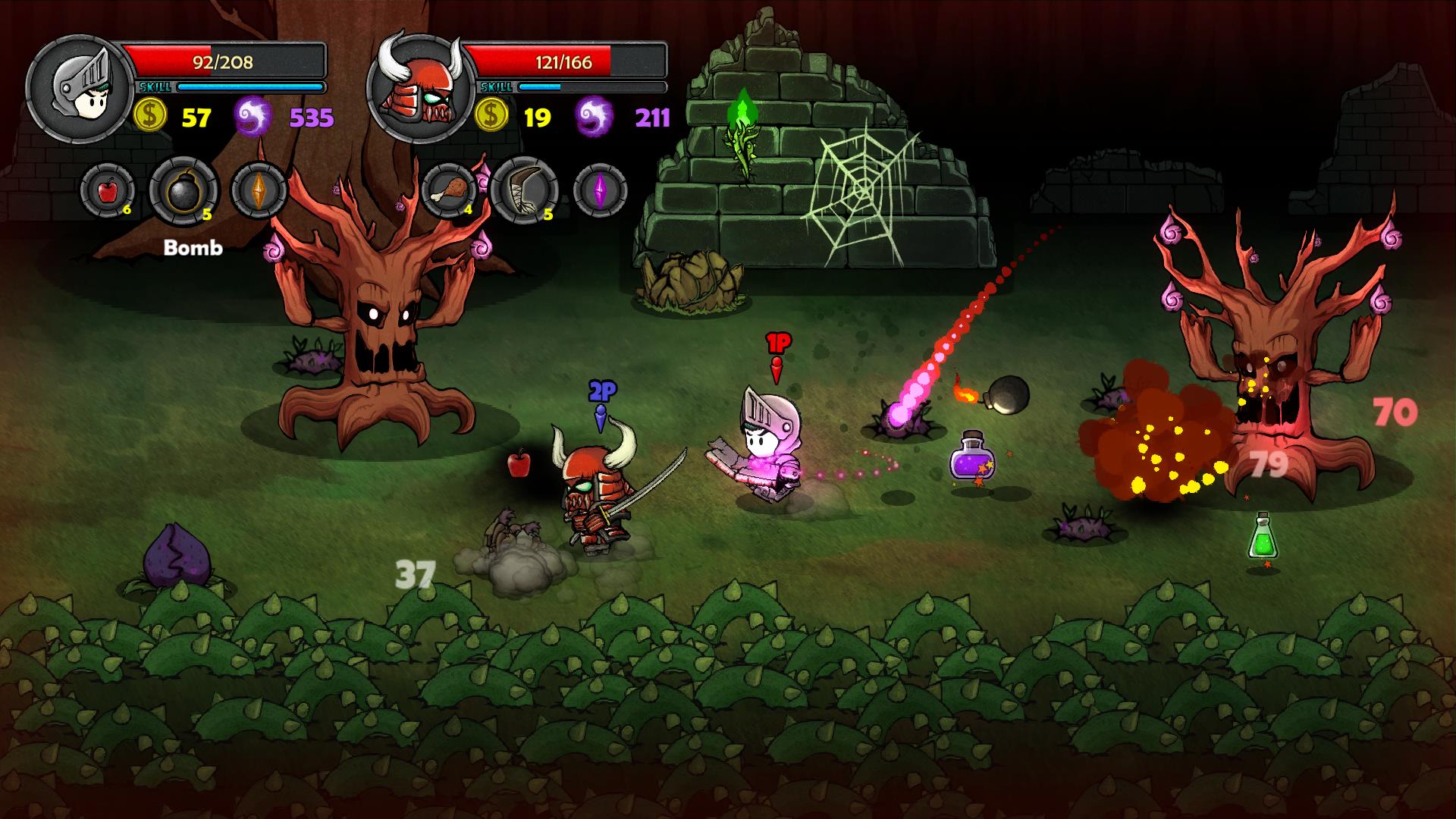
Lost Castle supports up to four players in both online and local configurations. Players can team up in co‑op to tackle dungeons together, or compete in PvP modes that use shared or split‑screen layouts. The game distinguishes between cooperative and competitive play without requiring separate installations.
Both co‑op and PvP benefit from the same randomized content, meaning each session offers fresh challenges regardless of mode. Online play is complemented by Steam’s Remote Play features, allowing friends to join from phones, tablets, or TVs.
- Coordinate skill choices with teammates for balanced co‑op parties.
- Experiment with split‑screen PvP to discover unexpected strategies.
03 / THE GUIDE
Procedural Dungeons and Loot
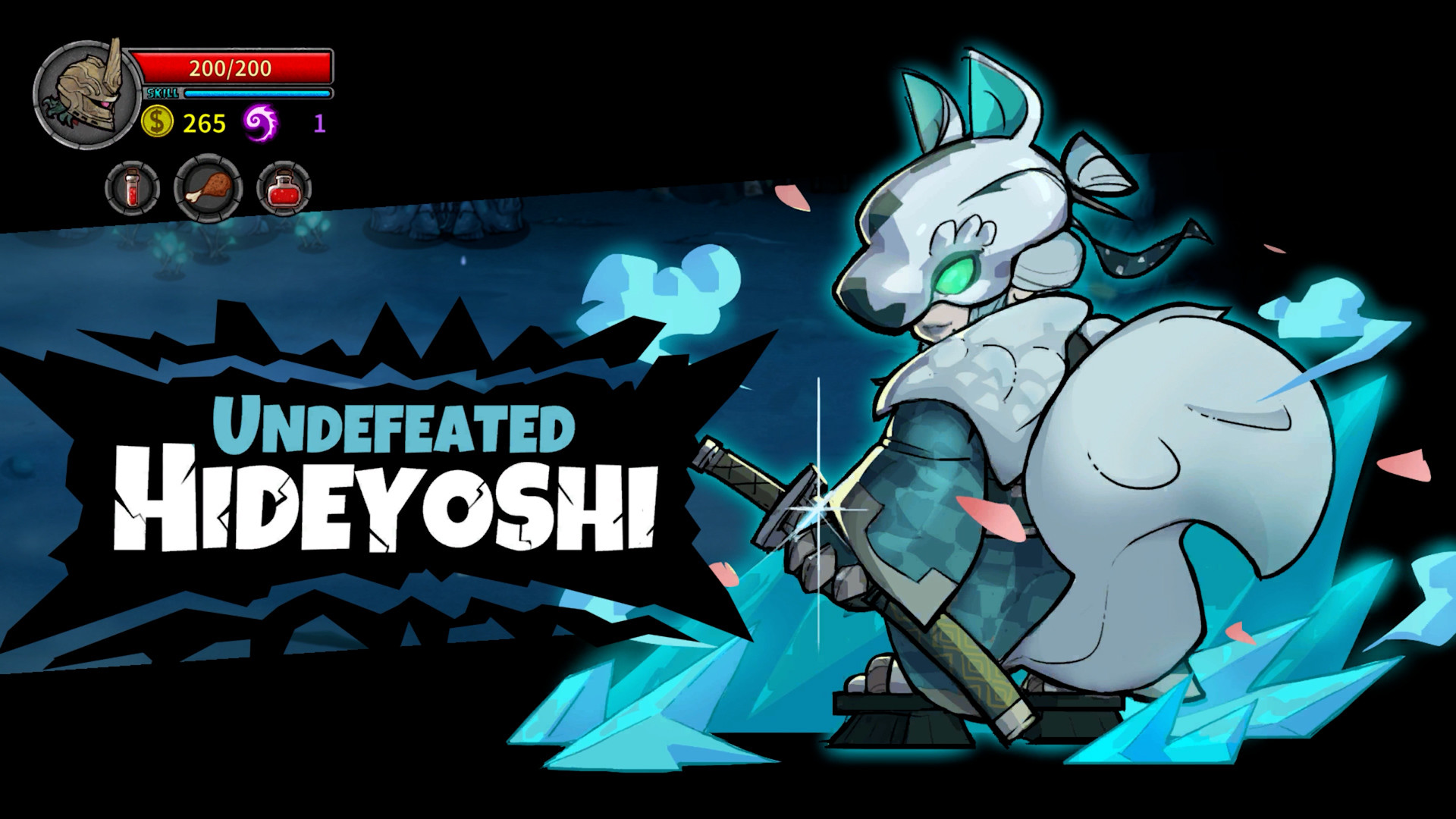
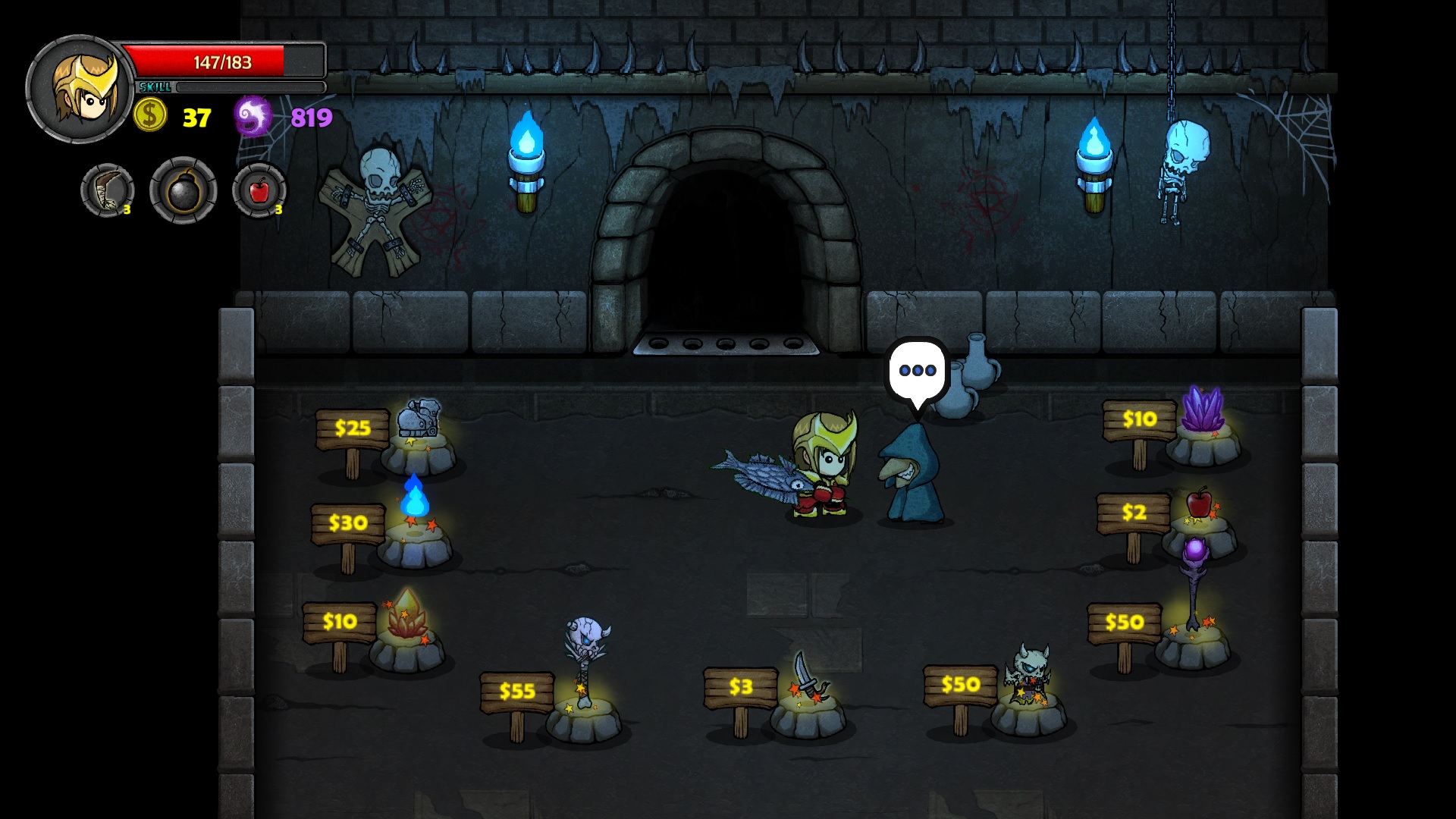
Each dungeon is generated anew, altering layout, enemies, items, and bosses. The loot pool includes over 190 weapons, 60+ armor sets, 100+ items, and 60+ potions, each with distinct effects ranging from useful to comedic. This randomness encourages repeated play to discover optimal combinations.
Randomization extends to skills and special attacks, providing a massive variety for character builds. The system ensures that no two runs feel identical, reinforcing the roguelike aspect of the game.
- Track which potion effects you enjoy most for future runs.
- Rotate weapons to experience the full range of combat styles.
04 / THE GUIDE
Sacrificing Dead Heroes
When a hero falls, players may sacrifice that character to unlock new abilities for surviving teammates. This mechanic turns loss into a strategic resource, allowing players to adapt mid‑run. The new abilities can be integrated into existing skill trees or used as standalone powers.
Sacrificing does not remove the dead hero permanently; it merely converts their presence into a benefit. This encourages risk‑taking and thoughtful timing during difficult encounters.
- Consider sacrificing a hero after a boss to gain a powerful ability for the next floor.
- Balance the loss of a character’s unique skills against the new ability gained.
05 / THE GUIDE
Steam Integration and Controls
The game runs on Windows and macOS, offering full controller support and Steam Cloud saves. Achievements, trading cards, and Remote Play Together let players extend their experience across devices, including phones, tablets, and TVs. Family Sharing is also supported, allowing multiple accounts to access the game.
These features do not alter core gameplay but provide convenience and community interaction, ensuring the title fits into various play environments.
- Enable Cloud sync to keep progress across multiple PCs.
- Use Remote Play Together for quick co‑op sessions without extra hardware.


COMMUNITY
Player discussion