 GameWiki
GET YOUR BEARINGS
About Lossless Scaling
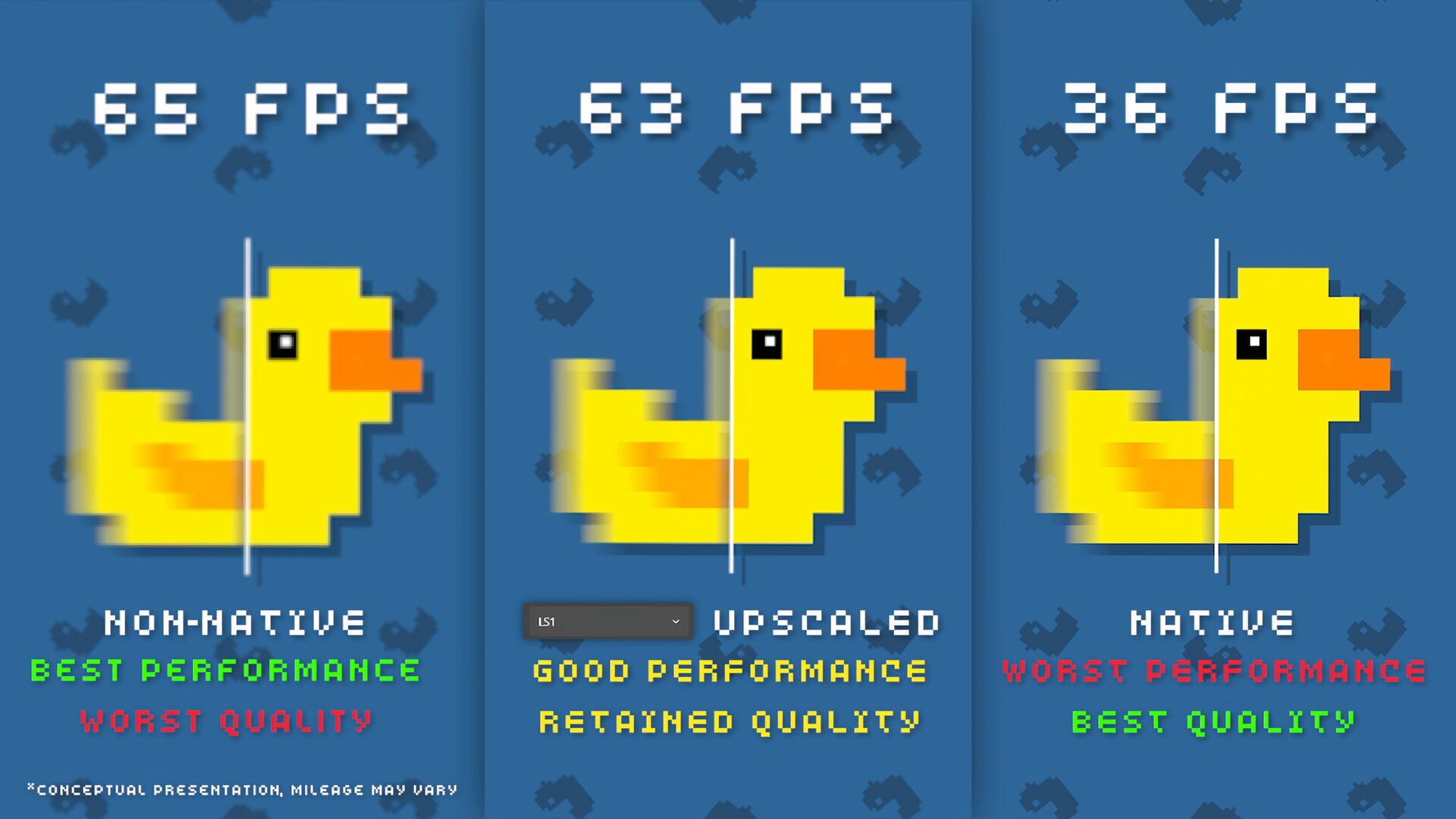
Lossless Scaling is a utility that adds frame generation and scaling to games, aiming to make motion smoother and improve visual quality or performance. It works with most titles, including older games, emulators, and pixel‑art titles, and offers a range of algorithms and machine‑learning models for different visual styles.
01 / THE GUIDE
LSFG Frame Generation
The LSFG (Lossless Scaling Frame Generation) model creates extra frames to increase perceived smoothness, useful for games without native frame‑generation or for older titles locked at low frame rates. It runs on a variety of hardware and includes a separate low‑power GPU model.
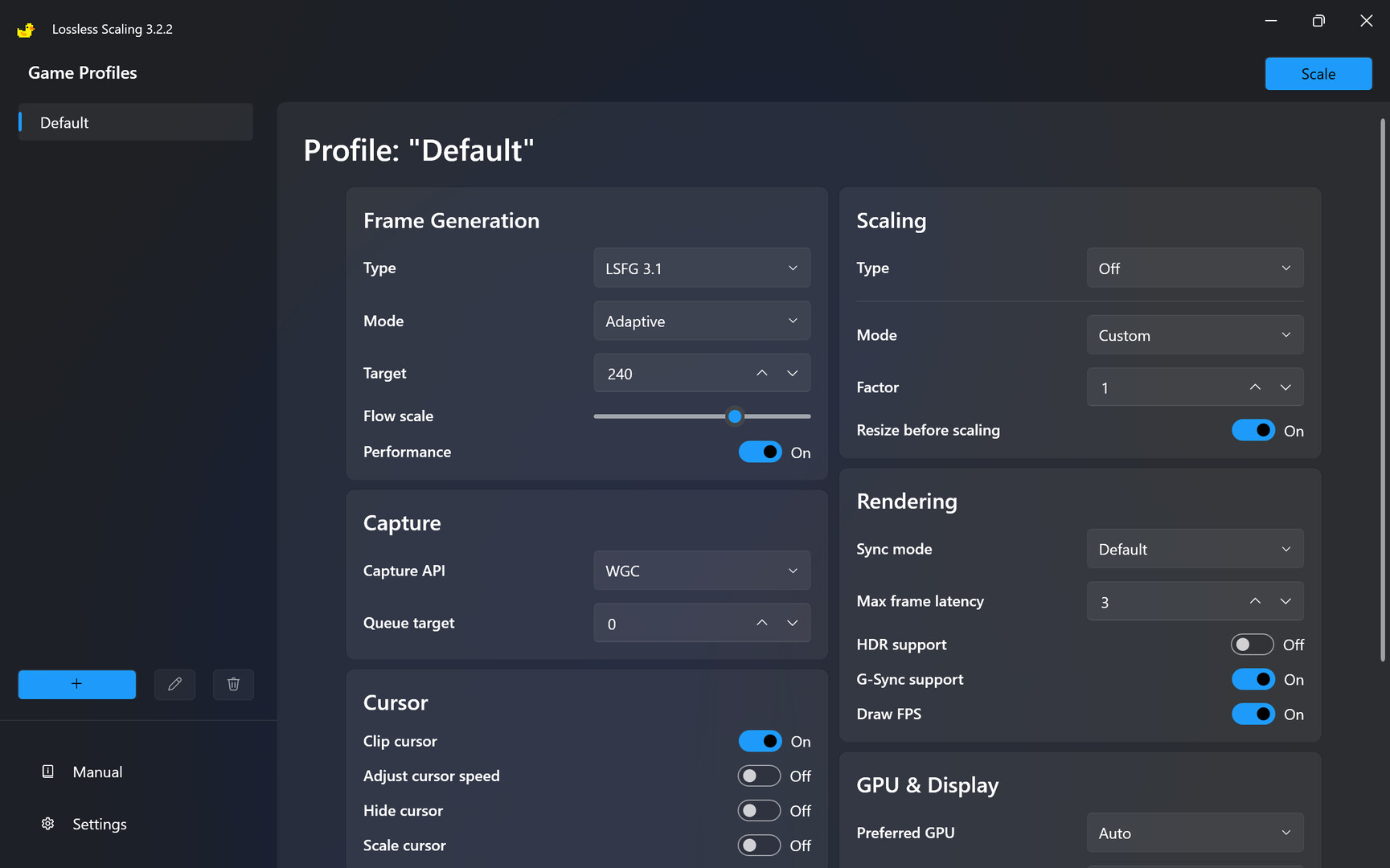
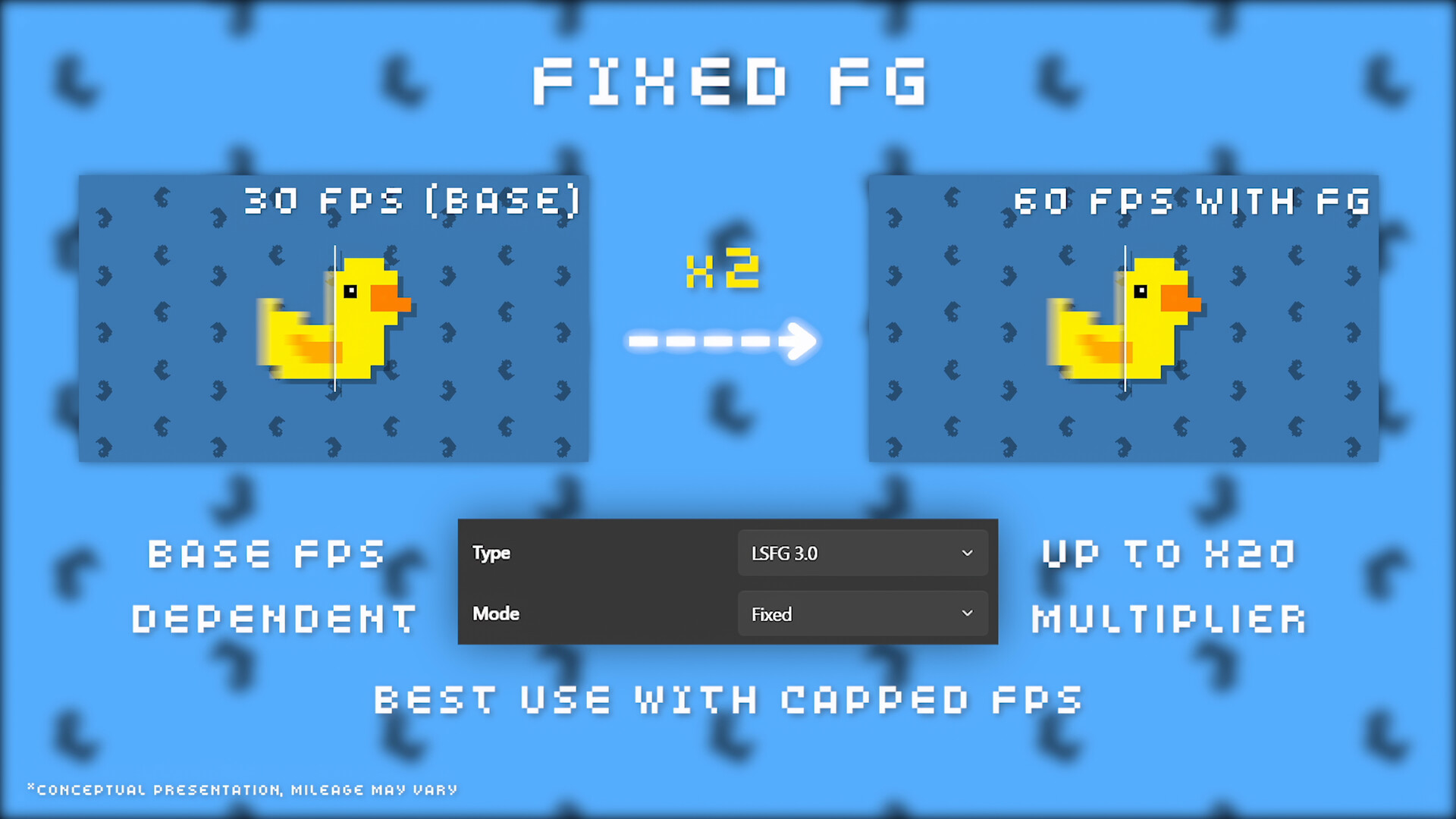
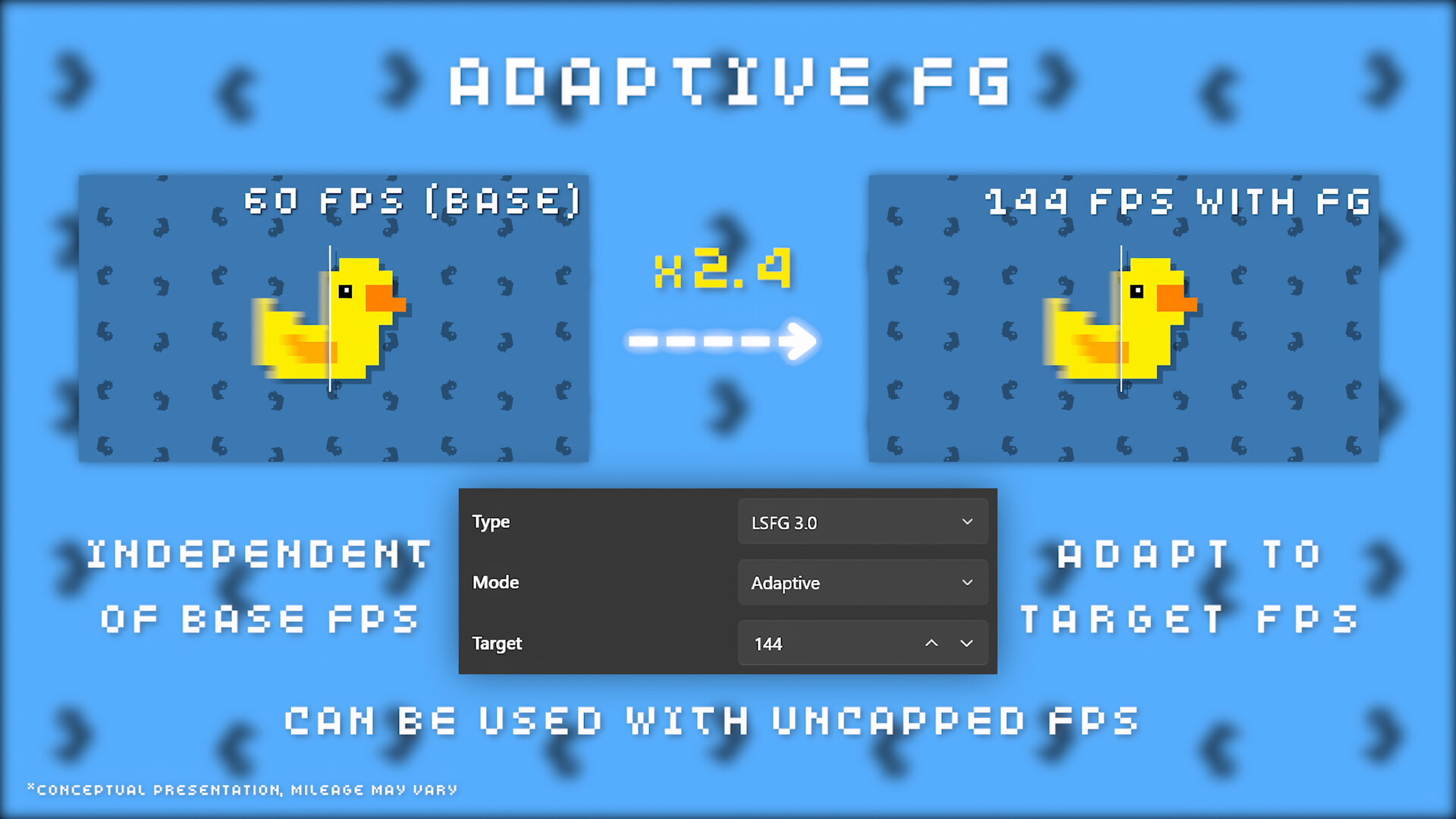
Two operating modes exist: Fixed, which multiplies the original frame rate, and Adaptive, which targets a specific frame rate that may not be a simple multiple of the source.
- Start with Fixed mode to gauge performance impact before trying Adaptive.
- If you have a secondary GPU, enable Dual GPU Support to keep the original game rate stable.
02 / THE GUIDE
Scaling Algorithms
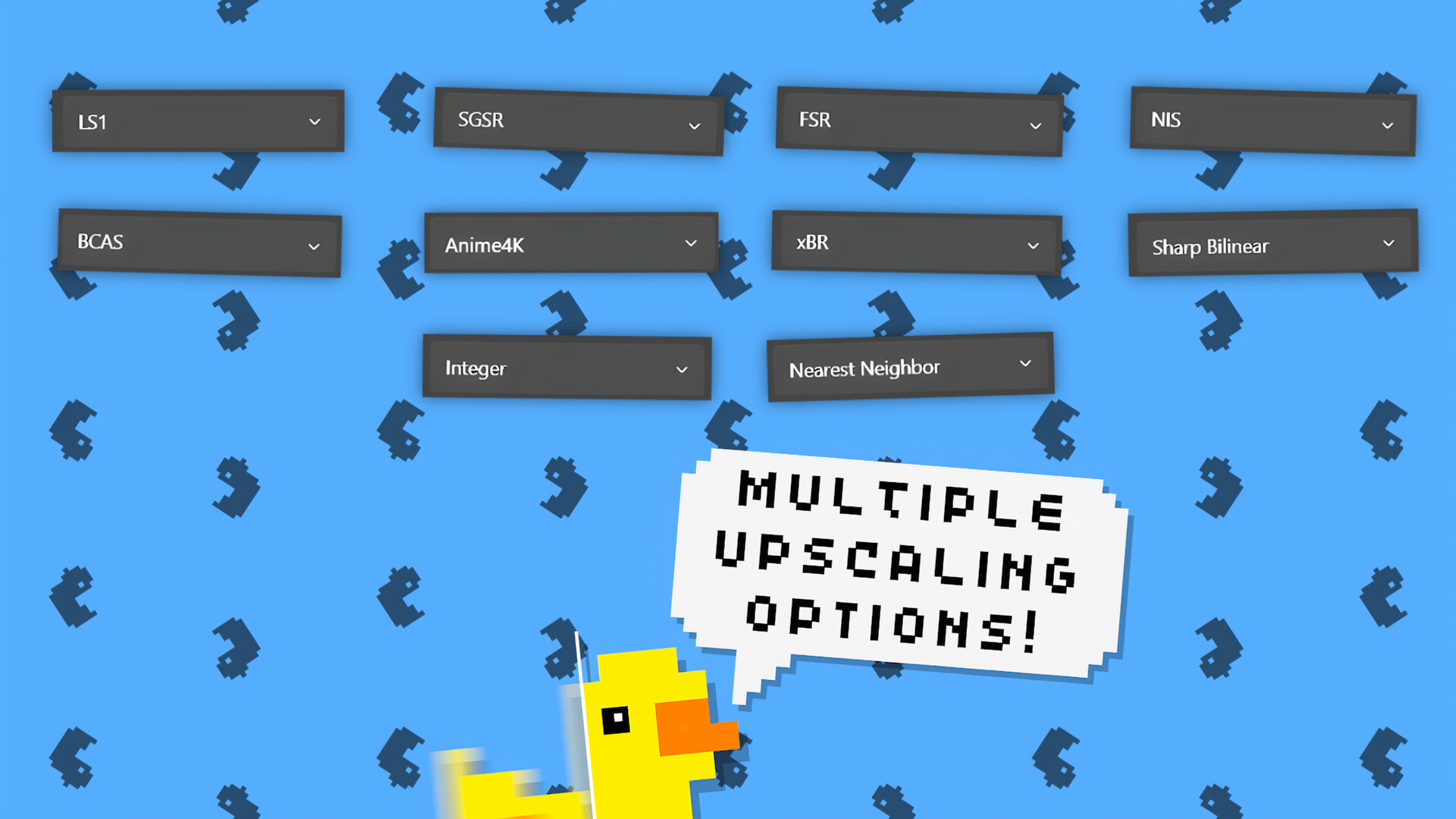
Lossless Scaling can lower a game's native resolution and then upscale it, helping performance while recovering visual fidelity. Different algorithms suit different content: LS1, FSR, and NIS for modern games; Integer and XBR for pixel art; Anime4K for cartoons or anime.
Choosing an algorithm that matches the game's visual style can improve the balance between speed and image quality.
- Use Integer or XBR for retro pixel‑art titles.
- Try Anime4K when upscaling animated or cartoon‑style graphics.
03 / THE GUIDE
Dual GPU Support
The utility can offload its processing to a second GPU, meaning frame generation or scaling does not slow the game's native frame rate and may lower latency. This feature works with a wide range of hardware.
When a second GPU is unavailable, the tool will use free GPU resources, which can affect the game's original performance.
- Enable Dual GPU Support if you have a spare GPU to keep gameplay smooth.
- Monitor GPU load to ensure the primary GPU remains free for the game.
04 / THE GUIDE
Compatibility with Online Games
Community testing suggests Lossless Scaling works with online titles that include anti‑cheat systems, but there is no guarantee. Users should apply the tool at their own risk when playing competitive or protected multiplayer games.
The utility only supports windowed and borderless fullscreen modes; exclusive fullscreen may work only with a second display setup.
- Test the tool in a private match before using it in ranked play.
- Prefer windowed or borderless fullscreen to avoid potential issues.
05 / THE GUIDE
Game Profiles and Customization
Lossless Scaling offers extensive configuration via Game Profiles, which store per‑game or grouped settings. When a game executable is detected, the saved profile automatically applies the chosen scaling and frame‑generation options.
Profiles eliminate repetitive manual adjustments and ensure consistent behavior across sessions.
- Create a profile for each game to quickly switch between settings.
- Group similar games under one profile to save time.
COMMUNITY
Player discussion