 GameWiki

GET YOUR BEARINGS
About Loot Frog
Loot Frog blends incremental growth with fast‑paced bullet‑hell action. Players smash pots, defeat enemies, and collect resources, each run permanently strengthening the character without any resets or idle phases. The experience is tightly designed for about three hours, encouraging short, repeatable runs that feel rewarding.
The game spans 25 handcrafted levels across five distinct biomes, each introducing new enemy behaviours, hazards, and bosses. A branching skill tree with over 200 upgrades lets players shape survivability, damage, or efficiency, while full controller and keyboard options make the action accessible on Windows and macOS.
01 / THE GUIDE
Core Gameplay Loop
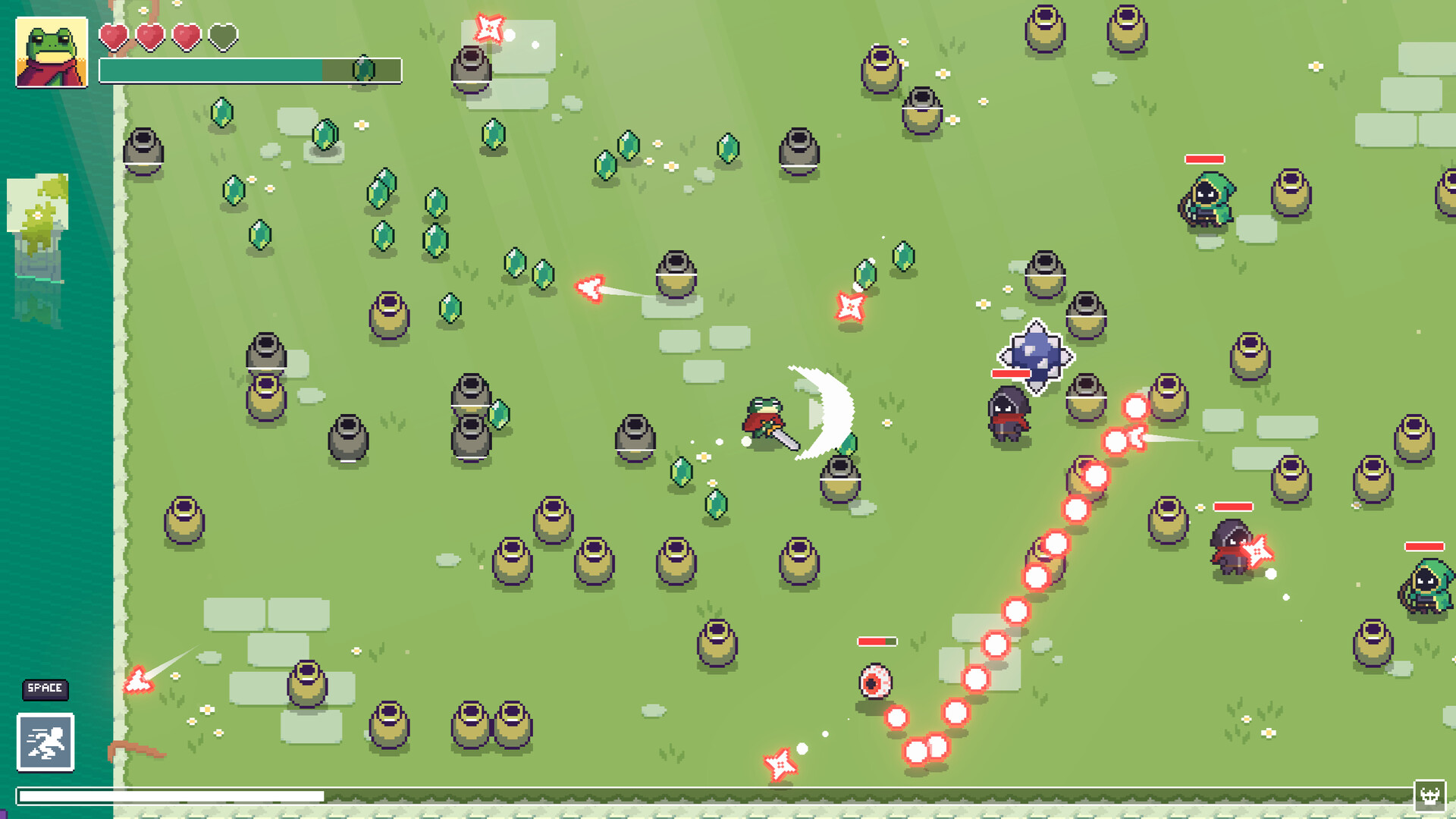
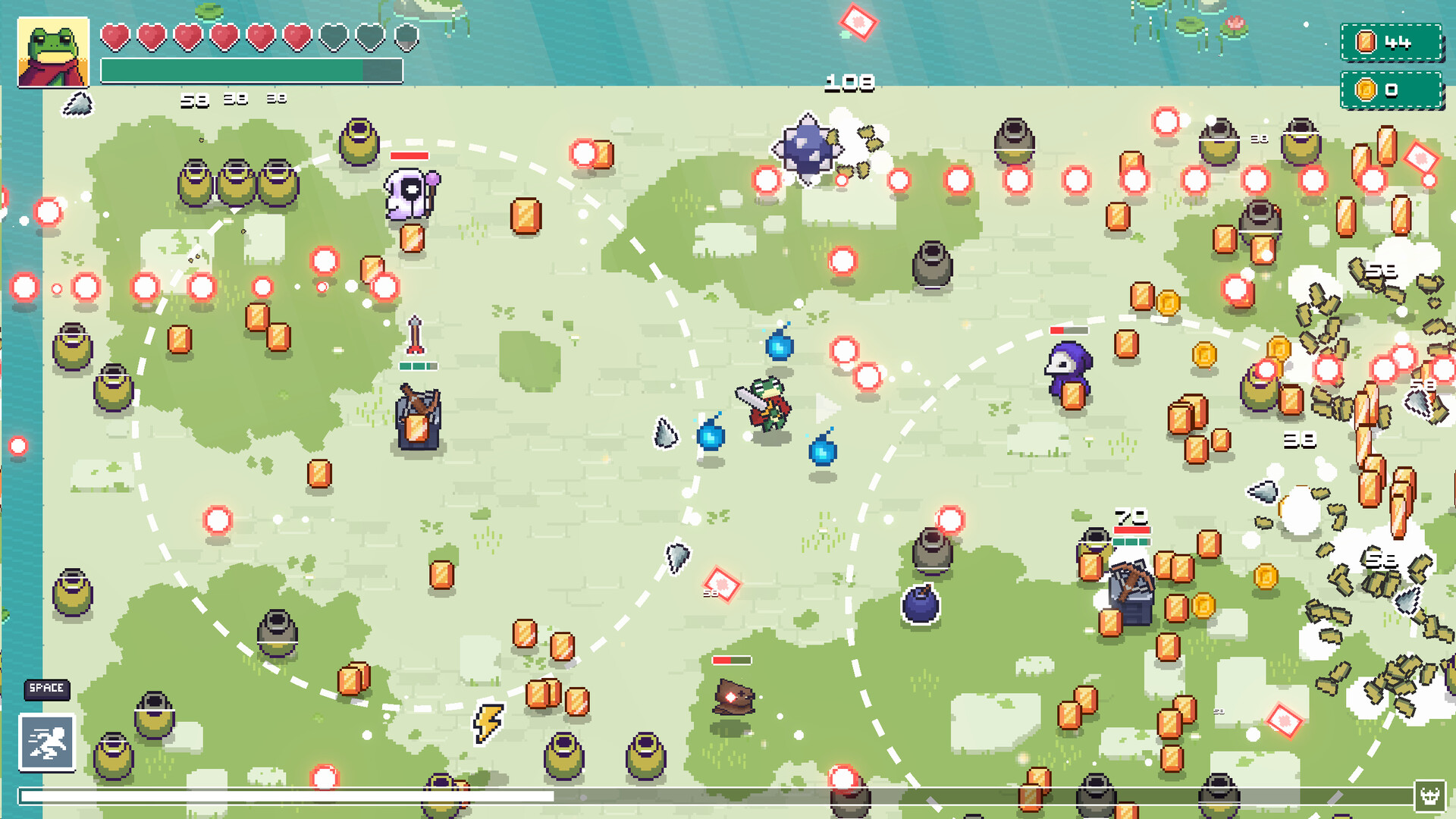
Each run begins with the player breaking pots to gather loot while navigating chaotic bullet patterns. Real‑time dodging and shooting keep the action constantly active, distinguishing Loot Frog from passive incremental titles.
Progress is measured by how quickly the player can clear enemies and collect resources, which directly fuels permanent upgrades. The loop repeats, with each successive run starting stronger and pushing deeper into the dungeon.
- Observe enemy bullet patterns early to plan movement routes.
- Prioritize pot smashing in safe zones to maximize loot before heavy combat.
02 / THE GUIDE
Progression System
All upgrades earned are permanent; there are no resets or idle mechanics. Each run adds to the player's power, allowing deeper exploration of later levels. This continuous growth creates a sense of momentum that accelerates as the player improves.
The system encourages players to keep playing "just one more run" because every successful attempt directly enhances future performance, making later challenges more approachable.
- Focus on upgrades that complement your preferred playstyle for smoother scaling.
- Balance resource collection with combat to avoid over‑committing to loot at the expense of survival.
03 / THE GUIDE
Biome & Level Design
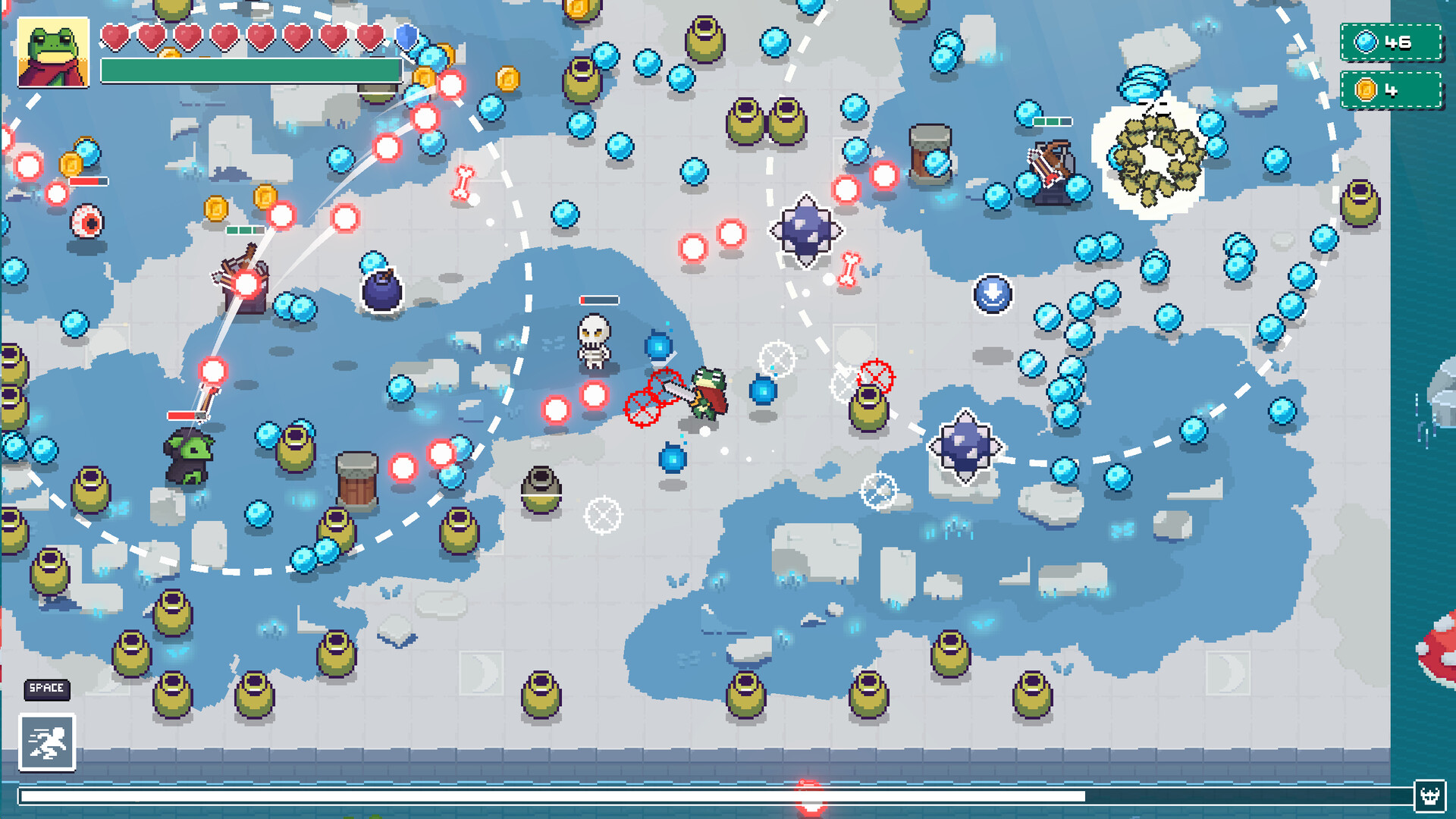
Loot Frog features 25 handcrafted levels divided into five biomes, each with unique hazards, enemy types, and a concluding boss with distinct bullet patterns. New enemy behaviours appear as players advance, keeping combat fresh.
Aggressive elite enemies and biome‑specific challenges test player skill, while bosses provide a climax to each area, requiring adaptation to new mechanics before moving on.
- Learn the layout of each biome to anticipate environmental hazards.
- Study elite enemy patterns separately before tackling the boss.
04 / THE GUIDE
Skill Tree & Upgrades
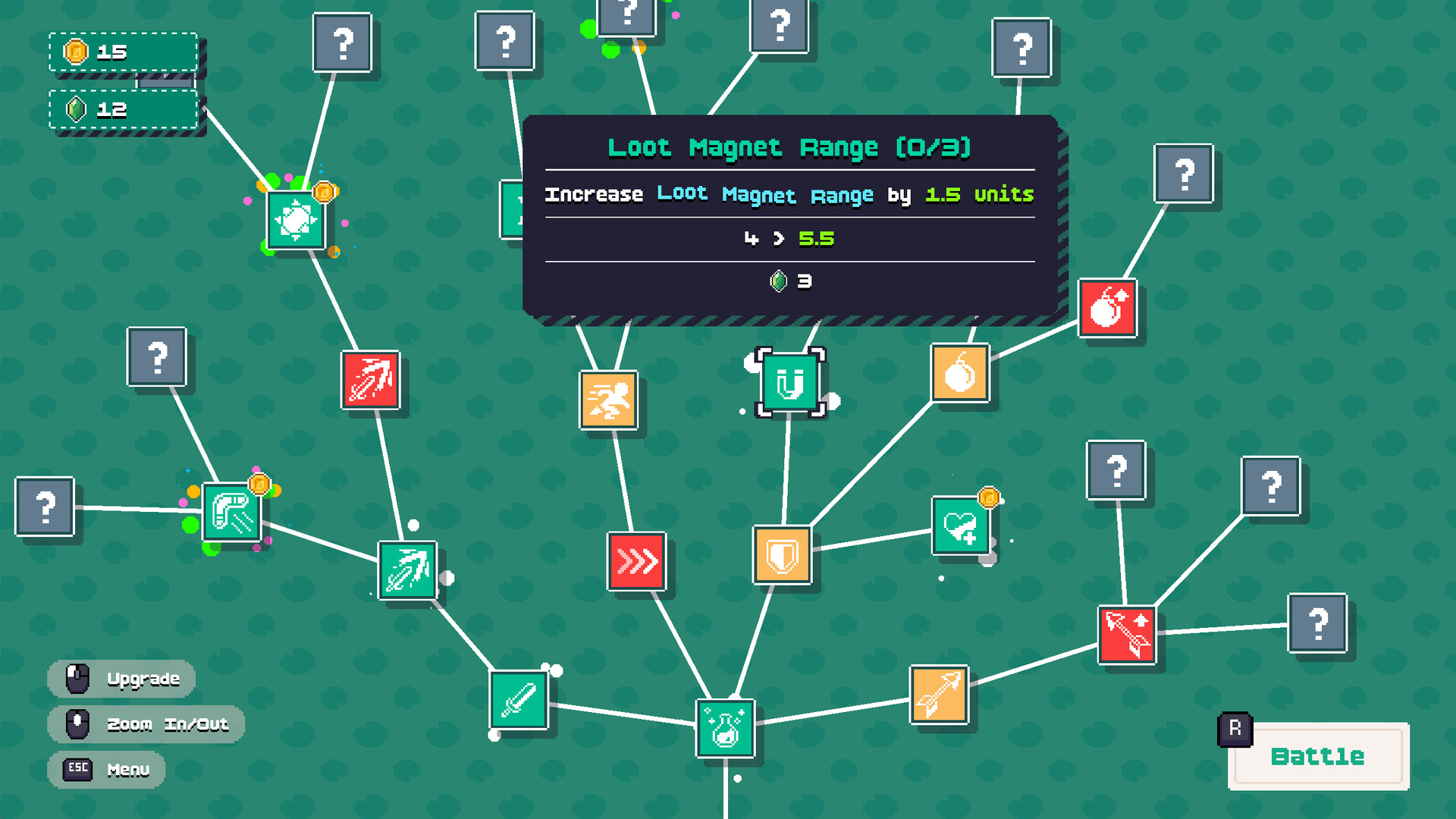
A large branching skill tree offers over 200 meaningful upgrades and abilities. Players can emphasize survivability, explosive power, or resource efficiency, crafting a build that matches their style. No single path is required, allowing diverse strategies.
Upgrades dramatically alter gameplay, letting players experiment with different combinations across runs. The breadth of options supports replayability without resetting progress.
- Experiment with a few upgrades at a time to gauge their impact on your playstyle.
- Combine survivability and damage upgrades for a balanced approach in tougher biomes.
05 / THE GUIDE
Platform & Accessibility Features
Loot Frog runs on Windows and macOS, supporting both full controller input and a keyboard‑only option. Additional features include custom volume controls, adjustable difficulty, and Steam Cloud for saved progress.
These options let players tailor the experience to their preferred hardware and skill level, ensuring the bullet‑hell action remains approachable for a wide audience.
- Try the adjustable difficulty setting if bullet patterns feel overwhelming at first.
- Use custom volume controls to fine‑tune audio cues that signal incoming attacks.

COMMUNITY
Player discussion