 GameWiki
GET YOUR BEARINGS
About Looking for Aliens
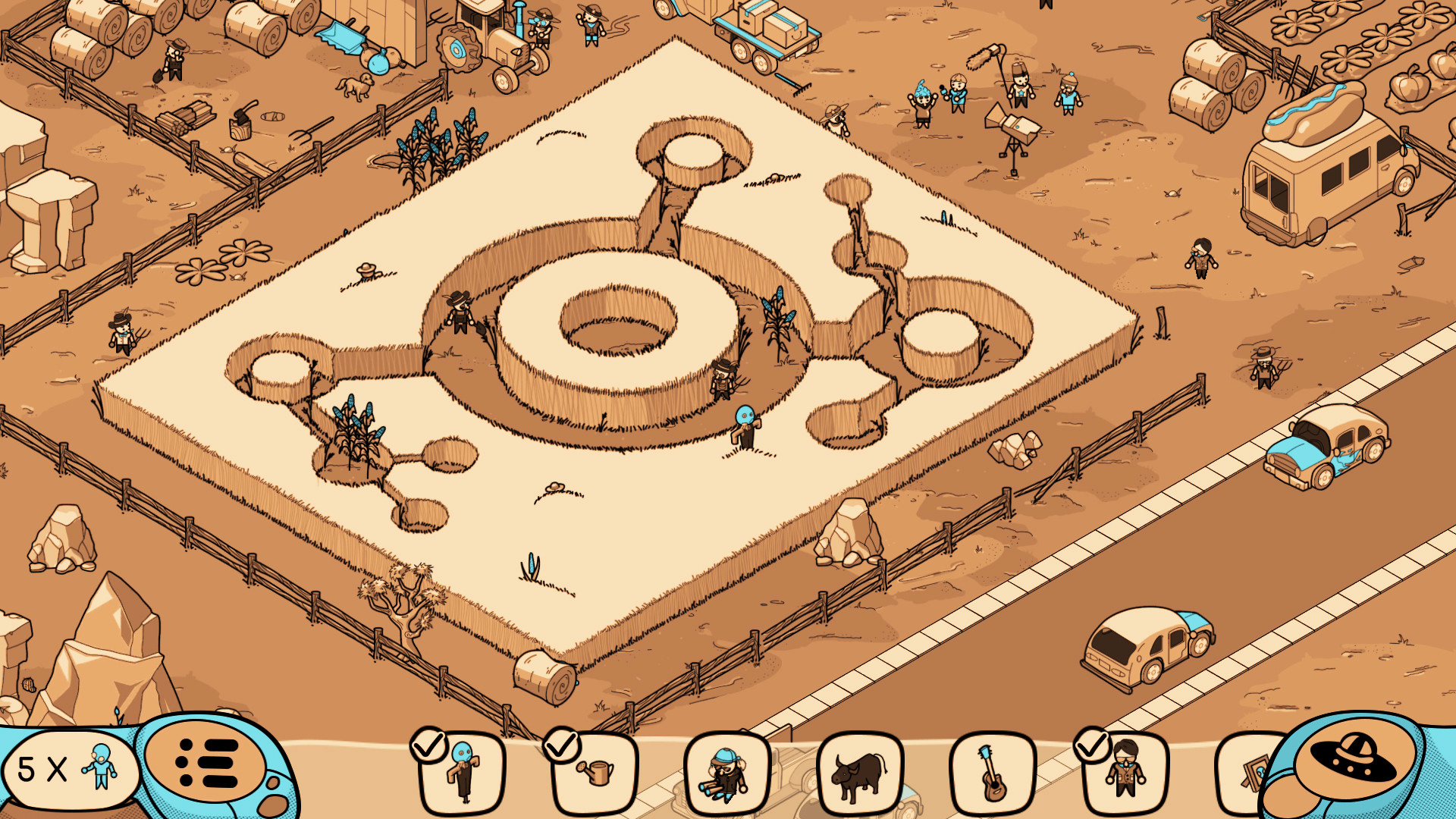
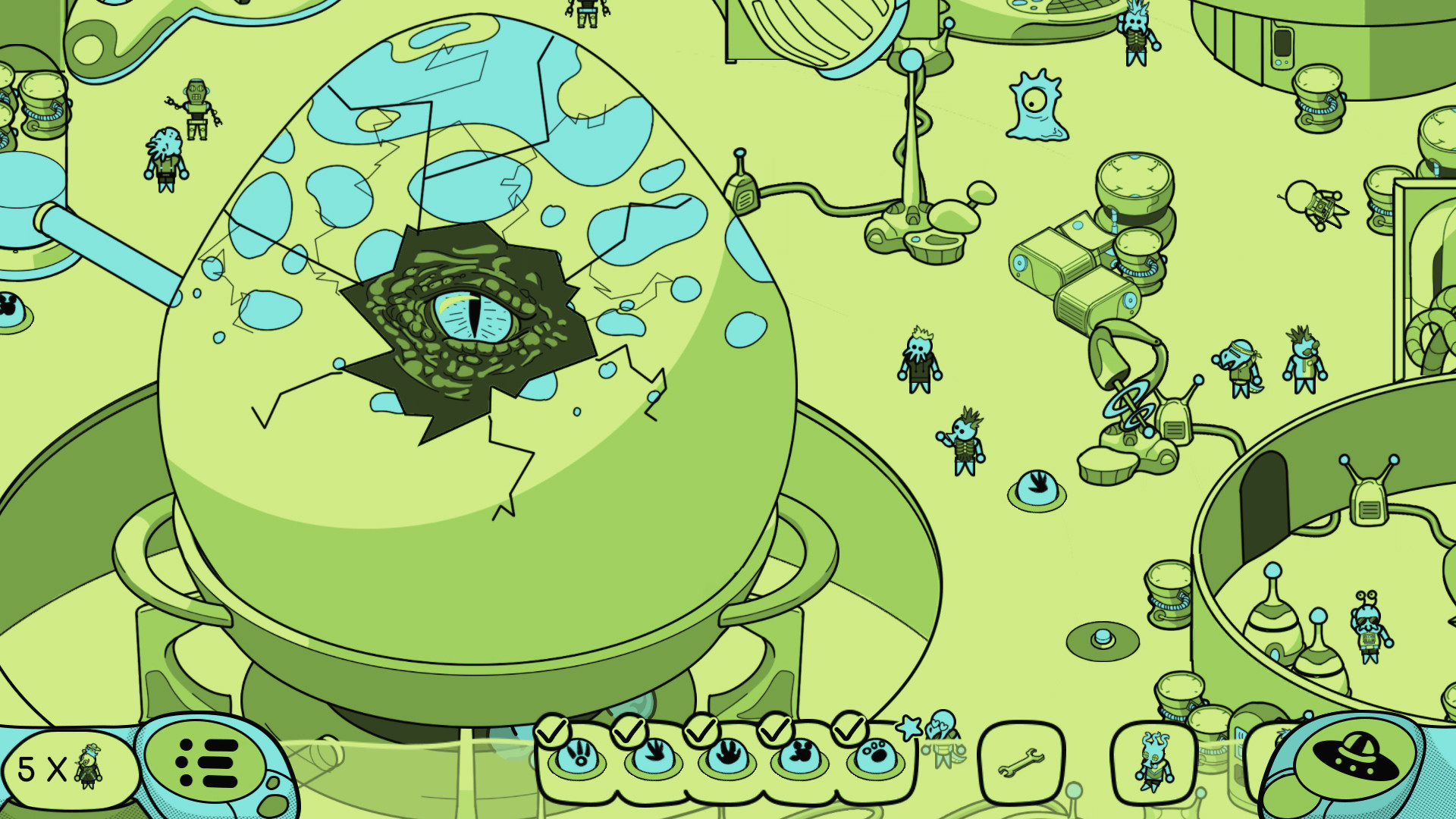
Looking for Aliens is a hidden‑object adventure where players search for more than 250 items across 25 colorful locations, from Area 51 to outer space. The game presents its world through the lens of a quirky alien TV show, adding humor and pop‑culture nods.
Players follow earthling Shaun as he gathers clues to prove alien life exists. The experience includes zoomable scenes, interactive elements like cloaking holograms, and lighthearted music, all designed for a single‑player session on Windows via Steam.
02 / THE GUIDE
Interactive Environment
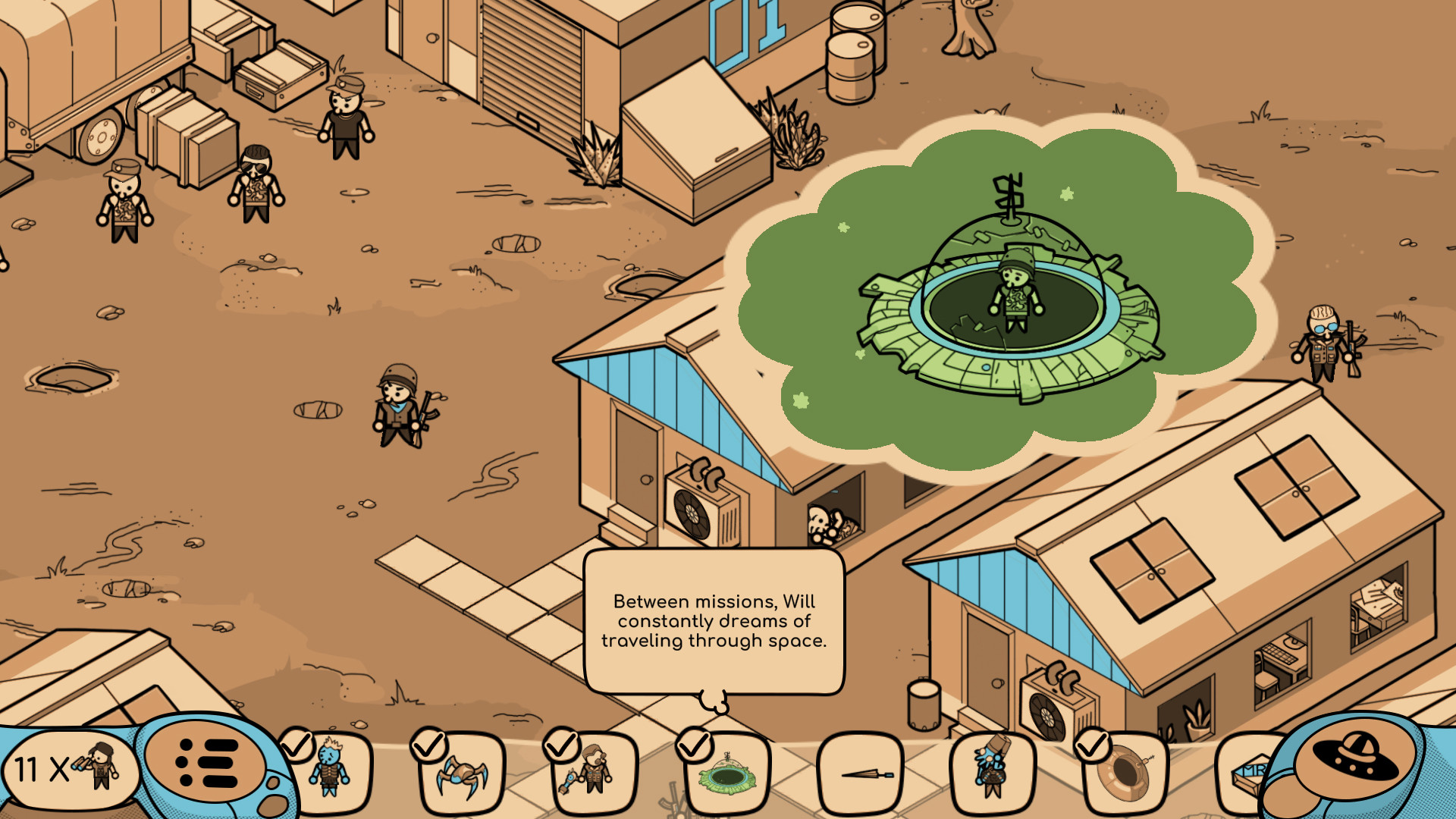
Beyond static searching, players can interact with elements such as cloaking holograms, dream sequences, and consumable food items. These interactions add variety and a sense of agency within each location.
The environment reacts to player actions, allowing you to turn off holograms or glimpse characters’ dreams, adding variety and comic relief along the way.
- Experiment with turning off holograms as you explore each scene.
- Watch dream sequences for an extra layer of flavor.
03 / THE GUIDE
Story and Humor
The narrative follows Shaun, an earthling determined to prove alien existence, guided by charismatic galactic TV hosts. The storyline is peppered with light humor, music, and pop‑culture references that keep the tone breezy.
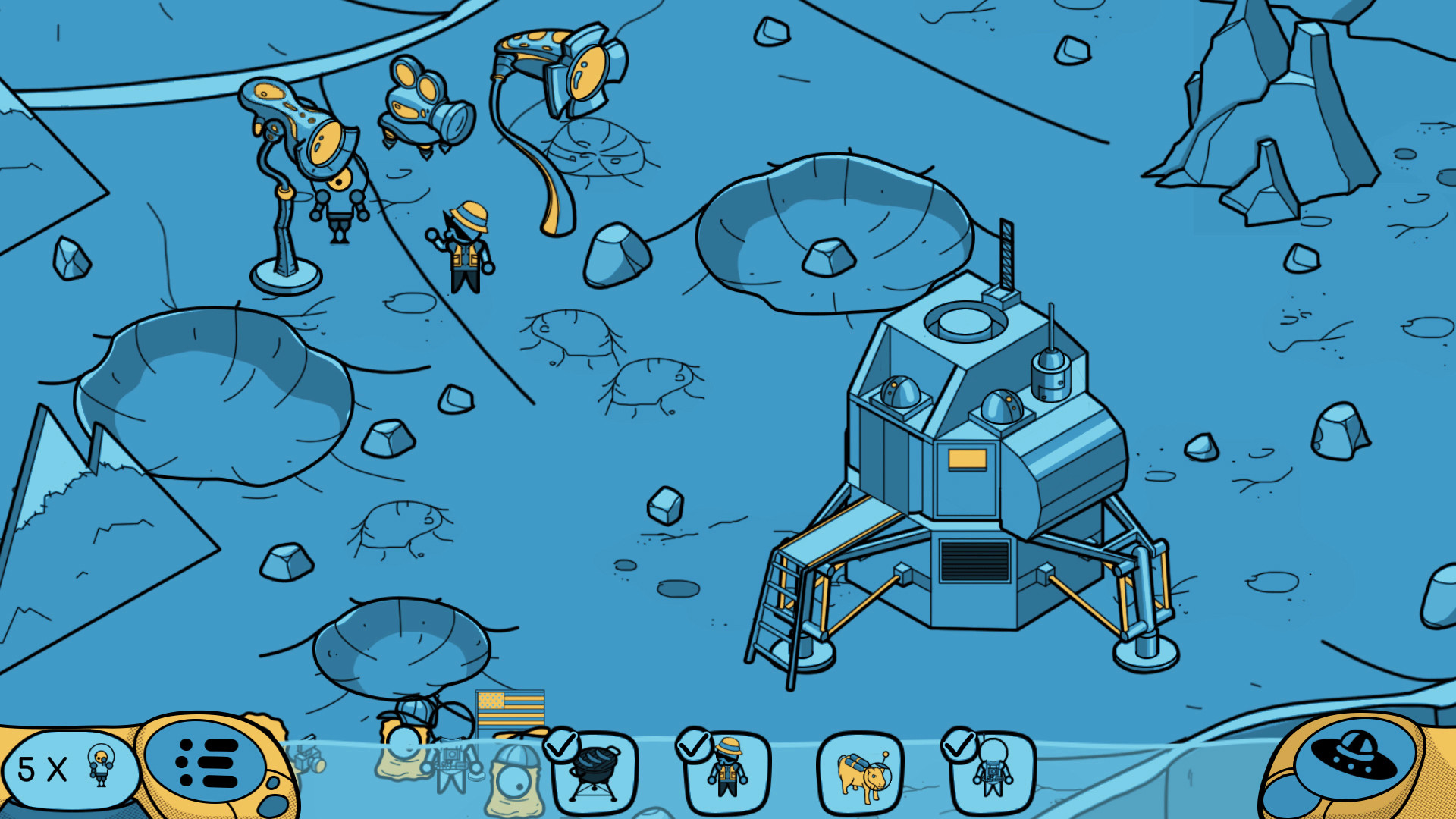
Humorous moments often arise from the alien TV show framing, offering playful commentary on human history, such as moon landings and alien sightings, enhancing the casual feel.
- Pay attention to the hosts’ jokes; they sometimes hint at hidden items.
- Enjoy the music tracks as they set the mood for each scene.
04 / THE GUIDE
Steam Features
Looking for Aliens supports Steam achievements, trading cards, and cloud saves, allowing progress to be stored online. Family Sharing is also enabled, so multiple accounts can access the game on the same device.
These Steam integrations do not affect core gameplay but provide extra incentives for completionists and convenient backup of saved data.
- Enable Steam Cloud to keep your progress safe across reinstallations.
- Collect trading cards for a sense of accomplishment.
05 / THE GUIDE
Platform Availability
The game is released for Windows via Steam and does not list macOS or Linux support. This single‑platform focus means all official updates and community features are delivered through the Windows client.
While the description mentions no controller specifics, the game is a single‑player hidden‑object title played on Windows via Steam.
- Run the game on a Windows PC for full feature access.
- Use a mouse for precise clicking when zoomed in.

COMMUNITY
Player discussion