 GameWiki
GET YOUR BEARINGS
About Logiart Grimoire
Logiart Grimoire is a single‑player puzzle experience where you solve picture‑logic grids using numeric clues. The game presents a narrative with Emil, the grimoire’s custodian, guiding you to restore the artifact’s original power.
Puzzles act as material for a fusion system that unlocks fresh challenges, while Emil’s growing magic gradually expands the accessible sections of the Magic Book. The title supports full controller use and Steam Cloud saves, and it runs on Windows via Steam.
01 / THE GUIDE
Logiart Puzzle Mechanics
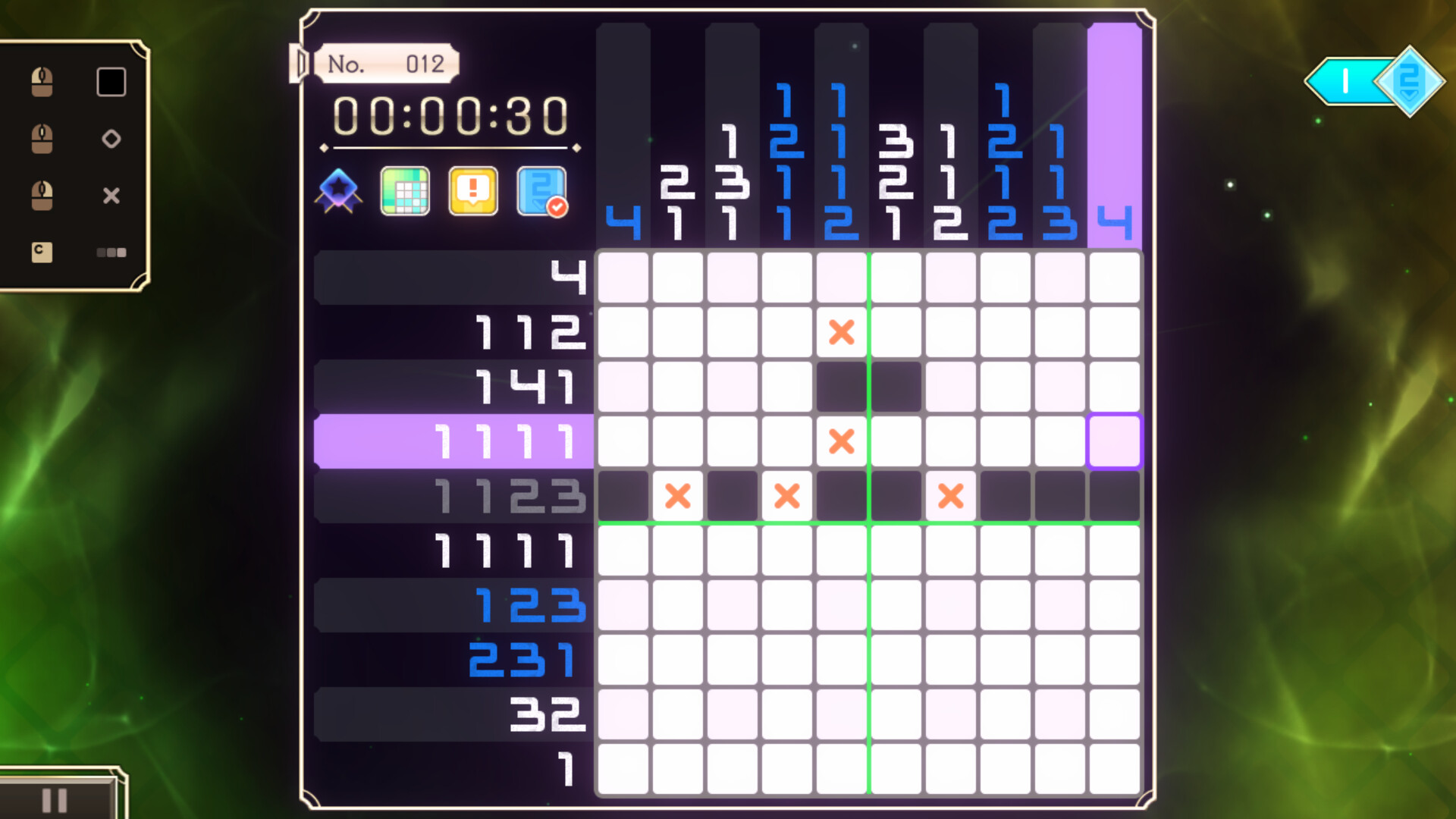
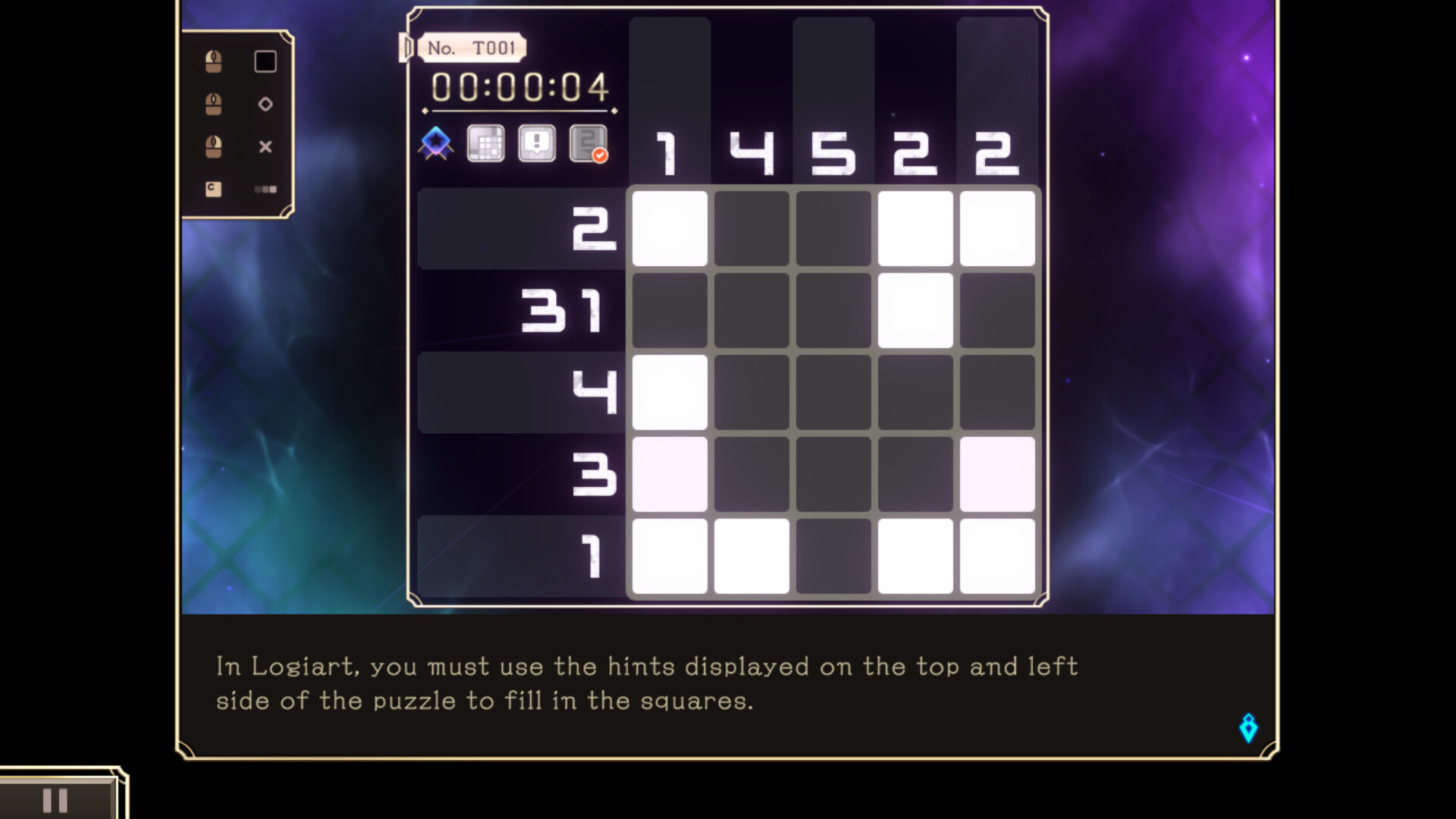
Logiart puzzles are picture‑logic grids that provide vertical and horizontal numbers as hints. Players fill cells to reveal an illustration, following simple, easy‑to‑understand rules. Assist functions are built in for smoother play, and they can be disabled if the player prefers a stricter challenge.
- Try enabling assists when first encountering larger grids to learn hint interpretation.
- Disabling assists later can increase satisfaction from solving without help.
02 / THE GUIDE
Fusion of Solved Puzzles
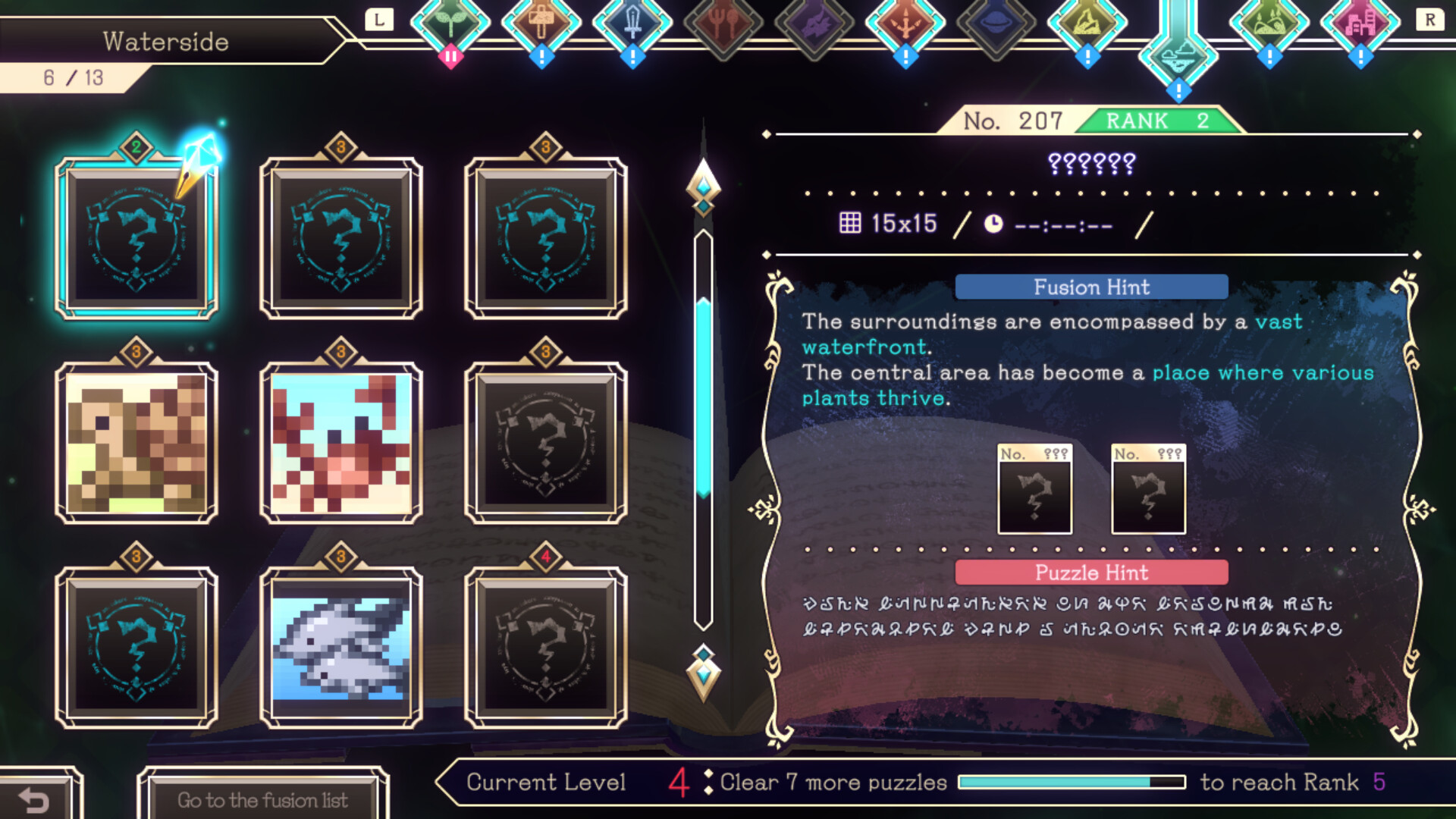
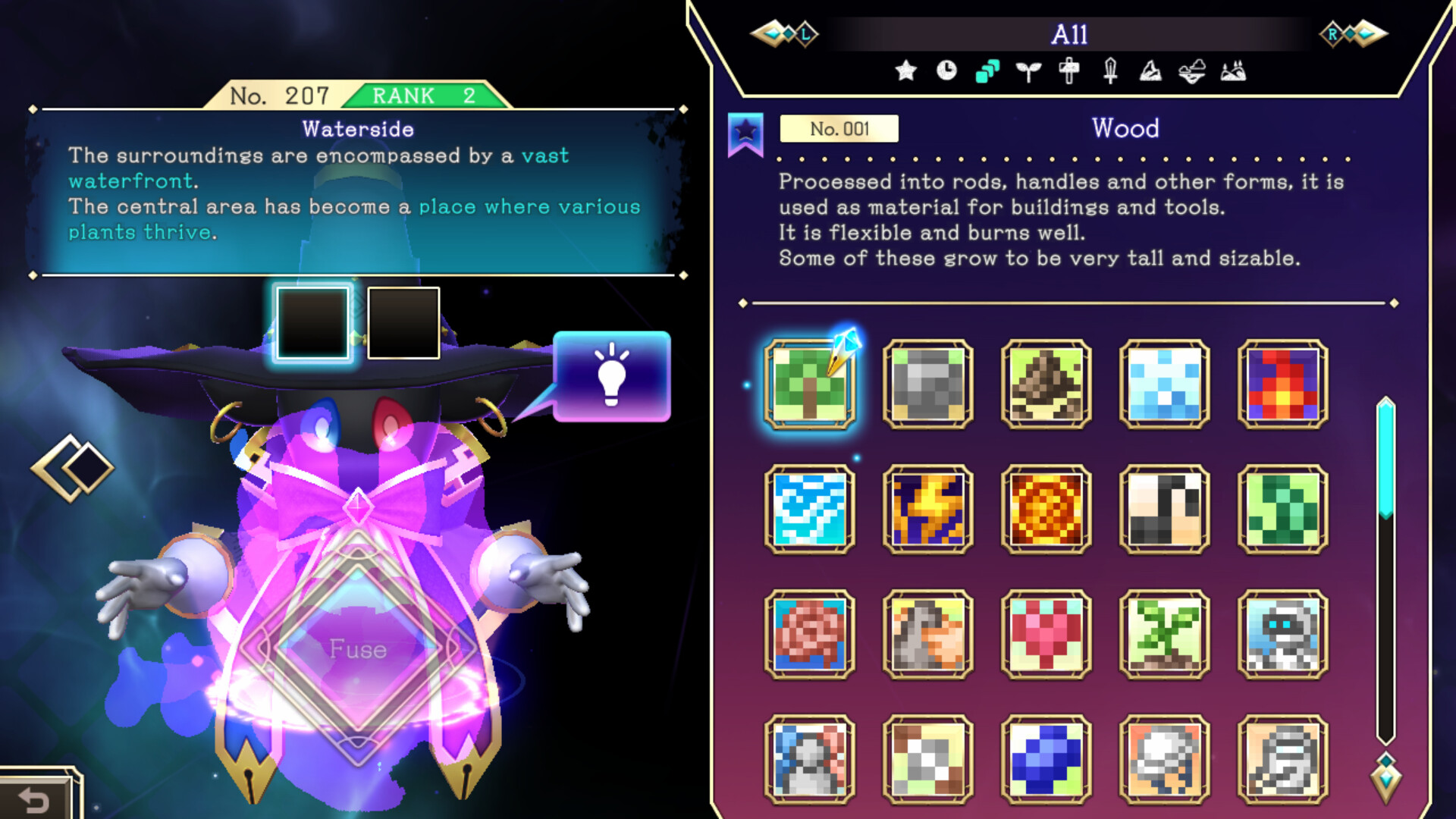
When a Logiart puzzle is cleared, it becomes material for fusion. Combining two or three cleared puzzles according to provided hint texts creates new puzzles to solve. The fusion process expands the pool of challenges, encouraging deduction to discover correct combinations.
- Keep track of which puzzles you’ve solved to plan effective fusions.
- Read each hint text carefully; it often points toward viable material pairings.
03 / THE GUIDE
Emil’s Magical Power
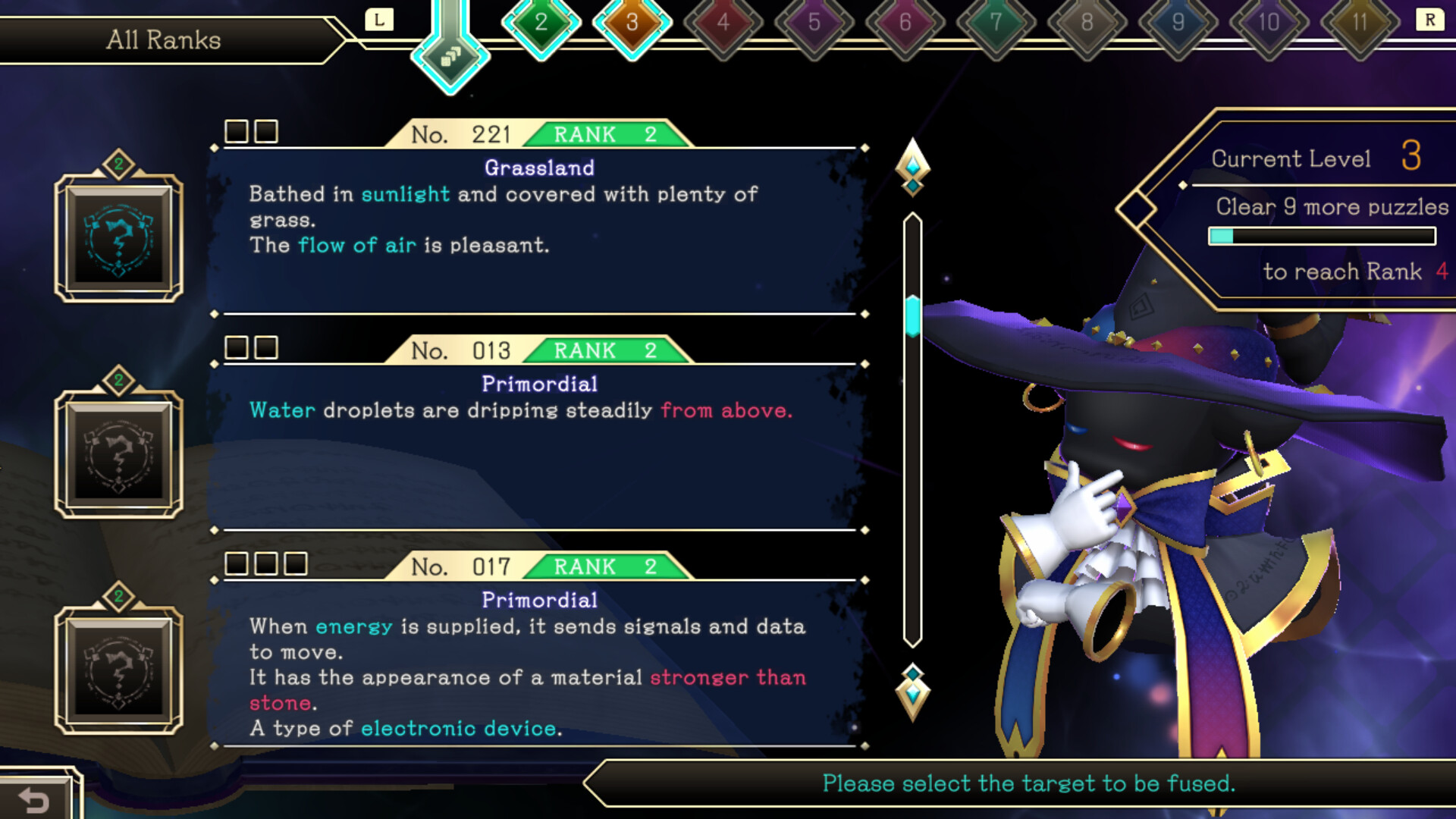
Emil, the grimoire’s custodian, gains magical power each time you solve a Logiart puzzle. As his power rises, you'll be able to fuse more puzzles. This progression ties puzzle completion directly to narrative advancement, reinforcing the partnership between player and Emil.
- Focus on steady puzzle solving to see Emil’s power increase gradually.
- Notice when new fusion options appear; they signal Emil’s growth.
04 / THE GUIDE
Unlocking Magic Book Sections
The grimoire’s categorized sections start largely inaccessible due to a malfunction. Solving specific puzzles unlocks additional categories for browsing. As more categories become available, players gain access to a broader variety of puzzles and hint texts.
- Prioritize puzzles that mention category unlocks in their hints.
- Explore newly unlocked categories promptly to discover fresh challenges.
05 / THE GUIDE
Platform and Support Features
Logiart Grimoire runs on Windows via Steam and offers full controller support, including DualShock and DualSense compatibility. Steam Cloud is supported for saving. Family Sharing is also supported, allowing multiple accounts to access the game on the same device.
- Enable Steam Cloud to safeguard your puzzle progress.
- Test both DualShock and DualSense controllers to find your preferred layout.
COMMUNITY
Player discussion