 GameWiki
GET YOUR BEARINGS
About Log Riders
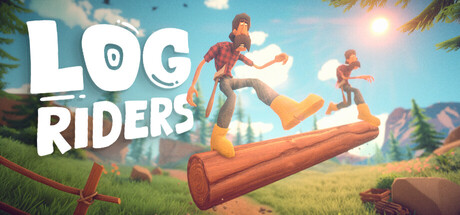
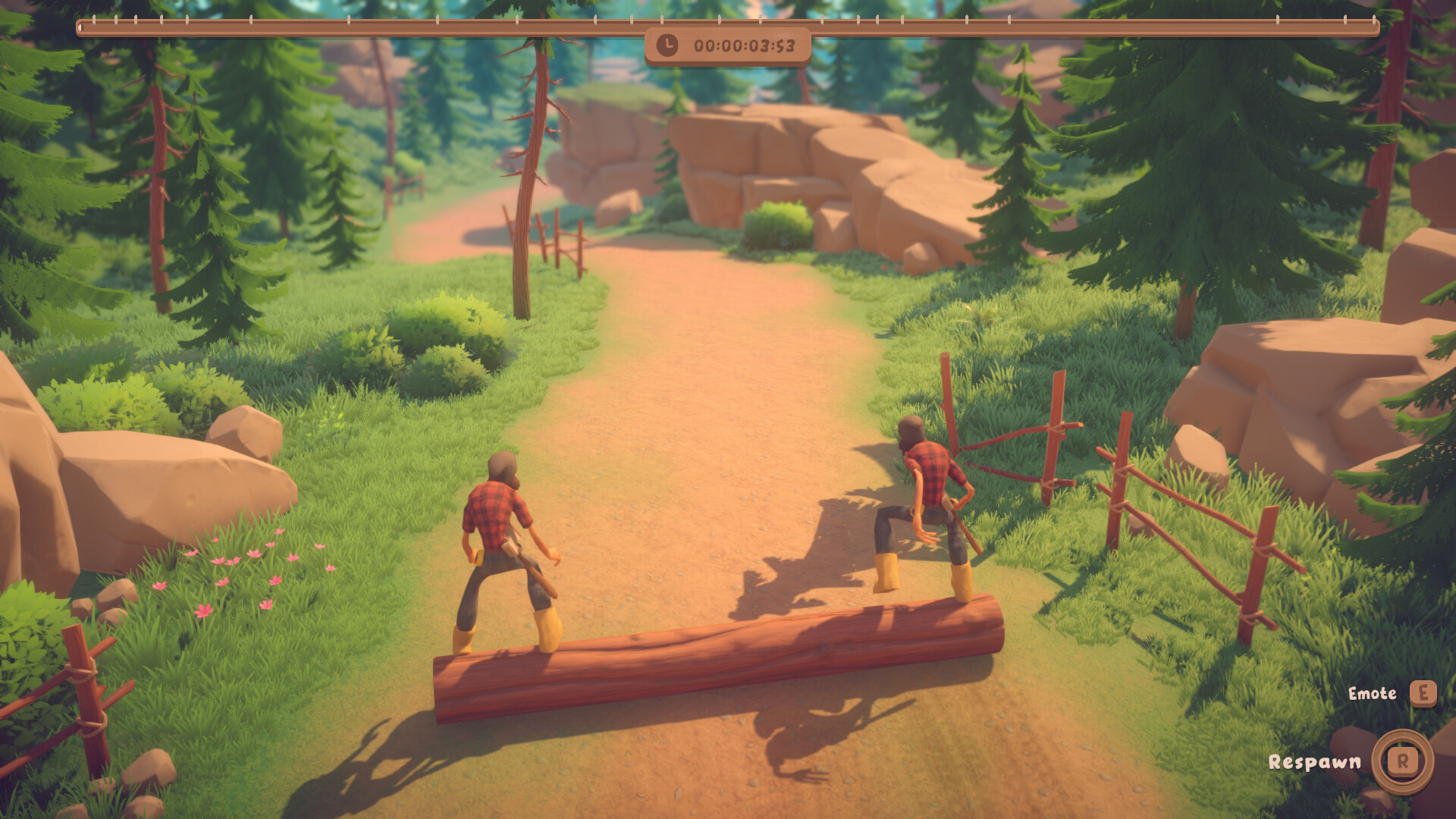
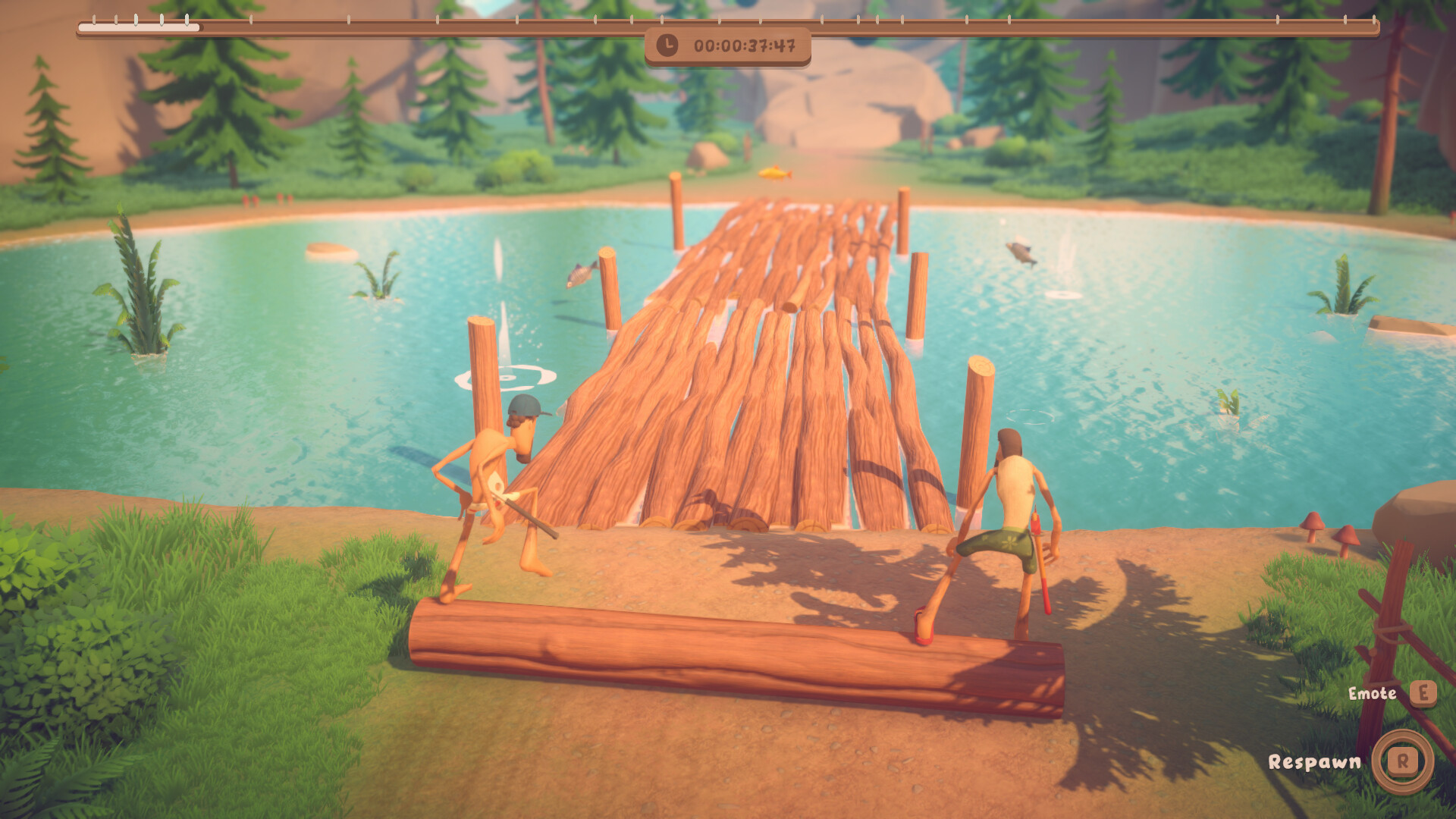
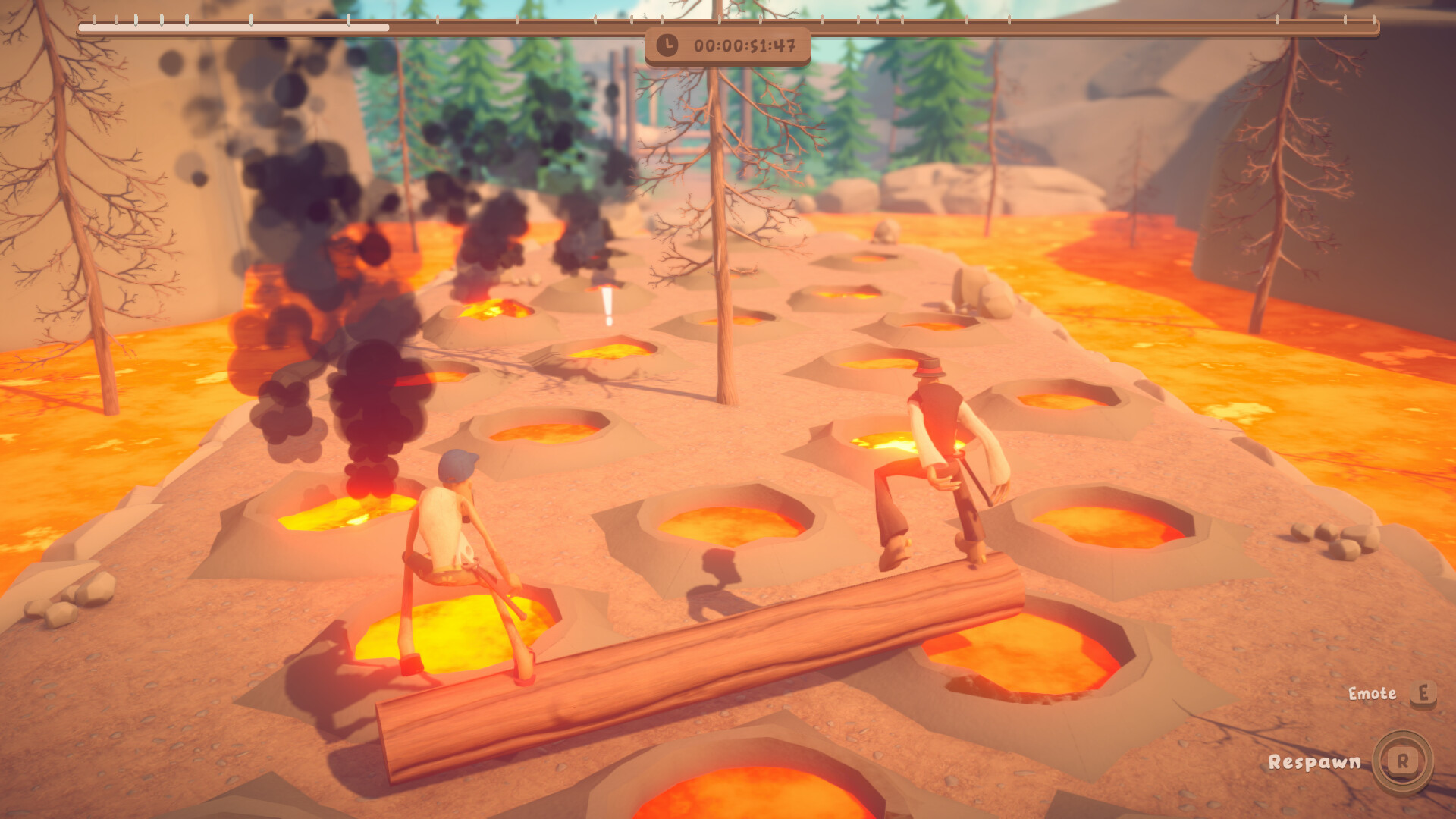
Log Riders puts two lumberjacks on a rolling log where balance is everything. Players steer forward and backward, dodge obstacles, and keep the log from turning into a high‑speed hazard. The game’s physics mimic real‑world motion, making each tumble feel authentic.
Coins collected from chests let you dress up your lumberjacks, from quirky handlebar mustaches to other styles. You can tackle the adventure solo, split‑screen with a friend, or join online, while difficulty settings and checkpoints shape how challenging the journey feels.
01 / THE GUIDE
Gameplay Mechanics
The core loop has you moving the lumberjacks forward and backward to steer the log. Rolling the log in the same direction can accelerate it dramatically, threatening your balance.
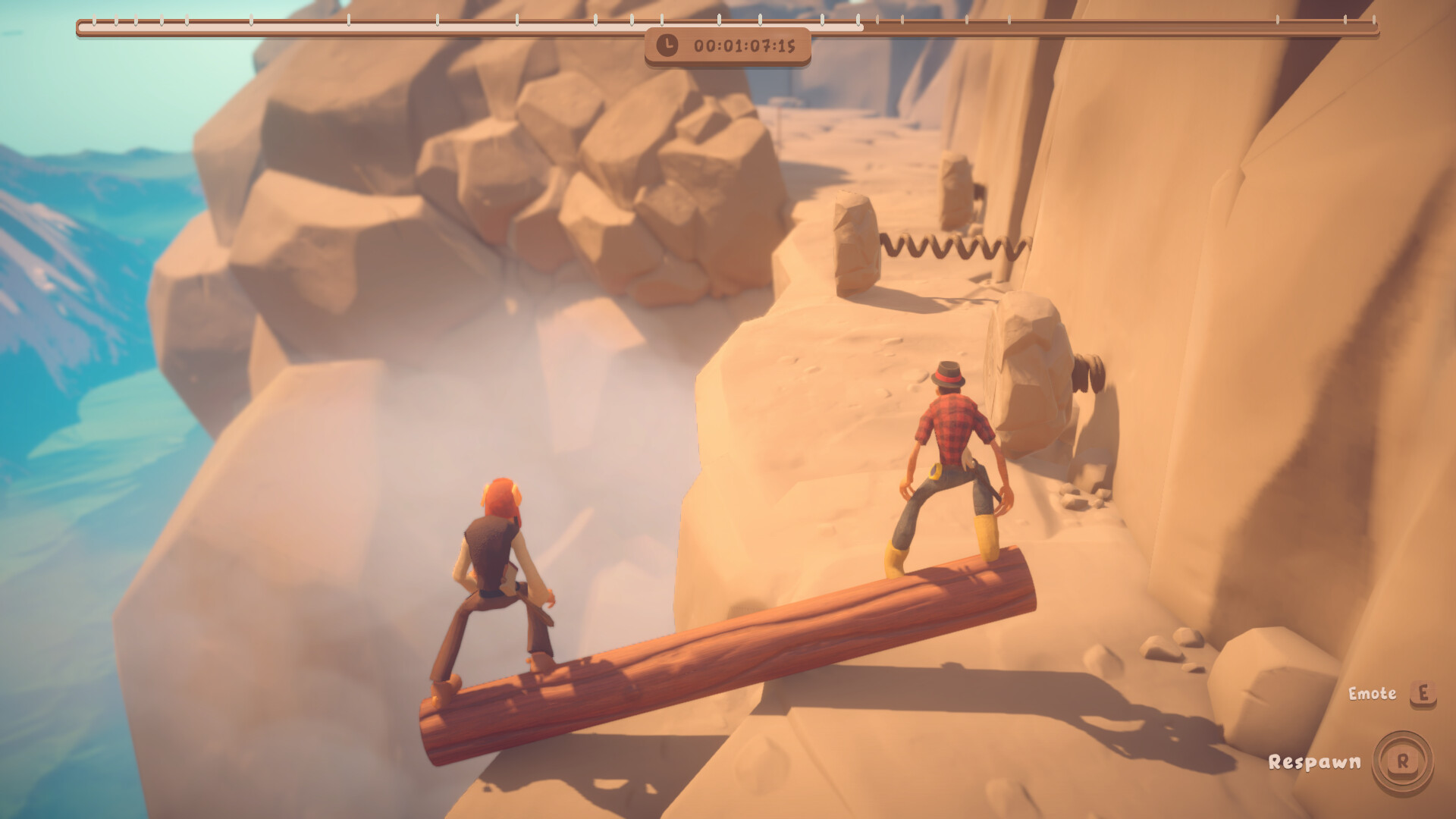
Obstacles appear along the path, requiring careful timing and positioning to avoid collisions that trigger ragdoll reactions.
- Alternate direction changes to prevent the log from gaining excessive speed.
- Watch obstacle patterns early to plan your forward‑backward shifts.
02 / THE GUIDE
Physics System
Balance is simulated by a physics system that mirrors real life, making the log’s motion feel weighty and responsive. Collisions and falls trigger ragdoll physics for realistic reactions.
This physics‑driven world adds challenge, as even small missteps can send the lumberjacks tumbling.
- Maintain a steady pace to give the physics engine time to settle.
- Use gentle corrections rather than abrupt direction changes.
03 / THE GUIDE
Customization
Coins dropped from chests can be spent on character cosmetics, such as the popular handlebar mustaches. Customization is purely visual and does not affect gameplay.
Collecting coins encourages exploration and adds a light reward loop to each run.
- Prioritize coin‑rich chests early to unlock more styles.
- Experiment with different looks for personal flair.
04 / THE GUIDE
Multiplayer Modes
Log Riders supports solo play, local split‑screen co‑op using opposite keyboard sides, and online co‑op by connecting to a hosted game on another device.
Both players share the same log, requiring coordinated movement to stay balanced.
- Communicate direction changes clearly when playing split‑screen.
- Test the online connection before a long session to avoid lag.
05 / THE GUIDE
Difficulty & Checkpoints
Adjustable difficulty influences how frequently checkpoint flags appear. Each flag automatically saves progress, letting you resume from that point later.
Higher difficulties provide fewer checkpoints, increasing the risk of losing progress after a fall.
- Start on an easier setting to learn obstacle patterns before raising difficulty.
- Use checkpoints strategically to practice tough sections.

COMMUNITY
Player discussion