 GameWiki
GET YOUR BEARINGS
About Locomoto
Locomoto invites players to step into the shoes of a train conductor, offering deep character and outfit customization. Players can design their train’s wagons, paint, and interior while serving passengers with treats and chatting during journeys. The game blends chores like recycling, woodcutting, and fishing with a story about saving the hometown of Barrenpyre from environmental challenges. Exploration of quirky stations and helping locals drive the narrative forward, all in a single‑player adventure.
01 / THE GUIDE
Character Customisation
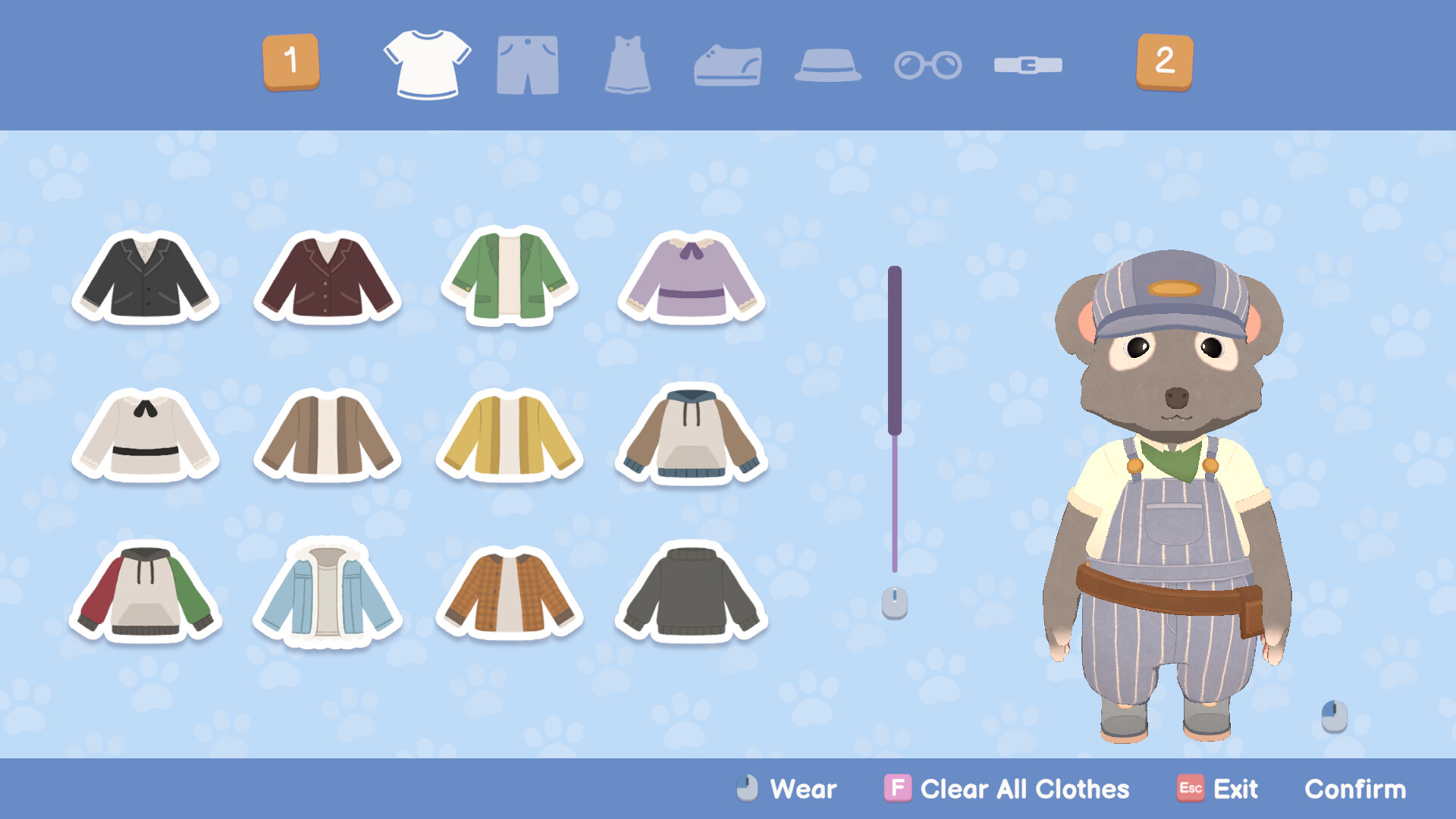
Create a conductor avatar and choose from a range of charming outfits to express personal style. The game emphasizes visual expression through a range of charming outfits.
Outfit choices are unlocked as you progress, allowing further personalization of the conductor’s look throughout the adventure.
- Mix and match outfits to reflect the mood of each journey.
- Take note of unlocked outfits as milestones of story progress.
02 / THE GUIDE
Train Building
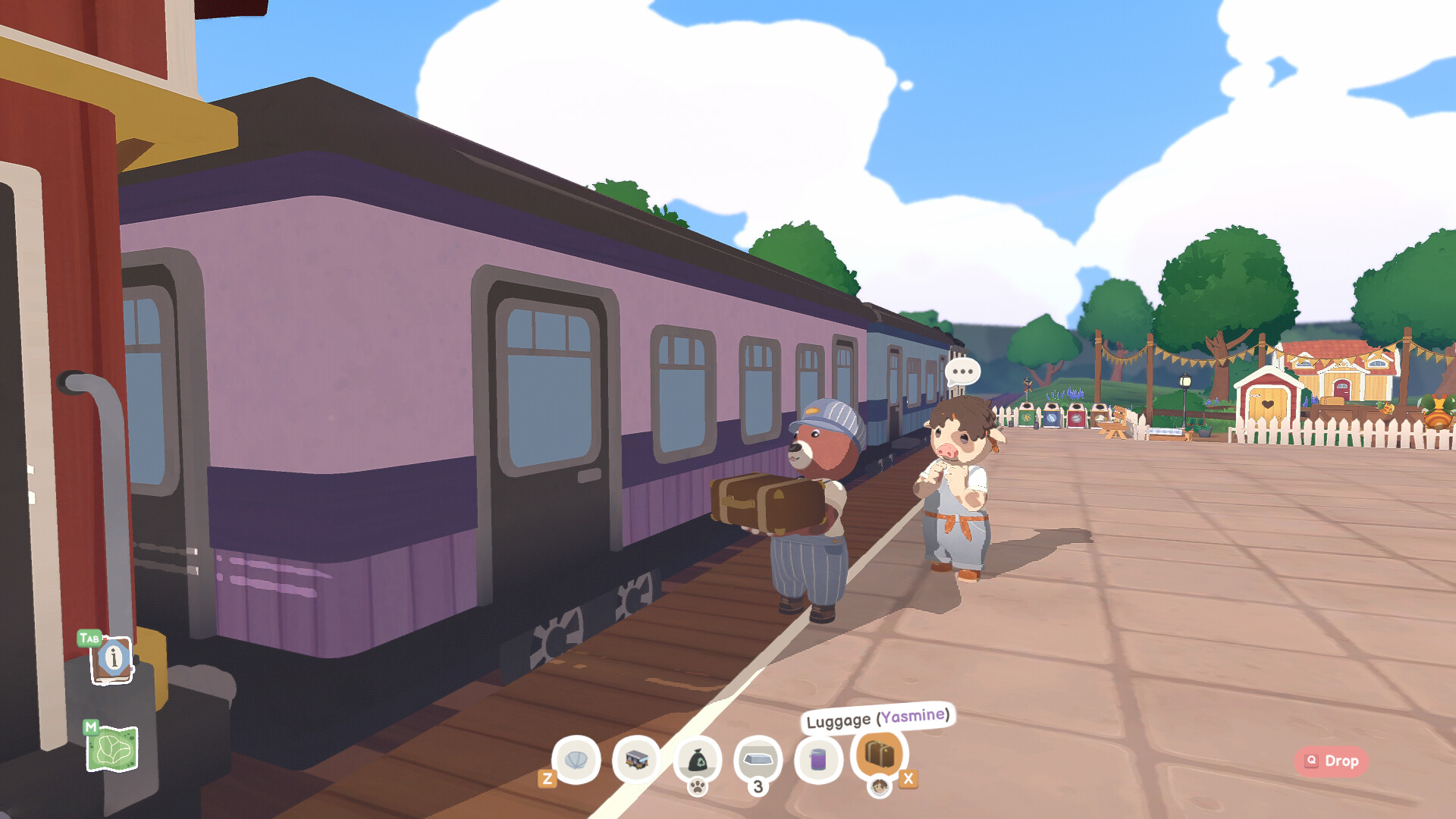
Players can customise every wagon, selecting types, paint colours, and interior décor to craft a cosy environment for passengers. New wagons increase storage and passenger capacity.
After each trip you may add seats or other furnishings, expanding the train’s capabilities for future journeys.
- Prioritise interior comfort to keep passengers happy.
- Balance wagon types to match both cargo and passenger needs.
03 / THE GUIDE
Chores and Crafting
The game includes recycling for tokens, wood chopping, ore mining, and fishing. Resources gathered can be turned into furniture of various styles and colours.
Furniture can be crafted in a variety of styles and colours, and your fishing catch can be hung on the train wall.
- Combine different resource types to diversify furniture styles.
- Use fishing breaks as a low‑stress way to collect decorative items.
04 / THE GUIDE
Story and Exploration
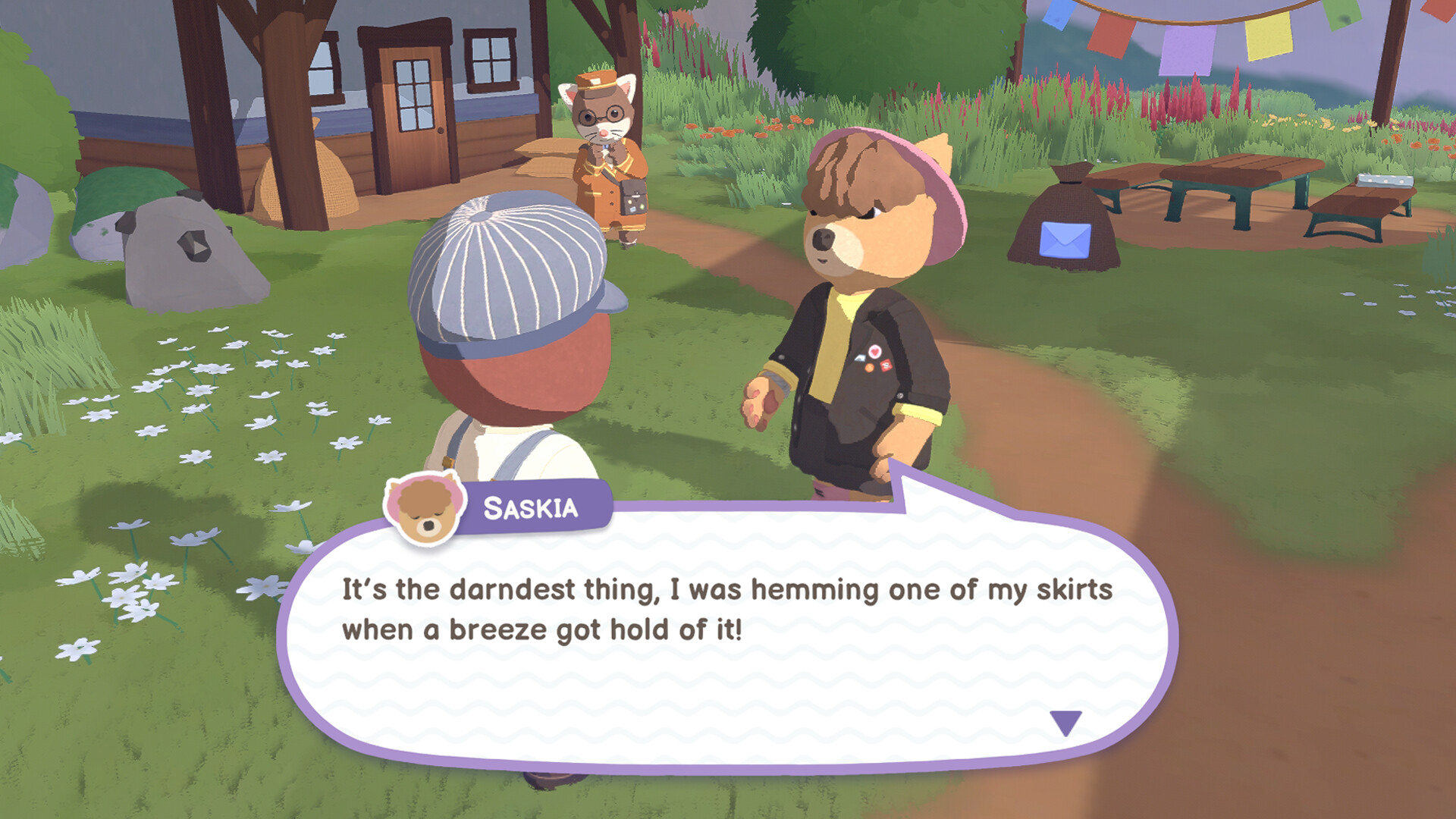
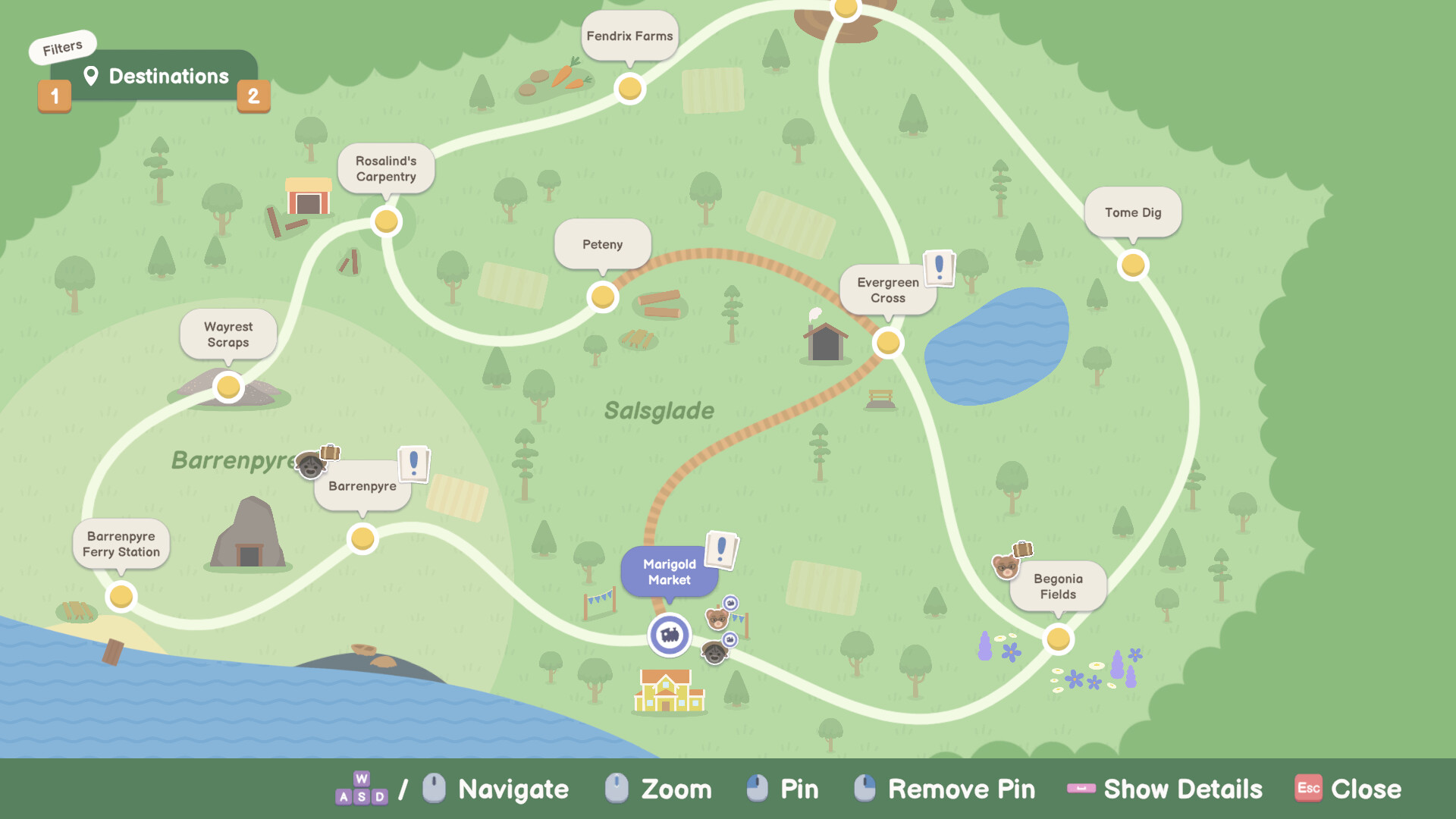
Travel to new stations, meet quirky locals, and help them with problems that advance the main story. The narrative focuses on uncovering environmental challenges facing Barrenpyre.
Progress through the story by completing chores, serving passengers, and exploring each locale’s secrets.
- Listen to locals and help them with their problems.
- Track environmental clues to understand the larger story.
05 / THE GUIDE
Platform and Controller Support
Locomoto runs on Windows and supports full controller input, including DualShock and DualSense devices. Steam Cloud and Family Sharing are also available.
The game is single‑player and offers Steam Achievements, but no multiplayer or online features are documented.
- Steam Cloud is available and can be enabled in your Steam settings.
- Experiment with both DualShock and DualSense to find your preferred feel.

COMMUNITY
Player discussion