 GameWiki
GET YOUR BEARINGS
About Loafing Town
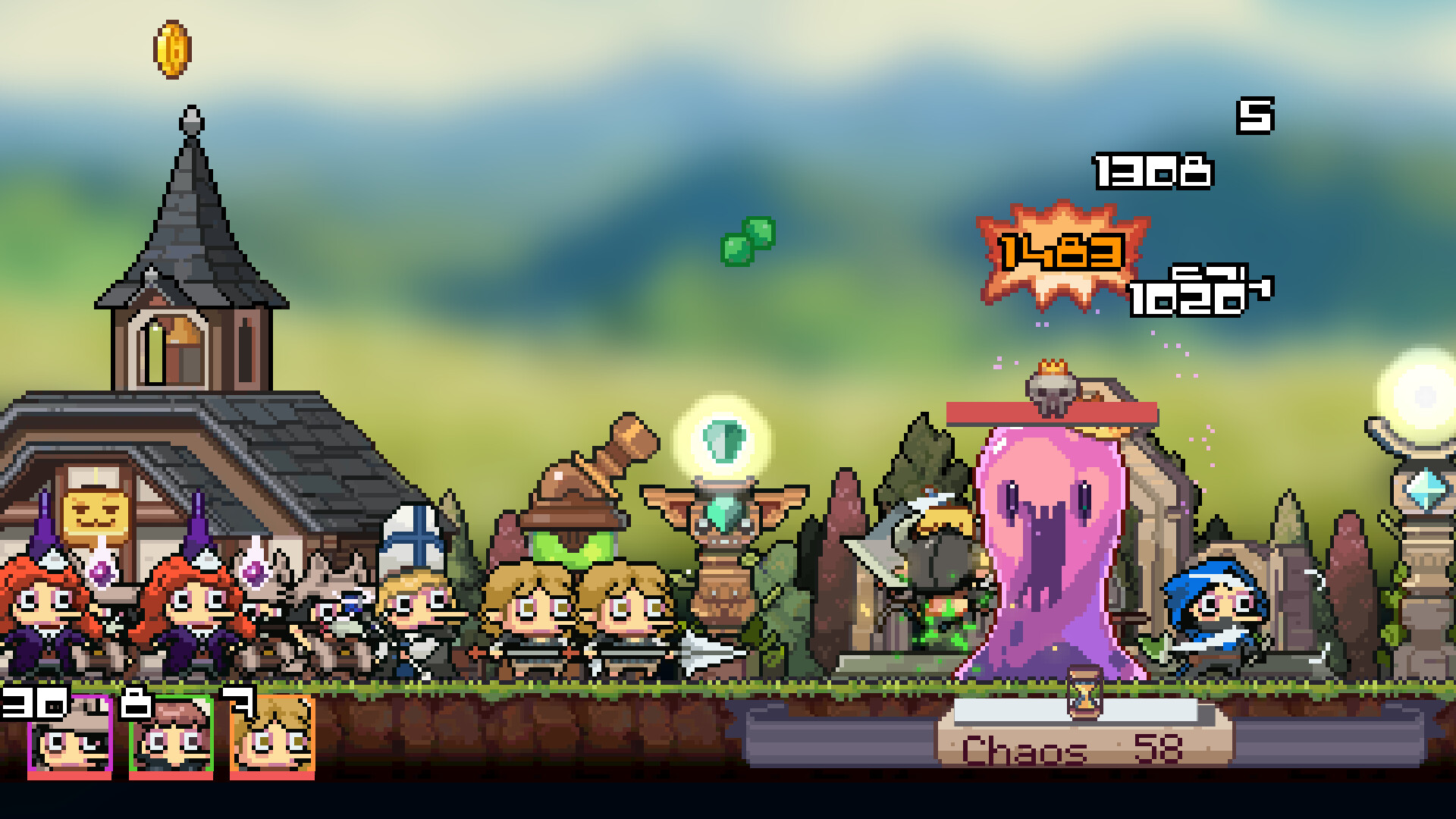
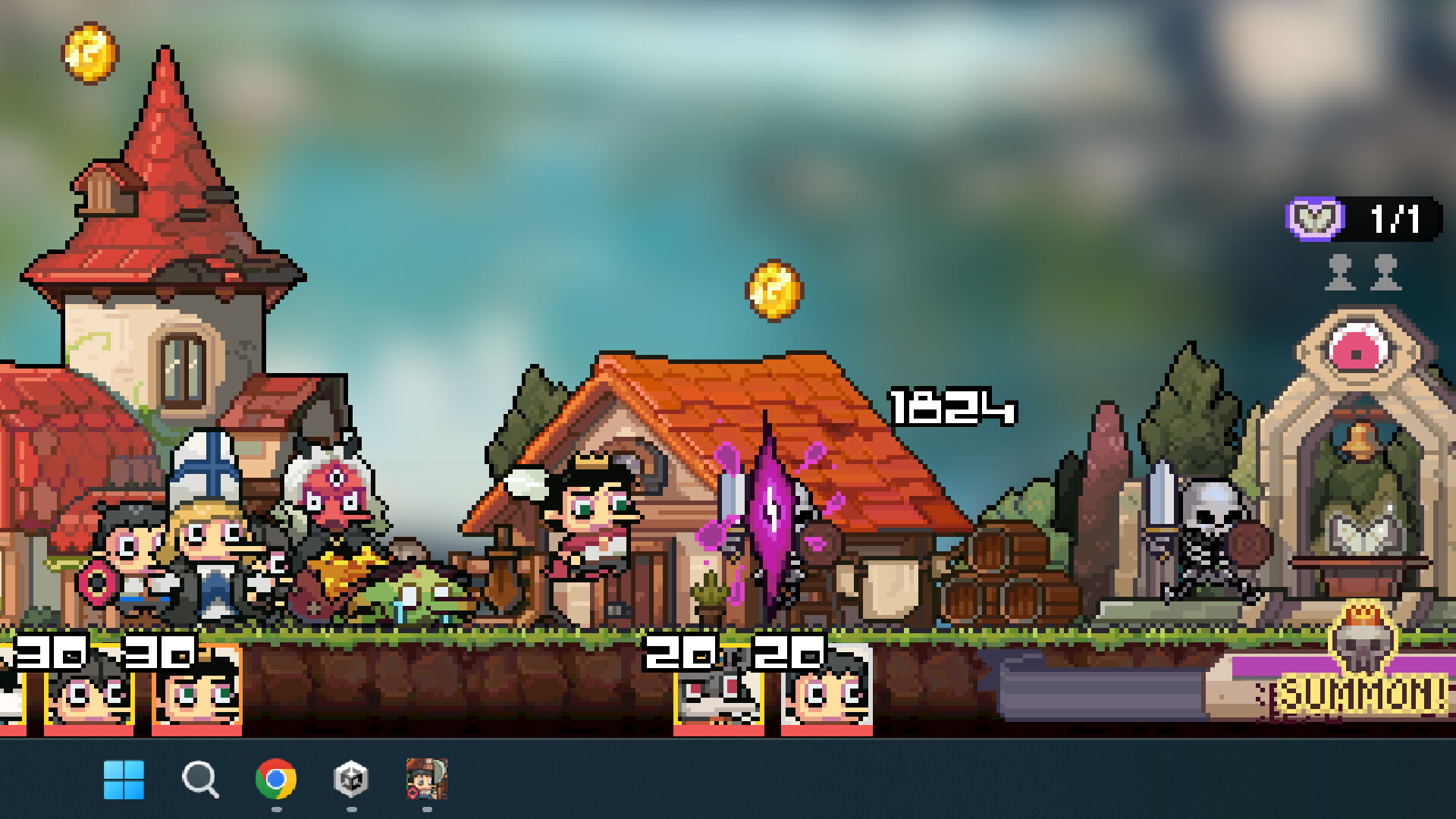
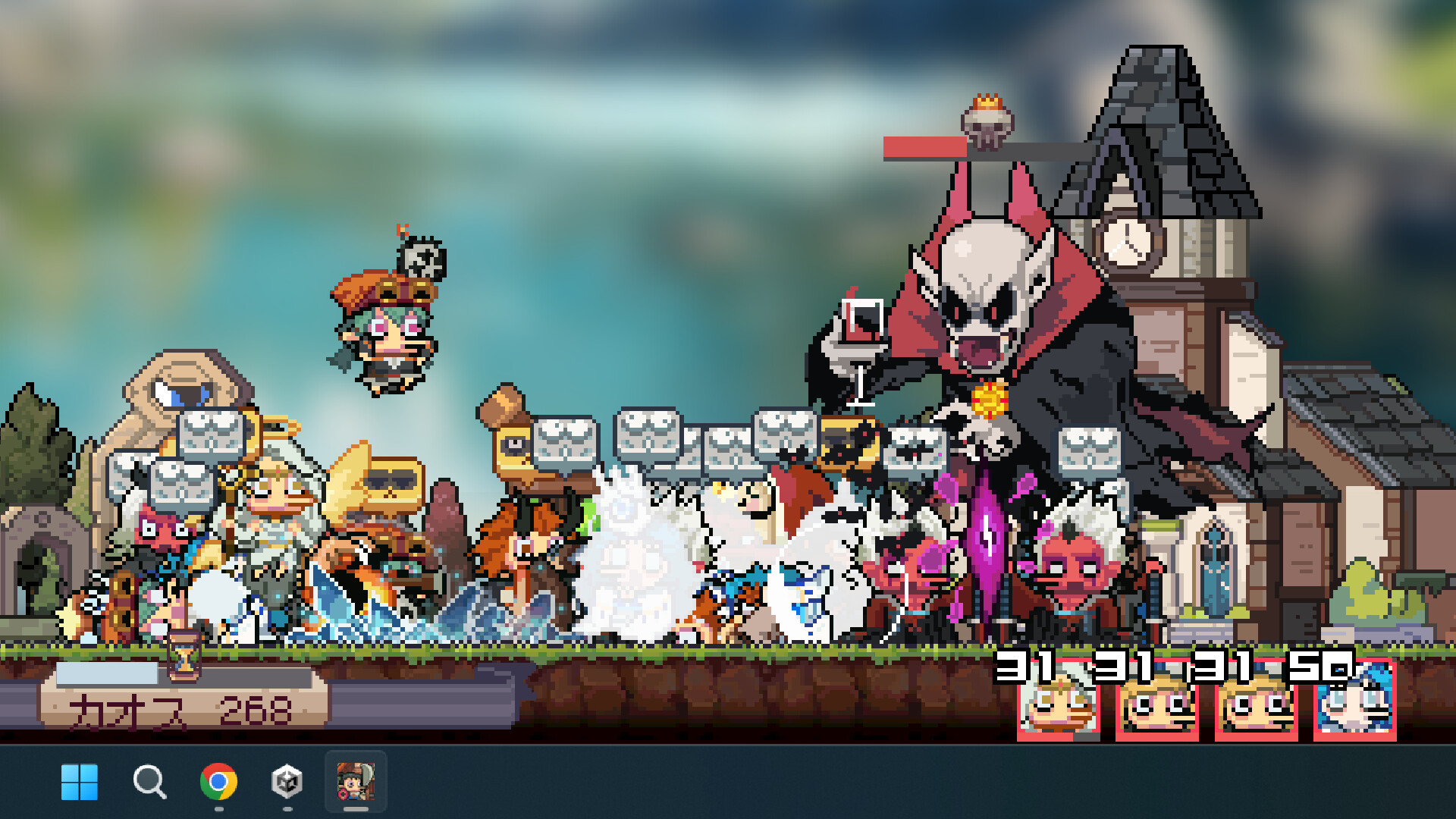
Loafing Town is a desktop idle game for PC where you act as a god‑like overseer of a hero village. Starting with a single hero and a thatched hut, you expand the settlement by summoning monsters, training heroes, and upgrading buildings. The game blends simple click‑based mechanics with physics‑based interactions, offering a relaxed sandbox experience ideal for short breaks. It supports single‑player play, Steam achievements, cloud saves, and family sharing, and encourages community chat alongside the idle gameplay.
01 / THE GUIDE
Gameplay Loop
The core loop involves summoning monsters to train heroes, earning gold, and using that gold to develop the village. Each step feeds into the next, creating a steady progression that feels rewarding without demanding constant attention.
Players can also cast magic to aid heroes in battle and sacrifice heroes for unexpected rewards, adding variety to the otherwise straightforward idle routine.
- Focus on training heroes early to increase gold income faster.
- Experiment with hero sacrifice when you feel stuck; it may unlock useful bonuses.
02 / THE GUIDE
Village Development
Starting from a simple thatched hut, the village expands as you upgrade houses and facilities. Each upgrade improves the town’s appearance and provides functional benefits, such as increased gold generation or hero capacity.
The physics‑based interaction system lets you place and move structures in a god‑view, giving a tactile feel to the building process.
- Prioritize upgrades that boost gold generation for faster expansion.
- Use the god‑view to arrange buildings for a cleaner layout.

03 / THE GUIDE
Hero Training
Heroes are the primary agents of progress; they fight summoned monsters to gain experience and gold. As they level up, they become more effective in battles and can tackle tougher challenges.
Training is automated after initial setup, fitting the idle nature of the game while still offering a sense of growth.
- Keep a steady stream of monsters to ensure heroes are always training.
- Monitor hero levels to decide when to invest in new upgrades.
04 / THE GUIDE
Magic and Sacrifice
Magic can be cast to assist heroes during combat, providing temporary boosts or effects that influence battle outcomes. This adds a layer of strategic timing to the otherwise passive play.
Sacrificing heroes yields unexpected rewards, offering a risk‑reward choice that can accelerate progress when needed.
- Use magic sparingly to maximize its impact during tougher fights.
- Consider sacrificing lower‑level heroes for a quick resource boost.
05 / THE GUIDE
Community and Social
Loafing Town encourages players to chat together, creating a relaxed community space where players can share tips or simply slack off. The developer invites players to follow on X for updates.
The game’s casual tone and idle design make it suitable for short, social play sessions during work or study breaks.
- Join the community chat to discover hidden tips from other players.
- Follow the developer on X for news and community events.

COMMUNITY
Player discussion