 GameWiki
GET YOUR BEARINGS
About LIVE A LIVE
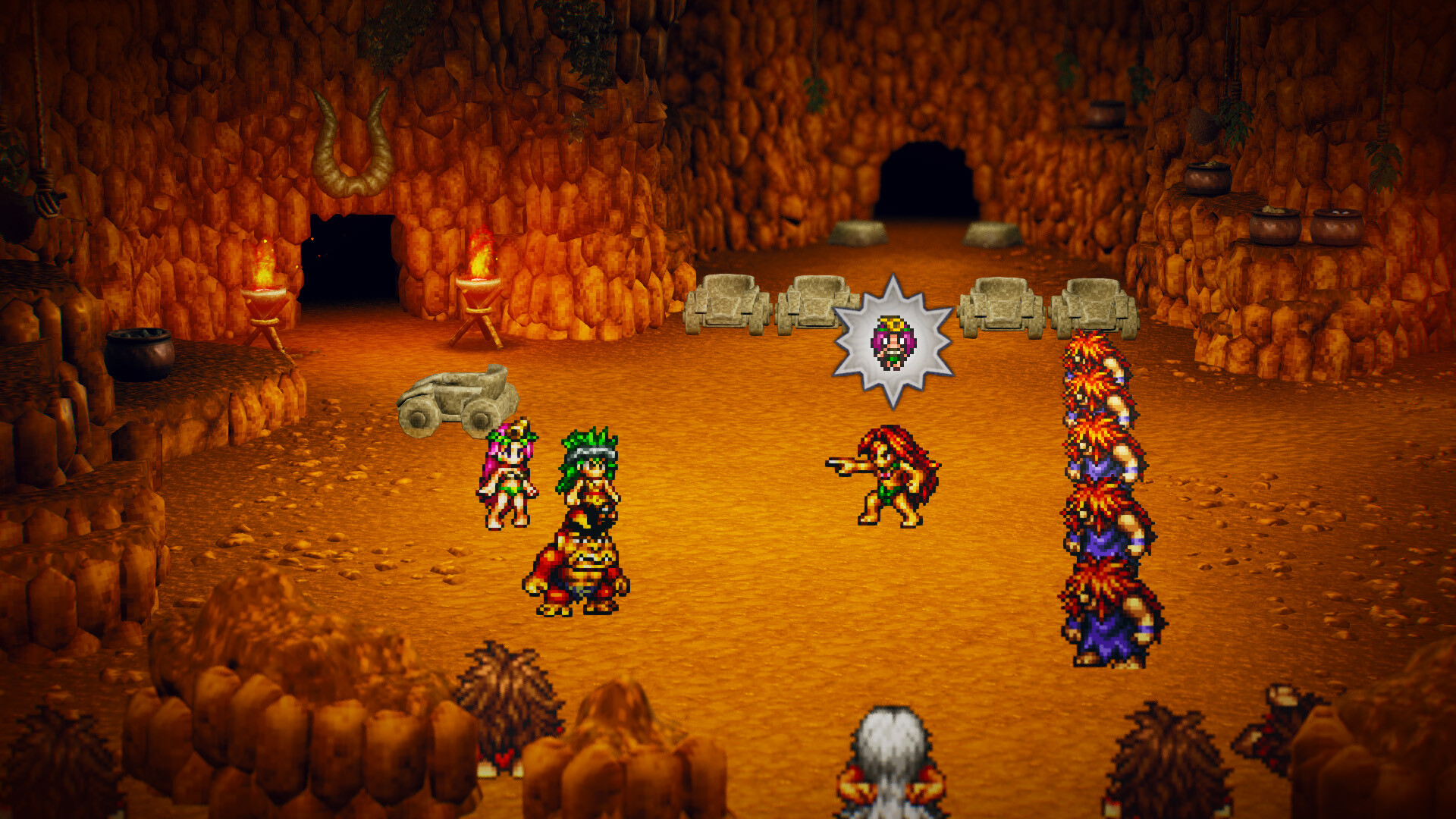
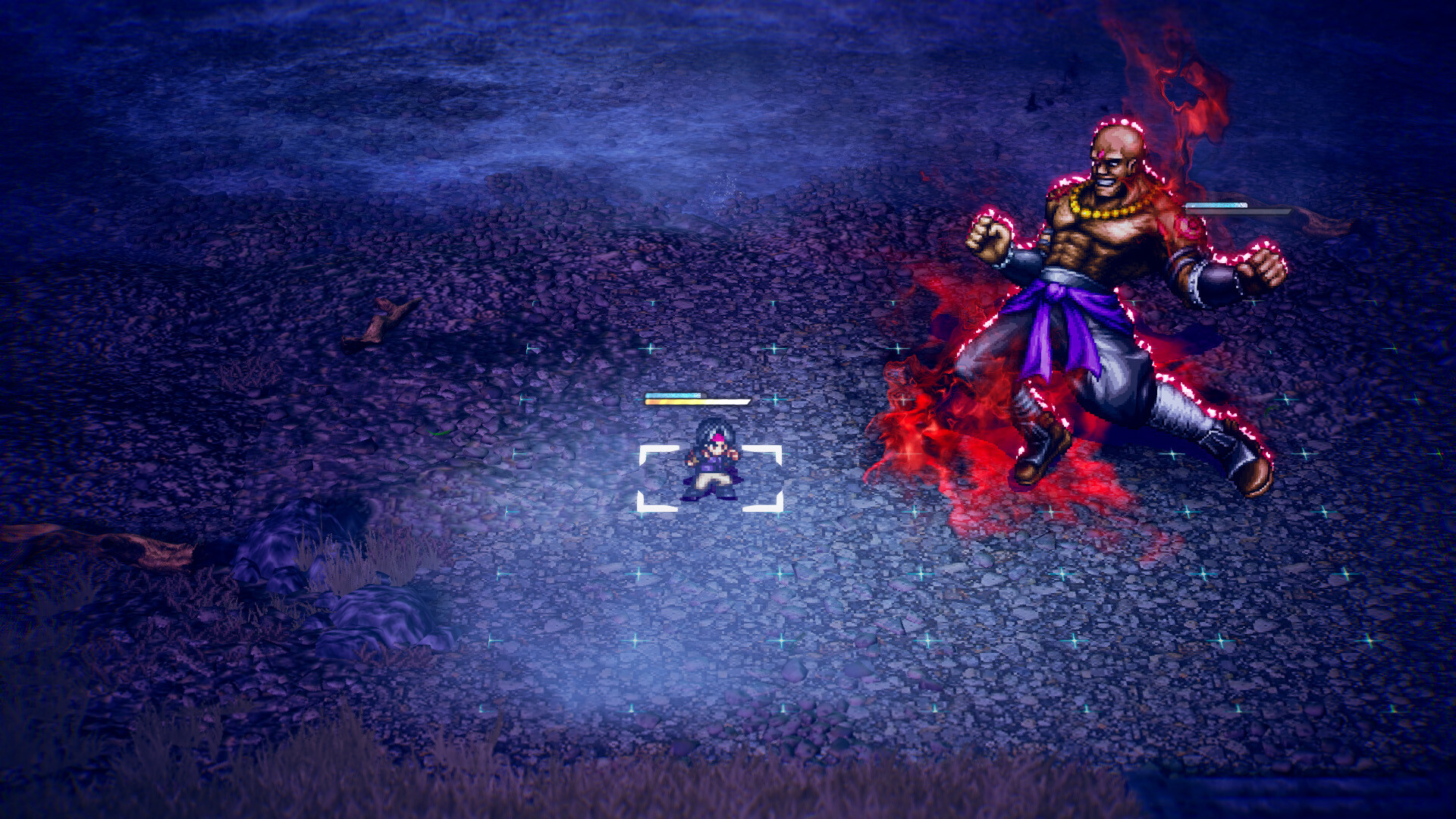
LIVE A LIVE returns to PC as a remastered RPG, preserving the original’s seven distinct stories while adopting an HD‑2D aesthetic similar to OCTOPATH TRAVELER. Players may begin any chapter—ranging from a prehistoric tribe to a space‑faring robot—and discover narrative links as they progress.
Purchasers receive a free LIVE A LIVE Legends wallpaper. The Steam version adds achievements, trading cards, Steam Cloud saves, and partial controller support, all within a single‑player experience that can be played at the player’s own pace.
01 / THE GUIDE
Non‑linear Story Structure
The game offers seven protagonists, each with a self‑contained narrative set in a different era. Because any chapter can be started first, players decide their own pacing and can uncover plot connections without a required sequence.
Finishing one story does not unlock or restrict access to the others, so each era remains independent while still contributing to the overall saga.
- Choose the era that most interests you to stay engaged early on.
- Switch chapters after a few hours to keep the experience fresh.
02 / THE GUIDE
HD‑2D Visual Presentation
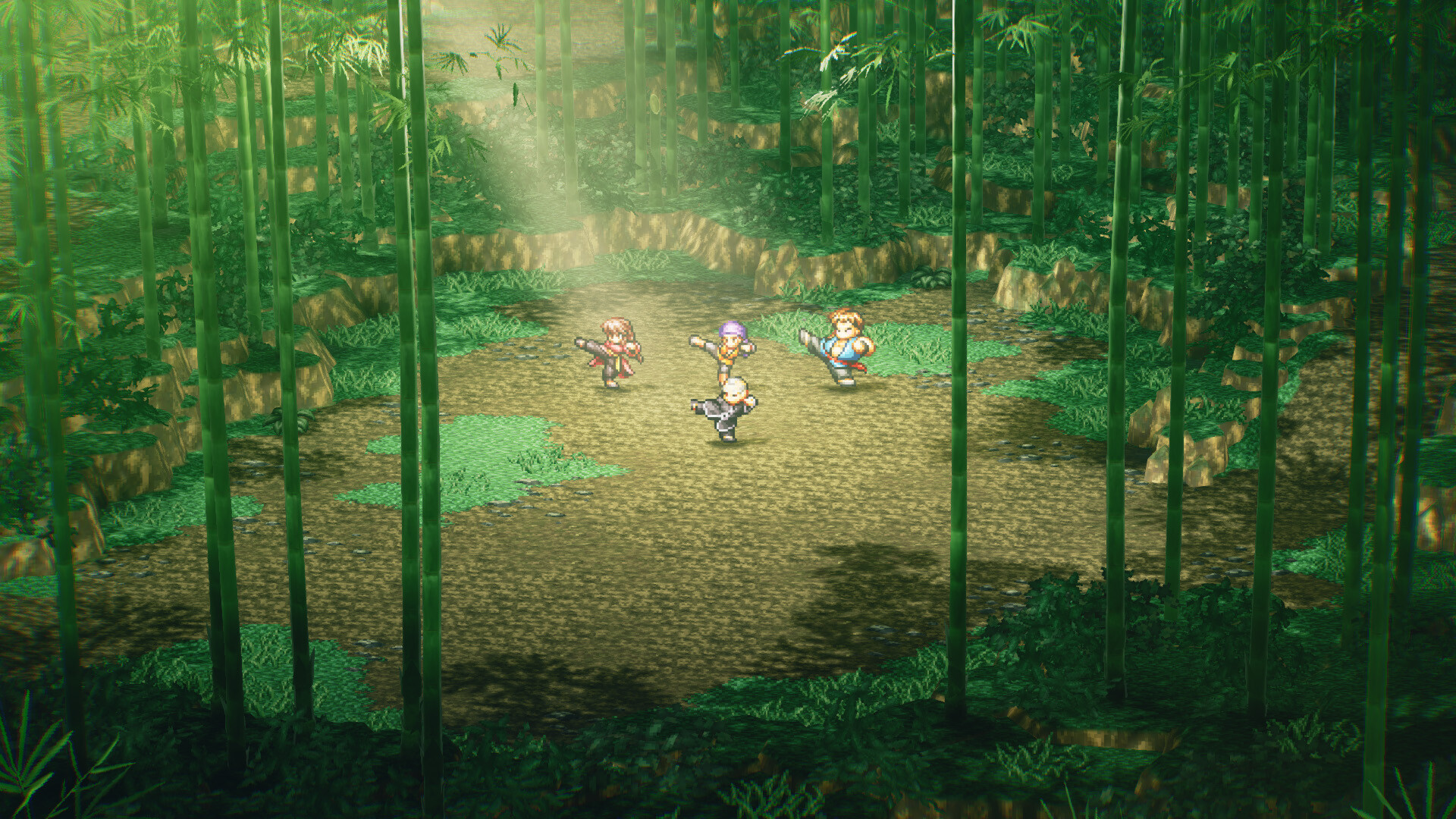
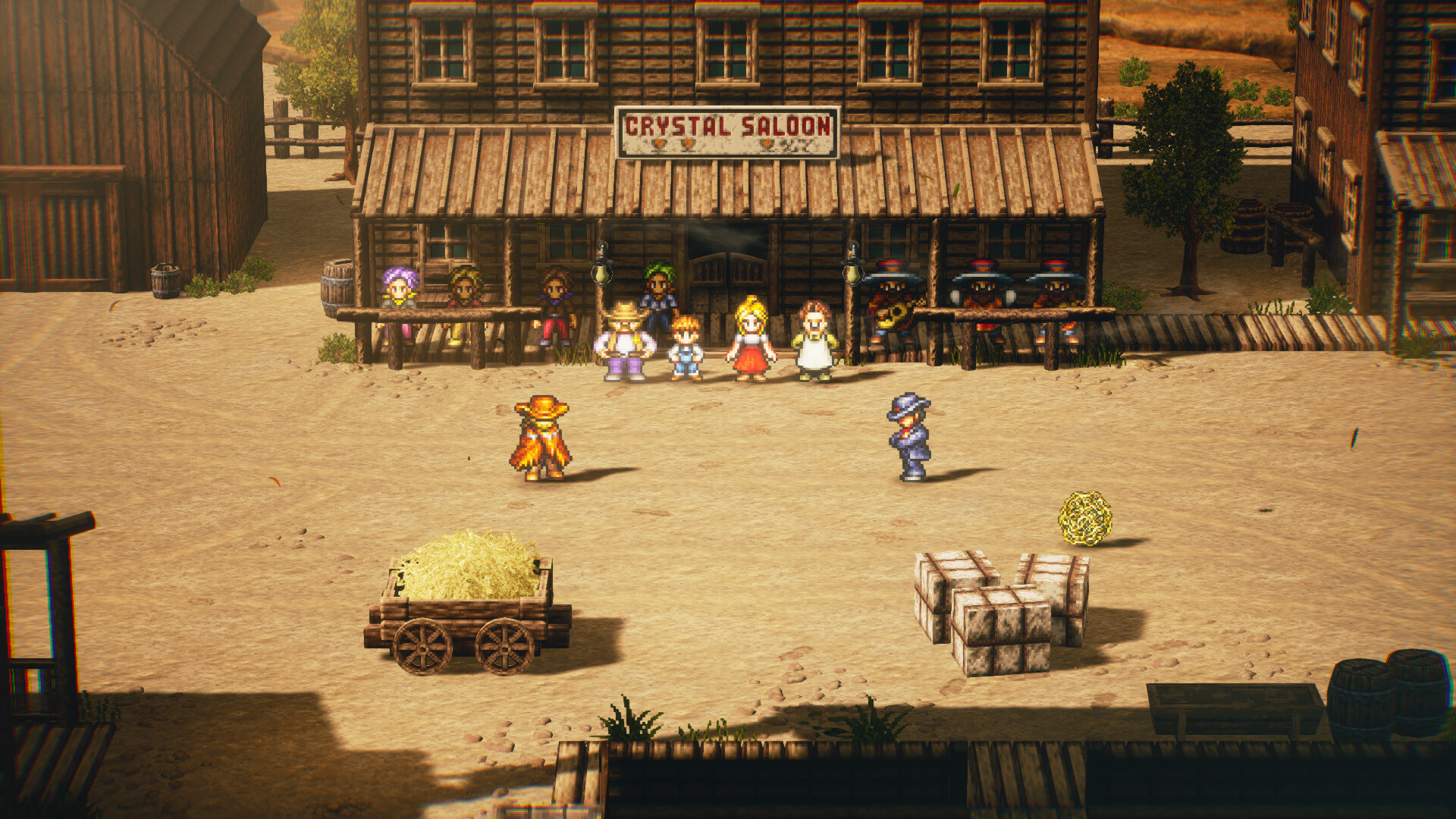
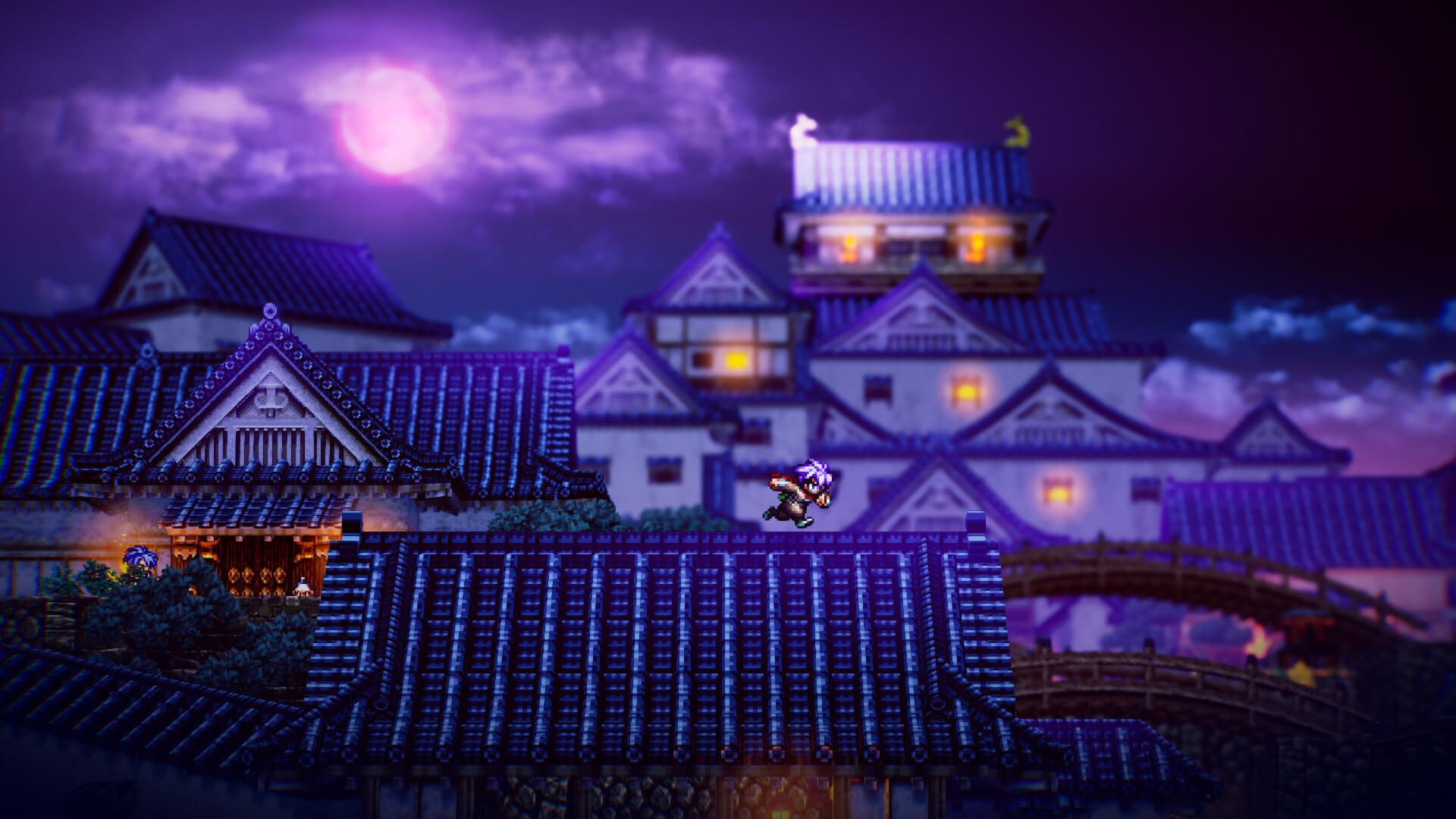
LIVE A LIVE uses an HD‑2D visual style that blends pixel‑art textures with modern lighting, matching the look of OCTOPATH TRAVELER while retaining the original’s charm. This aesthetic is applied consistently across all eras, from prehistoric landscapes to futuristic space scenes.
The visual approach provides a cohesive identity despite the varied settings, allowing each period to feel distinct yet part of a single artistic vision.
- Adjust custom volume controls to balance music and sound effects for optimal audio‑visual sync.
- Experiment with windowed or fullscreen modes to see how lighting reacts.
03 / THE GUIDE
Remastered Soundtrack
The soundtrack features remastered music by original composer Yoko Shimomura, preserving classic melodies while enhancing audio fidelity for modern hardware. All tracks play in stereo sound, reinforcing the thematic tone of each chapter.
The remastered soundtrack reinforces the thematic tone of each chapter and can be heard clearly alongside other sound effects.
- Enable stereo sound for an immersive listening experience.
- Use custom volume controls to highlight music during story moments.
04 / THE GUIDE
Flexible Play and Save System
Players may save at any time, supporting a play‑at‑your‑own‑pace approach that lacks timed input, allowing pauses without pressure. This flexibility lets you switch chapters whenever you wish.
Steam Cloud integration stores saved progress, making it available after reinstalling the game on the same Steam account, which helps maintain continuity across sessions.
- Save before switching chapters to keep your place.
- Check Cloud sync after a major save if you plan to reinstall.
05 / THE GUIDE
Steam Platform Features
The PC release includes Steam achievements and trading cards, offering extra goals for completionists while remaining optional to core gameplay. These features are tied to the single‑player experience and do not affect story progression.
Partial Controller Support provides an alternative input method alongside keyboard control, and Family Sharing allows other Steam users to launch the game on their own devices without purchasing a separate copy.
- Collect trading cards to showcase progress on your profile.
- Review the achievement list to set personal milestones.
COMMUNITY
Player discussion