 GameWiki

GET YOUR BEARINGS
About Little Witch in the Woods
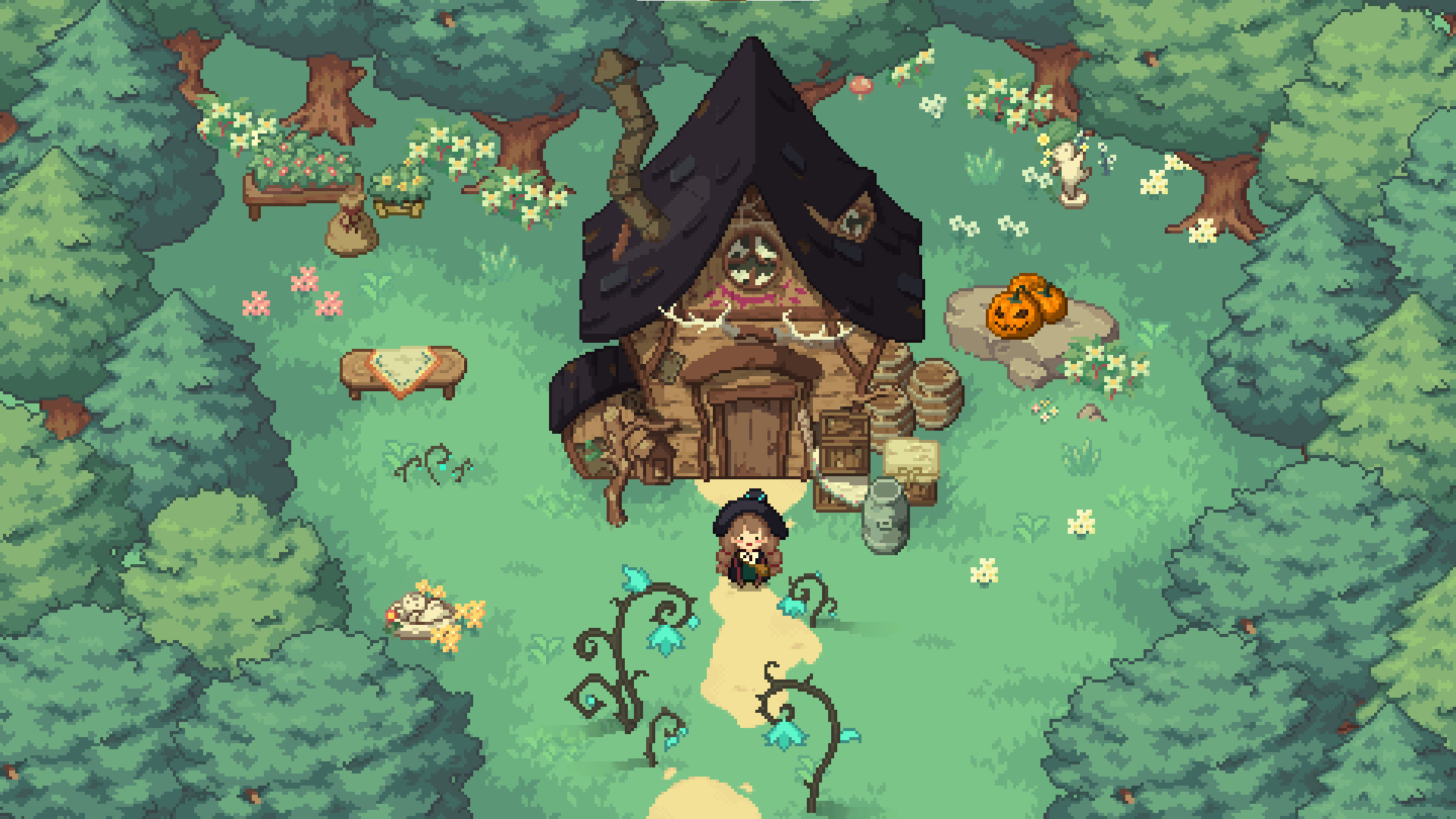
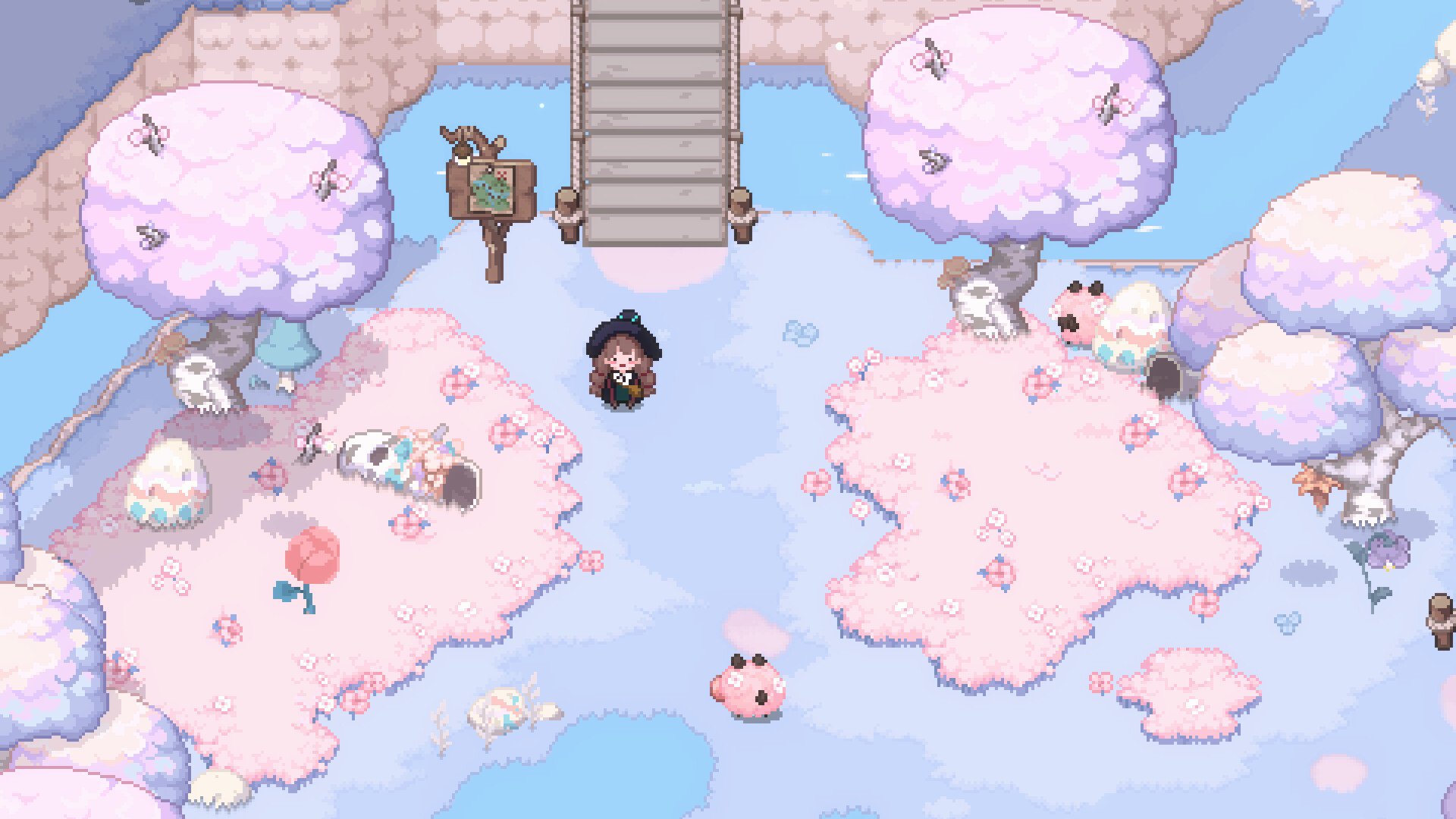
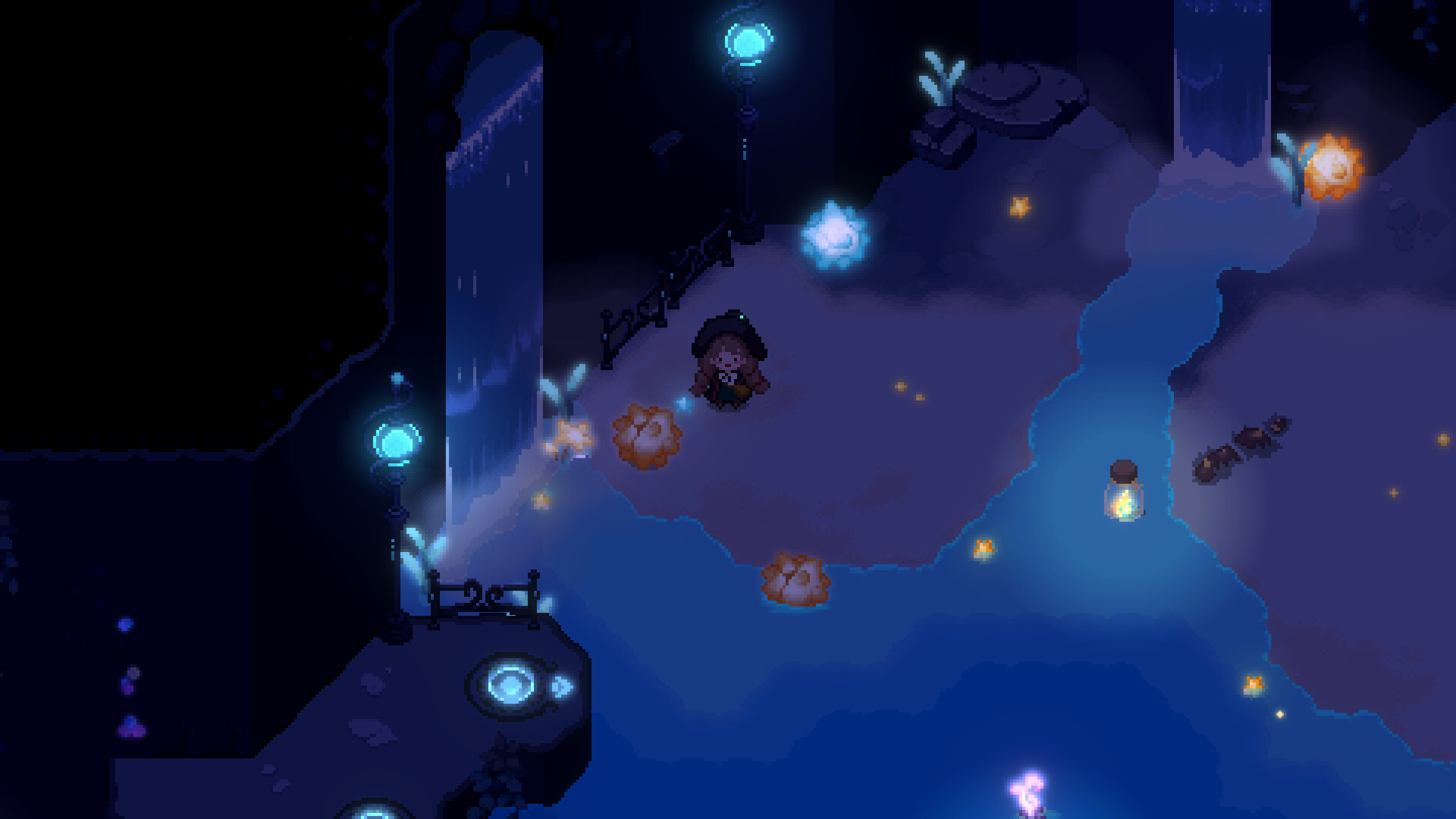
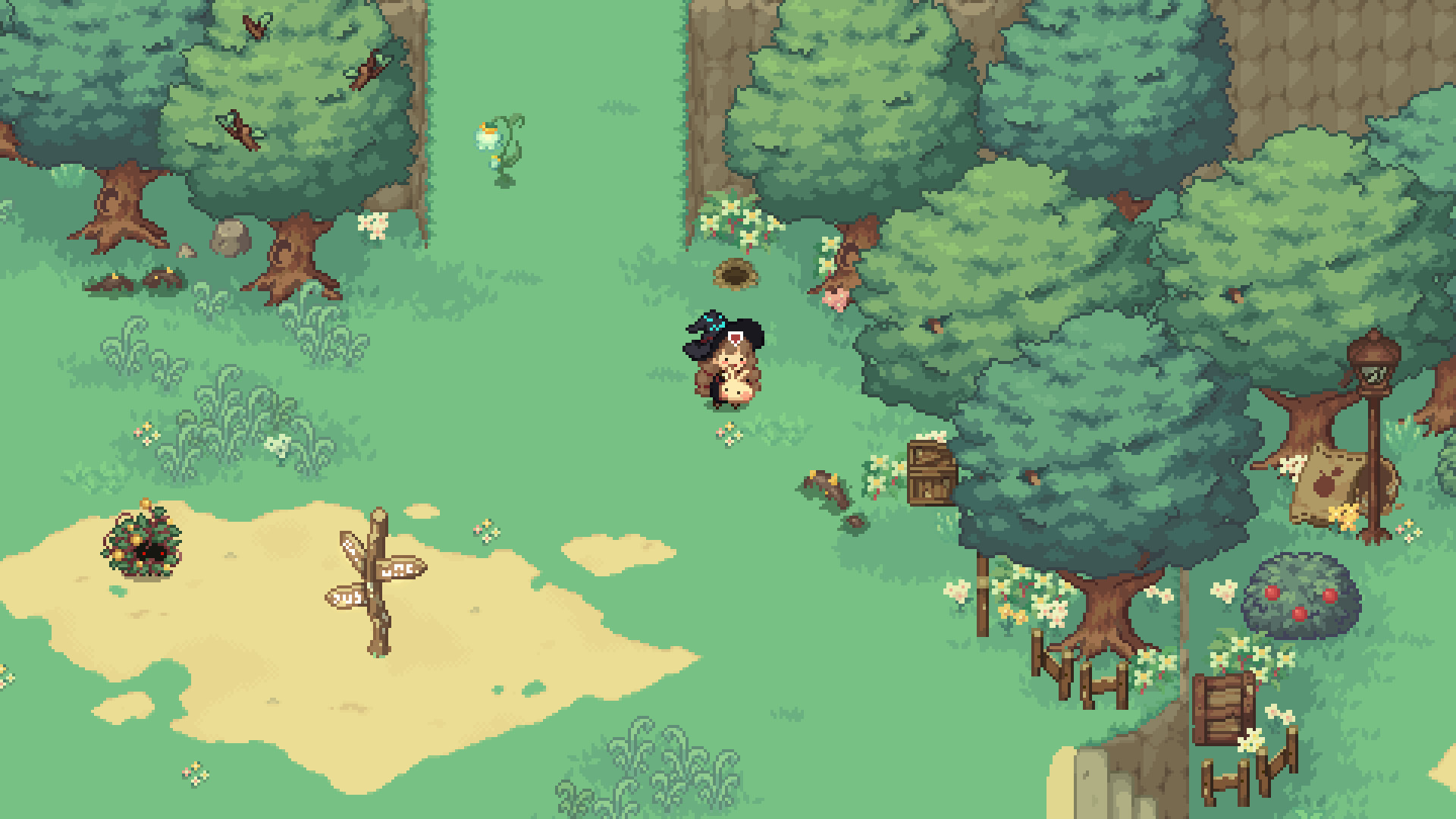
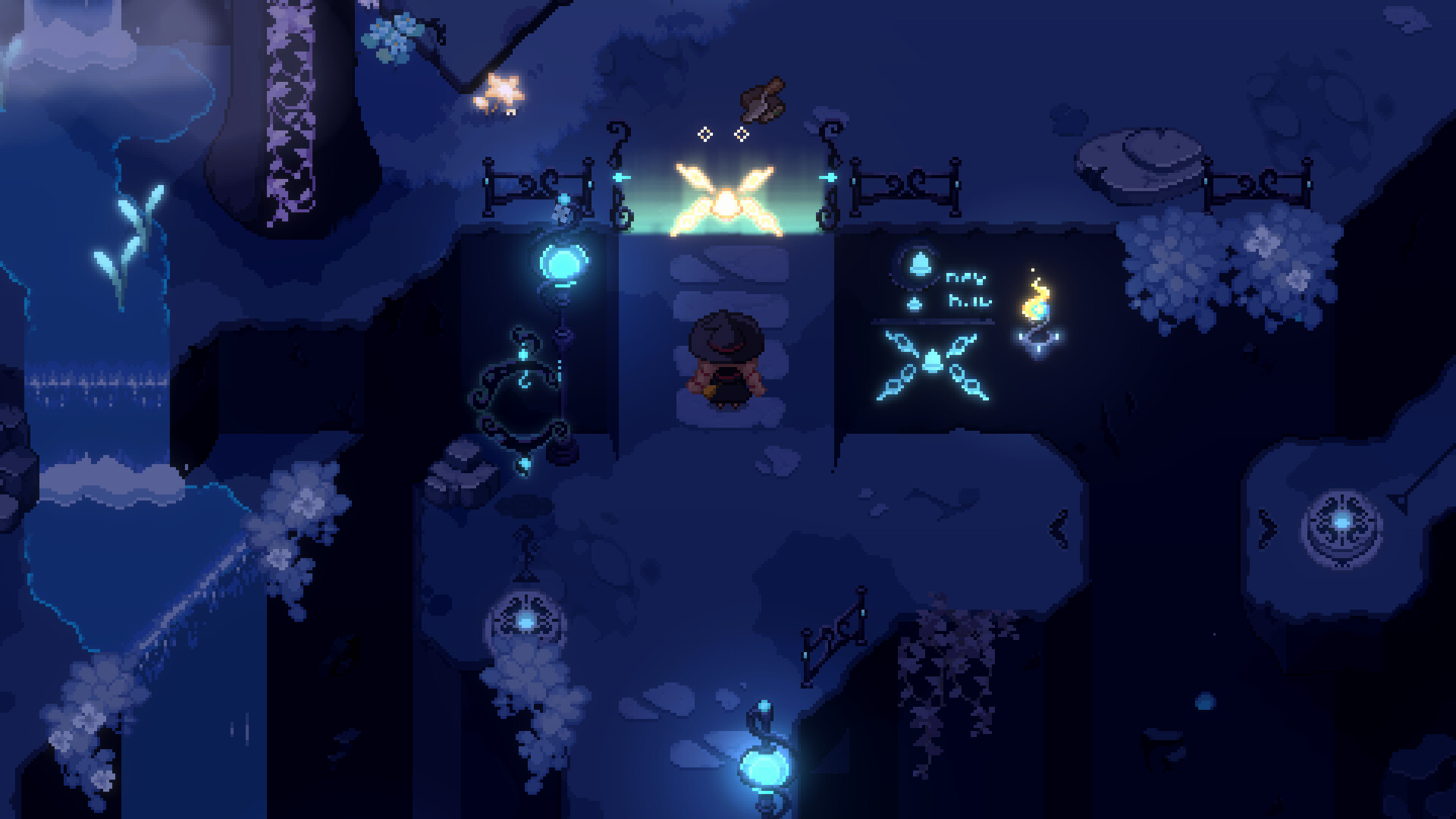
Step into the role of Ellie, an apprentice witch, and begin her journey in the magical land of Lucerine Ortu. The game blends adventure, casual simulation and light RPG elements as you explore forests, caves, cliffs and lakes on a broom.\nDaily life is filled with cozy activities: fishing, gathering, decorating your home, and befriending cats. By helping villagers, crafting potions and completing an encyclopedia of creatures, you shape a personal story in a warm, welcoming world.
01 / THE GUIDE
Exploration
Ellie travels across varied environments—forests, caves, cliffs and lakes—using her broom. These areas contain adorable life forms that contribute to an in‑game encyclopedia.\nHidden treasures and new paths become accessible as you gather materials and progress, encouraging continual discovery.
- Take time to scan each area for collectible creatures.
- Visit new locations after crafting new brooms for smoother travel.
02 / THE GUIDE
Potion Crafting
Materials collected during exploration can be combined into problem‑solving potions. Crafting these potions helps you address villagers’ needs and unlocks further content.\nEach potion requires specific recipes, encouraging experimentation and resource management.
- Keep a stock of basic ingredients for quick potion creation.
- Experiment with different material combos to discover new effects.
03 / THE GUIDE
Village Interaction
Ellie works as an apprentice witch, assisting villagers with daily problems. Forming bonds with them reveals personal stories and hidden secrets.\nHelping the community also contributes to restoring the village’s overall wellbeing.
- Prioritize tasks that involve multiple villagers for faster bond growth.
- Listen to dialogue cues to identify each villager’s needs.
04 / THE GUIDE
Home Decoration
Collected recipes and materials let you craft furniture, giving your living space a personal touch. Customizing brooms also adds visual flair to your explorations.\nA well‑decorated home reflects progress and personal style.
- Mix and match furniture styles for a unique look.
- Upgrade brooms after unlocking new decorative options.
05 / THE GUIDE
Relaxation Activities
When not on quests, you can fish, chat with villagers, or interact with cats. These moments provide a peaceful break from tasks.\nBuilding friendships with cats deepens cross‑species connections and adds charm to daily life.
- Set aside time each day for fishing to collect rare items.
- Spend time with cats to unlock unique dialogue.
COMMUNITY
Player discussion