 GameWiki
GET YOUR BEARINGS
About Little Problems: A Cozy Detective Game
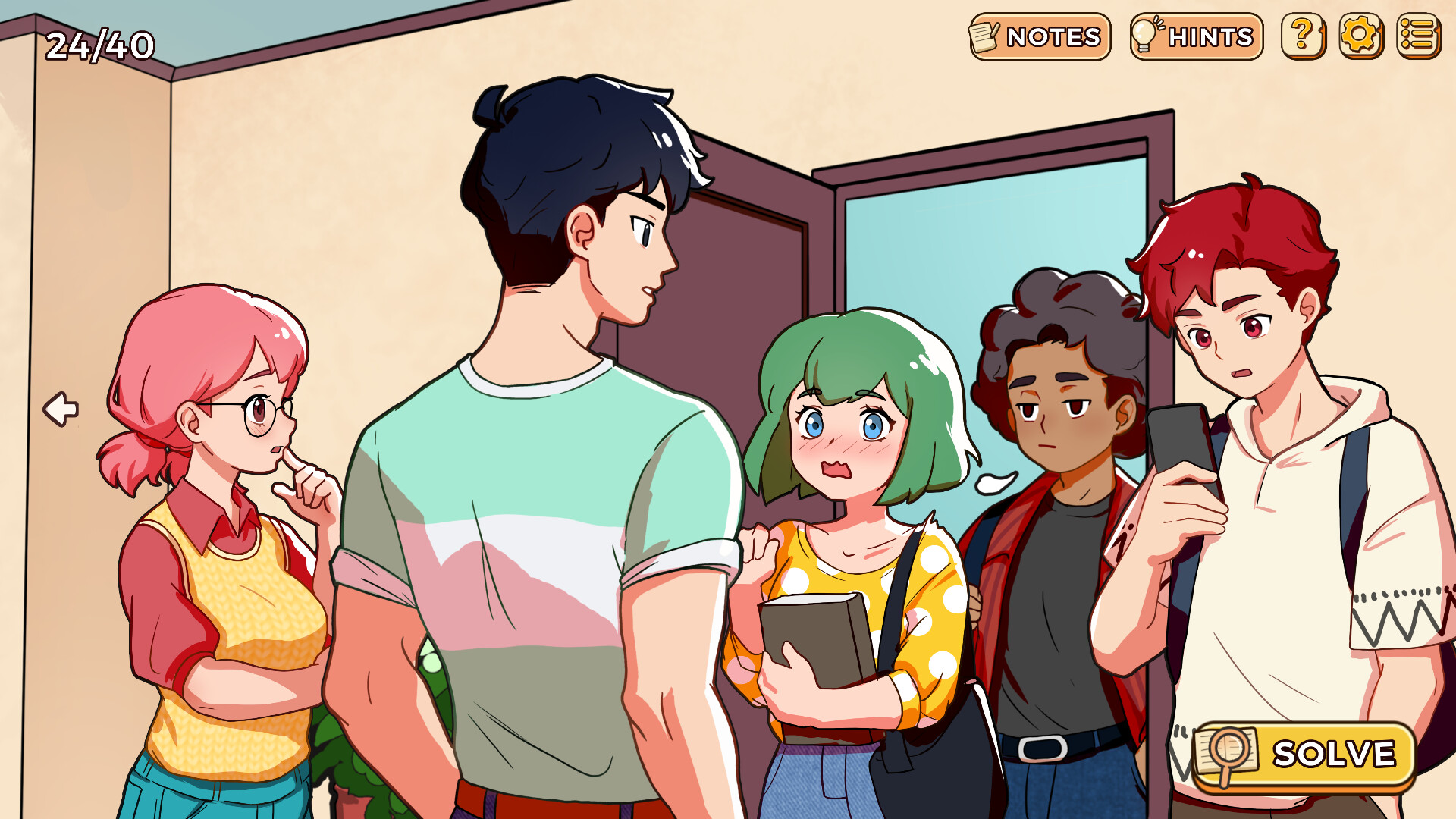
Little Problems: A Cozy Detective Game puts you in everyday situations that need a bit of sleuthing. You help Mary sort out missed lectures, forgotten assignments, and other small mishaps, turning ordinary moments into charming puzzles.
The game’s hand‑drawn art and simple mechanics create a relaxed solo experience on Windows, with optional hints that keep challenges fun without forcing frustration.
01 / THE GUIDE
Hand‑drawn Visuals
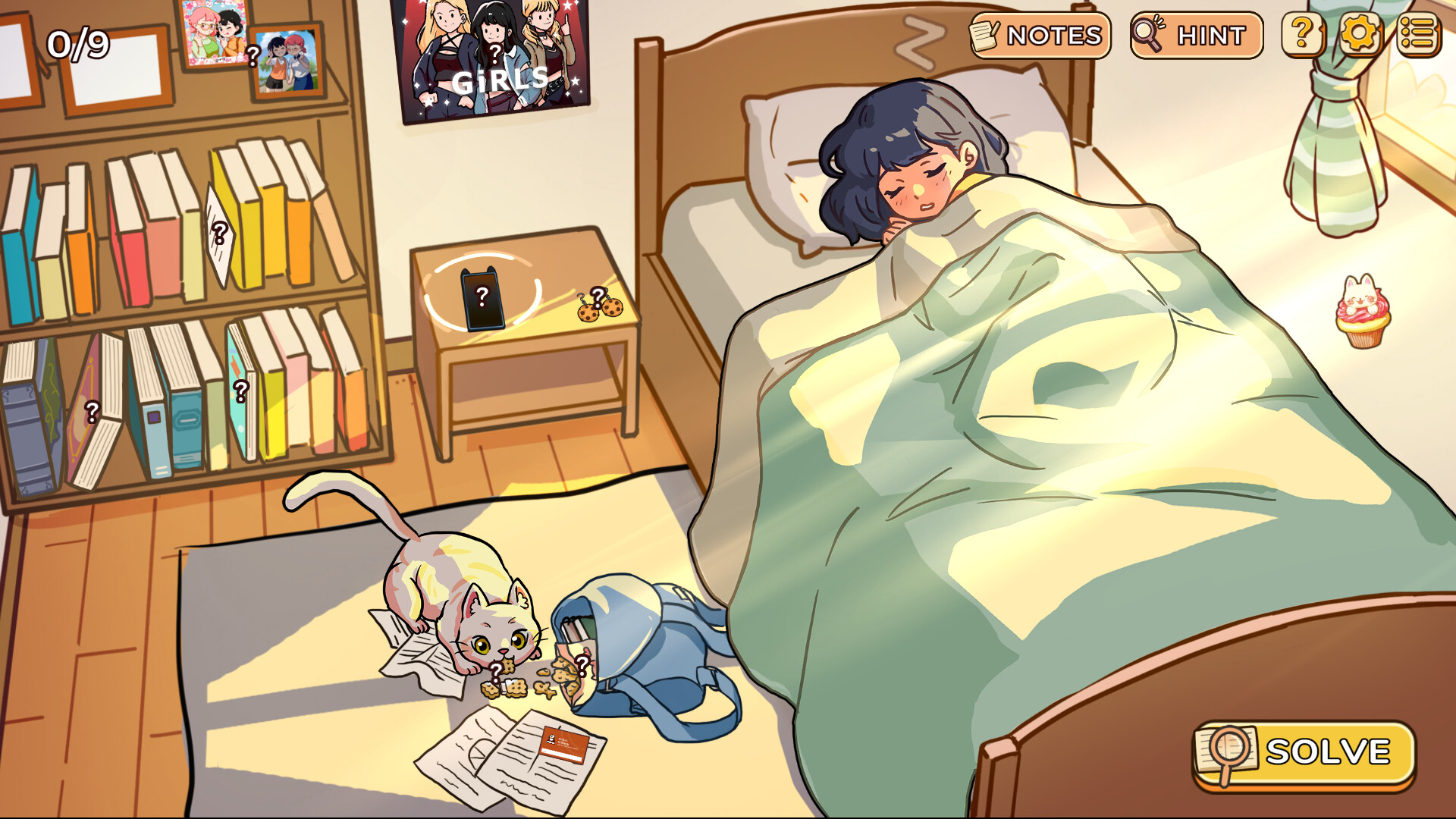
Indonesian illustrator Melinda provides cute, hand‑drawn artwork for every scene. The style gives each location a warm, personal feel that matches the low‑stakes detective theme.
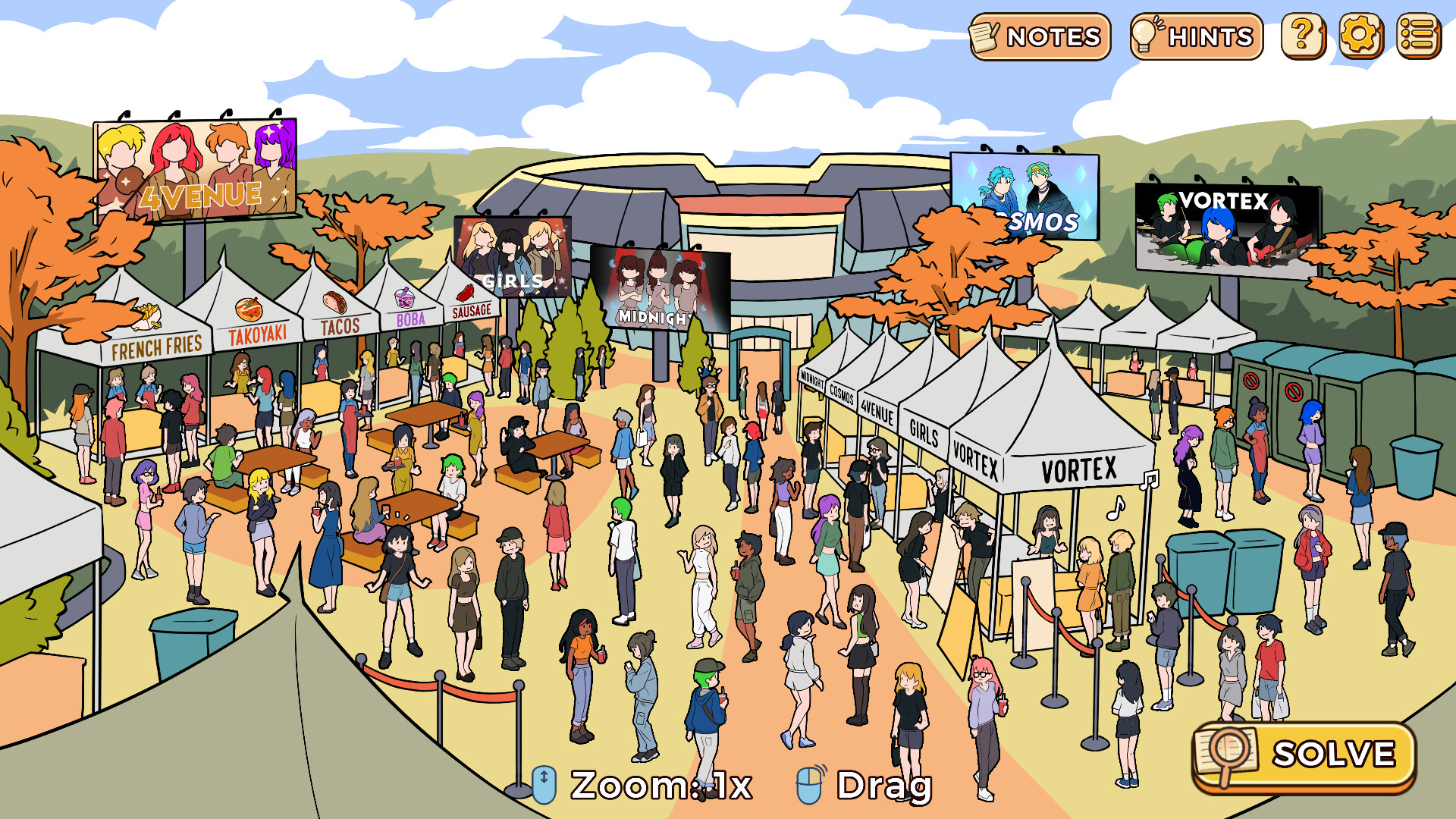
Because the visuals are handcrafted, small details such as facial expressions or background objects often act as clues. Paying attention to these elements can point you toward the correct solution.
- Scan the whole illustration before interacting; visual clues are deliberately placed.
- Notice recurring motifs—they may hint at puzzle logic.
02 / THE GUIDE
Handcrafted Puzzles
Each level is described as a handcrafted puzzle, meaning the challenges are deliberately designed to be clever yet approachable. The game builds simple ideas into playful twists that reward logical connections.
The design avoids overwhelming difficulty; instead it focuses on satisfying “aha” moments that arise from linking everyday observations with the problem at hand.
- Break the problem into smaller steps; the puzzles often layer simple actions.
- Try different objects in the scene; trial and error is encouraged.
03 / THE GUIDE
Ten Distinct Cases
The game contains ten distinct cases, each presenting its own set of puzzles and surprises. This structure offers clear progression while keeping each experience fresh through a new everyday dilemma.
Because each case is self‑contained, you can treat them as short, standalone sessions, making the game suitable for brief play periods without losing narrative cohesion.
- Approach each case as a separate story to stay focused on its specific problem.
- After finishing, review the solution to see how visual hints were linked.
04 / THE GUIDE
Helpful Hints
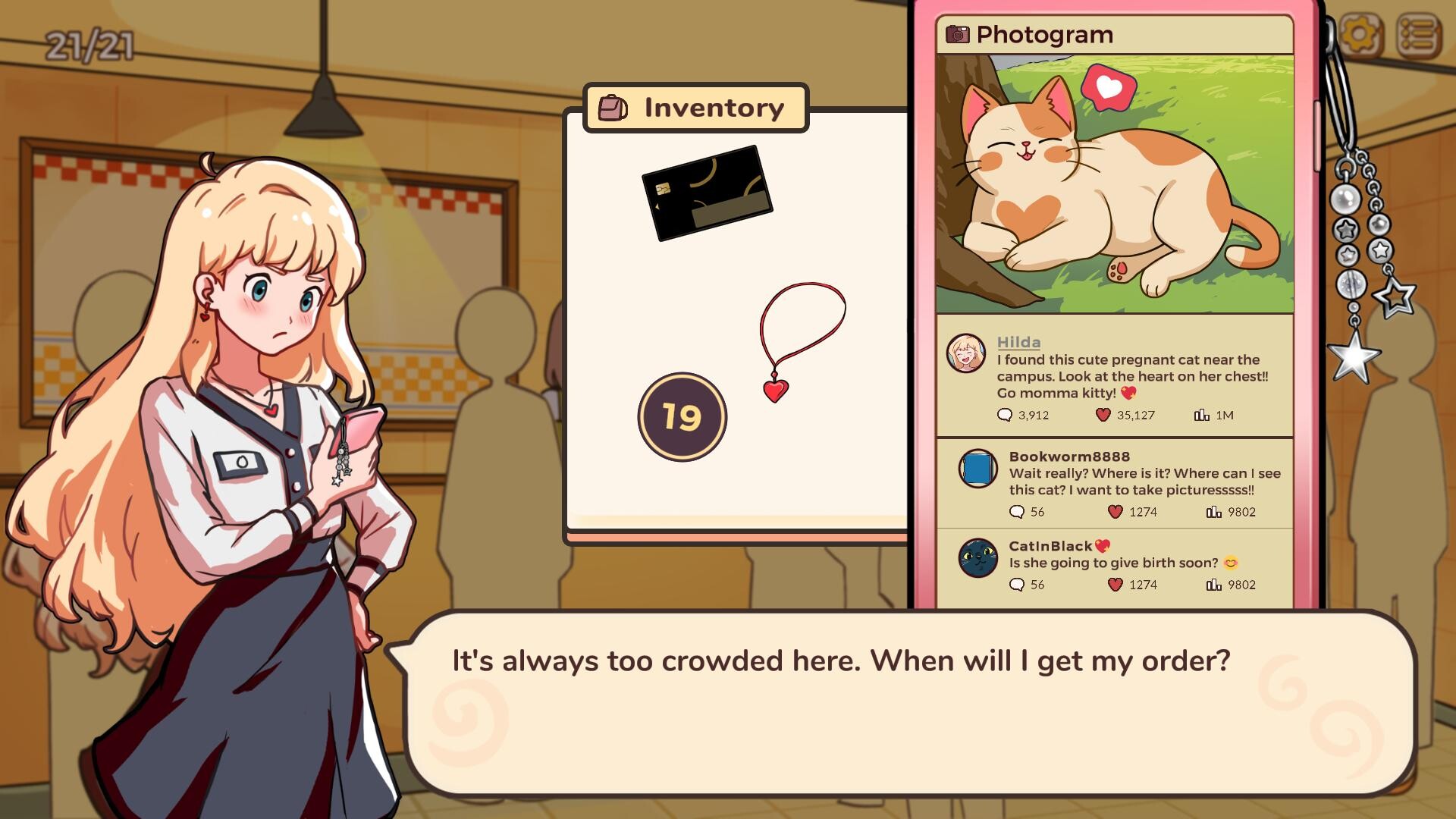
When you become stuck, the game offers optional hints that reveal where mistakes were made. This system is meant to keep the challenge enjoyable rather than frustrating.
Hints appear only when requested, preserving the satisfaction of solving a puzzle unaided while still providing a safety net for tougher moments.
- Use hints sparingly to retain the sense of discovery.
- Note the highlighted mistake; it often points to a broader pattern.
05 / THE GUIDE
Windows Single‑Player Experience
Little Problems is released for Windows and labeled as single‑player, meaning the entire experience is designed for one person without requiring online cooperation. Steam achievements and family sharing are also supported.
All core features—including puzzles, hints, and visual storytelling—are fully functional within this Windows‑only, single‑player framework.
- Steam Family Sharing is supported if you want multiple accounts to access the game.
- Check the achievement list after each case to track progress.

COMMUNITY
Player discussion