 GameWiki
GET YOUR BEARINGS
About Little Misfortune
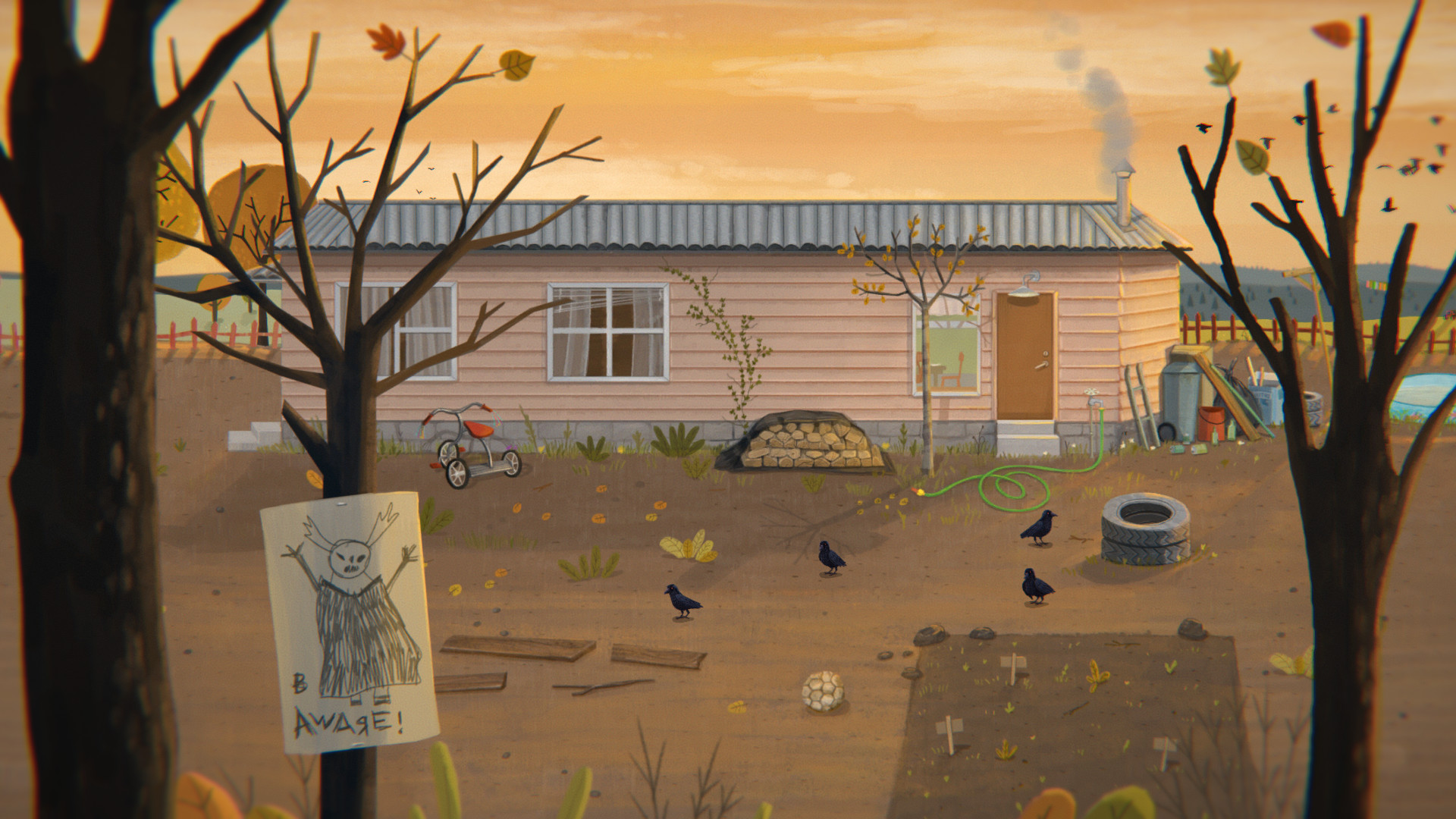
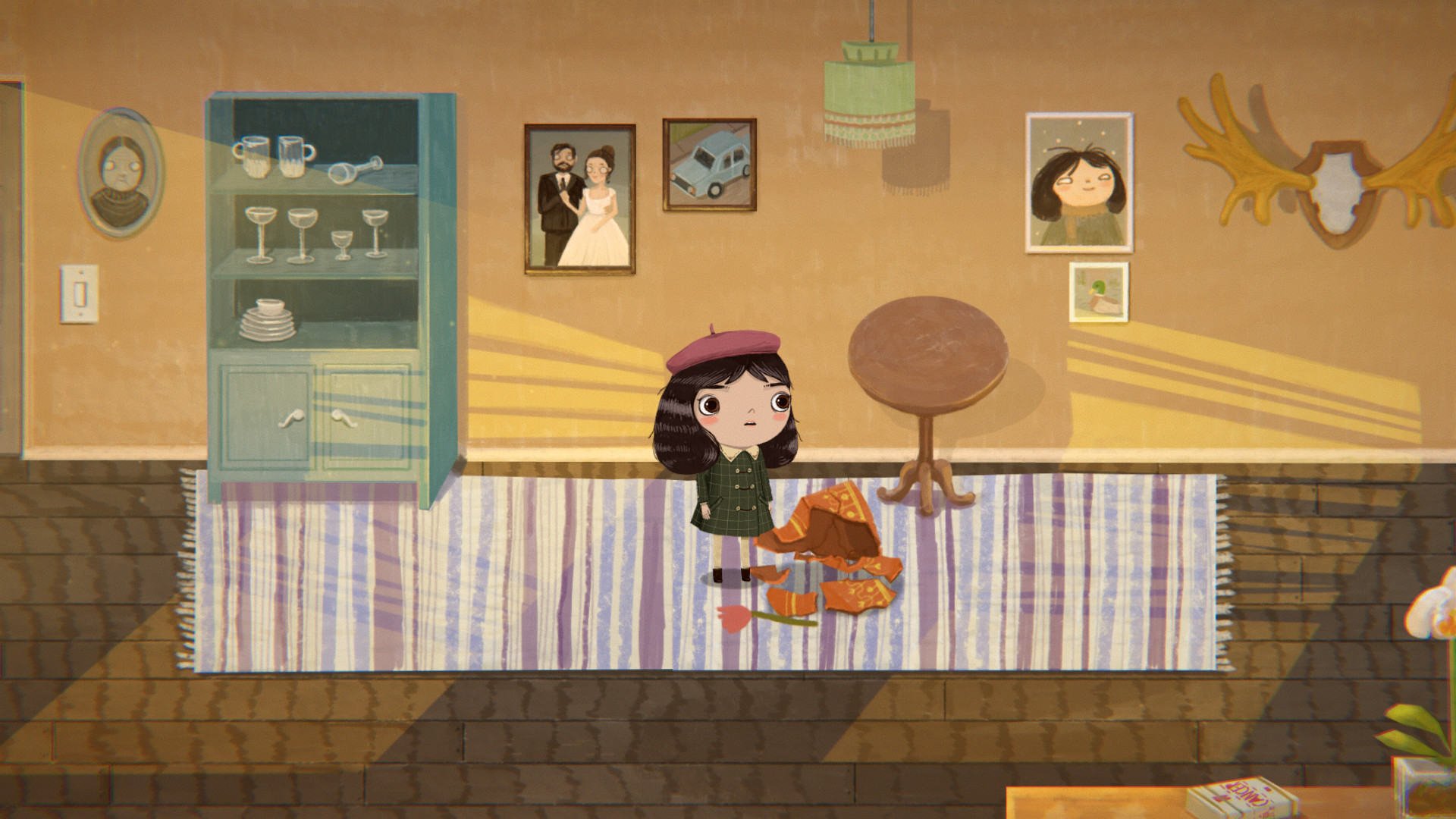
Little Misfortune is an interactive story that follows 8‑year‑old Misfortune Ramirez Hernandez as she searches for the prize of Eternal Happiness, a gift for her mother. The narrative blends sweet moments with darker themes, and each choice you make influences how the tale unfolds.
The game showcases original art by Natalia Martinsson and a soundtrack by Isak Martinsson. It runs on Windows, macOS and Linux, offers partial controller support, Steam Cloud saves, Remote Play on phone or tablet, and can be shared through Family Sharing.
01 / THE GUIDE
Story and Choices
The core experience is an interactive story that emphasizes exploration and encounters with characters ranging from whimsical to unsettling. Misfortune, an imaginative eight‑year‑old, is guided by the mysterious Mr. Voice as they wander through a forest seeking Eternal Happiness.
Every decision you make is presented as a choice that can alter the direction of the narrative. The game explicitly states that your choices have consequences, meaning the story can shift in tone or outcome based on how you respond to dialogue and events.
- Read each dialogue option carefully; subtle wording often hints at the upcoming impact.
- Consider keeping a brief note of major choices to track how the story diverges.
02 / THE GUIDE
Pet Interactions
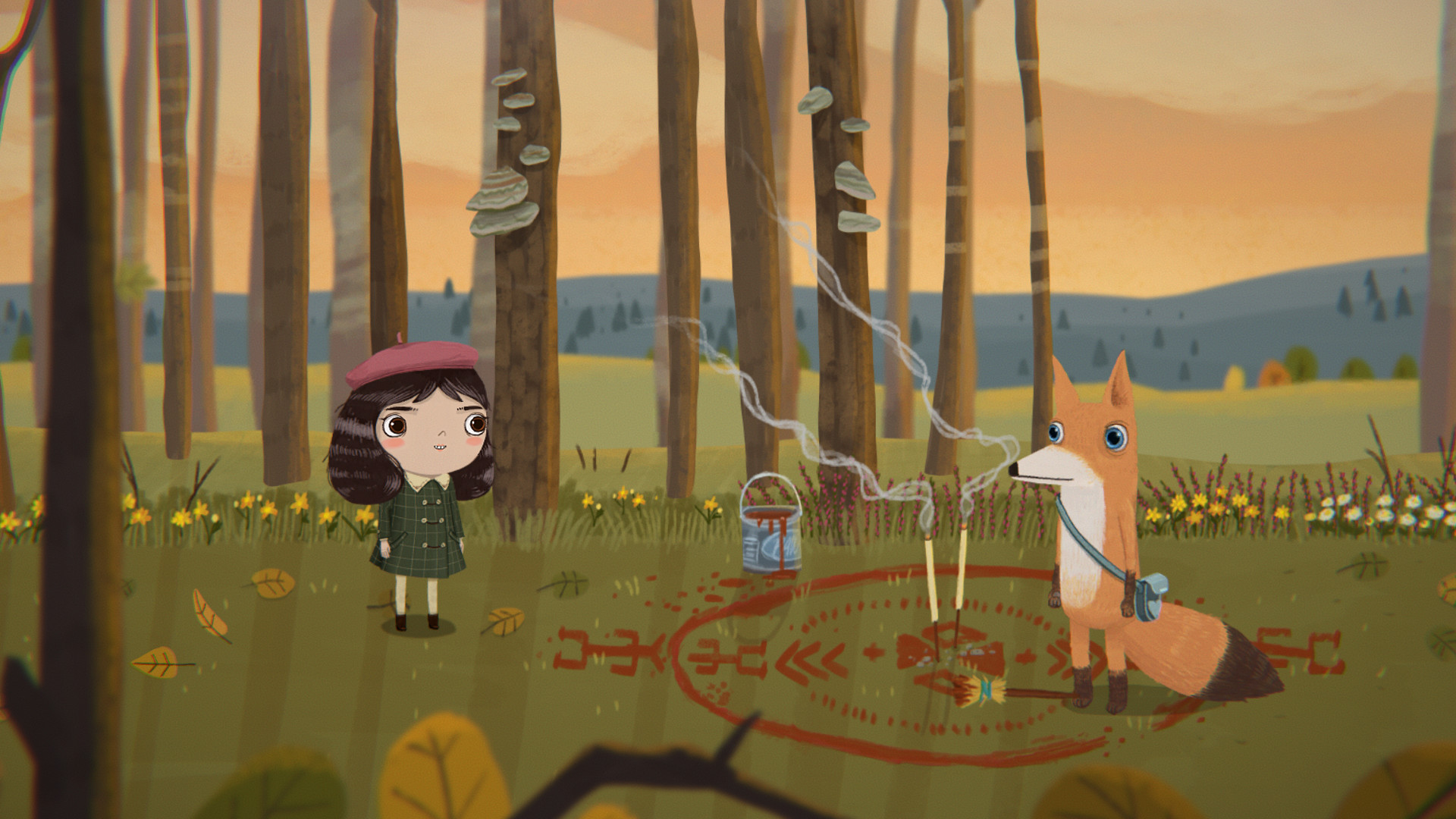
Players can pet a variety of creatures, including a doggy, fishy, wolfie, Kraken, kitty and foxy. These moments add whimsical charm and occasionally provide visual or auditory hints about the world you are exploring.
A pet cemetery is also accessible, and a shovel can be used there. This location introduces a darker contrast to the lighter pet‑petting scenes, reinforcing the game’s blend of sweet and grim elements.
- Try each pet to notice any unique animation or sound that accompanies the interaction.
- Visit the pet cemetery early to observe how its tone differs from the more playful pet encounters.
03 / THE GUIDE
Audio and Voice
The title now features real human voices, allowing Misfortune to say cute lines that enhance immersion. Voice work adds personality to characters and can highlight emotional beats within the story.
The original soundtrack, composed by Isak Martinsson, shifts between playful and eerie tones. Music cues often align with narrative moments, helping to set the mood for both lighthearted exploration and tense encounters.
- Listen for vocal cues that may foreshadow upcoming events.
- Balance the volume between voice lines and music to keep dialogue clear.
04 / THE GUIDE
Art and Music
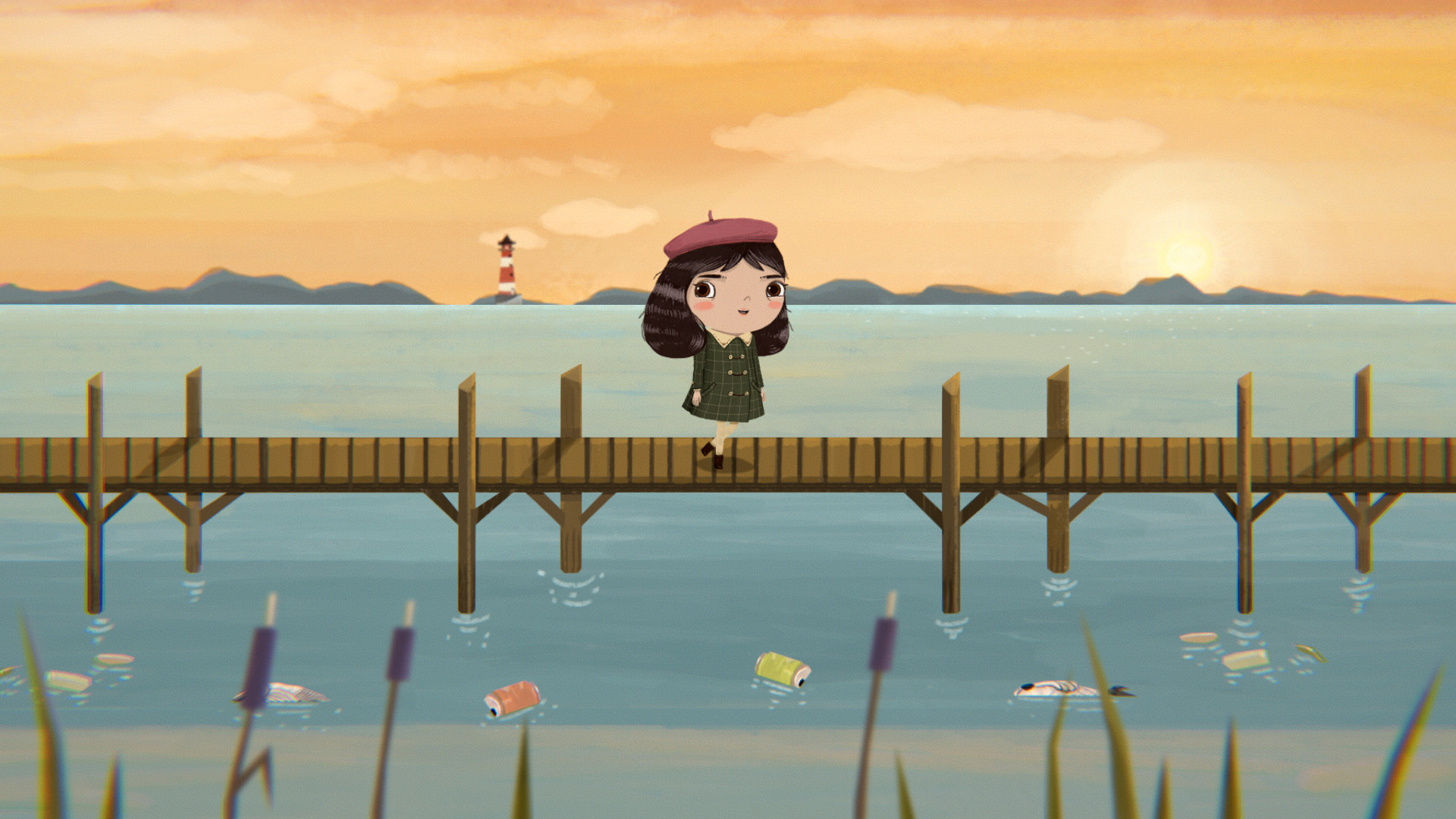
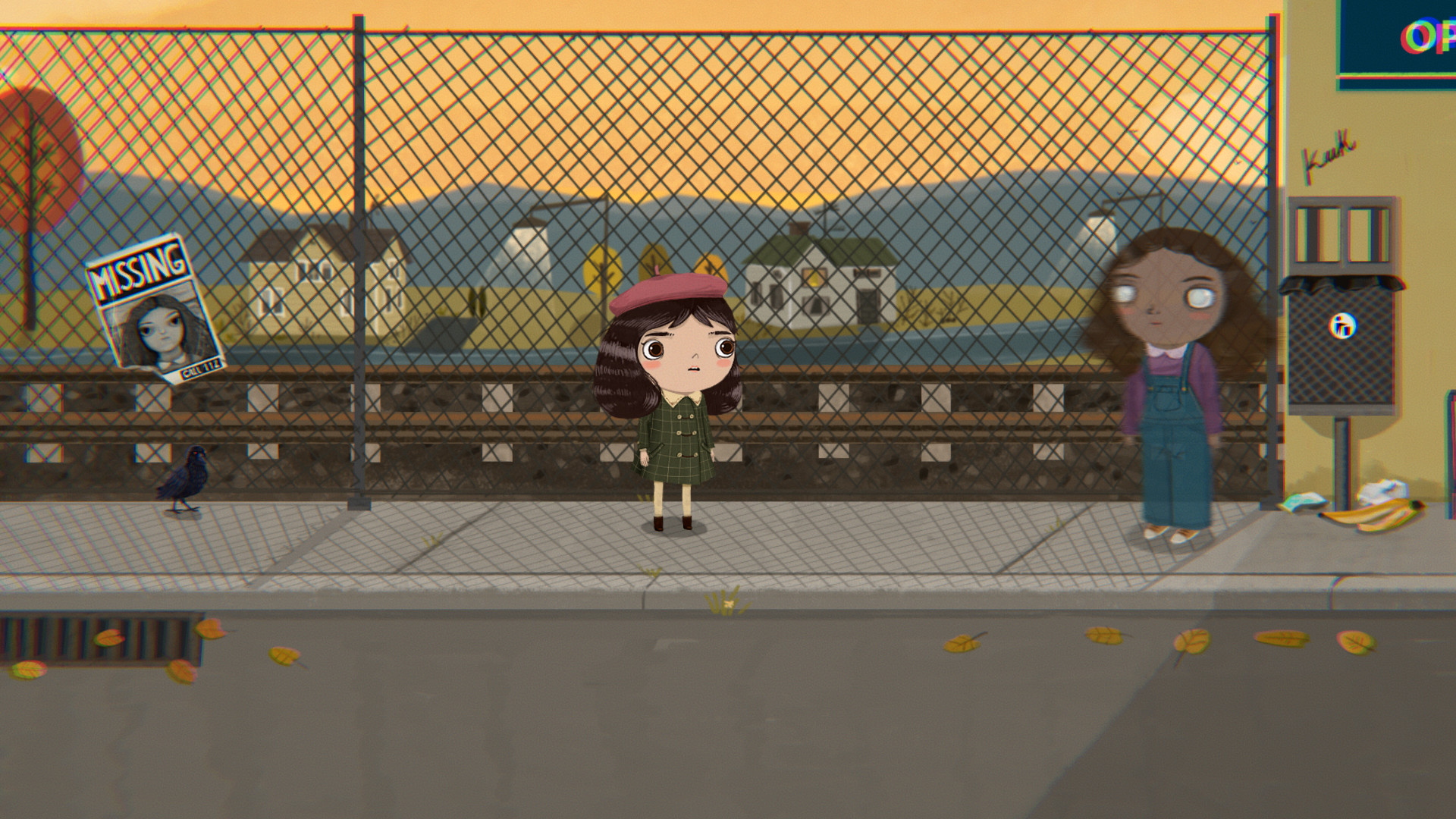
Original art by Natalia Martinsson defines the visual style, mixing bright colors with unsettling details. The artwork supports both whimsical and darker narrative moments, often providing visual hints about the story’s direction.
Isak Martinsson’s soundtrack underlines each scene, reinforcing mood changes. Musical motifs repeat during similar story beats, helping players recognize thematic connections across different parts of the adventure.
- Pause to examine background details; they sometimes foreshadow plot points.
- Notice recurring musical phrases that appear during comparable narrative situations.
05 / THE GUIDE
Platform Features
Little Misfortune runs on Windows, macOS and Linux and is a single‑player title. Steam Cloud synchronizes save data, allowing you to continue the story on any supported device that accesses your Steam library.
Partial controller support lets you navigate the story with a gamepad, while Remote Play on phone or tablet enables continuation on mobile devices. Family Sharing permits multiple accounts to access the same purchased copy.
- Enable Steam Cloud in the client to keep progress across devices.
- Experiment with controller navigation to find a layout that feels comfortable.
COMMUNITY
Player discussion