 GameWiki
GET YOUR BEARINGS
About Little Inferno
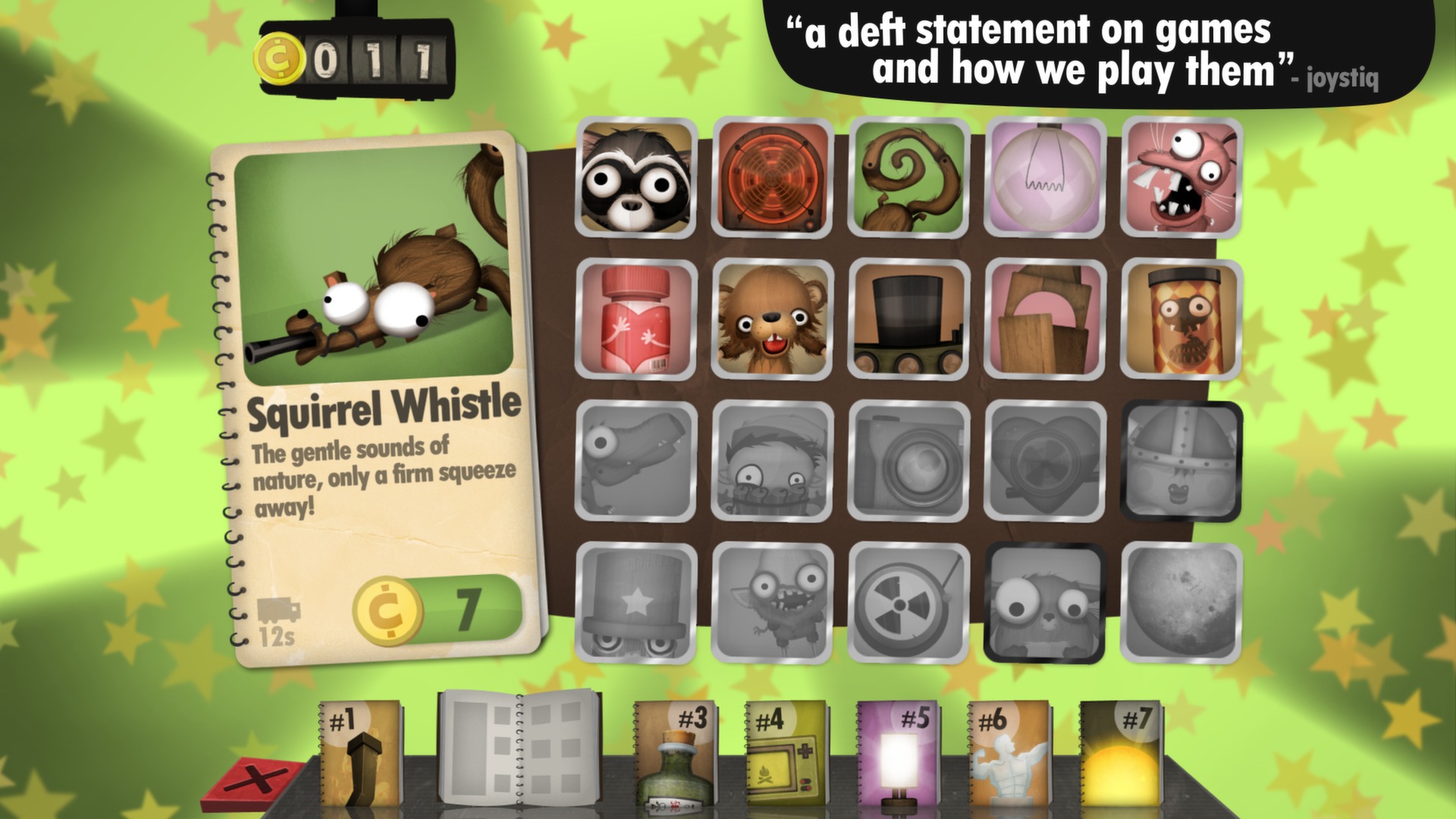
Little Inferno is an indie adventure where players place objects on a virtual fireplace and watch them burn. The game’s humor comes from the absurd items—robots, credit cards, exploding fish—and the quiet narrative that unfolds beyond the flames.
Developed by Tomorrow Corporation, the title sold over a million copies and runs on Windows, macOS, and Linux. It offers single‑player play with Steam achievements, trading cards, cloud saves, and family‑sharing support, all without ads or in‑app purchases.
01 / THE GUIDE
Gameplay Mechanics
Players receive a list of objects that can be purchased and then tossed into the fireplace. Each item reacts uniquely as it burns, providing visual and textual feedback. The core loop encourages experimentation, as experimenting with different items reveals the game's humor while the fire keeps the player warm against the cold outside.
- Try mixing mundane and bizarre items to see how each reacts as it burns.
- Observe how each object’s burn time differs; as you watch each one burn.
02 / THE GUIDE
Narrative Setting
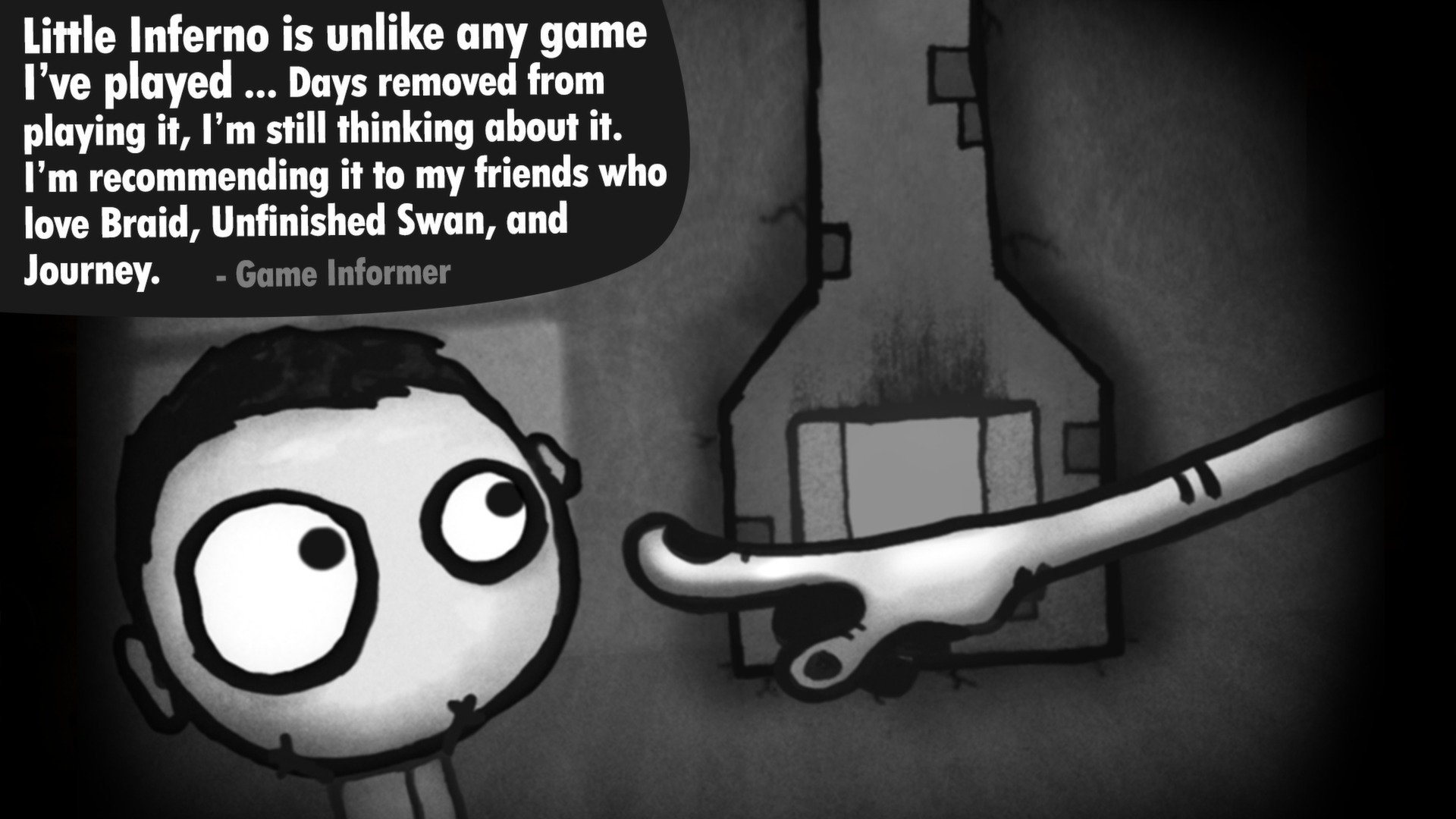
The entire experience occurs in front of a fireplace, with the world beyond hinted at through a chimney view. The cold outside serves as a backdrop to the warm, burning room. Story fragments appear as the player progresses, gradually revealing more about the cold world beyond the wall.
- Pay attention to the story elements that surface as you play.
- Notice the contrast between the cozy fire and the cold outside.

03 / THE GUIDE
Achievements & Trading Cards
Little Inferno integrates Steam achievements that reward specific actions, for in-game actions. Steam trading cards are also available, reflecting the game’s aesthetic. These features add collectible goals without altering core gameplay, offering extra motivation for completionists.
- Check the achievement list to target unique burn combos.
- Collecting all trading cards can showcase your progress on your profile.
04 / THE GUIDE
Platform Availability
The game runs on Windows, macOS, and Linux, ensuring broad accessibility for PC users. No console versions are listed, keeping the experience focused on desktop platforms. The game is available across these operating systems, with Steam handling distribution and updates.
- Verify your OS compatibility before purchase.
- Use Steam’s automatic updates to stay current.
05 / THE GUIDE
Family Sharing
Steam’s Family Sharing feature lets multiple accounts access Little Inferno from a single purchase. This enables friends or family members to play without buying separate copies. Sharing does not affect the single‑player nature of the game; each user plays the single-player game on their own.
- Enable Family Sharing in Steam settings to let others try the game.
- Check Steam's Family Sharing guidelines for any usage limits.


COMMUNITY
Player discussion