 GameWiki
GET YOUR BEARINGS
About Little Corners
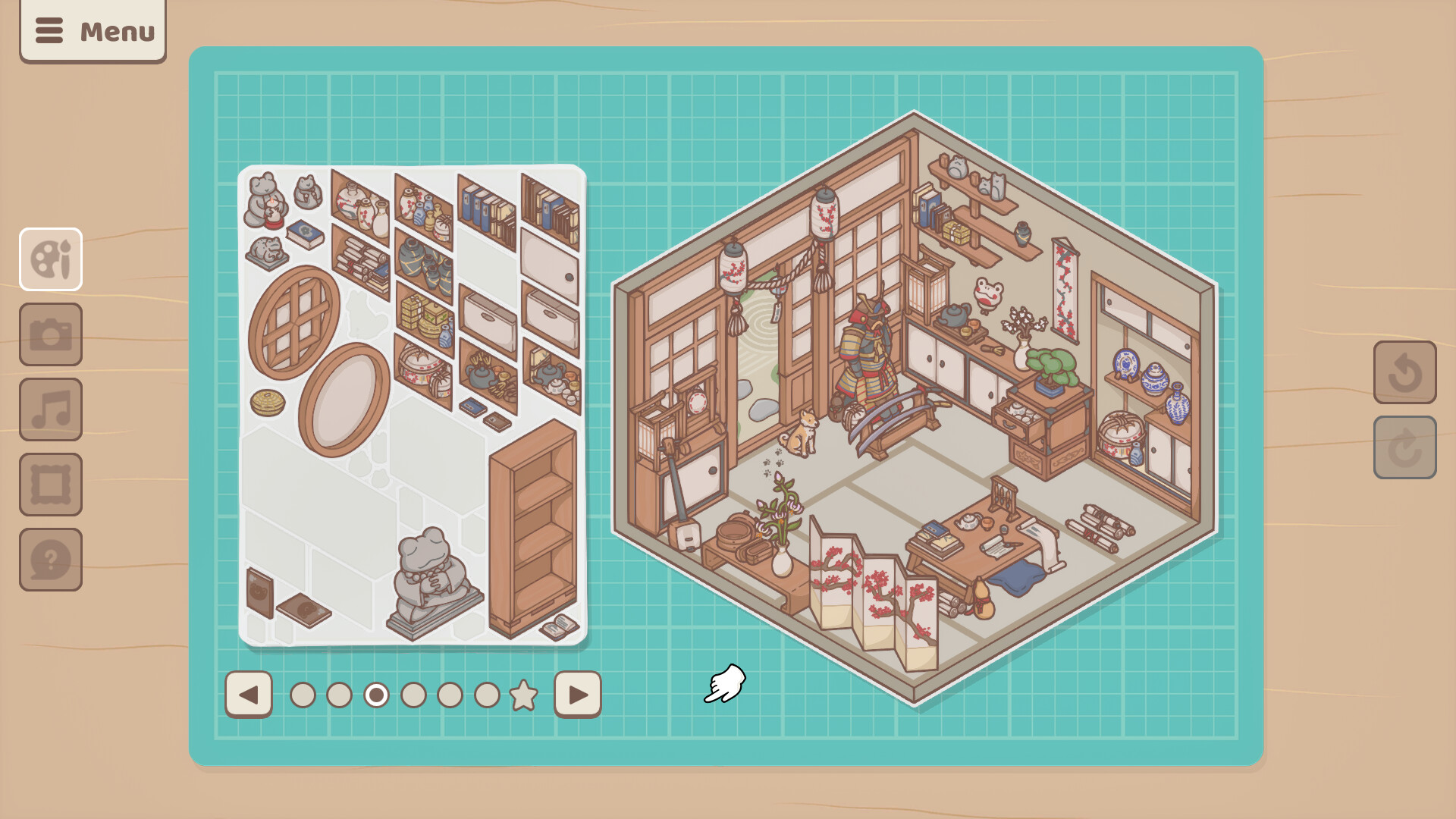
Little Corners invites players to craft tiny worlds using a vast collection of stickers, echoing the tactile joy of sticker books. Starting from a blank canvas, you can place furniture, trinkets, and fluffy animals while listening to relaxed lofi beats.
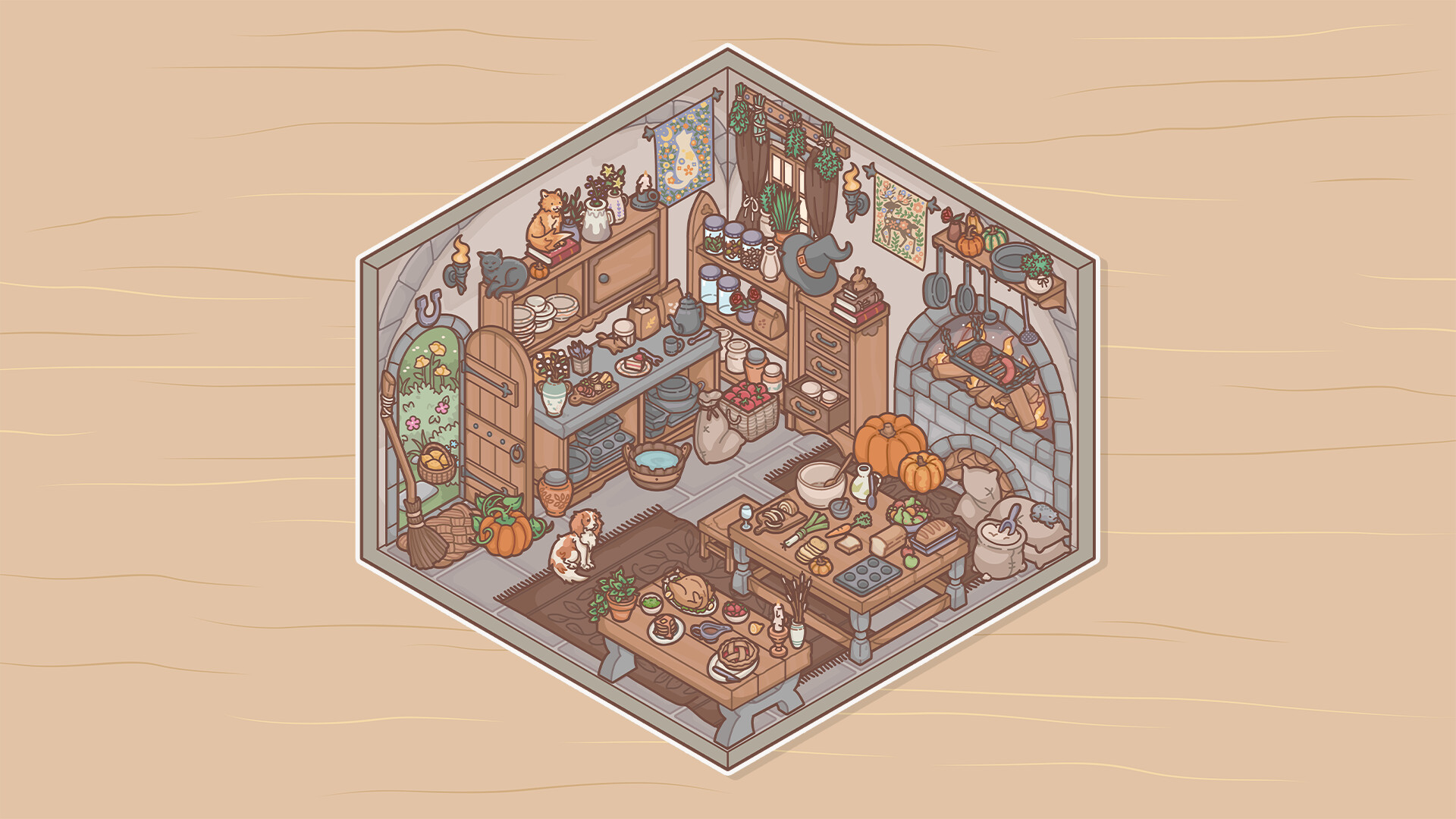
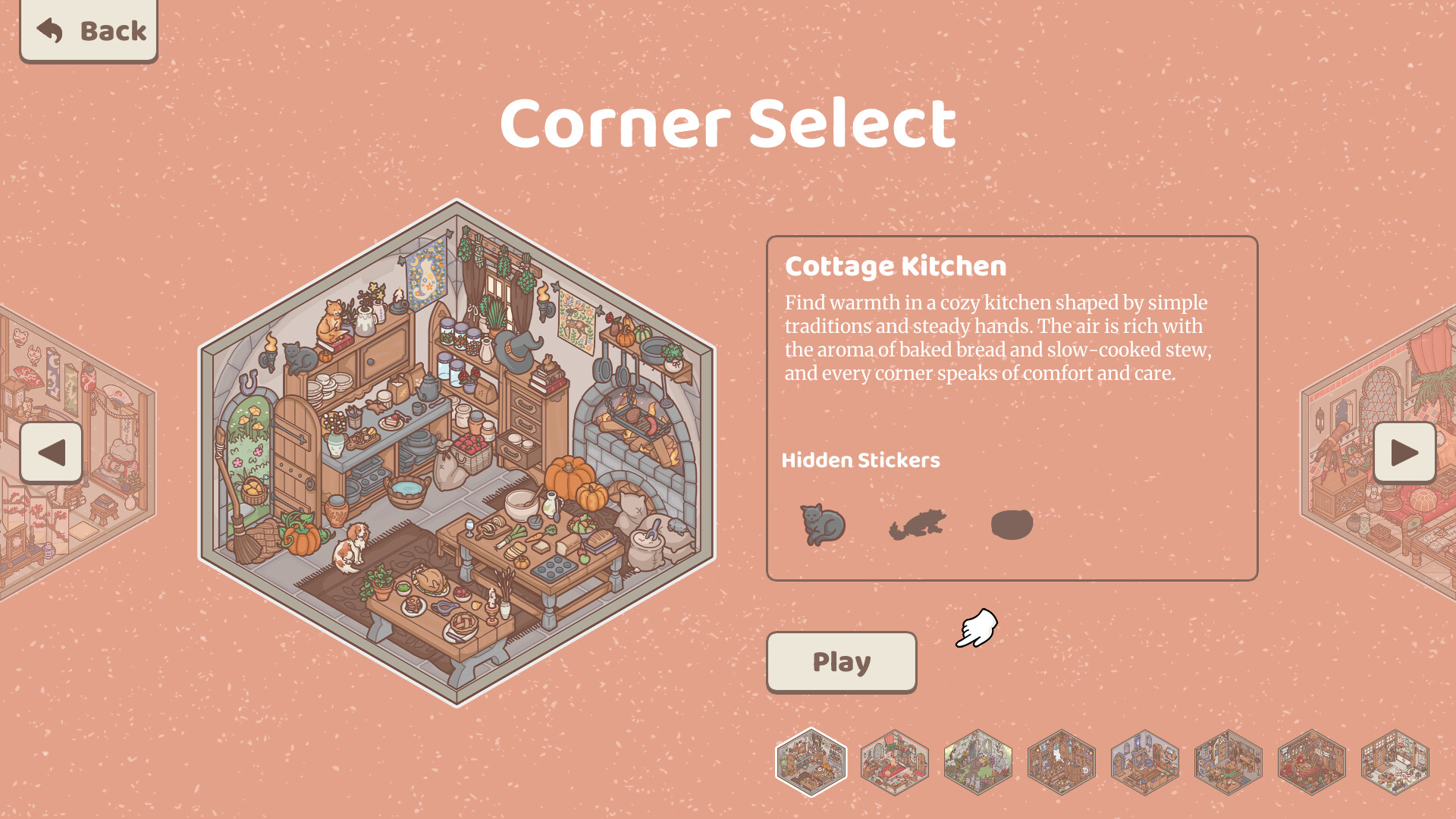
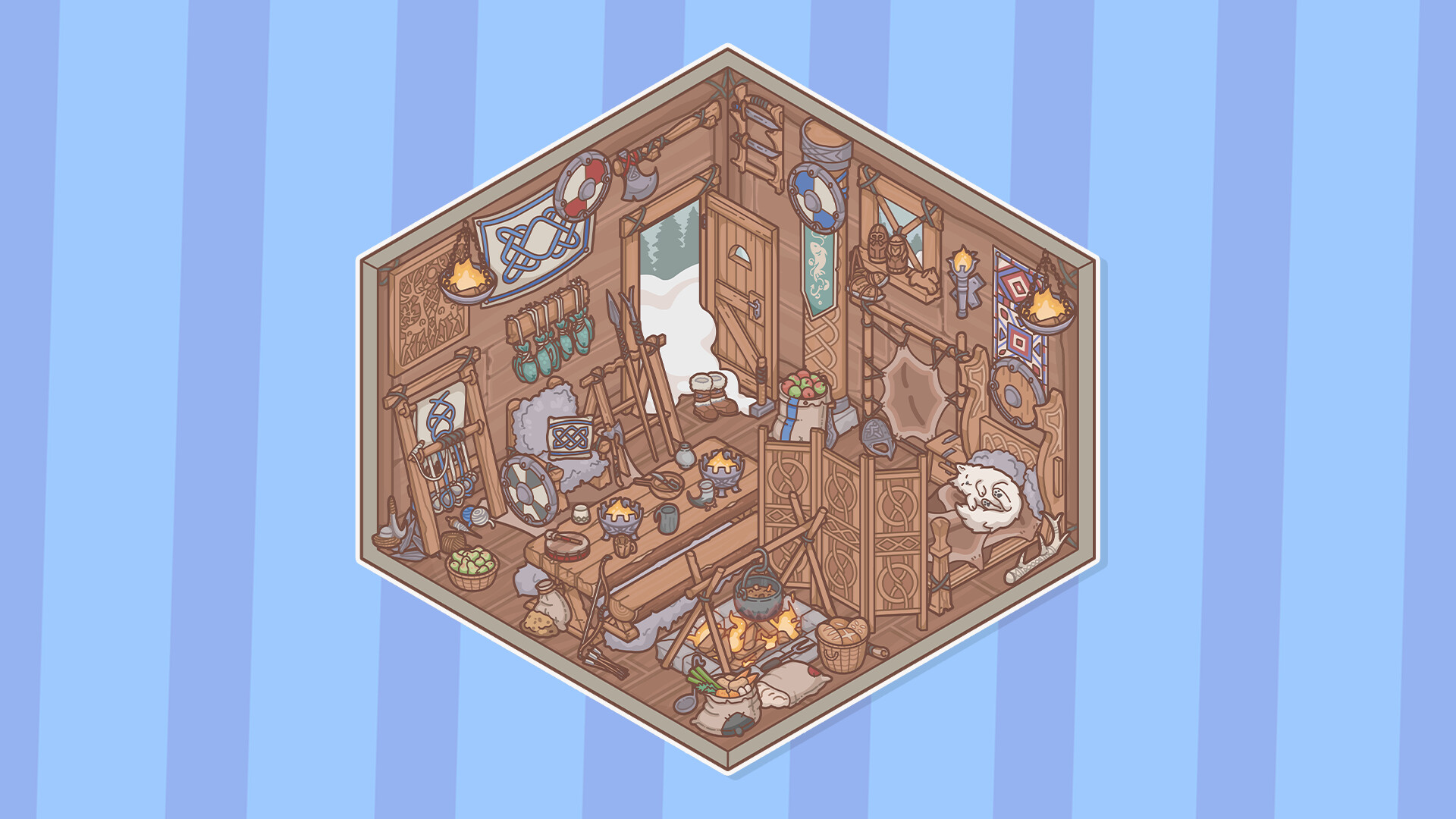
The game offers eight distinct corners—such as a bustling tavern, an alchemist’s tower, and a sea captain’s quarters—each hiding secret stickers to discover. Customization tools let you adjust cursor size, transparency, and workspace backgrounds, and you can capture your designs with an in‑game screenshot feature.
01 / THE GUIDE
Sticker Placement & Creation
You begin with an empty space and add stickers to build a scene, arranging furniture, trinkets, and animals as you wish. The process is described as “peeling, placing and discovering” all the stickers available. Hidden stickers are scattered throughout each corner, encouraging experimentation with different combinations to uncover them.
- Try layering stickers of varying transparency to add depth.
- Mix and match items from different corners for unexpected visual results.
02 / THE GUIDE
Exploring the Eight Corners
The game features eight fantastical locations, including a boisterous adventurer’s tavern, a mystical alchemist’s tower, and the quarters of a ruthless sea captain. Each area offers its own aesthetic and hidden stickers to find. Discovering these secret stickers rewards curiosity and encourages players to revisit corners with new sticker combinations.
- Spend time in each corner to notice subtle sticker placements.
- Use the lofi soundtrack as a cue for relaxed exploration.
03 / THE GUIDE
Customization Options
Players can modify cursor size and transparency, adjust audio settings, and personalize the workspace with various backgrounds and mats. These options let you tailor the creative environment to your preferences. The game also includes color alternatives and custom volume controls, providing further visual and auditory flexibility.
- Adjust cursor transparency for finer sticker placement.
- Select a background that complements your sticker palette.
04 / THE GUIDE
Audio & Atmosphere
A lofi beat soundtrack plays while you arrange stickers, creating a chill atmosphere that matches the casual nature of the game. Custom volume controls let you balance music with any ambient sounds you prefer. The audio experience is designed to be soothing, supporting long sessions of creative placement without pressure.
- Lower the music volume if you prefer a quieter workspace.
- Use the custom volume controls to match the beat with your creative rhythm.
05 / THE GUIDE
Saving & Sharing Creations
The game allows you to save anytime, with Steam Cloud support ensuring your designs persist across sessions. A built‑in screenshot feature lets you capture and share your rooms with the community. These tools make it easy to revisit past creations or showcase them for inspiration.
- Take screenshots after completing a corner to track progress.
- Steam Cloud is listed as a feature, alongside the ability to save anytime.

COMMUNITY
Player discussion