 GameWiki
GET YOUR BEARINGS
About Little Big Workshop
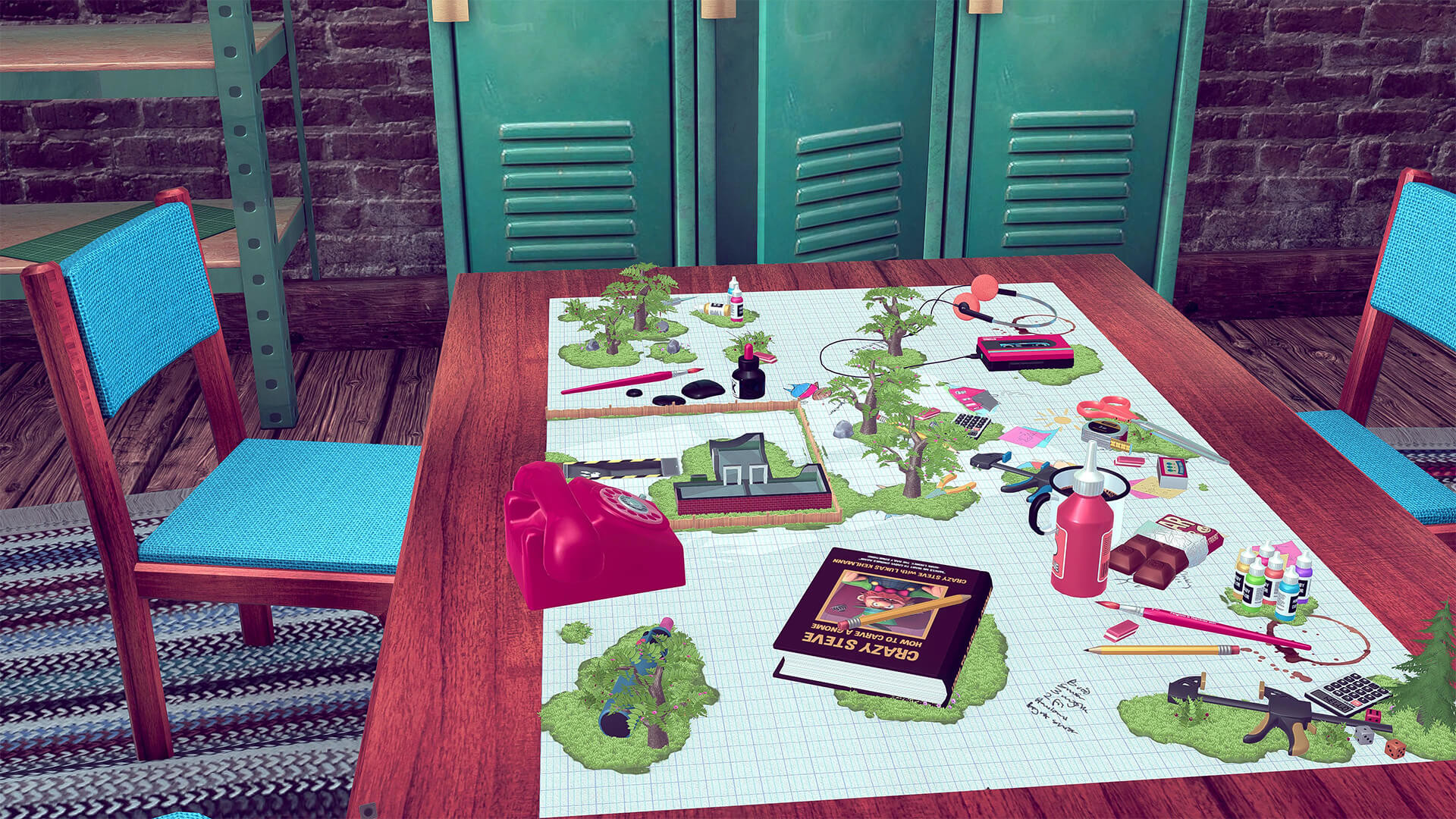
Little Big Workshop puts you in charge of a whimsical tabletop factory where you design production lines, hire cute workers and turn raw materials into a wide range of goods. Products range from rubber ducks to electric guitars, each built from multiple parts using different machines, and the cash earned can be reinvested to grow the workshop.
The game offers an open‑ended sandbox experience with a fully simulated day/night cycle, letting you expand from a tiny bench‑top shop to a desk‑filling operation. All actions are arranged on a blueprint, and you must meet client orders within a time limit while managing your workforce.
01 / THE GUIDE
Blueprint Planning
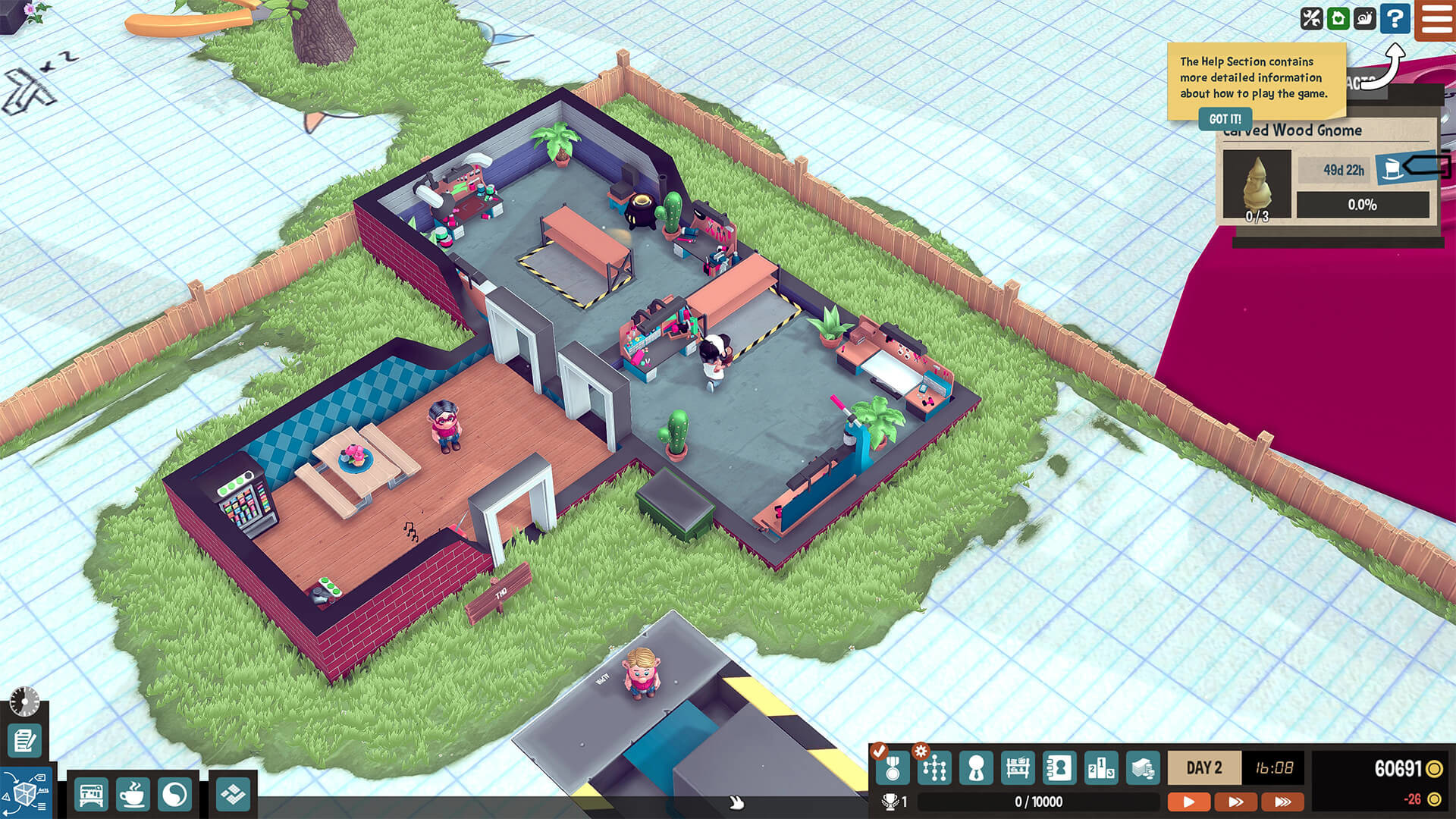
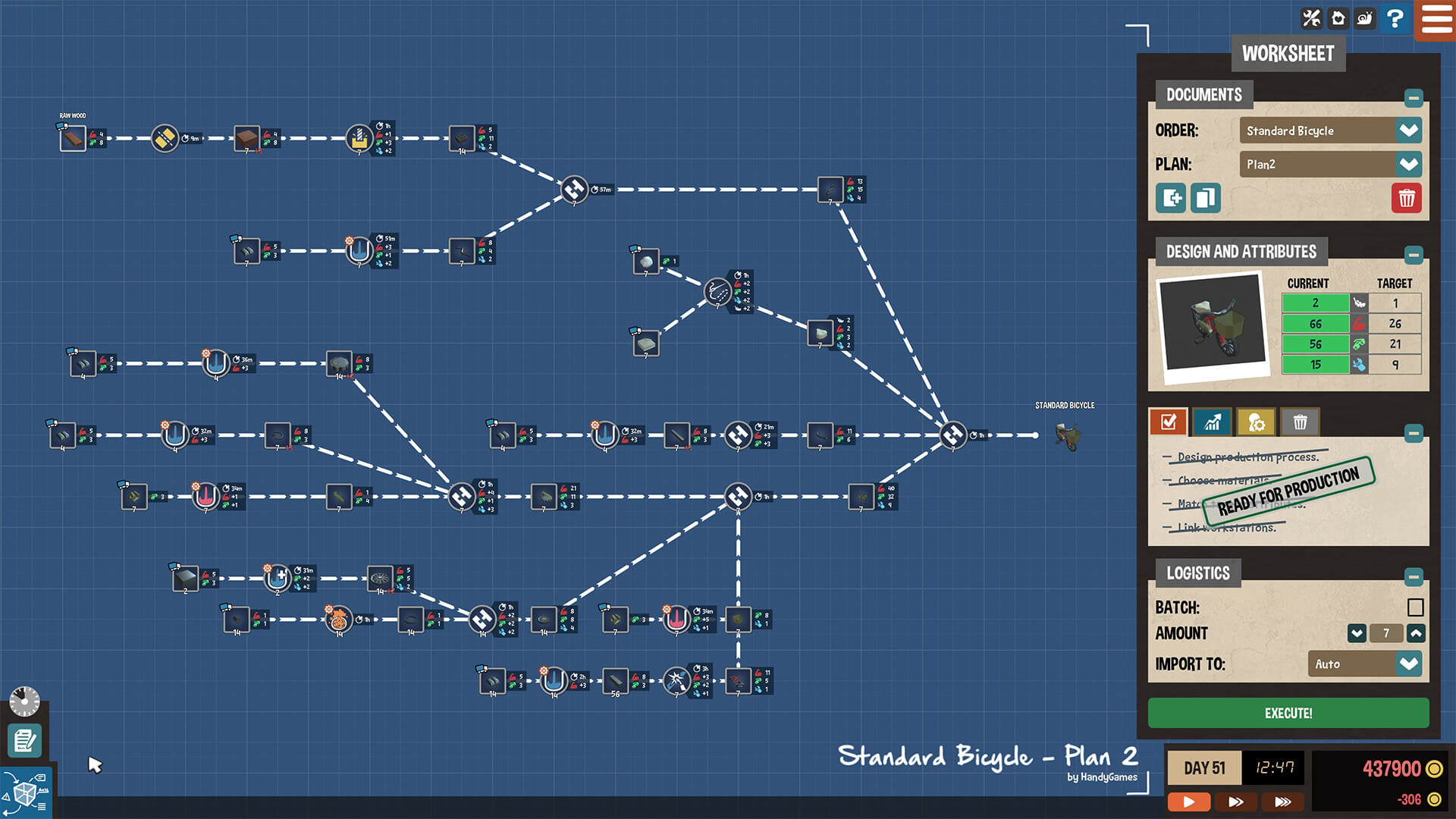
All production steps are placed on a blueprint, allowing you to position machines, conveyors and workstations in any layout you prefer. The blueprint acts as the visual core for organizing the flow of parts from raw material to finished product.
Because the blueprint is fully editable, you can rearrange machines and test different configurations until the line runs efficiently for each client order.
- Group machines that use the same material to shorten transport routes.
- Reserve empty space on the blueprint for future desk‑space unlocks.
02 / THE GUIDE
Worker Management
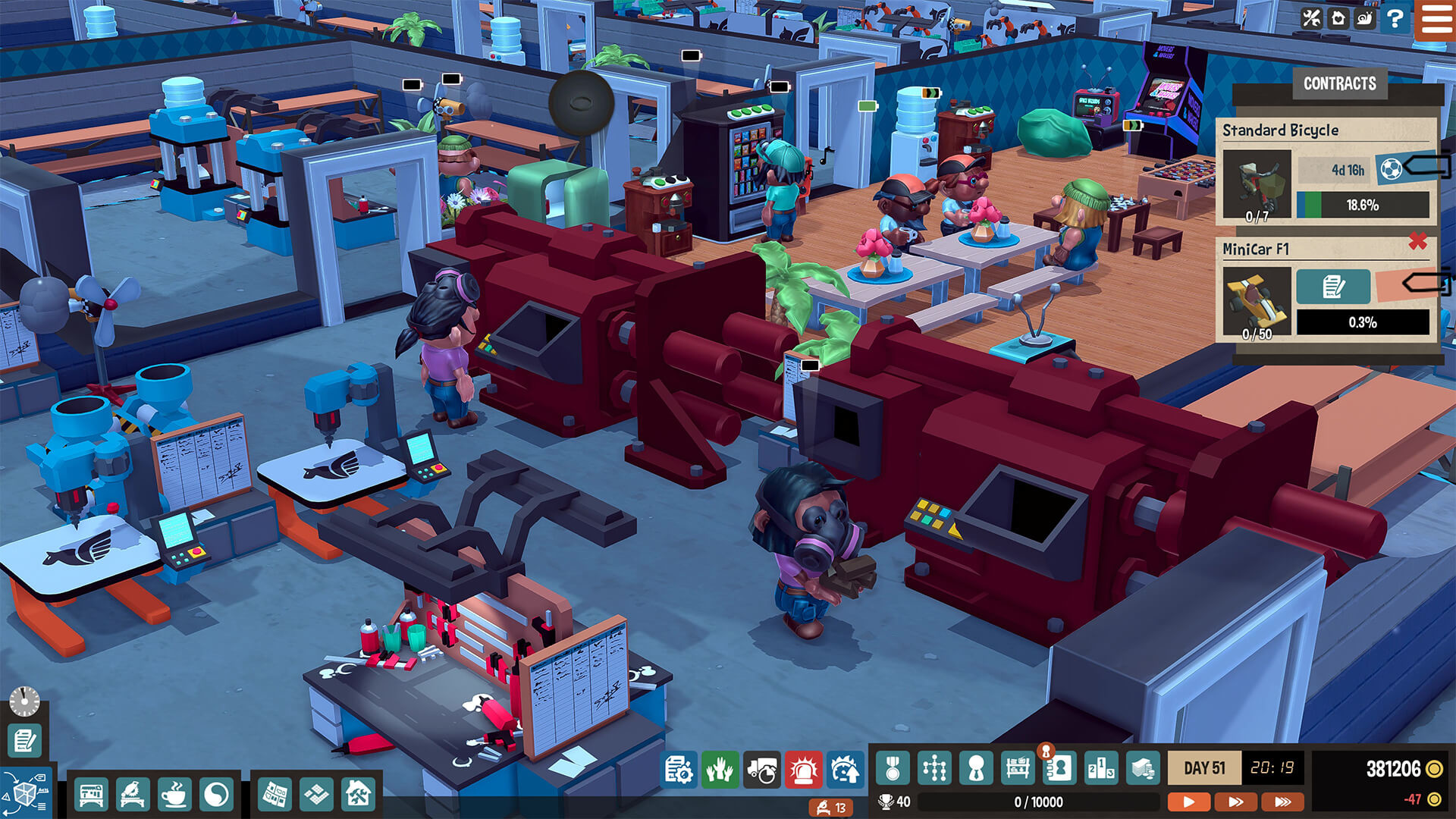
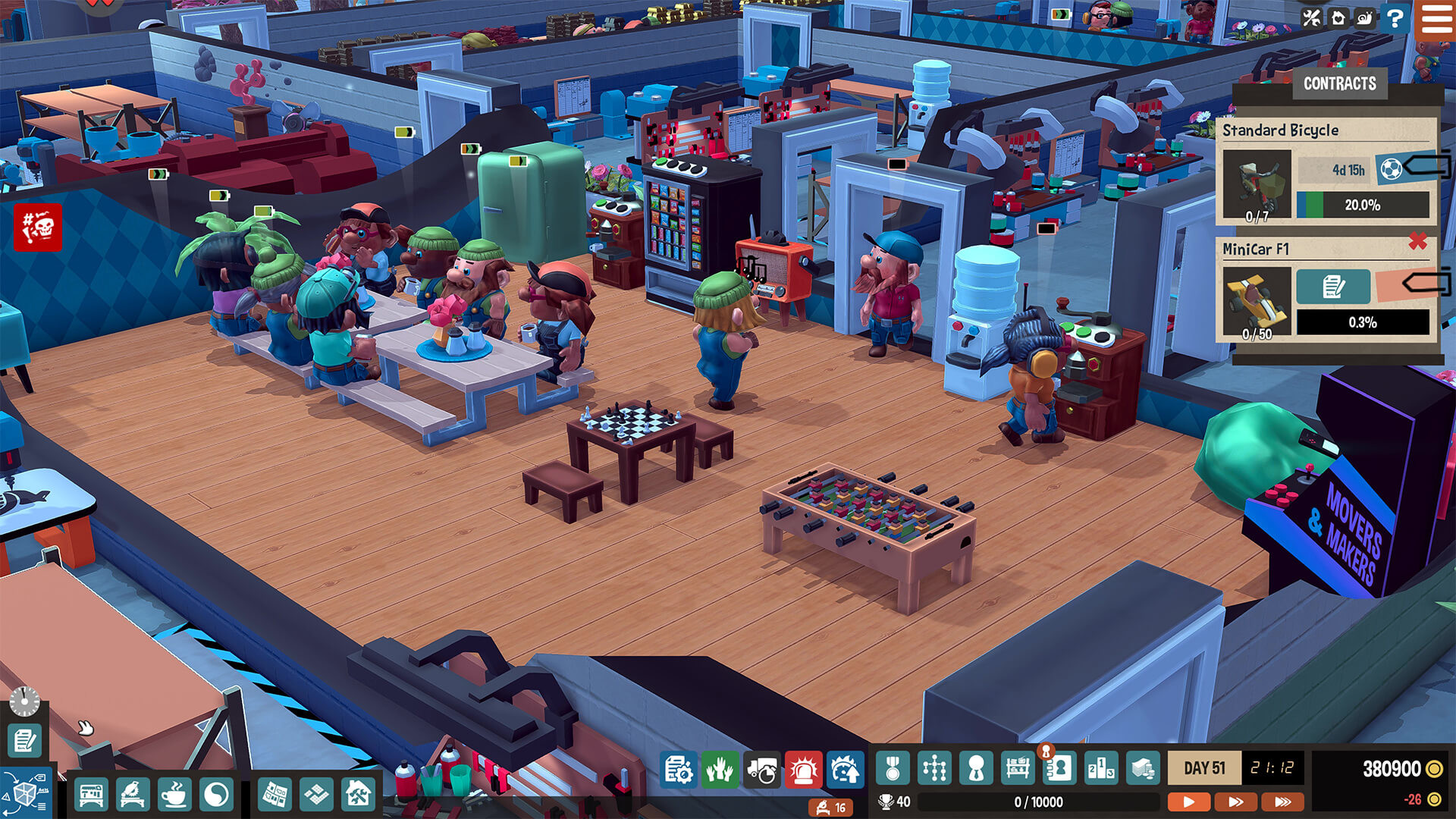
Cute workers perform the actual tasks on the factory floor, moving parts between machines and assembling final products. Their activity is essential for keeping production moving forward.
The description warns that overworking workers can cause them to drop, so balancing workload helps maintain a steady output.
- Watch for signs of overwork and give workers brief pauses when possible.
- Match the number of active stations to the number of workers to avoid bottlenecks.
03 / THE GUIDE
Product Variety
The game features over 50 unique product types, each composed of multiple parts and possible materials. This variety lets you respond to changing market demands and client requests.
Different products may require distinct machines or production methods, encouraging you to diversify your factory’s capabilities.
- Begin with simple products to learn machine interactions before tackling complex items.
- Rotate product focus periodically to keep the market dynamic.
04 / THE GUIDE
Factory Expansion
As you earn cash, you can purchase new machinery and unlock additional desk space, allowing the workshop to grow physically. More space lets you run multiple production lines at once.
Expansion is tied to the amount of money you reinvest, turning profits into larger, more capable factories.
- Unlock desk space early to give yourself room for future lines.
- Invest in versatile machines that can serve several product types.
05 / THE GUIDE
Day‑Night Cycle
A fully simulated day/night cycle runs in the background, providing a visual rhythm to factory operations. It marks the passage of time as you meet client deadlines.
The cycle provides a visual rhythm to factory operations as you plan and carry out your tasks.
- Use daylight periods for high‑output tasks and night periods for planning or maintenance.
- Observe how the visual cycle influences your pacing and adjust schedules accordingly.
COMMUNITY
Player discussion