 GameWiki
GET YOUR BEARINGS
About Little Big Adventure
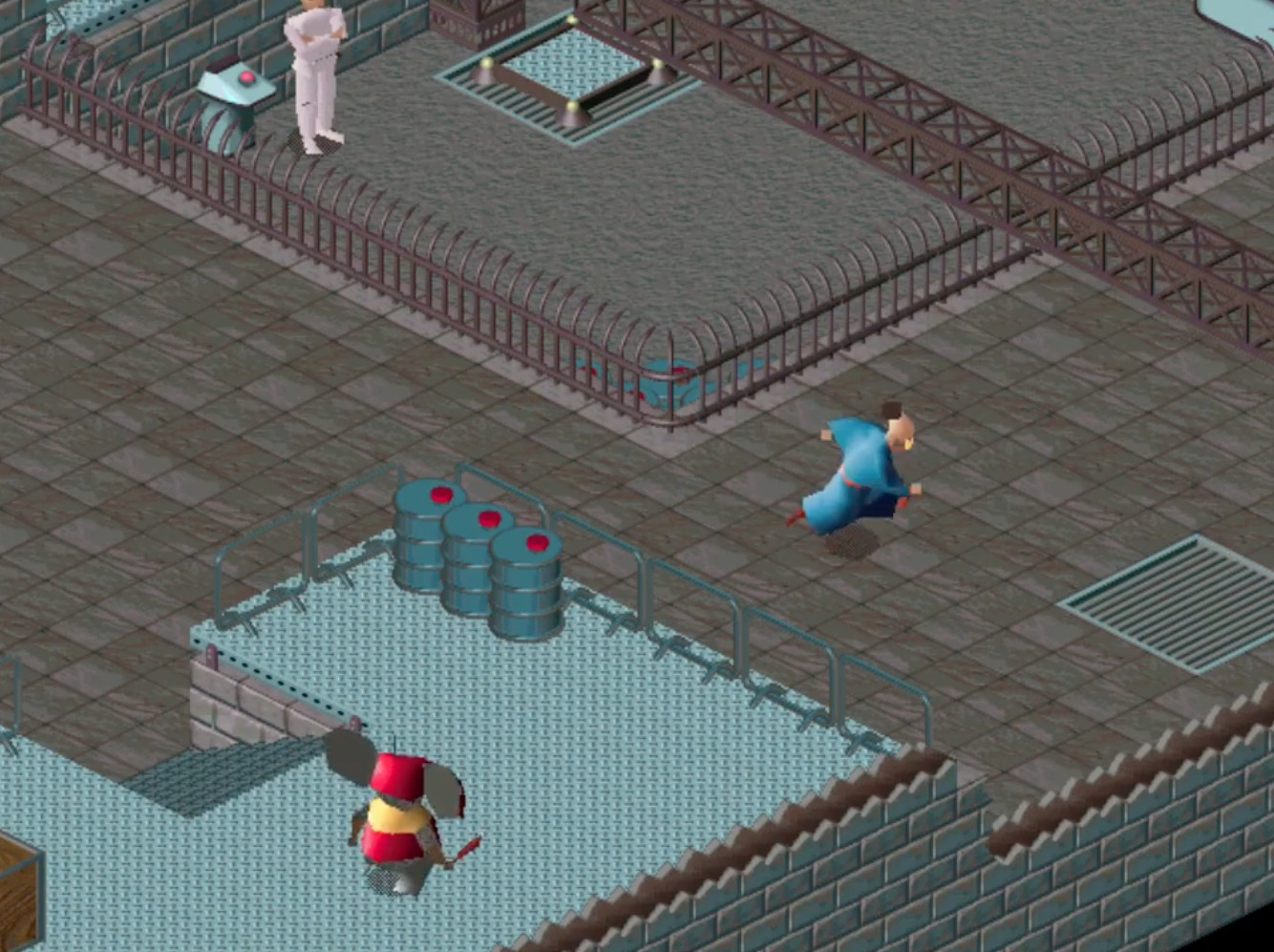
Little Big Adventure Classic, first released in 1994, follows Twinsen, a young Quetch on the twin‑sun planet Twinsun. He must escape an asylum, confront the dictator Dr FunFrock, and uncover his magical ancestry while traveling between islands and solving puzzles.
The 2022 Anniversary Update adds a New Game+ mode, full controller support with input remapping, Steam achievements, cloud saves, a wall‑collision toggle, and windowed display options, giving both newcomers and returning players fresh ways to experience the classic adventure.
01 / THE GUIDE
New Game+ Mode
The update introduces a New Game+ mode that lets players start the story already equipped with end‑game items such as the Magic Sabre, Protopack, and Magic Level 3. This starting point changes the early equipment but retains the original narrative and quest structure.
Because the story and puzzles remain unchanged, New Game+ primarily affects how early challenges feel. Players can compare the difficulty of initial encounters with and without the powerful gear to understand its impact.
- Play the opening area twice—once normally, once in New Game+—to notice any difficulty shift.
- Observe how the Magic Sabre influences combat timing in early fights.
02 / THE GUIDE
Controller Support & Input Remapping
Full controller support allows the game to be played with any controller of the player's choice. The update also provides an input‑remapping menu so actions can be assigned to preferred buttons.
Remapping does not alter the game's content; it simply lets players configure controls to match their comfort, which can be useful for actions such as jumping or using the Magic Ball.
- Try different button layouts to find the most comfortable configuration.
- Check the remap menu after connecting a new controller to confirm all actions are assigned.
03 / THE GUIDE
Steam Achievements
The Anniversary Update adds a set of Steam achievements that track progress across various in‑game actions and milestones. These achievements can be pursued individually.
Unlocking all achievements provides a clear indicator of thorough play, encouraging thorough play without changing the core gameplay.
- Review the achievement list before a session to set short goals.
- Revisit earlier islands after gaining new items to discover missed achievements.
04 / THE GUIDE
Steam Cloud Saving
Steam Cloud integration stores save data online, allowing progress to persist across installations on the same Steam account. The feature works alongside the traditional local save system.
Cloud saves are useful for players who reinstall the game or switch between multiple PCs, ensuring continuity without manual file transfers.
- Verify cloud sync after a major checkpoint to avoid lost progress.
- Disable cloud temporarily if you prefer separate save files for experiments.
05 / THE GUIDE
Wall Collision Setting
A new setting lets players enable or disable damage from colliding with walls. When disabled, hitting walls no longer reduces health, which can make navigation smoother for newcomers.
Keeping the setting enabled preserves the wall-collision damage that the setting controls.
- Toggle the setting off while learning island layouts, then re‑enable for authentic difficulty.
- Combine the toggle with New Game+ gear to experiment with survivability.
COMMUNITY
Player discussion