 GameWiki
GET YOUR BEARINGS
About Little Big Adventure 2
Little Big Adventure 2 marks its 25th anniversary with a set of updates that refresh the 1997 action‑adventure title while keeping its quirky charm. Players resume Twinsen’s story, now able to start with powerful gear and benefit from modern conveniences such as cloud saves and a refined camera.
The update adds a New Game+ mode, an auto‑centered exterior camera, controller support with remappable inputs, Steam achievements, language selection, windowed display, and Steam Cloud saving. These features aim to make the classic experience smoother for contemporary play.
01 / THE GUIDE
New Game+ Mode
The anniversary update introduces a New Game+ mode that begins the story with items normally obtained at the end, such as the Emperor Sword, Blowtron, and Magic Level 4. This lets players experience the narrative while already equipped with powerful gear.
Starting with these items changes the early challenge balance, allowing exploration of later areas without the usual progression grind. It offers a different pacing for those revisiting the adventure.
- Compare early encounters with and without the end‑game gear to notice difficulty shifts.
- Experiment with alternative puzzle solutions using the powerful weapons.
02 / THE GUIDE
Auto Centered Camera
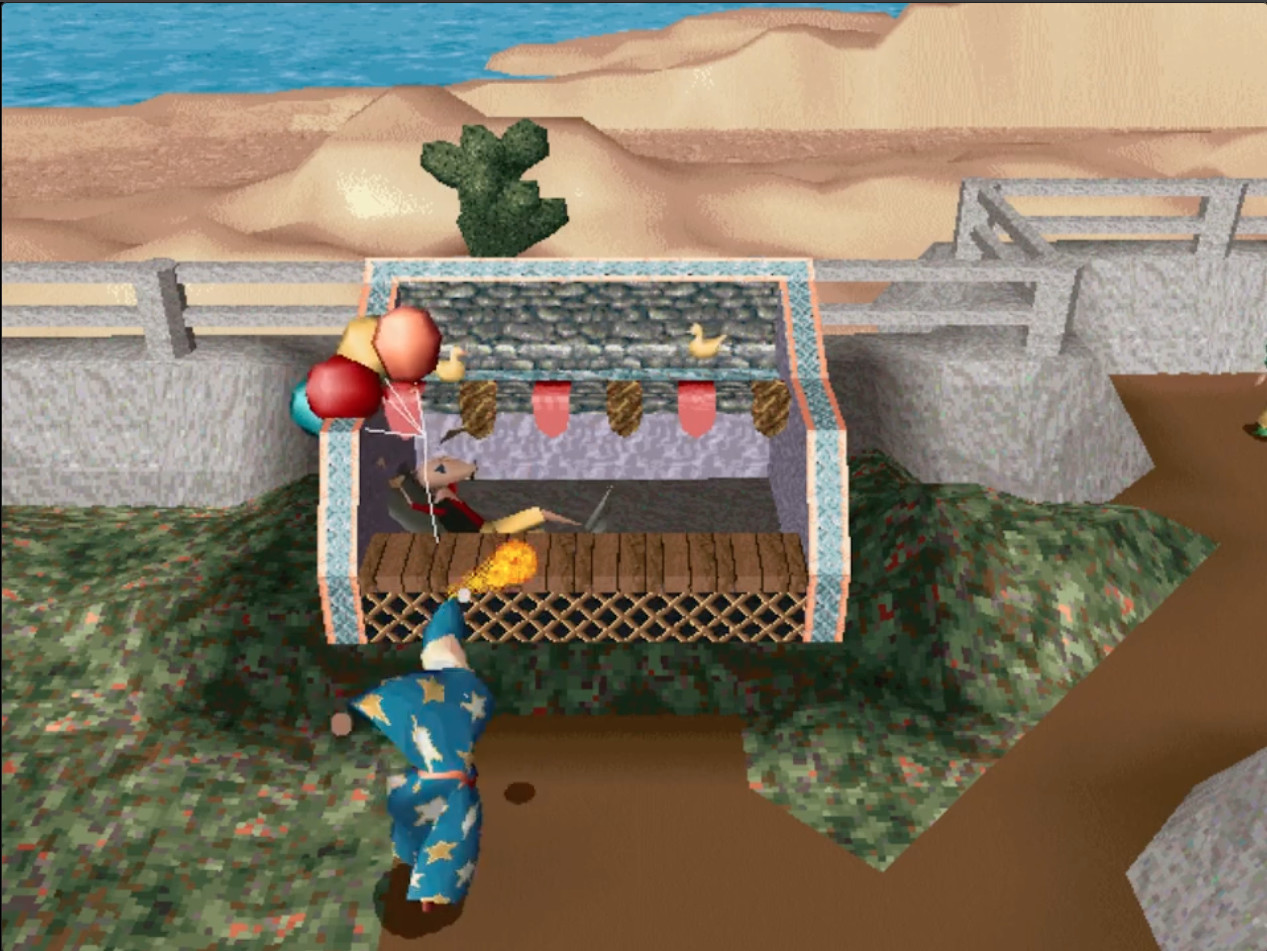
Exterior environments now feature an improved auto‑centered camera, keeping the view focused on Twinsen as he moves through open areas. The improved camera keeps the view centered on Twinsen in exterior environments.
The camera adjustment aims to reduce disorientation during exploration of islands and off‑world locations, making navigation smoother when transitioning between interior and exterior zones.
- Observe how the camera follows during fast movement to gauge its responsiveness.
- Notice any differences when moving from interior to exterior zones.
03 / THE GUIDE
Steam Achievements
Steam achievements have been added, giving players goals to unlock throughout the adventure. Each achievement corresponds to specific actions or milestones within the game.
Attempting to collect all achievements encourages thorough exploration and experimentation with the game's puzzles and combat.
- Track which achievements relate to hidden items for focused searching.
- Use the achievement list as a checklist for completing optional content.
04 / THE GUIDE
Controller Support & Input Remapping
The update adds controller support, allowing the game to be played with a controller of the player's choice. Input remapping lets users assign actions to preferred buttons.
These options provide flexibility for players who prefer gamepad layouts over other input methods.
- Experiment with different button layouts to find a comfortable configuration.
- Compare controller responsiveness with other input methods for precise actions.
05 / THE GUIDE
Steam Cloud Saving
Steam Cloud saving is now supported, enabling progress to be stored online. This allows players to continue their adventure on another device without losing saved data.
Cloud saves work alongside the new game modes, preserving the state of New Game+ progress as well.
- Verify cloud sync after major milestones to ensure data is backed up.
- Use cloud saves to test different difficulty settings without overwriting local progress.

COMMUNITY
Player discussion