 GameWiki
GET YOUR BEARINGS
About Liquor Store Simulator
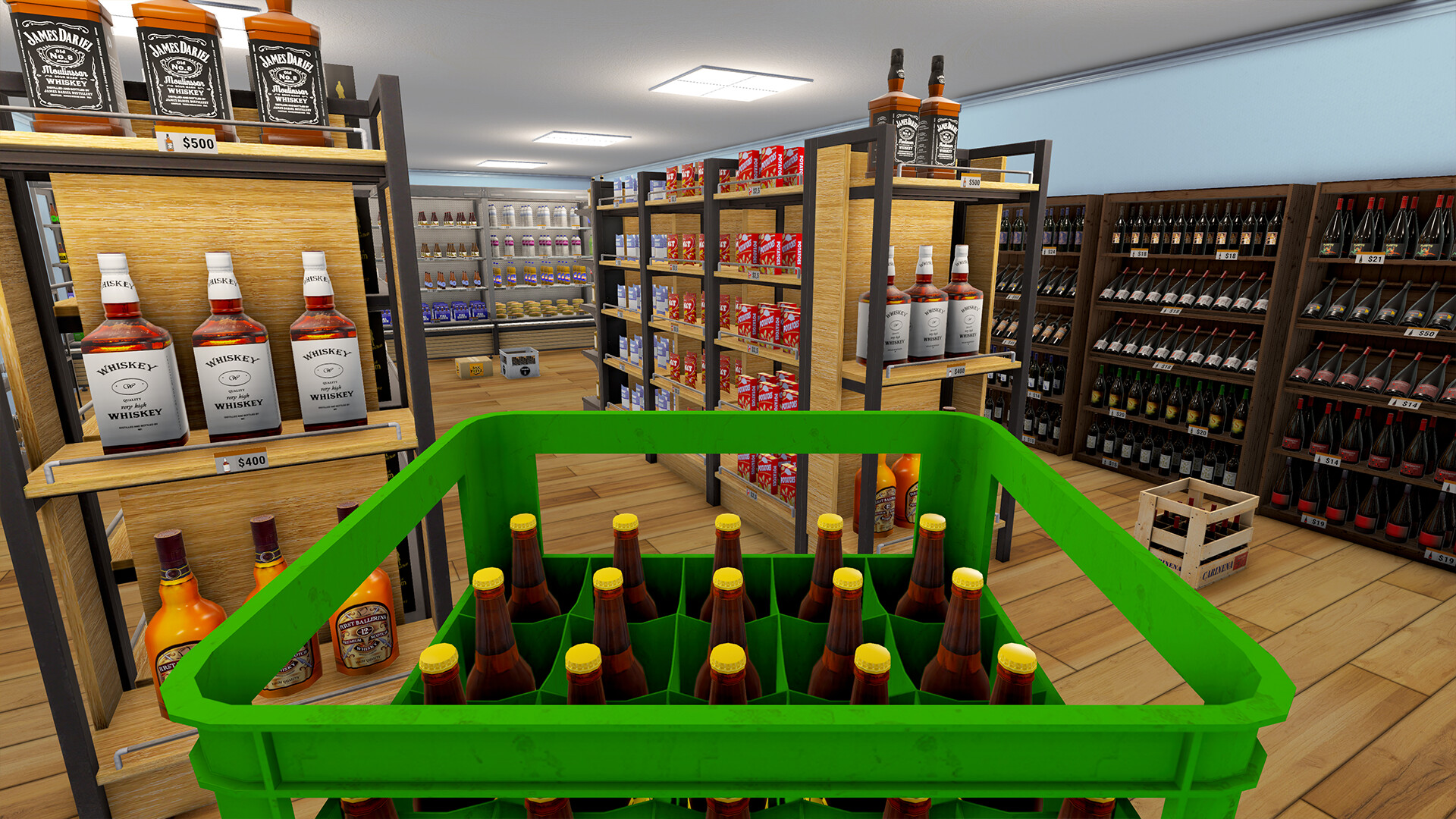
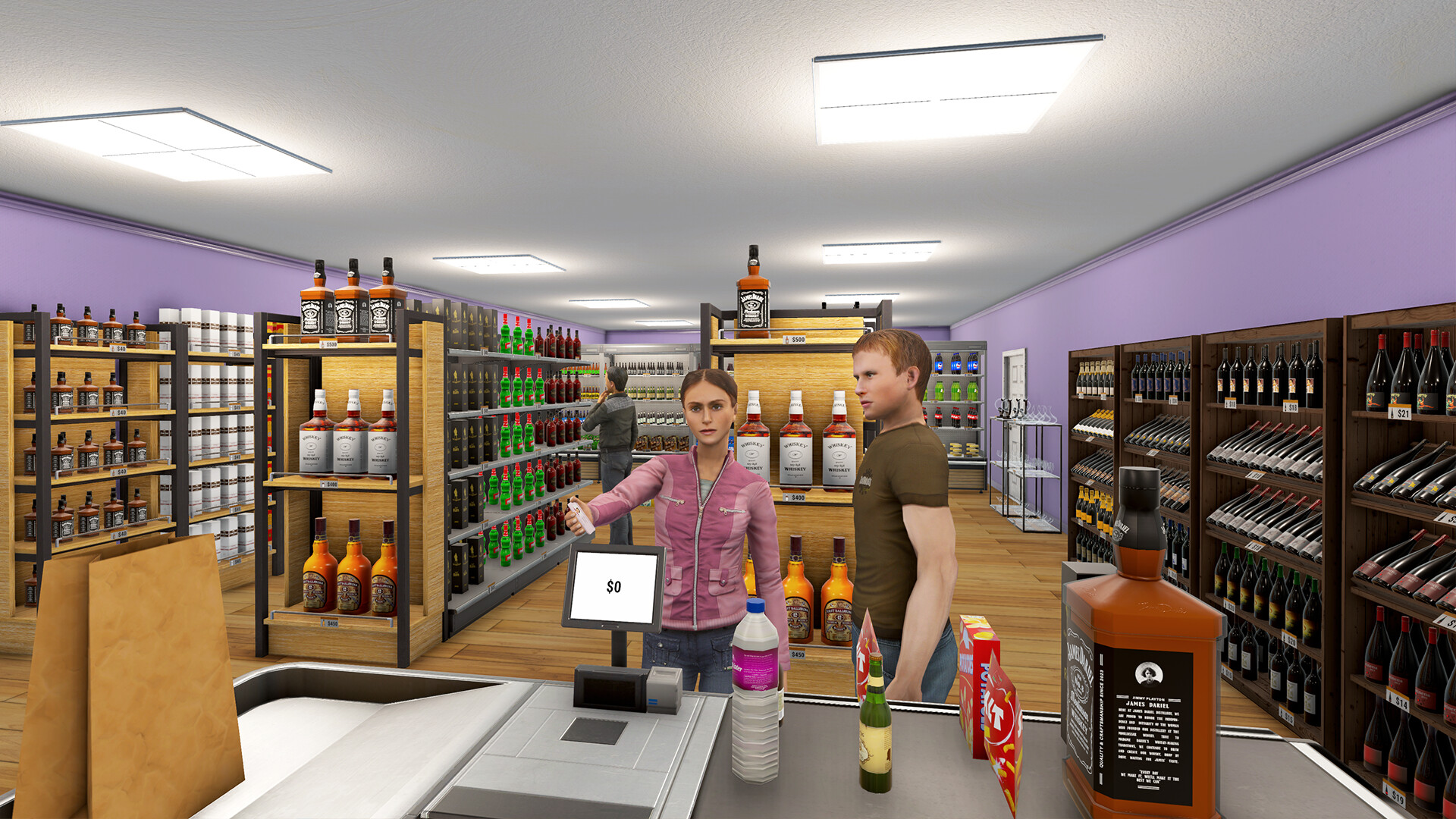
Liquor Store Simulator puts you in charge of a modest shop you purchase on credit. Early days require you to man the checkout, accept deliveries, keep records, and maintain order in the sales area.
Through continued work and strategic choices you can expand the outlet into a larger store with a broader selection and satisfied customers, while also customizing the interior and hiring staff.
01 / THE GUIDE
Business Startup
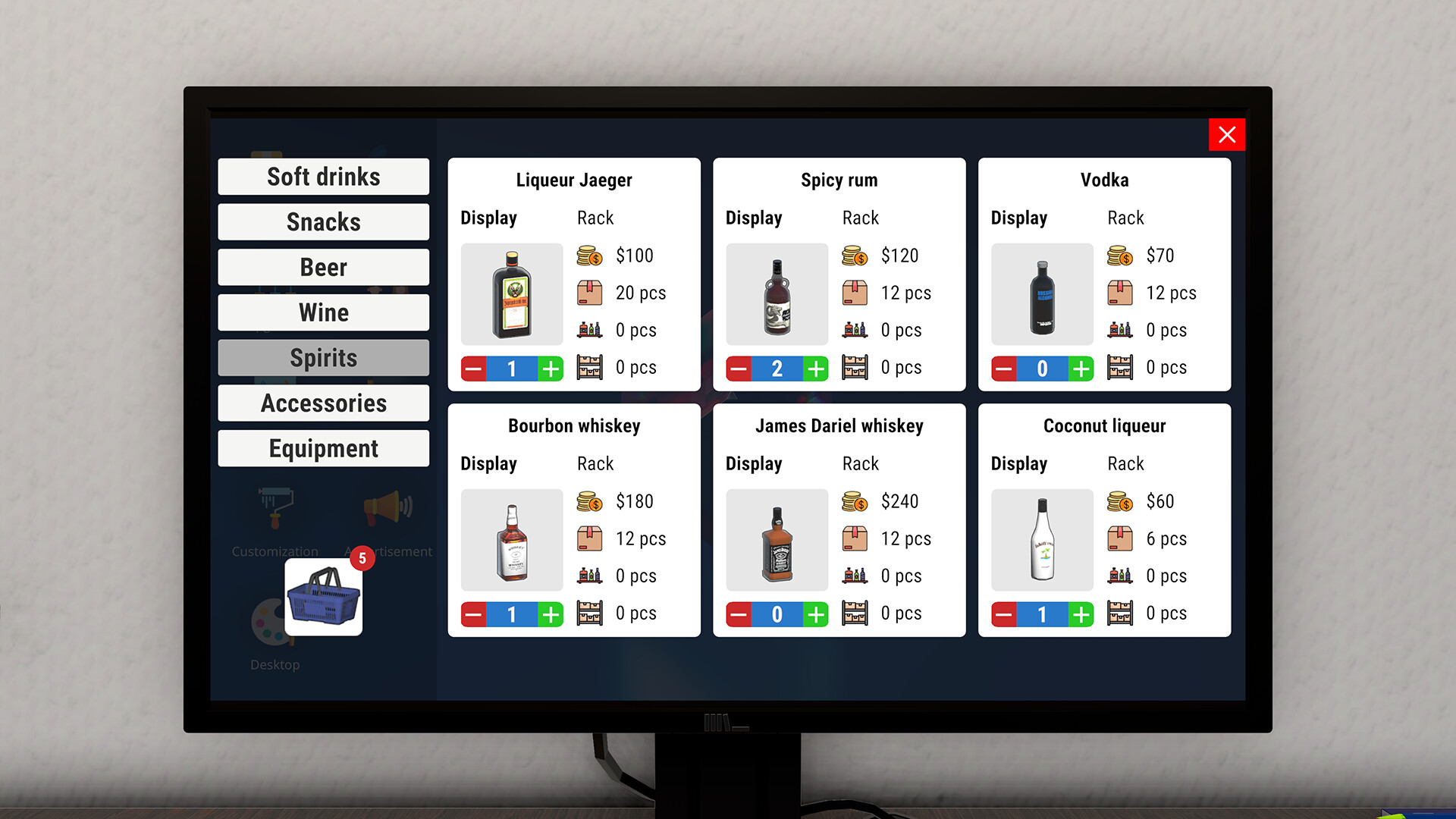
You begin with a small shop bought on credit, which limits the cash you can spend at first. The initial responsibilities—handling the checkout, receiving deliveries, and keeping the floor tidy—form the core of daily play.
By managing those tasks efficiently and making careful purchasing decisions, you can increase inventory, improve reputation, and gradually grow the shop into a more profitable operation.
- Track early expenses to avoid running out of credit.
- Compare supplier prices before restocking.
02 / THE GUIDE
Draft Beer Service
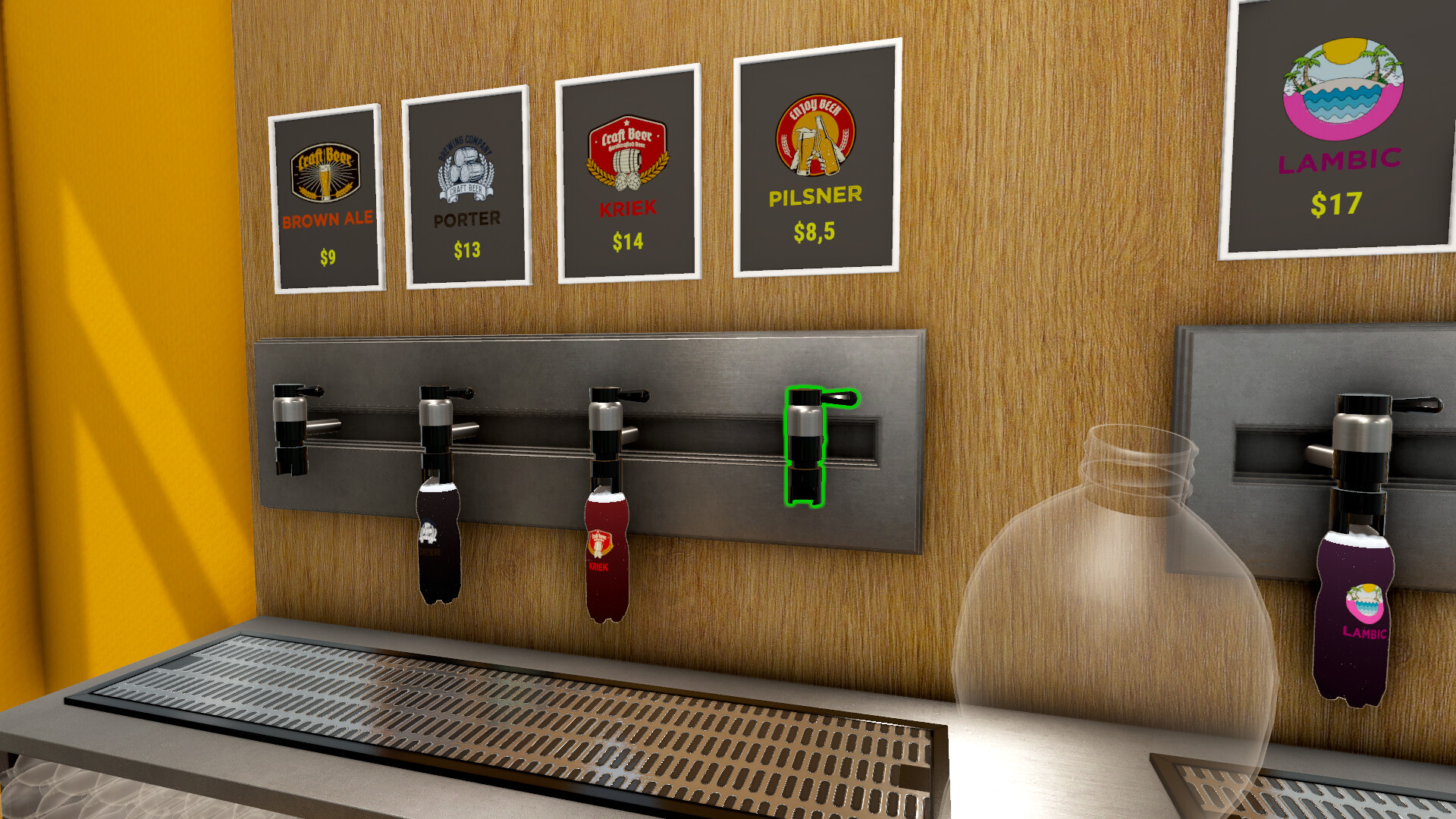
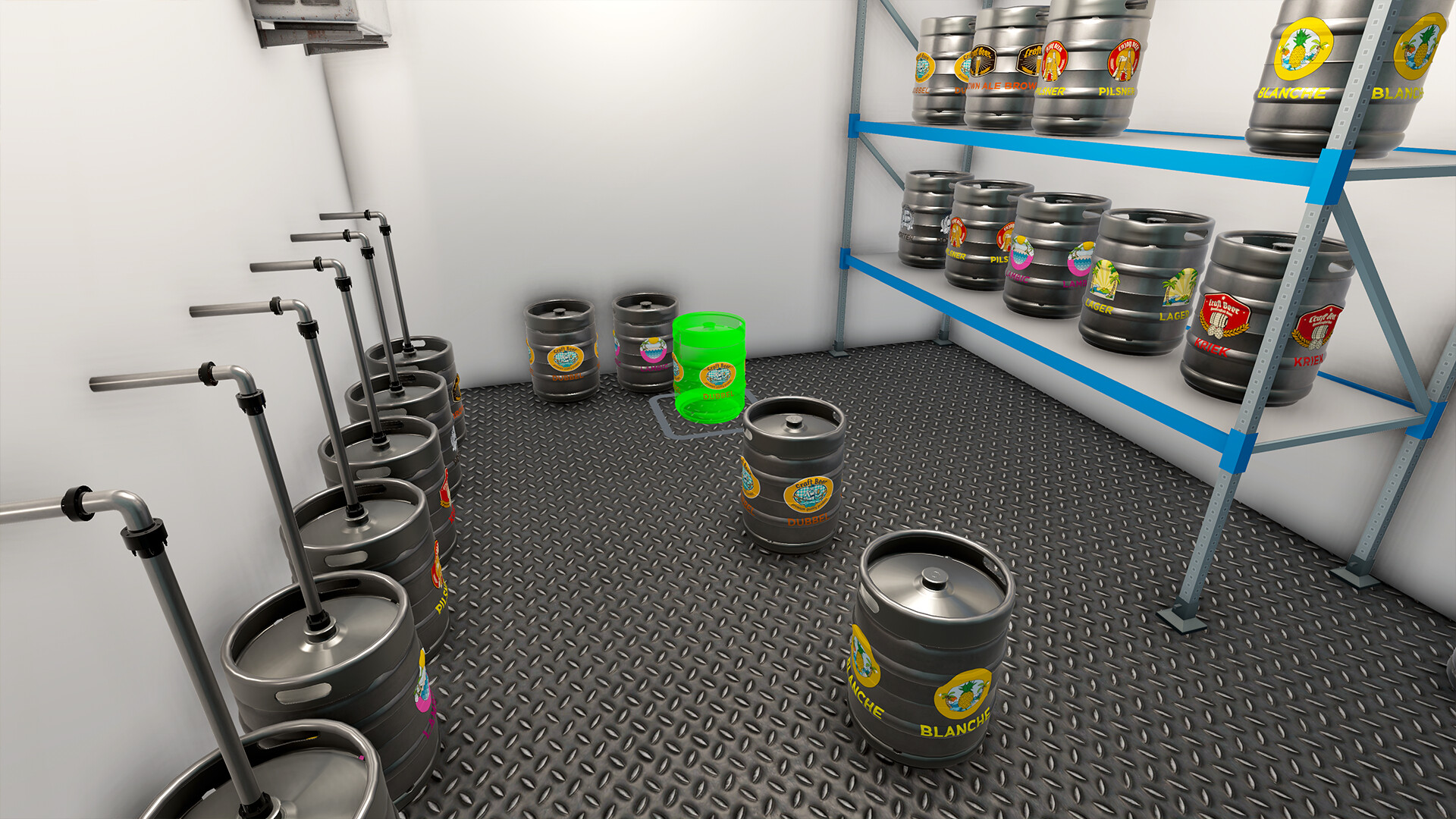
The game lets you act like a bartender, pouring draft beer for customers who request it. This activity is separate from stocking shelves and adds a direct service element.
Serving the requested beer contributes to customer satisfaction, which the description links to a thriving store with happy patrons.
- Observe which draft varieties customers ask for most often.
- Keep a steady supply of the most requested drafts.
03 / THE GUIDE
Staff Management
At the start you perform all duties yourself, but as the store expands the workload becomes too great for one person. The description notes that hiring employees becomes necessary for efficient management.
Adding staff lets you delegate tasks such as checkout and stocking, freeing you to focus on higher‑level decisions like inventory expansion and layout planning.
- Consider hiring when daily tasks consistently exceed what you can handle alone.
- Balance the number of employees with the volume of sales.
04 / THE GUIDE
Store Customization
You can change the colors of walls, ceilings, and floors, giving each store a unique visual style. The feature lets you alter the store's appearance.
These changes let you create an environment that reflects your personal taste.
- Experiment with different color schemes to find a look you enjoy.
- Use contrasting colors if you prefer a clearer visual separation of areas.
05 / THE GUIDE
Platform Features
Liquor Store Simulator runs on Windows and lists full controller support, including DualShock and DualSense devices. It also supports Steam Cloud saves, allowing progress to be stored online.
Additional options such as camera comfort, custom volume controls, stereo and surround sound, and the ability to save anytime let players adjust audio and visual settings to their liking.
- Enable Steam Cloud if you want your saves backed up automatically.
- Adjust volume and camera settings for a comfortable play session.
COMMUNITY
Player discussion