 GameWiki
GET YOUR BEARINGS
About Liminal Shroud
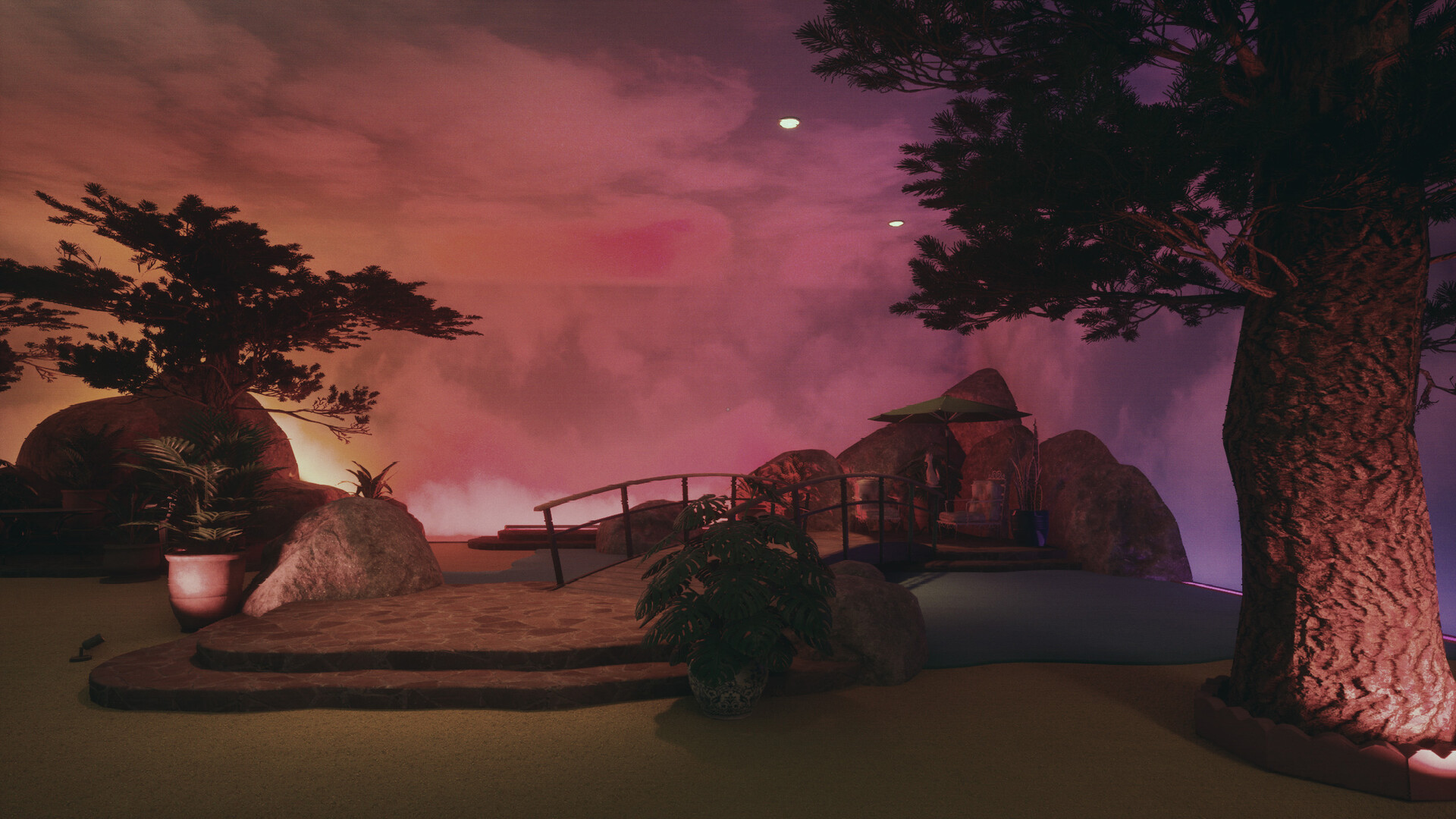
Liminal Shroud is a first‑person psychological horror adventure that forgoes combat in favor of atmosphere. Hand‑crafted, surreal spaces echo 1970s‑80s analog horror, while a dark presence silently observes your movements.
Exploration drives the experience: visual puzzles, hidden routes, and story fragments unfold without timers, enemies, or extensive text. The game autosaves per chapter and offers fully remappable controls, letting you progress at your own pace.
01 / THE GUIDE
Hand‑crafted Environments
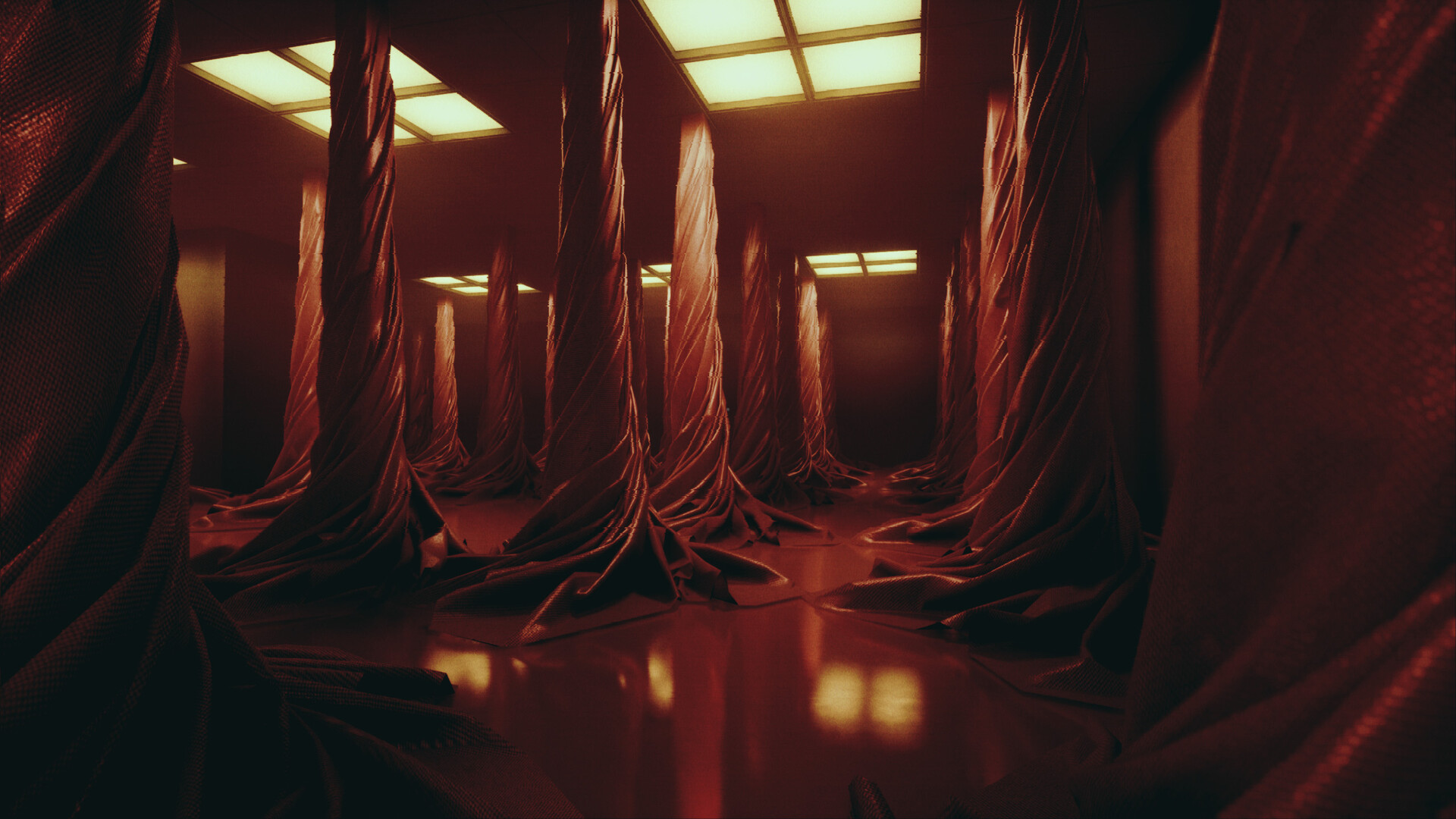
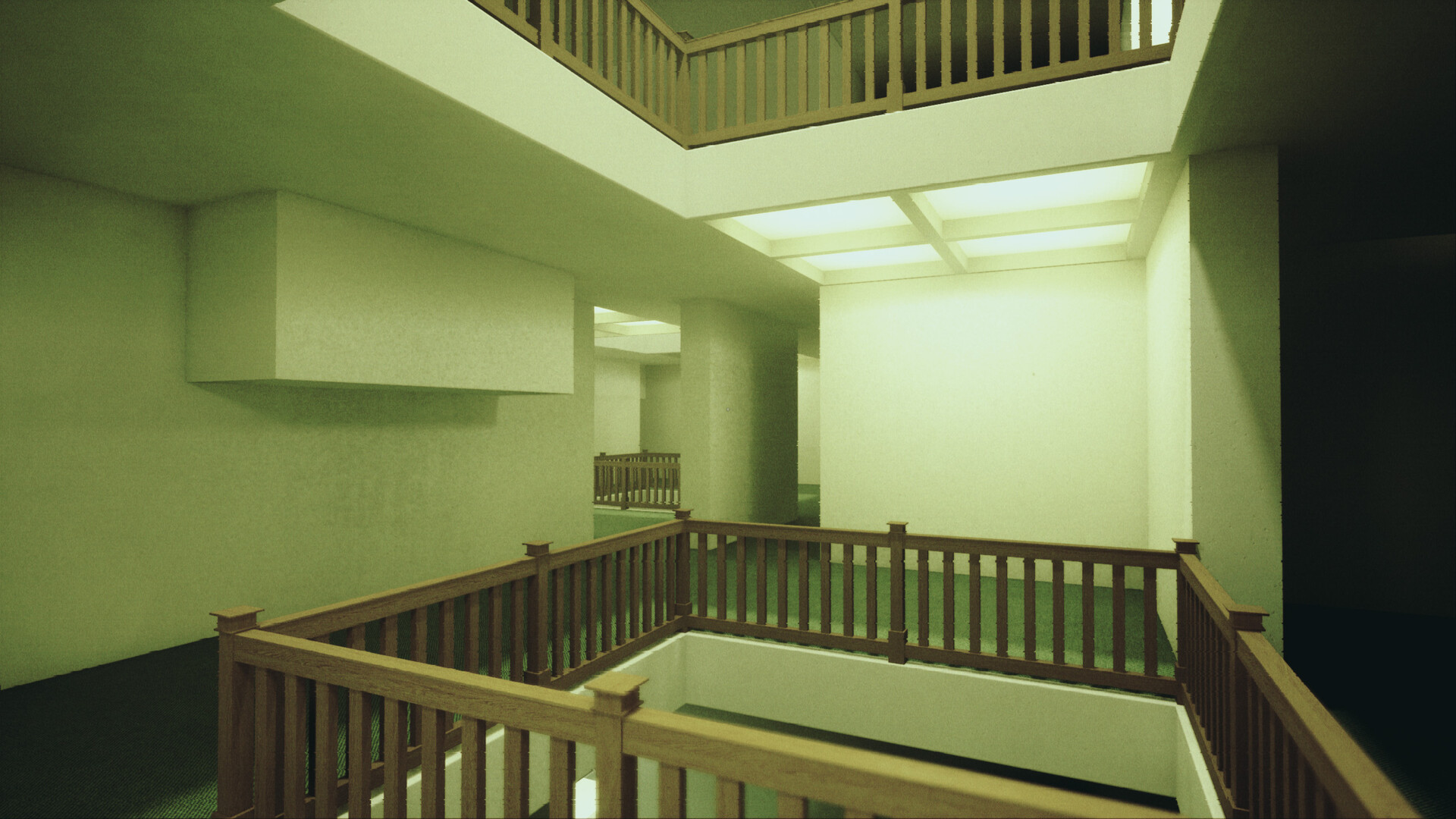
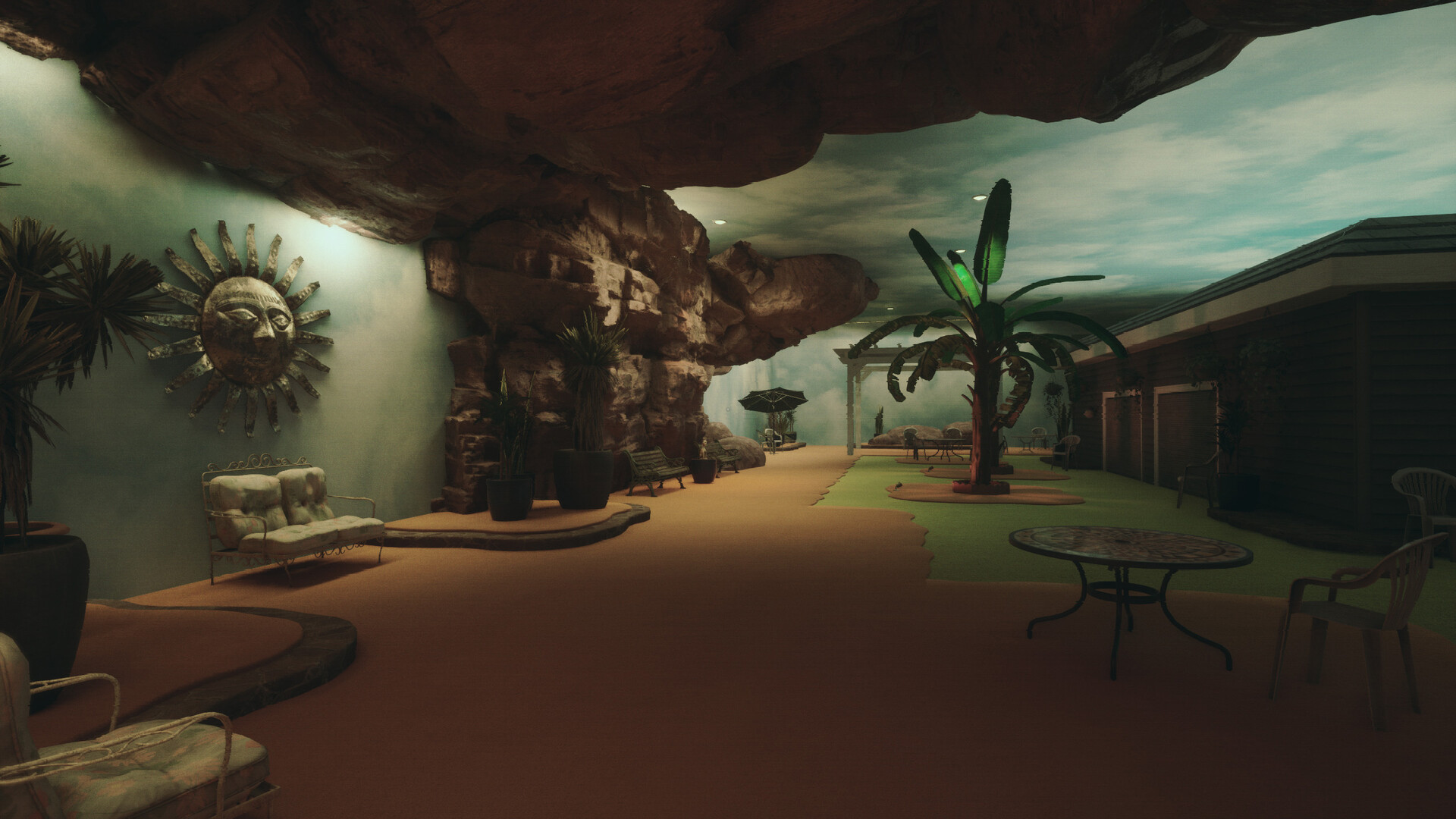
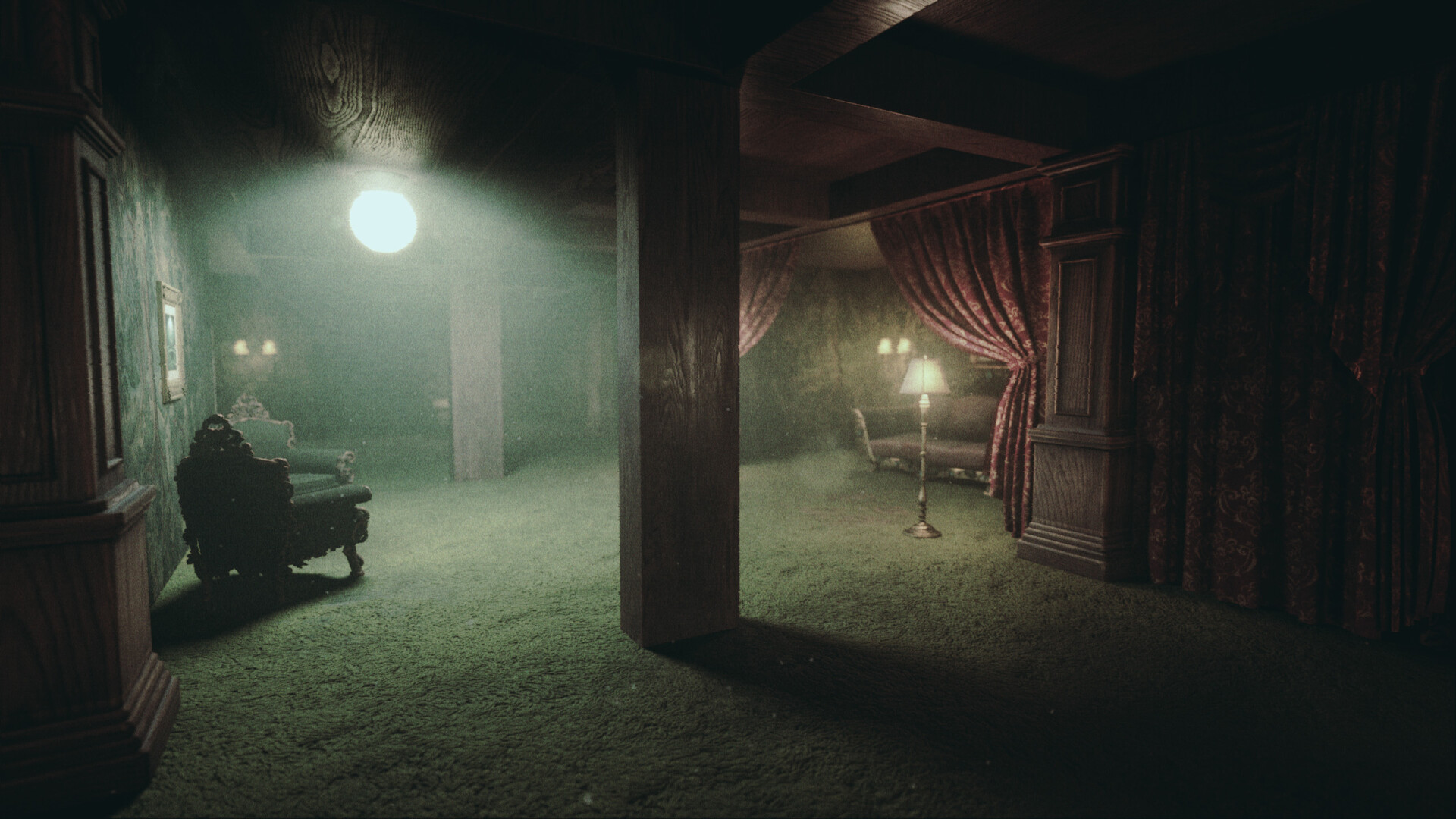
Every location is original and meticulously built, creating deep atmospheric tension. The visual style evokes nostalgic unease, pulling players into twisted, shifting spaces.
Architecture holds clues; examining objects and layouts gradually reveals the mystery woven into the Shroud.
- Inspect corners and alcoves for hidden story fragments.
- Compare similar rooms to spot subtle pathway changes.
02 / THE GUIDE
Unsettling Soundscapes
Sound design delivers intense, original audio cues that heighten tension as you move through each chapter.
Without combat noises, ambient shifts become primary indicators of nearby secrets or environmental changes.
- Raise ambient volume relative to music to hear subtle cues.
- Listen for sudden audio shifts; they often signal hidden routes.
03 / THE GUIDE
Visual‑Only Puzzles
All puzzles rely on visual information; there is no reading required and no dialog appears.
The minimal UI keeps focus on lighting, object placement, and architectural cues to progress.
- Watch lighting changes; they frequently highlight interactable elements.
- Use the camera sensitivity slider to fine‑tune detail inspection.
04 / THE GUIDE
Customizable Controls
Key bindings are fully remappable and gamepad support is included, allowing players to tailor input.
Options such as camera sensitivity, FOV, brightness, and head‑bob toggles let you explore comfortably in windowed or overlay modes.
- Toggle the sprint key between hold and press‑once for personal comfort.
- Adjust brightness to reduce strain during dark sections.
05 / THE GUIDE
Automatic Chapter Saves
Progress is autosaved at the end of each chapter, enabling you to revisit completed sections in any order.
Re‑entering chapters can reveal details missed on first playthrough, deepening narrative understanding.
- After a chapter, note any unresolved visual cues before moving on.
- When revisiting, compare earlier and later environmental changes.
COMMUNITY
Player discussion