 GameWiki
GET YOUR BEARINGS
About lily's world XD
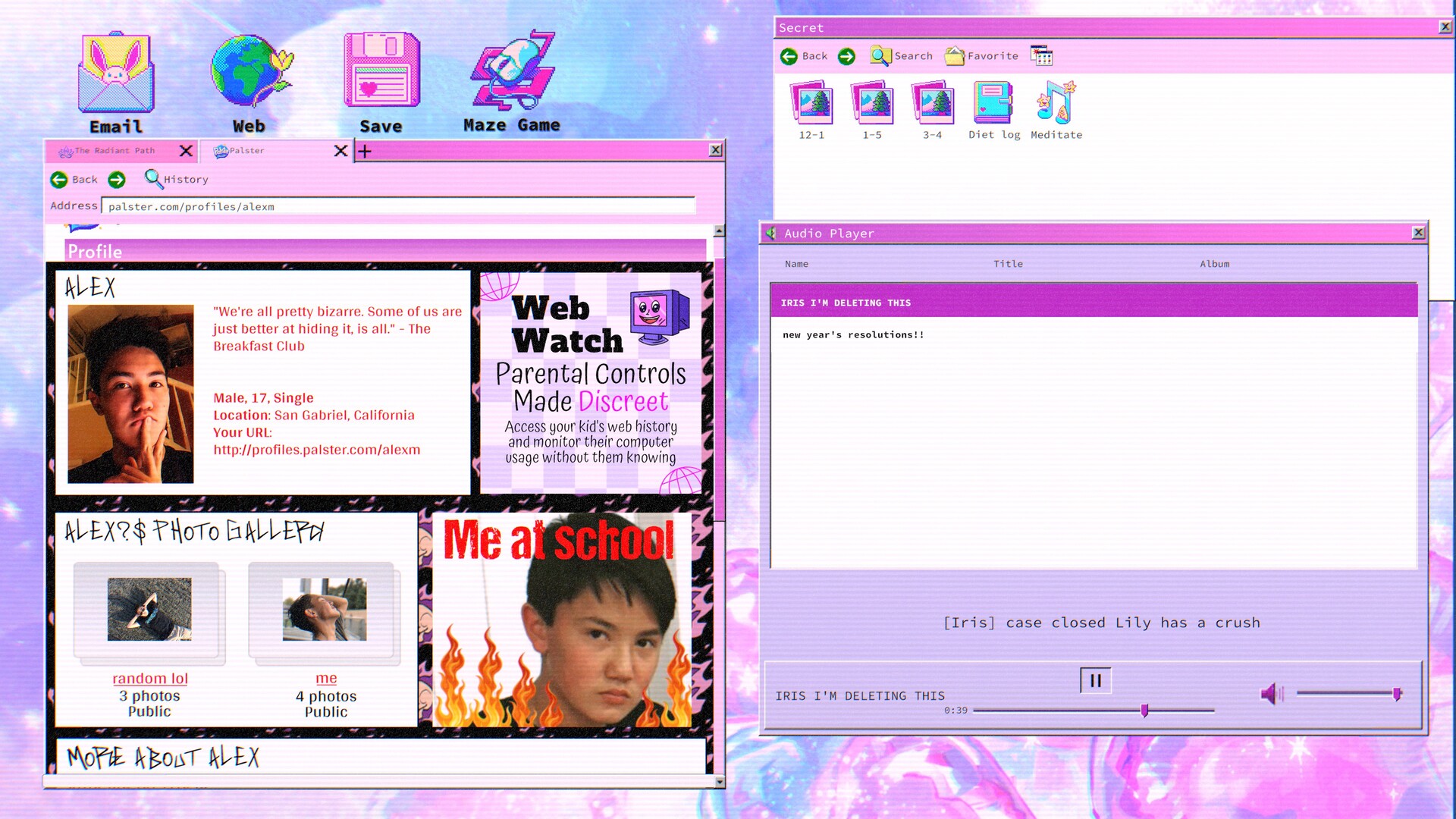
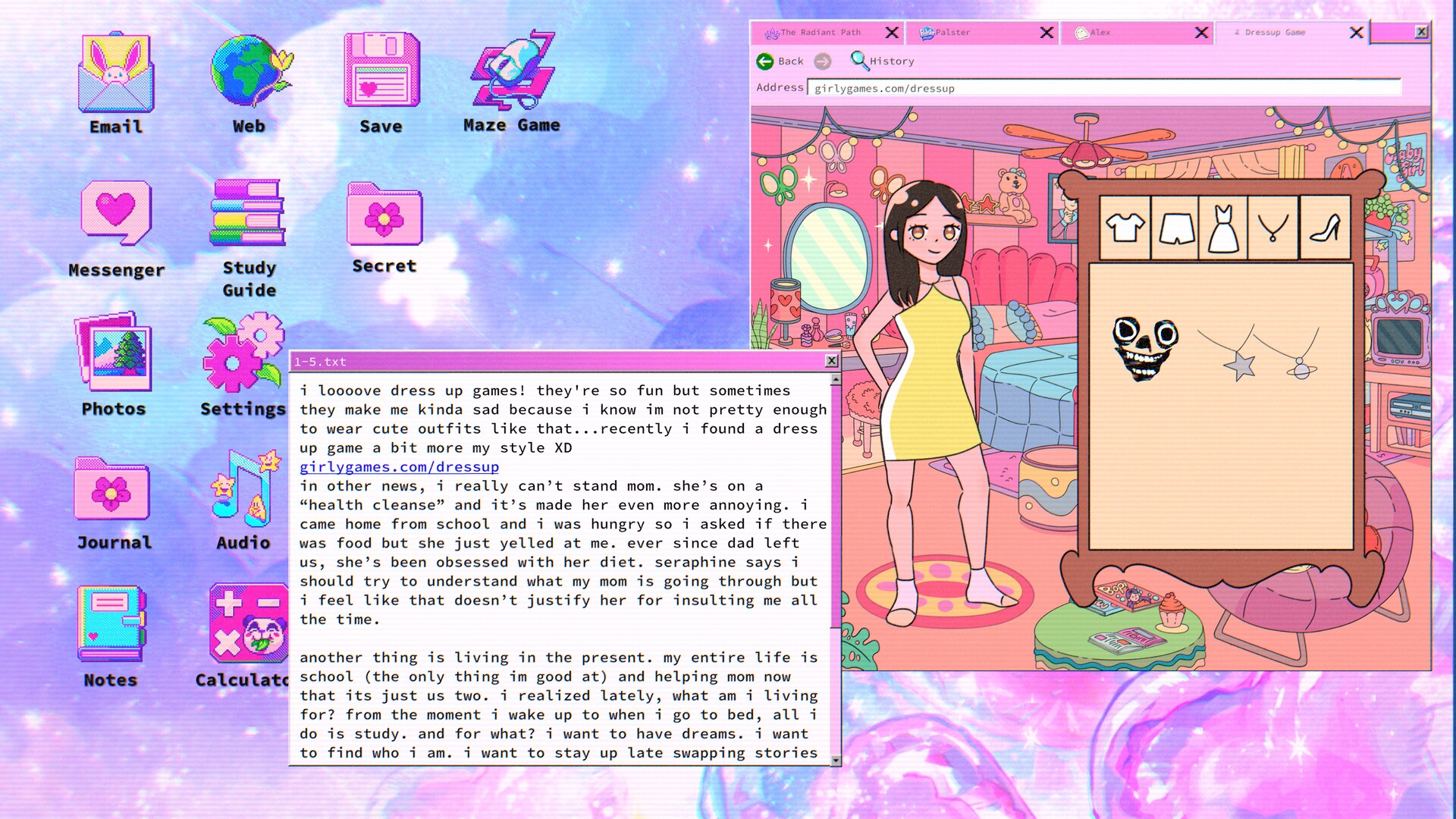
Lily’s World XD follows Lily, a dramatic and emotional teenage girl whose laptop hides a secret. Players sift through her blog, decode hidden messages, and reconnect with childhood friends to piece together a dark truth while unseen forces watch.
The game is a single‑player indie title from SonderingEmily for Windows, offering Steam Achievements, custom volume controls, save‑anytime, Steam Cloud sync and Family Sharing support, letting you progress at your own pace without timed input.
01 / THE GUIDE
Story premise
Lily is presented as a typical teenage girl—dramatic, emotional, awkward—who hides a secret, and her laptop holds the key to that secret. The narrative invites the player to explore her online life and uncover what lies beneath the surface.
Other forces are actively trying to stop the investigation, and the game portrays the player’s own computer as vulnerable to intrusion, adding tension to the unfolding mystery.
- Contrast Lily’s described personality with the tone of her blog posts for thematic clues.
- Observe how the mention of “other forces” frames the stakes of each discovery.
02 / THE GUIDE
Exploring the laptop
Players navigate Lily’s blog and digital files, combing through posts, photos, and hidden messages. The interface encourages careful reading and decoding, allowing clues to emerge gradually.
Reconnecting with Lily’s childhood friends is part of the exploration, providing additional pieces of the puzzle without any timed pressure, as the game is tagged as playable without timed input.
- Take brief notes on recurring symbols; they often point to larger secrets.
- Use the save‑anytime feature after each new clue to keep a clear record.

03 / THE GUIDE
Steam achievements
Lily’s World XD integrates Steam achievements that record your progress through the game. These achievements are displayed in the Steam client and serve as a progress log.
The achievement system provides a way to track which story beats have been reached.
- Review the achievement list early to see which story events are recognized.
- Use achievement descriptions as optional hints for hidden content.
04 / THE GUIDE
Saving and cloud sync
The game allows saving at any moment, letting players pause and resume without losing progress. Saved data can be synced through Steam Cloud, making it accessible on other computers where you play.
Family Sharing is listed as a feature, meaning the game can be launched from a shared library.
- Steam Cloud sync can keep your discoveries backed up.
- Create manual save points after major narrative turns for easy return.
05 / THE GUIDE
Custom volume controls
Custom volume controls let players adjust the audio experience to personal preference.
These controls let you tailor the game’s audio without changing how it plays.
- Lower background music to focus on dialogue clues.
- Raise sound‑effect volume if subtle audio cues seem important.


COMMUNITY
Player discussion