 GameWiki
GET YOUR BEARINGS
About Lil Gator Game
Lil Gator Game is an open‑world, movement‑focused adventure where you guide a tiny gator across a handcrafted island. The description highlights hills populated by friendly characters, cardboard foes, and terrain that feels like a child’s playground.
The game blends exploration, simple quests, and crafting while keeping the experience light‑hearted. It runs on Windows, supports a controller, and includes Steam features such as achievements, cloud saves, and family sharing.
01 / THE GUIDE
Exploration
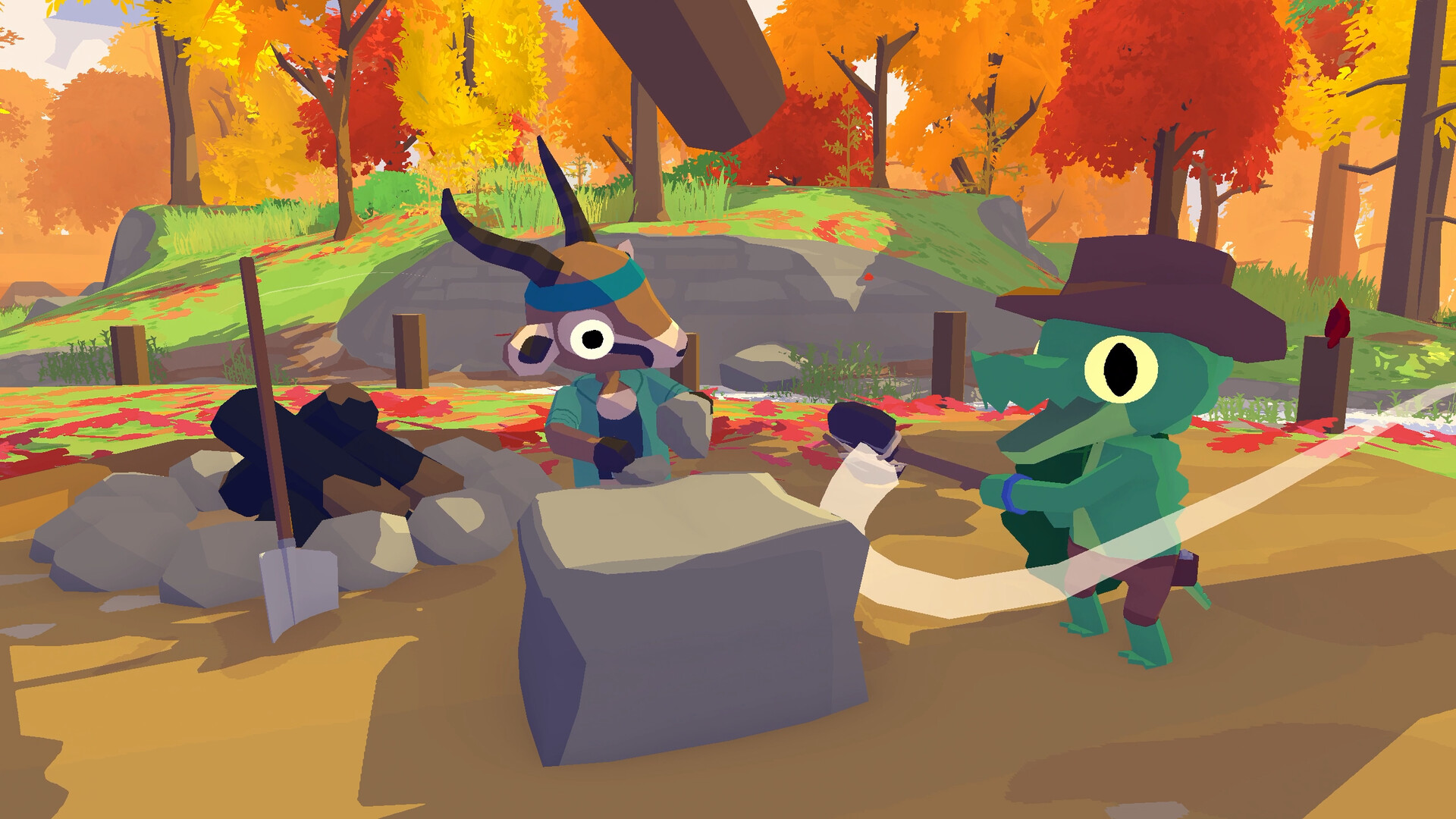
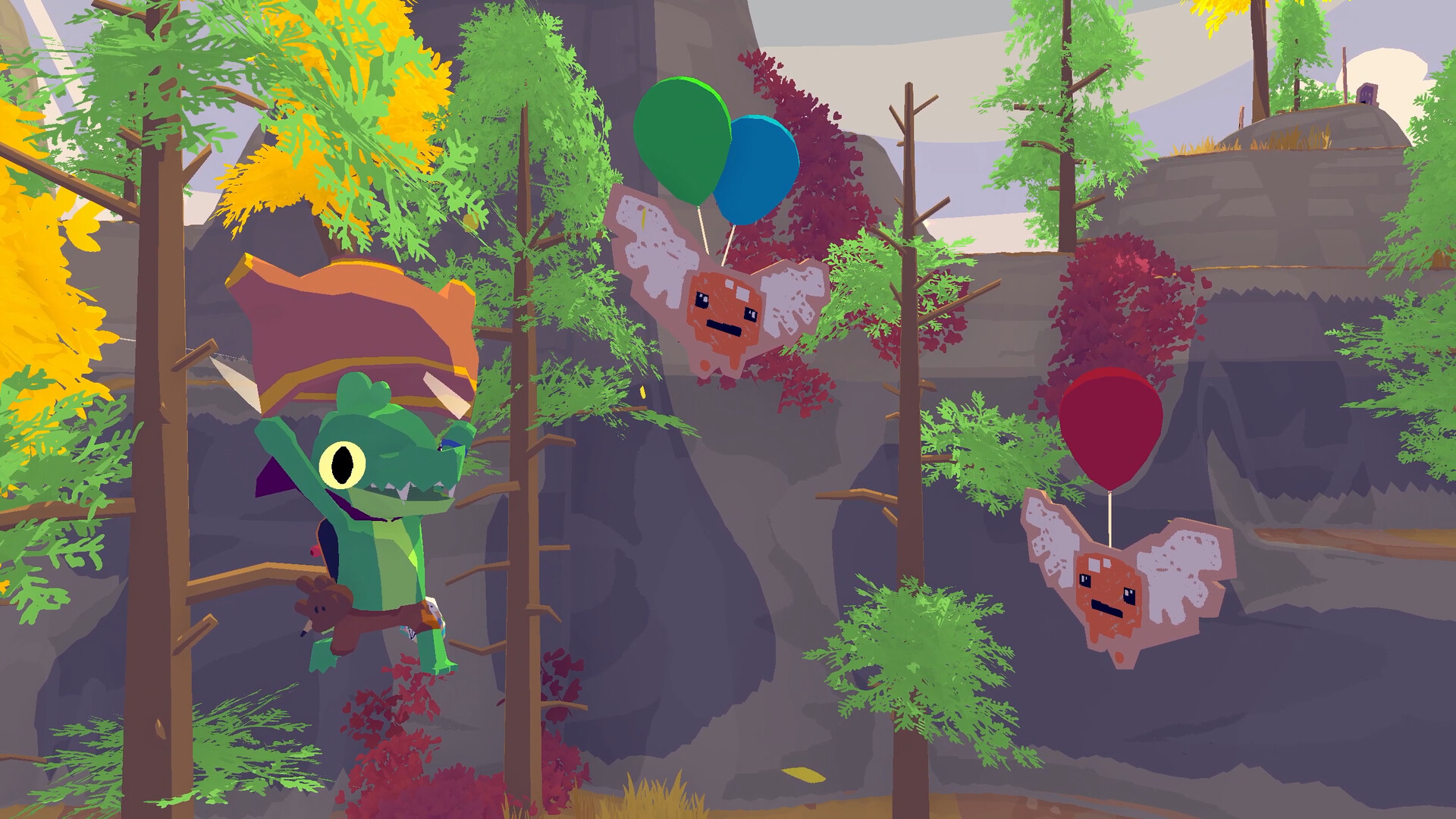
The island is divided into distinct zones—mountain tops, forests, and the Creaklands—each offering unique scenery and hidden spots. Players can glide over peaks, swing a stick sword, and scale rocks that “only a kid would dare.”
Exploring these areas reveals new friends, quests, and collectible arts & crafts supplies scattered throughout the world, encouraging players to move between locations.
- Glide from high points to quickly locate distant hills and hidden characters.
- Check the edges of each zone for cardboard baddies that often guard supplies.
02 / THE GUIDE
Quests and Friends
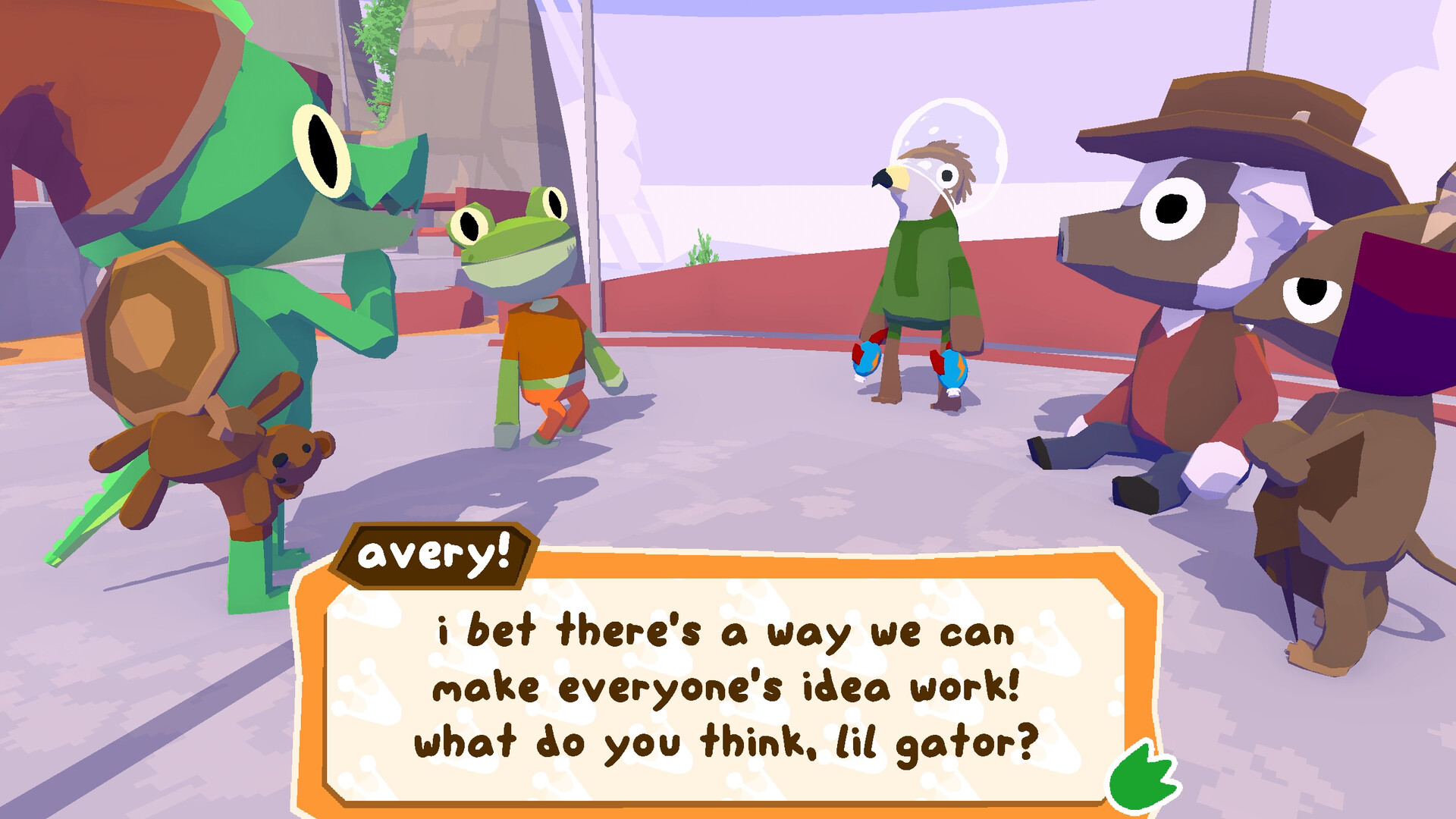
Every hill hosts a buddy who may ask for help, turning encounters into short quests. Completing these tasks can unlock new companions who join your adventure.
Friends are added by finishing quests or helping groups such as the Theatre Troupe kids, Prep schoolers, or the “Cool Kids” in the Creaklands.
- Talk to each character you meet; dialogue often triggers a quest.
- Prioritize quests that promise a new companion to expand your playground options.
03 / THE GUIDE
Crafting
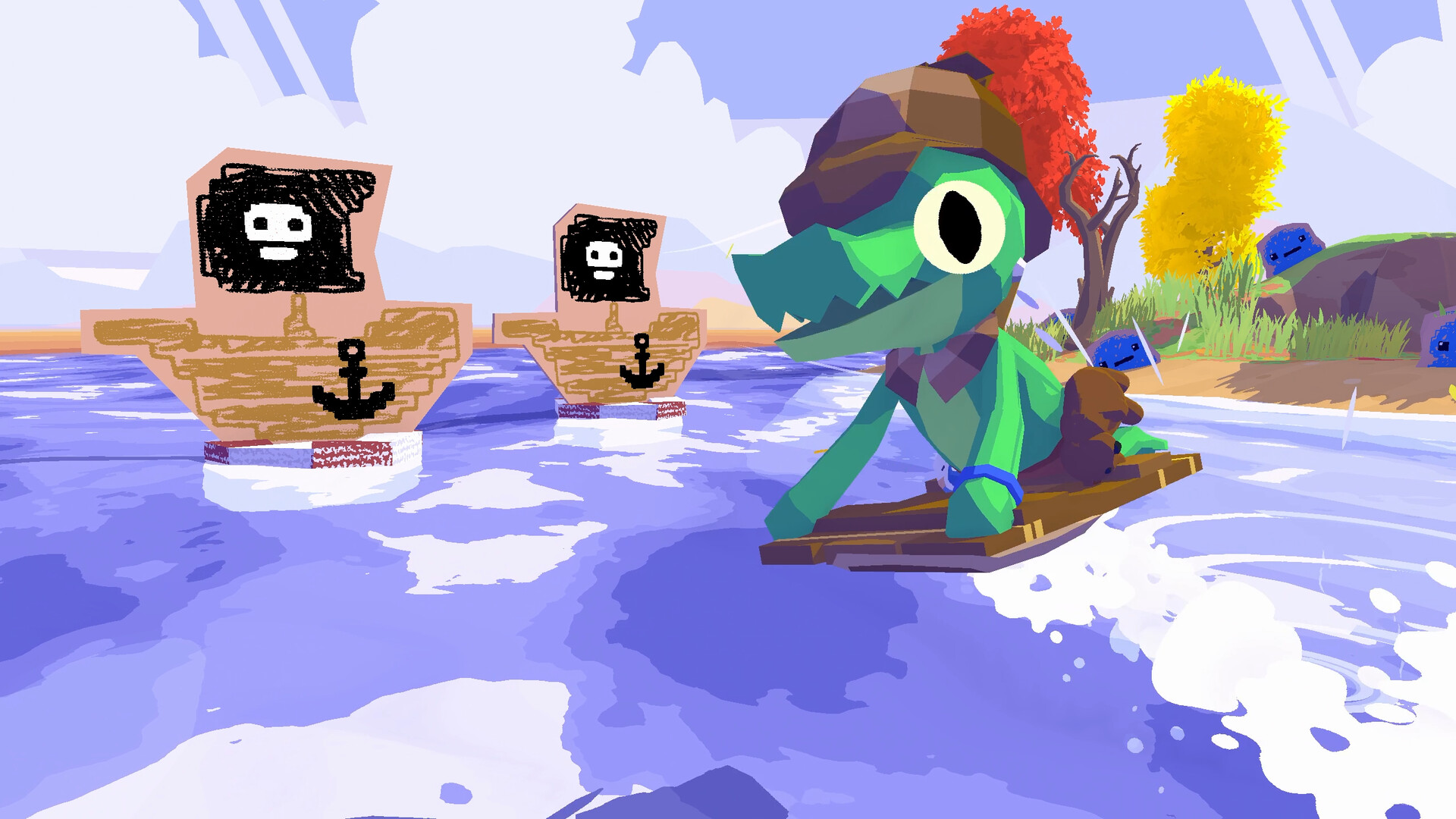
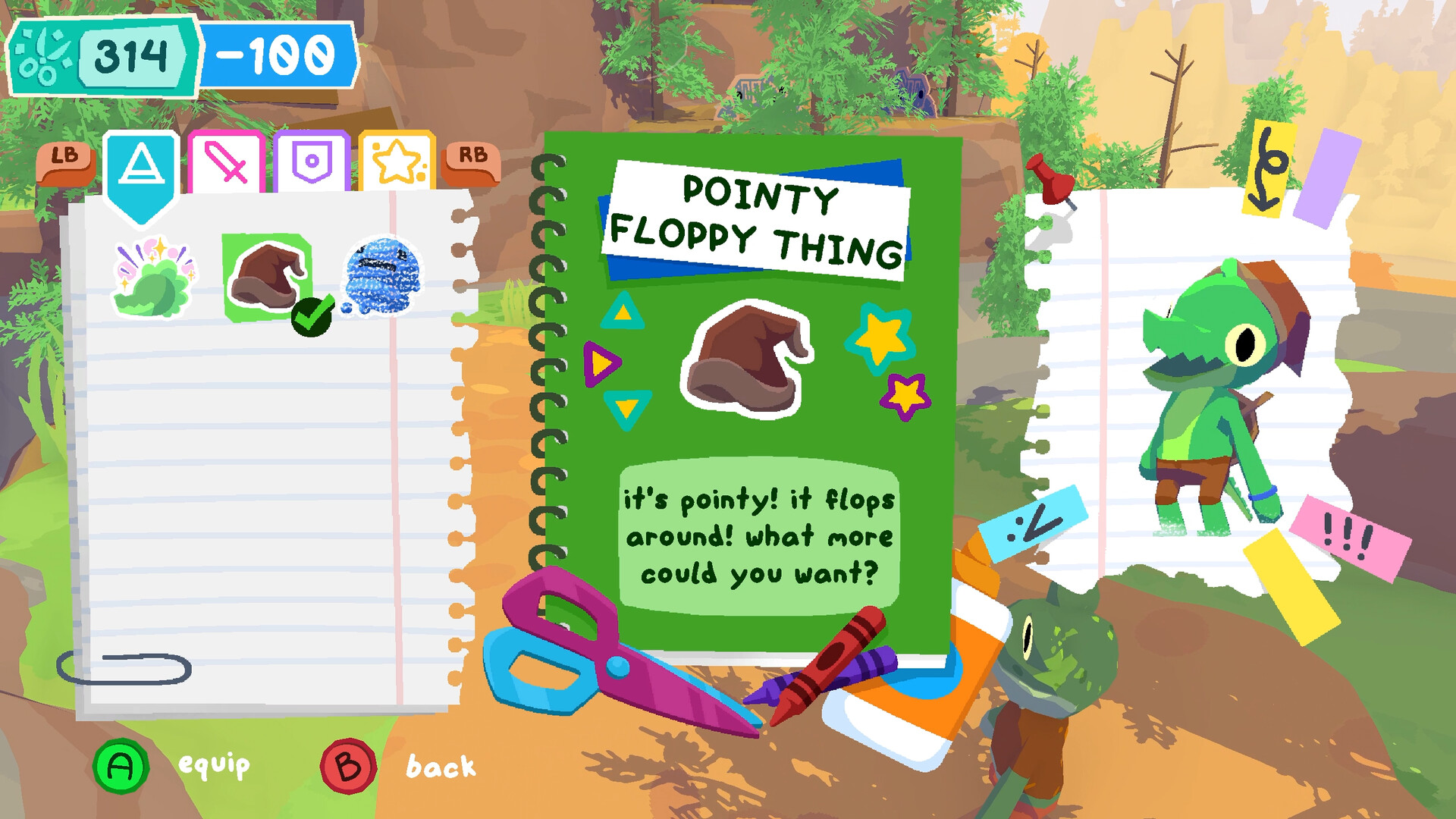
Arts & crafts supplies are scattered across the island and can be collected to create “goodies” that enhance play. Crafting lets you make new abilities, such as using a ragdoll teddy to ragdoll the lil gator.
These crafted items add variety to how you interact with the environment, for example skimming pebbles at hard‑to‑reach cardboard baddies.
- Gather supplies in each new area before moving on; they’re needed for later crafting.
- Experiment with different crafted abilities to discover new ways to solve simple puzzles.
04 / THE GUIDE
Movement Mechanics
The game emphasizes fluid movement: gliding from mountain tops, swinging a stick sword in forests, and ragdolling down valleys. These actions replace traditional combat concerns and let players traverse the world freely.
A health bar is present, but the description frames the experience as “no‑pressure,” encouraging players to focus on adventure rather than survival.
- Practice the ragdoll drop in a safe area to understand momentum.
- Use the stick‑sword swing to clear cardboard enemies without worrying about damage.
05 / THE GUIDE
Platform Features
Lil Gator Game runs on Windows and supports full controller input, Steam Achievements, Steam Cloud saves, and Family Sharing. These features make the game accessible for solo play and shared family sessions.
The single‑player focus means all content is experienced by one player at a time, with no multiplayer mode required.
- Enable Steam Cloud to keep progress across multiple Windows PCs.
- Use Family Sharing so siblings can try the game without buying another copy.
COMMUNITY
Player discussion