 GameWiki

GET YOUR BEARINGS
About Lightyear Frontier
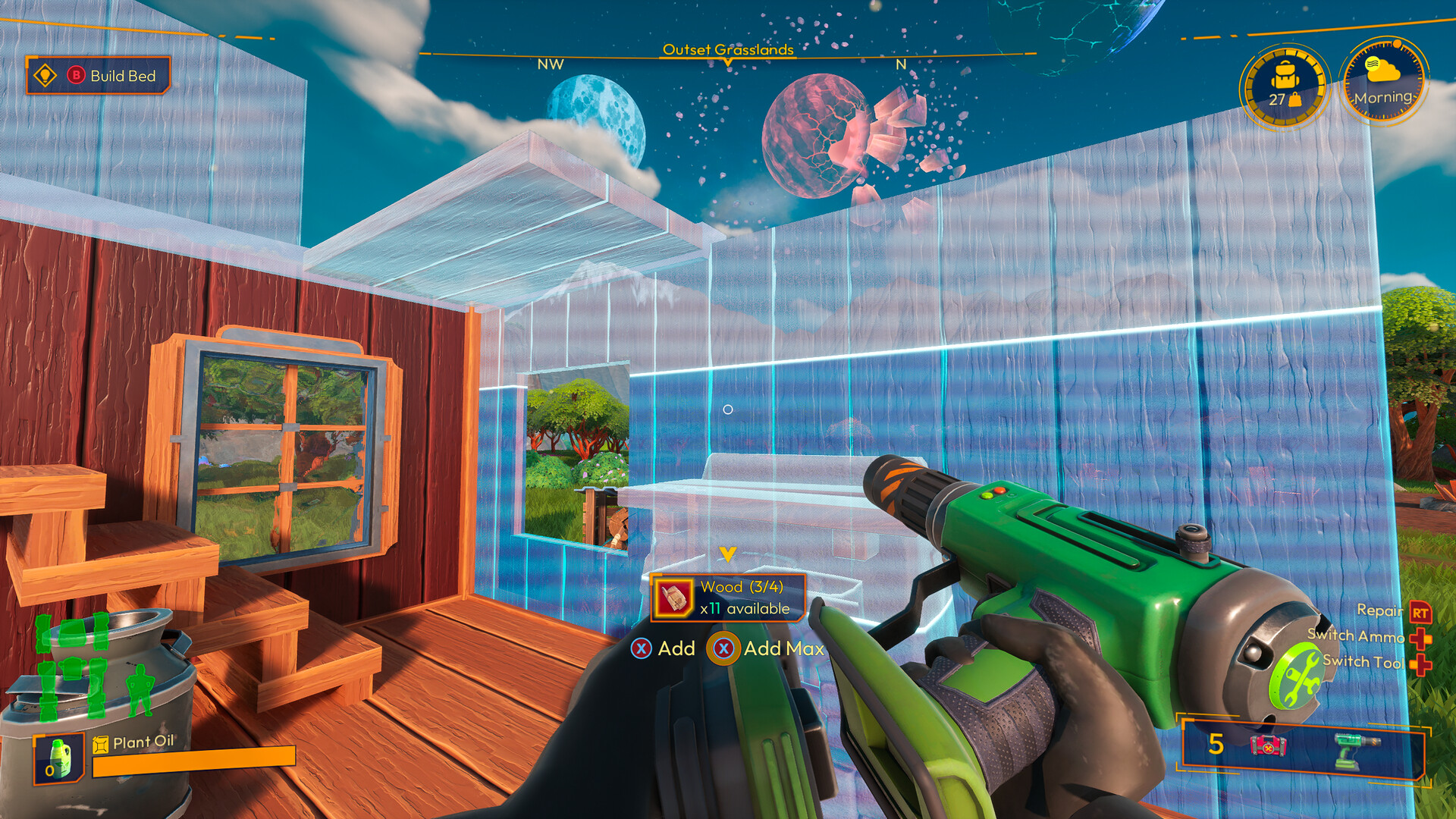
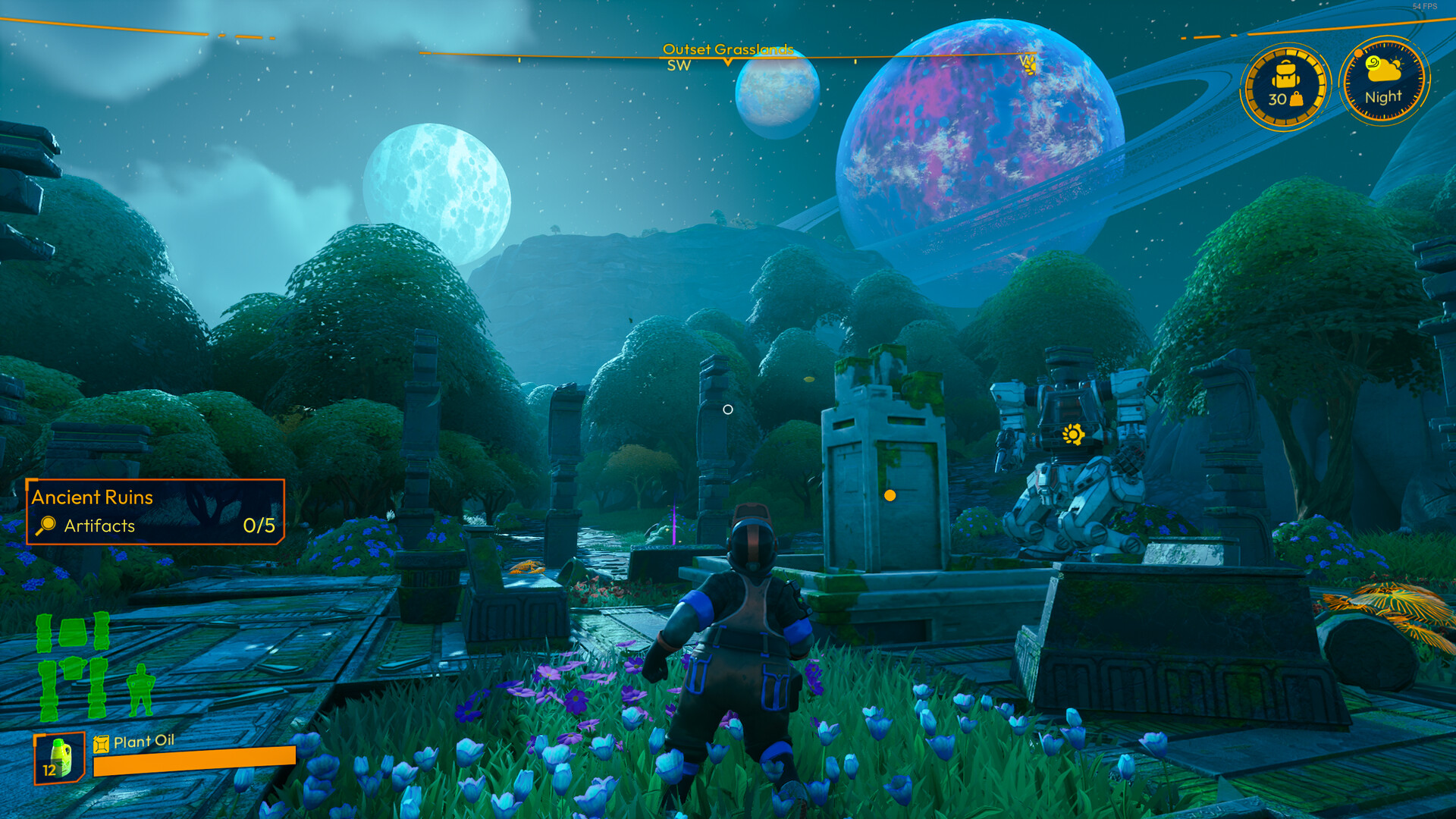
Lightyear Frontier lets players settle an exoplanet by piloting a customizable mech that doubles as a farmhand. Build structures, grow alien crops, and craft mech parts while exploring a vast, open world.
Up to four players can cooperate online, sharing resources and tackling environmental challenges together. The game blends farming, building, and mech‑driven tool use with retro‑futuristic aesthetics and a range of accessibility options.
01 / THE GUIDE
Gameplay Overview
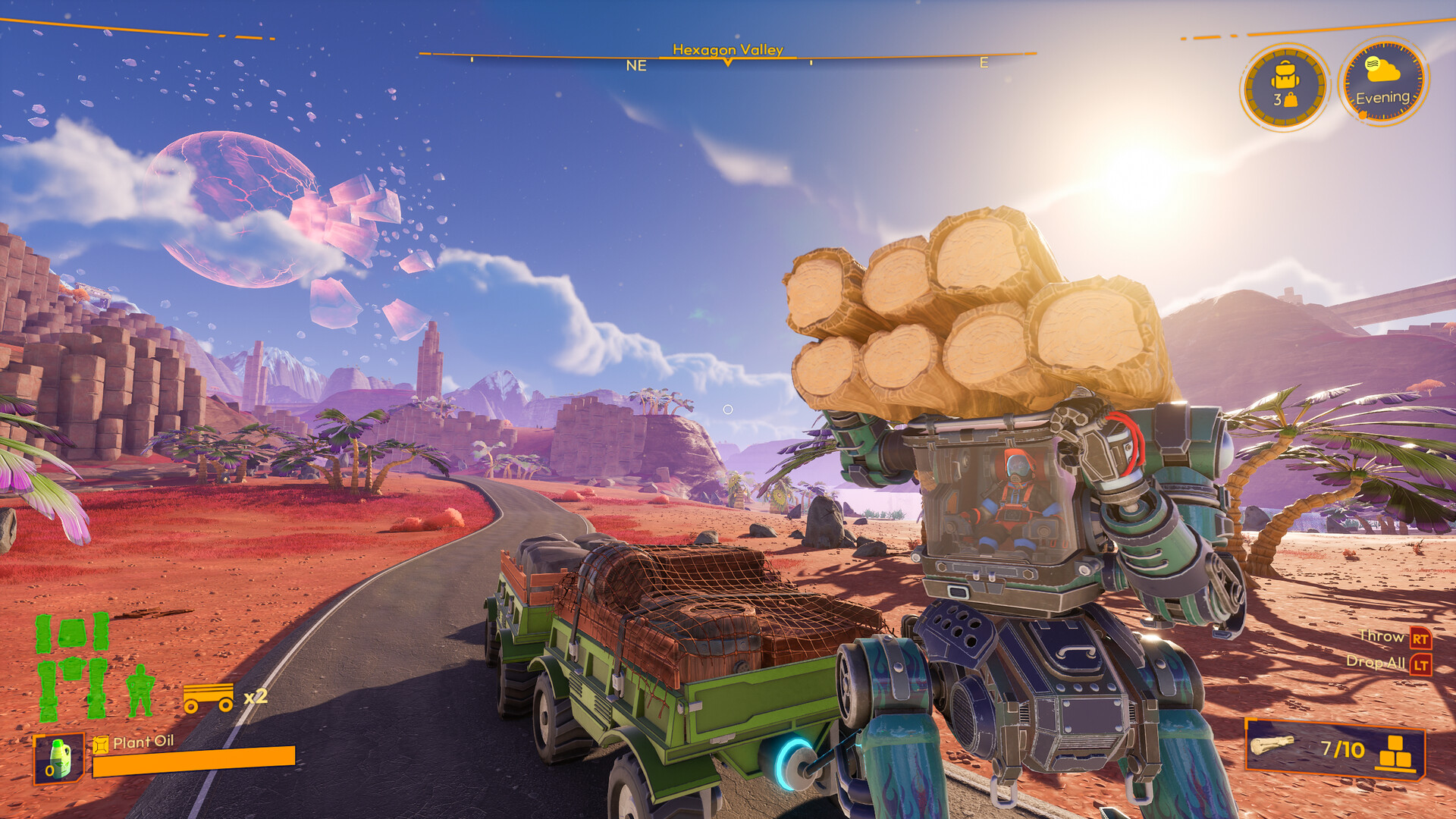
Players start on a verdant exoplanet and develop a homestead using a mech that can plant, water, and harvest alien crops. The open world encourages exploration, resource gathering, and interaction with interplanetary neighbors.
Progress is saved anytime, and players can send resources to remote colonies, fostering a sense of community and long‑term growth across the Lightyear Frontier cluster.
- Focus early on establishing a reliable water source to support large‑scale planting.
- Explore nearby settlements early to unlock trade opportunities.
02 / THE GUIDE
Mech Customization
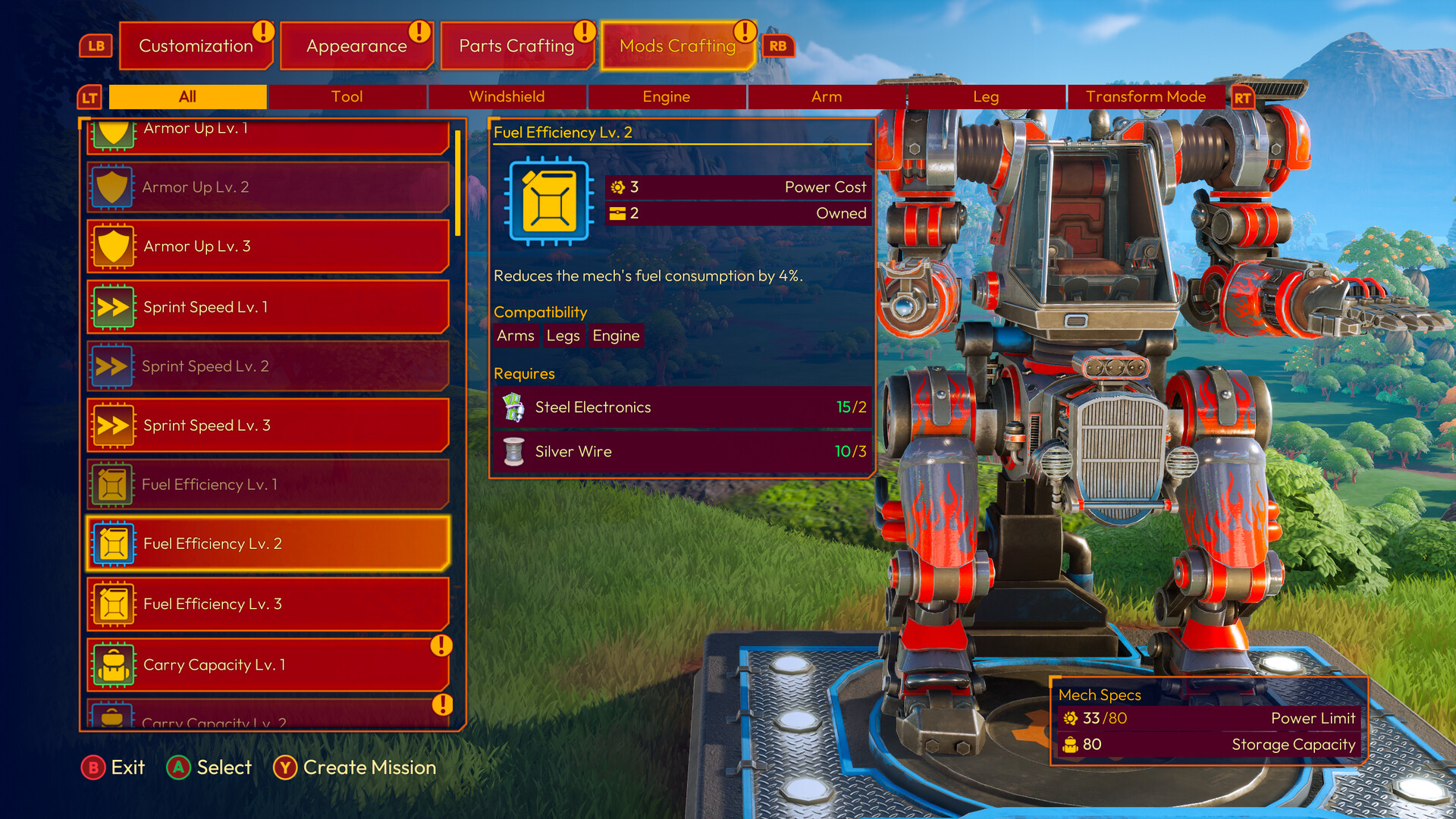
The mech serves as an all‑purpose vehicle that can be tailored with new parts and mod chips. Players choose from an array of options to tweak performance, color palettes, and decorations.
Customization extends to functional upgrades, allowing the mech’s tools to handle planting, watering, and harvesting with greater efficiency as the farm expands.
- Prioritize mod chips that improve tool speed for larger fields.
- Experiment with color palettes to keep the visual experience fresh.
03 / THE GUIDE
Farming Mechanics
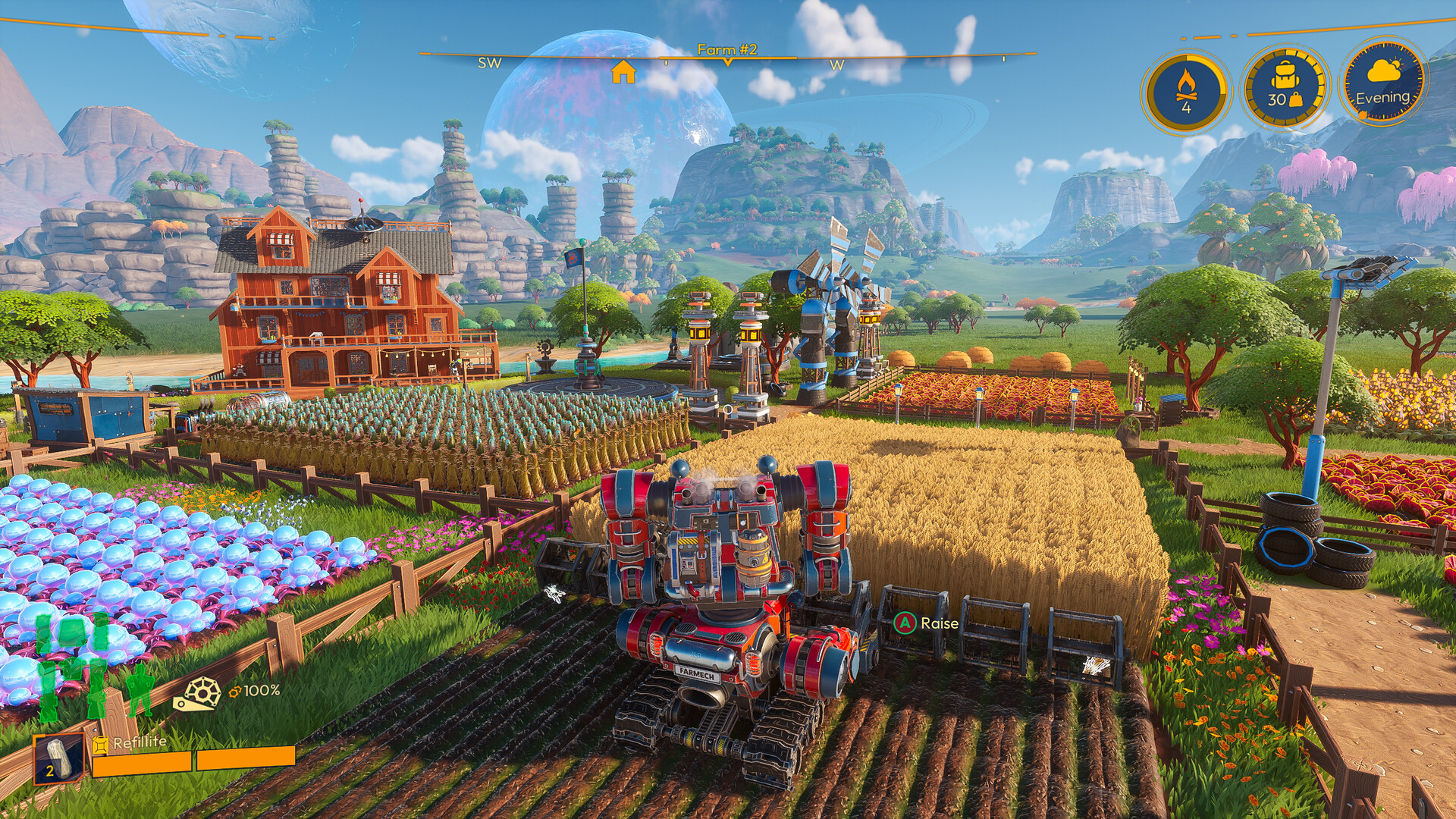
Alien crops are planted, watered, and harvested using the mech’s mighty tools. Mastering crop rotation is highlighted as a key strategy for optimizing yield across vast fields.
Players can build the exofarm of their dreams, selecting decorations and alternative palettes to personalize their agricultural layout.
- Rotate crops each season to maintain soil health and boost yields.
- Use the mech’s tools for bulk actions to save time on large plots.
04 / THE GUIDE
Multiplayer Co‑op
Up to three friends can join a player’s session, forming a party of four. Co‑op allows resource pooling, shared building projects, and collective harvesting, enhancing the homestead’s development speed.
The game supports online co‑op, cross‑platform multiplayer, and Steam Cloud, ensuring progress is retained across sessions and devices.
- Coordinate roles—one player can focus on building while others manage crops.
- Share surplus harvests early to strengthen remote colonies.
05 / THE GUIDE
Accessibility Features
Lightyear Frontier includes adjustable text size, camera comfort options, custom volume controls, and adjustable difficulty. The game is playable without timed input and offers partial controller support.
These settings aim to accommodate a broad range of player needs, ensuring the farming adventure remains approachable for diverse audiences.
- Adjust difficulty to match your preferred pacing for farming tasks.
- Enable camera comfort settings to reduce motion strain during exploration.
COMMUNITY
Player discussion