 GameWiki
GET YOUR BEARINGS
About Lightmatter
Lightmatter is an indie adventure that honors classic first‑person puzzlers. Players follow Virgil, voiced by David Bateson, as he navigates environments where light, shadows, beams, and platforms shape every challenge.
The game blends a “floor is lava” feel with lethal shadows, urging careful observation and lateral thinking. Its tone mixes humor with questions about sacrifice and a brighter future, all within a single‑player experience.
01 / THE GUIDE
Narrative and Setting
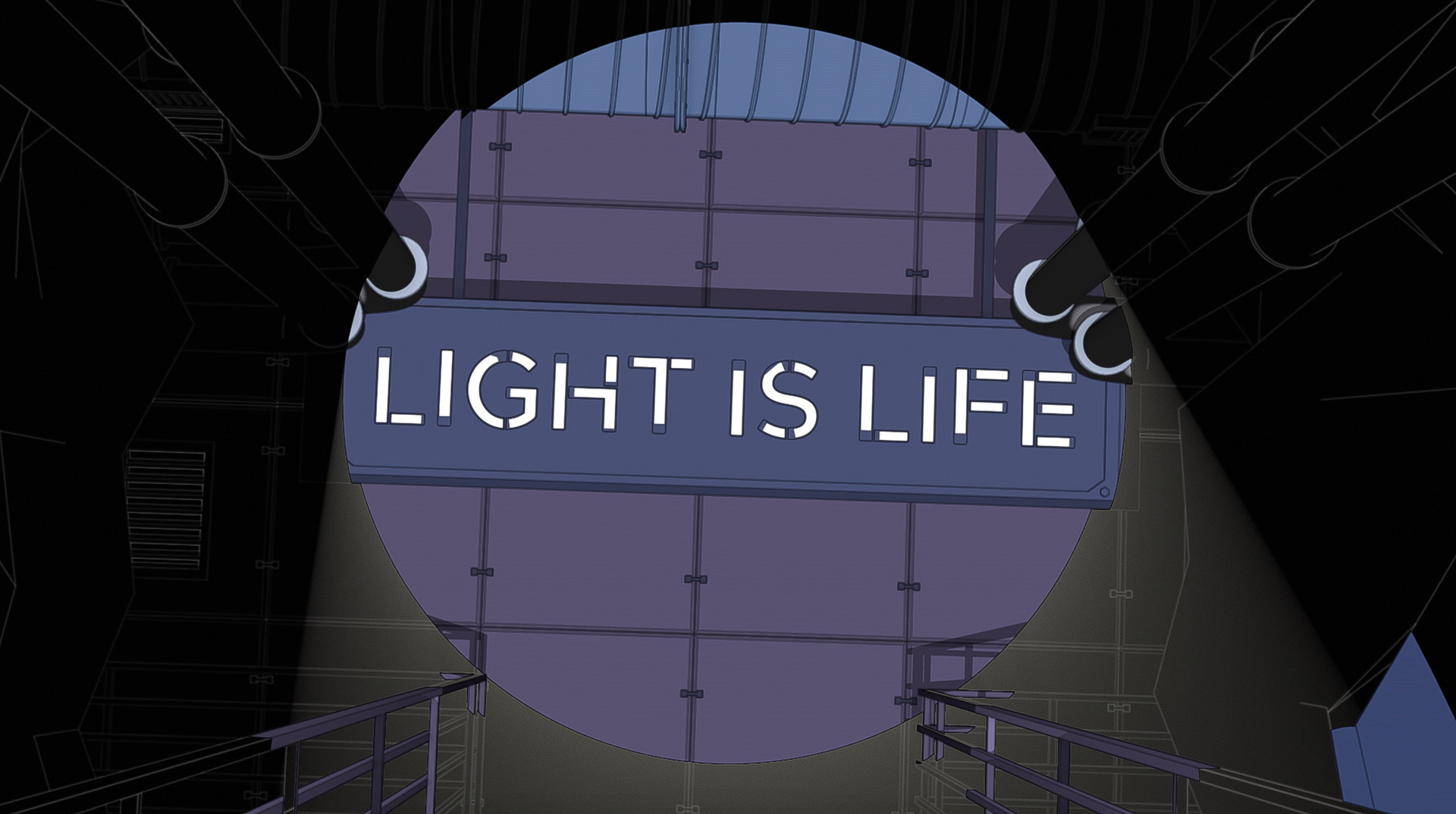
Virgil is presented as the CEO of Lightmatter Technologies, speaking about a city CORE that could supply sustainable energy to millions. His monologues frame the puzzles as part of a larger vision for a brighter tomorrow.
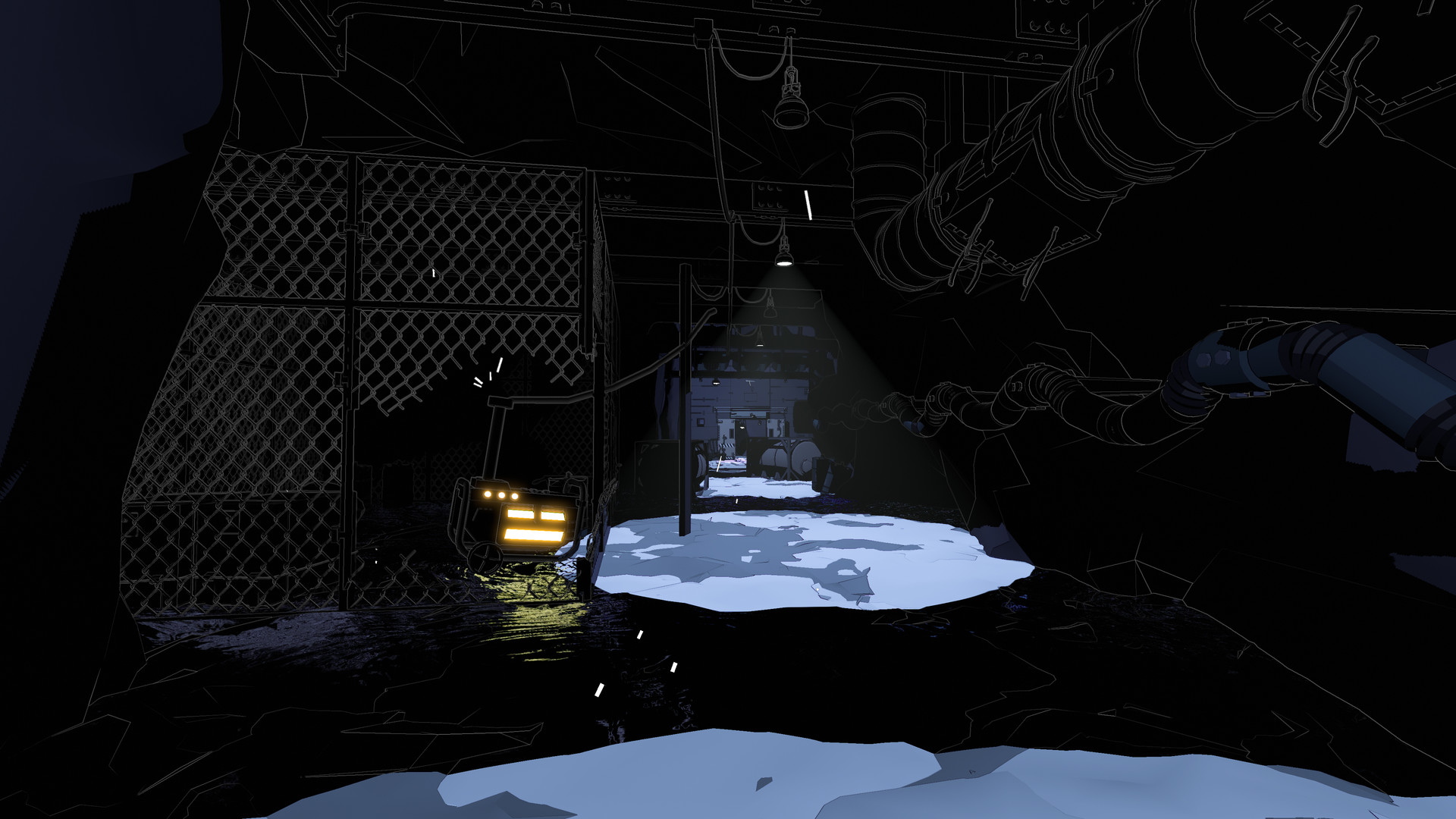
The world is depicted as hazardous, with shadows that can kill the player. This “floor is lava” motif reinforces the need to treat light both as a tool and a potential threat.
- Listen for Virgil’s remarks about energy; they often echo the puzzle’s purpose.
- Watch how shadows move; their patterns can hint at hidden dangers.
02 / THE GUIDE
Puzzle Design
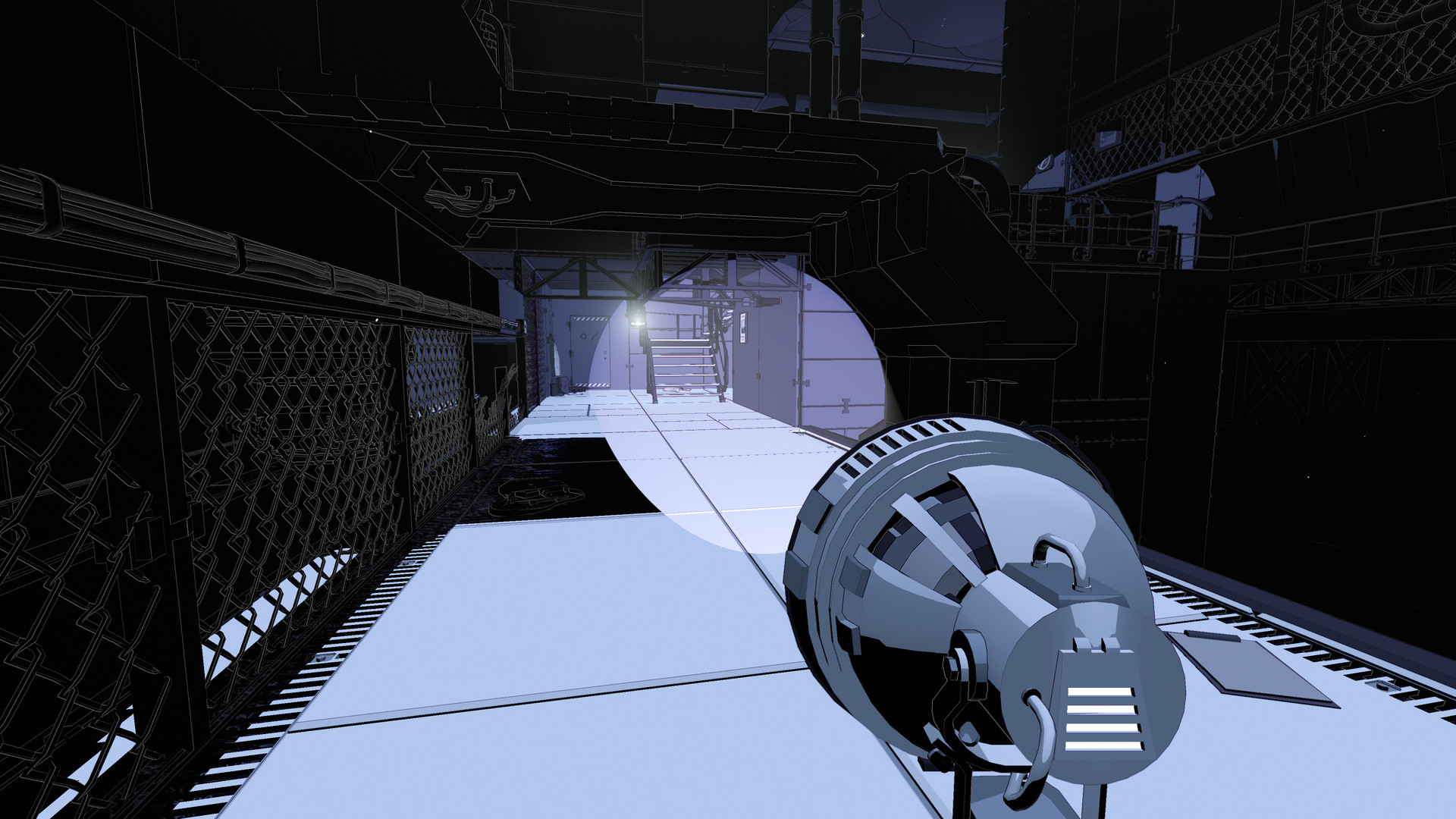
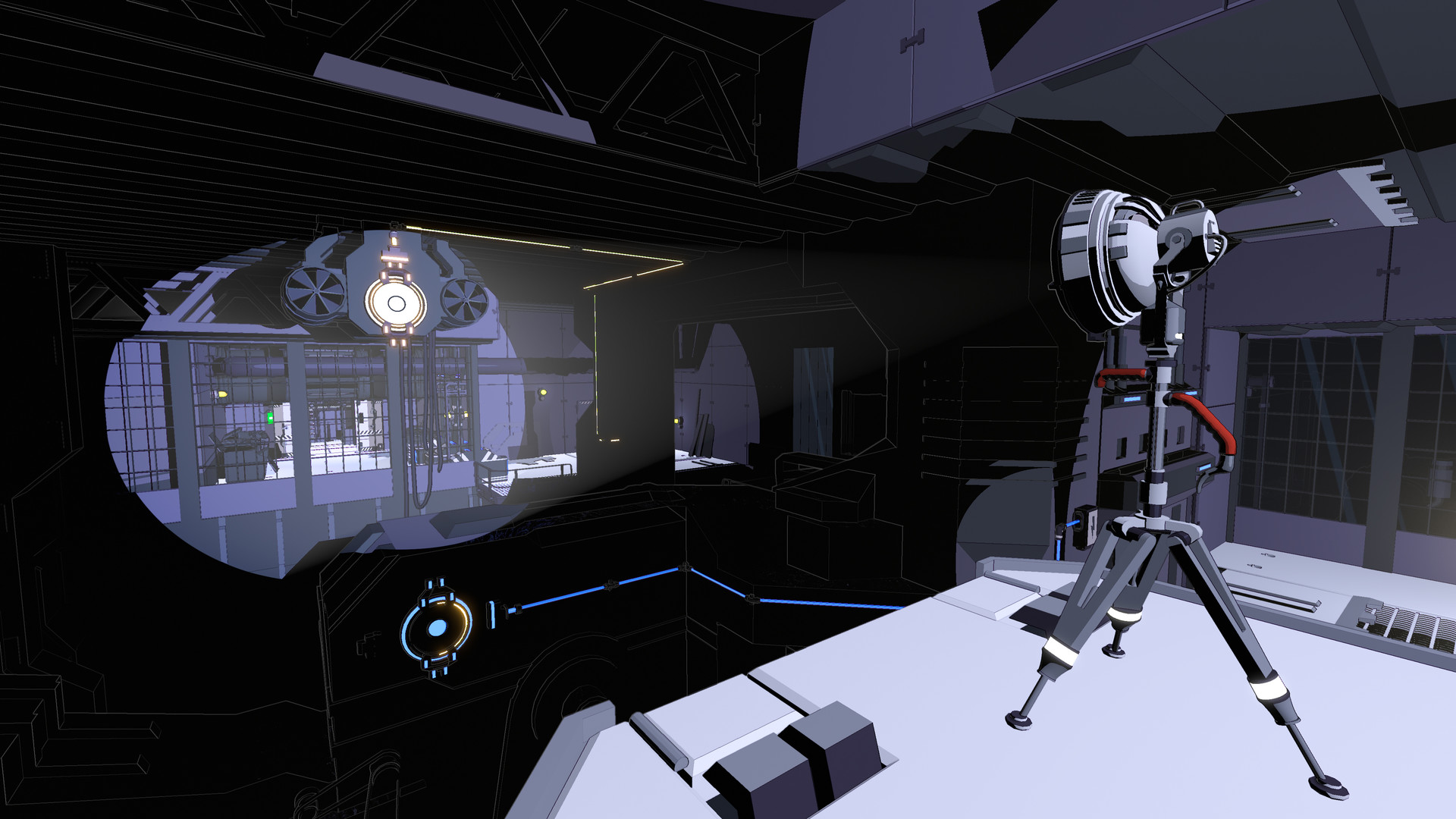
Each challenge requires arranging lights, shadows, beams, and platforms to create safe routes or reveal hidden paths. The description stresses lateral thinking over brute force.
The game urges players to examine surroundings closely, indicating that visual cues are essential for solving each mind‑bending puzzle.
- Try different light angles to discover unexpected pathways.
- Notice how platforms interact with beams; they often become the key to progress.
03 / THE GUIDE
Visual and Audio Style
The aesthetic relies on stark lighting contrasts in dark, atmospheric environments, highlighting the interplay between illumination and darkness.
The presentation centers on the interplay of light and darkness, so careful visual observation is what guides players through complex sections.
- Observe changes in ambient sound when entering a new lighting zone.
- Use visual contrast to differentiate safe platforms from hazardous shadows.
04 / THE GUIDE
Platform Compatibility
Lightmatter is released for Windows via Steam and lists Partial Controller Support among its features, indicating some controller functionality is present.
Steam Cloud and Family Sharing are also listed, meaning progress can be stored online and a single purchase can be accessed by multiple Steam accounts on the same machine.
- Enable Steam Cloud in the Steam client to keep progress synced.
- If you share the game, ensure Family Sharing is activated on the host account.
05 / THE GUIDE
Achievements and Trading Cards
The game includes Steam Achievements, giving players extra goals to pursue during their playthrough.
Steam Trading Cards reflecting the game’s artistic themes are also available, offering a collectible side goal that does not affect core gameplay.
- Check the achievement list to identify puzzles you have not yet solved.
- Trade duplicate cards with friends to complete your collection.

COMMUNITY
Player discussion