 GameWiki
GET YOUR BEARINGS
About Light Up The Town
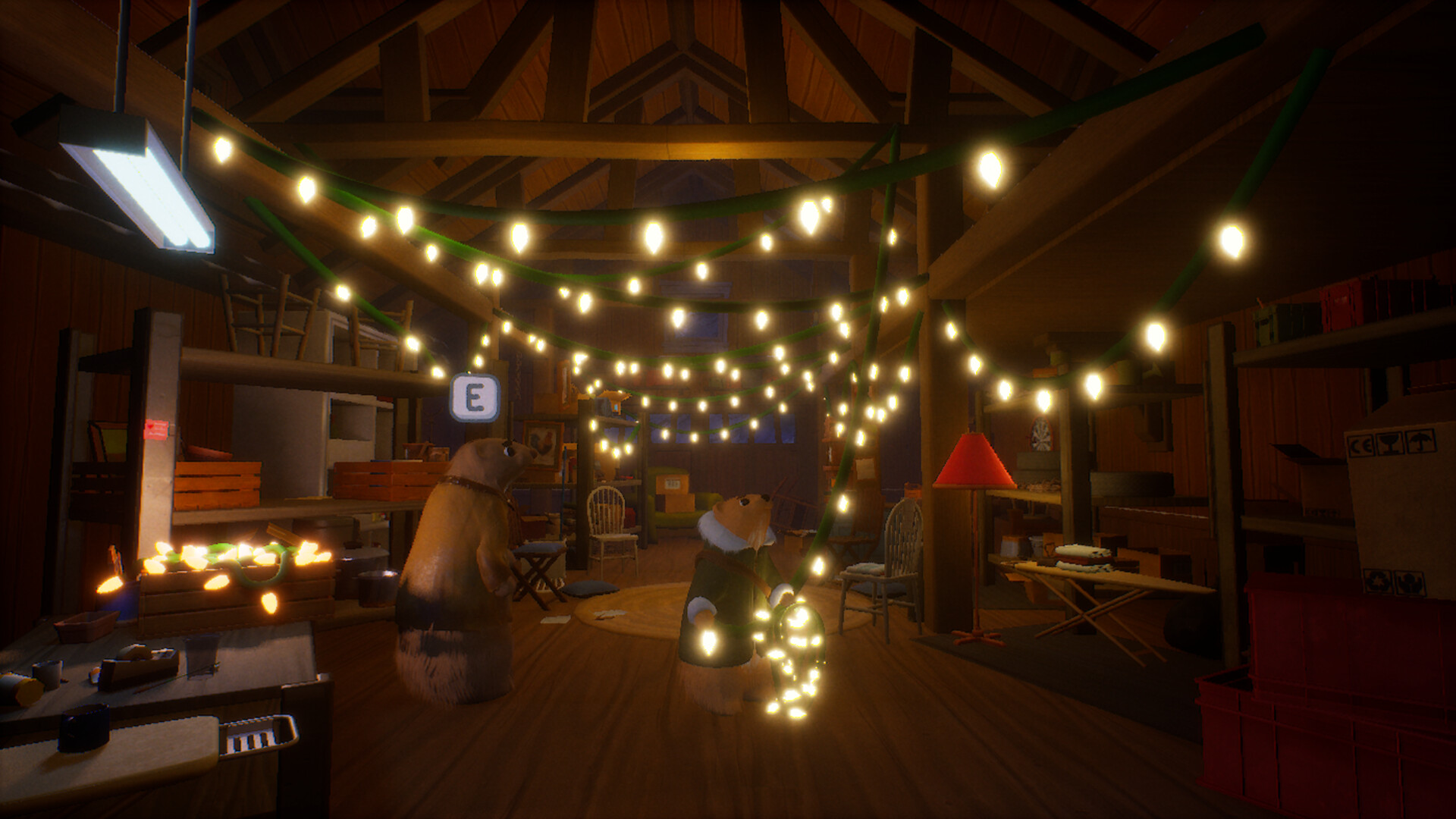
Light Up The Town is a cozy, creative single‑player experience where you help Bean, a young ferret, illuminate Bellflower, Colorado for its Winter Festival. The game focuses on placing string lights and holiday decorations across handcrafted locations.
Players click to throw decorations, adjust size and rotation, and collect coins that unlock additional items. With full controller support and family sharing, the title offers a relaxed, festive atmosphere suitable for all ages.
01 / THE GUIDE
Story
The town of Bellflower is preparing for its annual Winter Festival, but darkness looms as the local electrician, Chuck, is unavailable. Bean, Chuck’s daughter, takes on the task of lighting the town before a blizzard arrives.
The narrative frames the decoration effort as a community‑building act, asking players what it takes to make a place better. The story unfolds through Bean’s mission to brighten the streets in time for the festival.
- Observe how the story emphasizes community effort; consider arranging decorations to cover key town areas first.
- Use the narrative cue of an approaching blizzard as a mental timer for pacing your placement.
02 / THE GUIDE
Gameplay Mechanics
Players click anywhere to throw string lights and holiday decorations, then customize each item’s size and rotation. This simple interaction lets you arrange lighting in any style you prefer.
The game does not impose strict placement rules; instead, it encourages creative freedom across 18+ handcrafted levels, allowing you to experiment with different decorative patterns.
- Try varying rotation angles to create visual rhythm across a street.
- Adjust size before placement to fill larger gaps without overlapping.
03 / THE GUIDE
Levels
The game features more than eighteen handcrafted levels, each representing a part of Bellflower during the winter season. Levels provide distinct layouts for placing lights and decorations.
Each level presents its own spatial challenges, encouraging players to think about coverage and aesthetic flow while staying within the festive theme.
- Start with broader areas in a level before focusing on detailed spots.
- Notice recurring architectural features that can guide consistent decoration patterns.
04 / THE GUIDE
Collectibles
Coins are scattered throughout the town and can be collected during decoration. Accumulating coins unlocks additional lights and decorations, expanding the visual toolkit.
Collecting coins expands your decoration options, giving you more ways to personalize each level’s appearance.
- Prioritize coin‑rich spots early to broaden your decoration inventory.
- Balance coin collection with placement speed to keep the festive mood.
05 / THE GUIDE
Platform Features
Light Up The Town runs on Windows and supports full controller input, allowing players to use either mouse clicks or a gamepad to place decorations. The game also supports family sharing, enabling multiple accounts to access the same purchase.
While the title is single‑player, these platform features ensure flexible access and input options for a variety of play environments.
- Experiment with controller placement to see if it feels more natural than mouse clicks.
- Use family sharing to let friends or relatives try the game without buying a separate copy.




COMMUNITY
Player discussion