 GameWiki
GET YOUR BEARINGS
About Light Maze
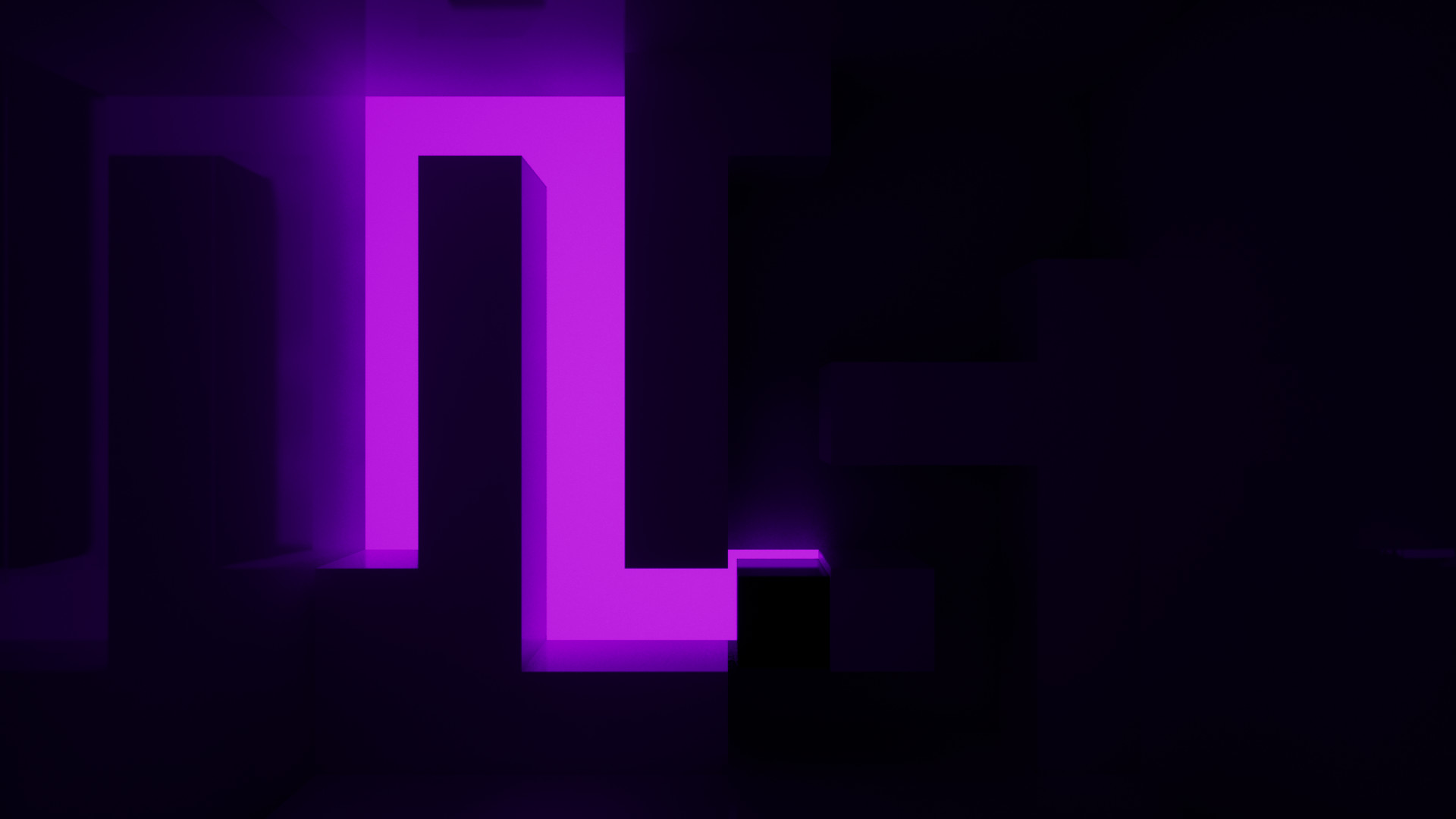
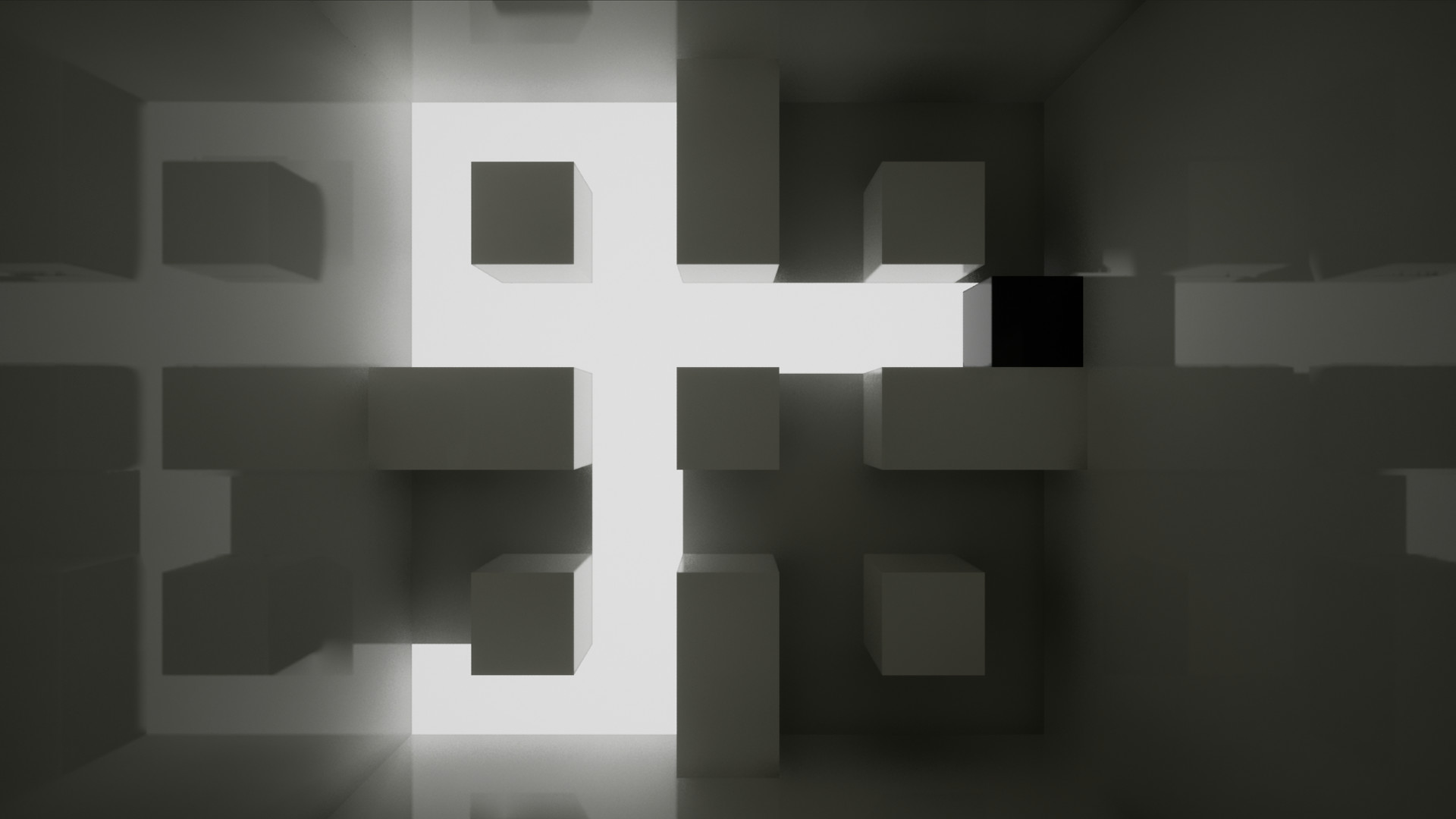
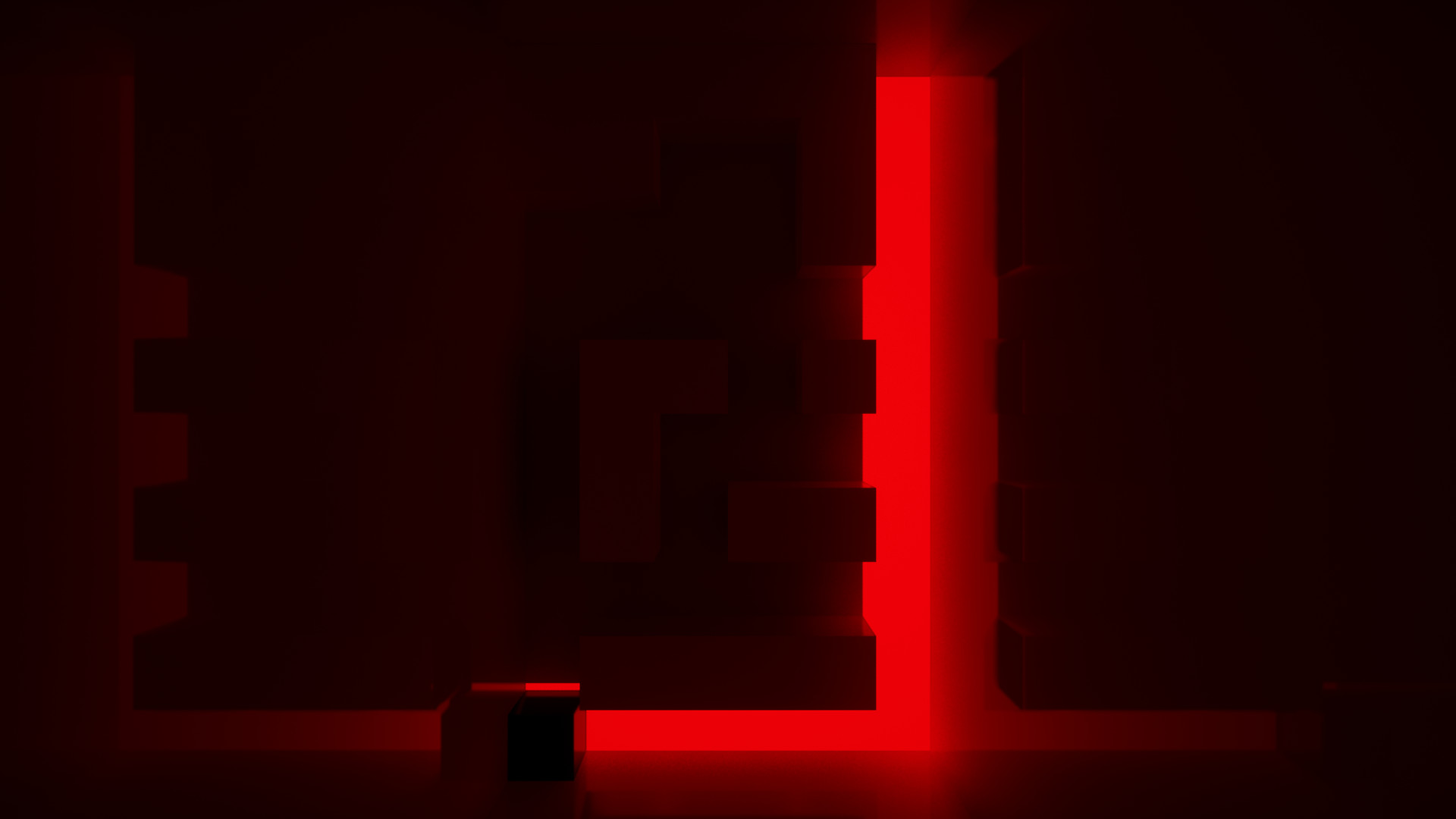
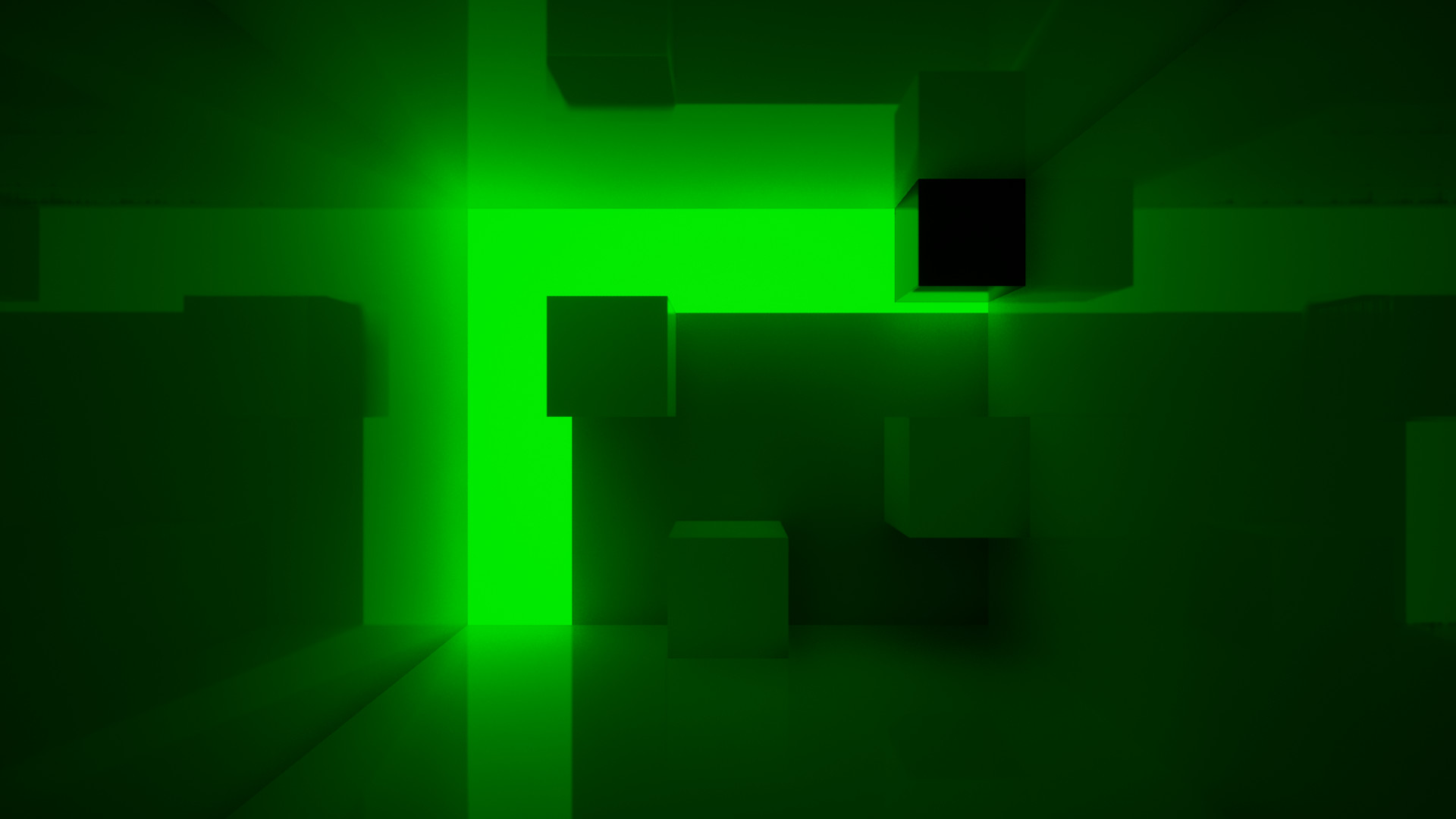
Light Maze puts you in control of a simple cube that must travel across a grid of tiles. Each of the 100 levels varies in difficulty, and the tile you stand on lights up and stays lit until you finish the stage.
The game runs on Windows via Steam, offers a pause function, a level‑restart key, and a save system that can be deleted. It includes Steam Achievements and supports Family Sharing for single‑player play.
01 / THE GUIDE
Controls Overview
Movement is limited to four directions using any of the listed key sets: WASD, IJKL, or the numeric keypad (8456 or 8426). The game lists these bindings in its menu, so players can verify them at any time.
Additional keys are P or Escape for pausing and R for restarting the current level. No other input methods are documented, keeping the control scheme straightforward.
- Switch between WASD and IJKL to see which feels more natural for your hand placement.
- Keep the pause key within easy reach for quick interruptions.
02 / THE GUIDE
Level Lighting Mechanic
When the cube moves onto a tile, that tile lights up and remains illuminated for the rest of the level. This visual cue marks the squares you have already visited.
The illumination persists until the level is completed, giving a clear picture of which areas of the grid are still unlit and need to be explored.
- Observe which sections become lit early to gauge how much of the level remains.
- Avoid stepping on already lit tiles when you aim to discover new paths.
03 / THE GUIDE
Progression and Save System
Light Maze includes a save system, allowing you to continue later. The save can be manually deleted if you wish to start over.
The save system can be deleted if you want to start over, though the source does not specify where the data is stored.
- Back up the save file before deleting it if you might want to restore progress later.
- Use the delete option to reset a level you find especially challenging.
04 / THE GUIDE
Pause and Restart Functions
Pressing P or Escape pauses the game until you resume. This lets you take a break without exiting the level.
Pressing R restarts the active level, clearing all lit tiles and giving you a fresh start without needing to leave the game.
- Use pause when you need a short interruption without losing your place.
- Restart immediately after a mistake to avoid wandering through already lit areas.
05 / THE GUIDE
Community Feedback
The developer invites players to report bugs, issues, and suggestions in the Community Hub Discussion section. This is the primary channel for communicating problems and ideas.
Engaging with the community can help you find work‑arounds for known issues, though no specific development roadmap is provided.
- Search the discussion board before posting to see if your issue has already been addressed.
- Provide concise, detailed information when submitting feedback to aid developers.

COMMUNITY
Player discussion