 GameWiki
GET YOUR BEARINGS
About Life Makeover
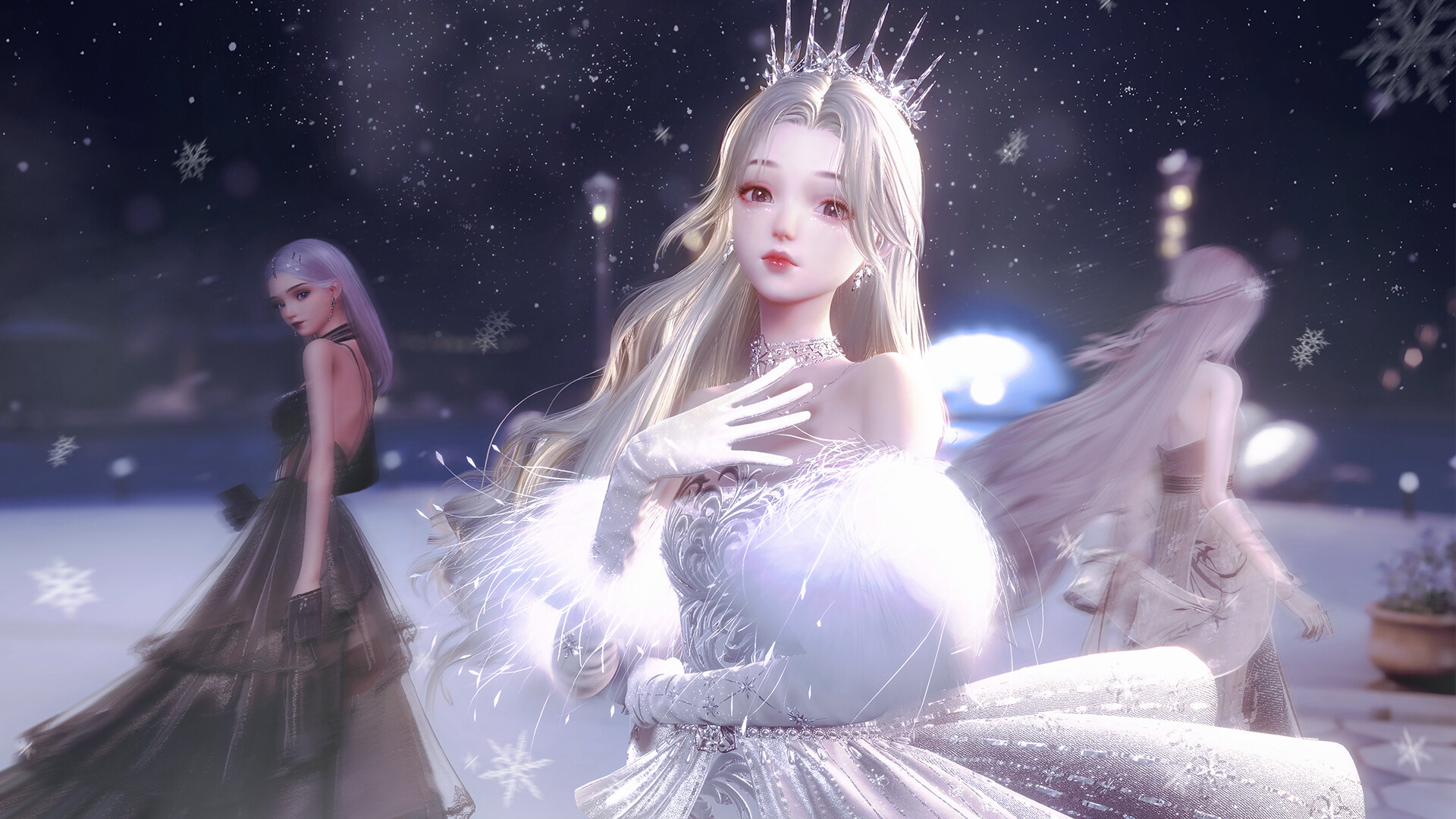
Life Makeover lets you shape a virtual persona by adjusting facial features, body shape, and skin tone, then dress the character using a UE4‑powered wardrobe. The game emphasizes personal expression through detailed garments, fashion dye, and a DIY Garment Studio that lets you control every step of creation.
Beyond clothing, you can furnish a dream home, host activities like reading or dancing, raise pets, and explore story‑driven Live2D cards. Multiplayer modes let you visit friends, share designs, and celebrate creativity together on Windows.
01 / THE GUIDE
Character Customization
The avatar editor provides sliders for facial features, body shape, and skin tone, allowing a wide visual range. Adjustments are applied directly to the model, so every outfit you wear reflects the chosen proportions and complexion.
You can explore story cards and visit other players’ homes while showing off your customized look.
- Experiment with extreme slider positions to discover unexpected silhouettes.
- Try different avatar looks to match different fashion themes.
02 / THE GUIDE
Wardrobe and Fashion Dye
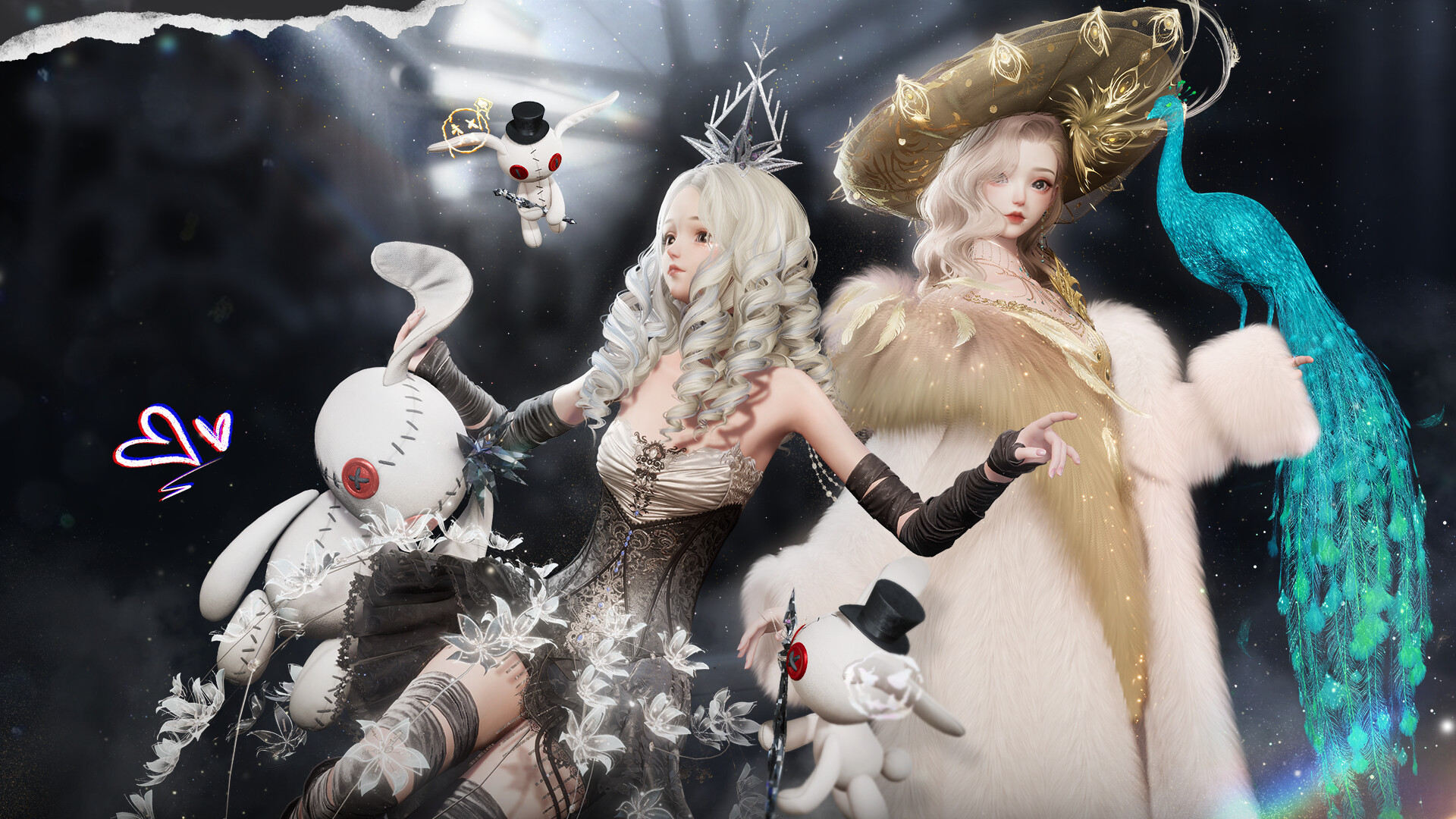
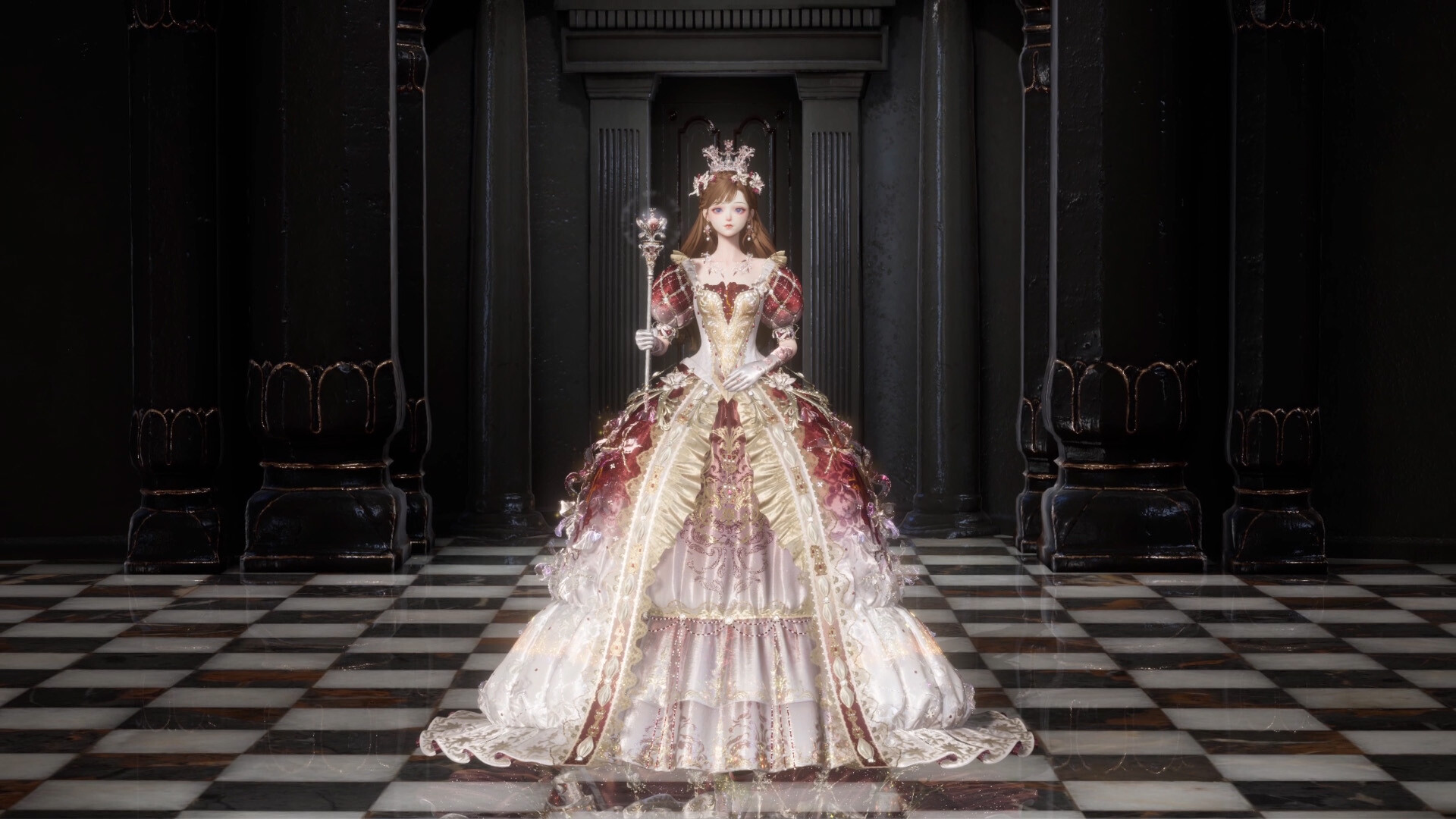
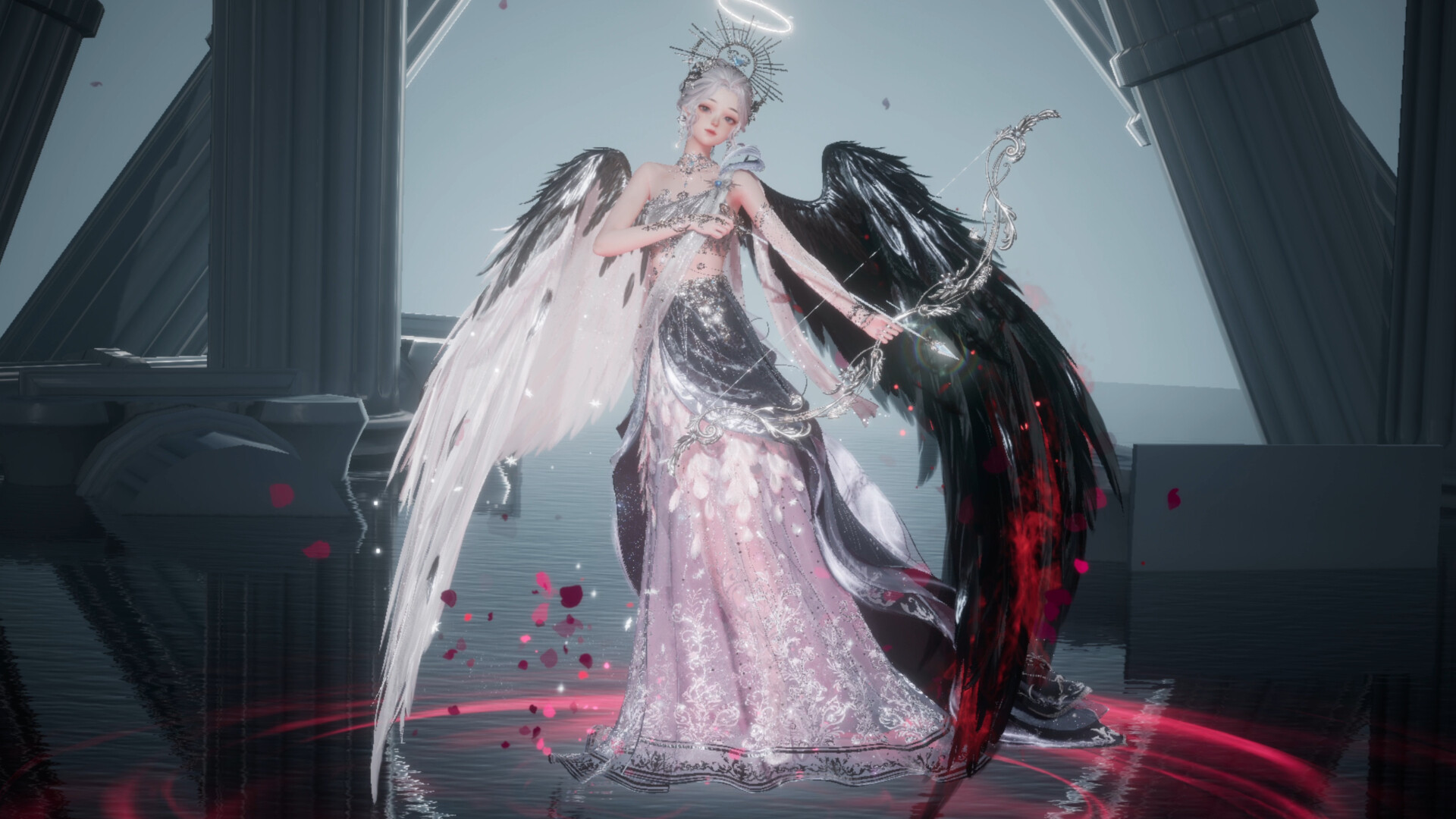
The UE4‑based wardrobe offers garments detailed down to stitches and embroidery. Each piece can be recolored using the fashion dye tool, which supplies hundreds of hue combinations, including iridescent options.
Dye is applied to individual outfit parts, letting you create coordinated or contrasting color schemes that change the visual impact of your look without affecting other systems.
- Try complementary dyes across layers for a harmonious appearance.
- Use iridescent shades on accessories to add visual pop.
03 / THE GUIDE
DIY Garment Studio
In the DIY Garment Studio you select fabrics, create patterns, cut, and print, overseeing every step of a garment’s creation. This mirrors real‑world design workflows within the game environment.
Completed pieces can be worn, letting you display the exact design you crafted in both solo and multiplayer settings.
- Start with simple fabrics before tackling intricate patterns.
- Document each design step to replicate successful garments later.
04 / THE GUIDE
Home Design & Lifestyle
You can furnish a virtual home using a diverse furniture catalog, arranging spaces for activities such as reading, dancing, working out, hosting parties, and raising pets. The environment reflects the style choices you make for both decor and layout.
Friends can visit your home, and you can enhance decor for photo‑ready moments, creating a social hub that complements your fashion creations.
- Create distinct zones for each activity to improve flow.
- Match decorative colors with your avatar’s palette for visual harmony.
05 / THE GUIDE
Community & Live2D Stories
Live2D cards deliver immersive stories and hidden clues beneath costumes, encouraging exploration beyond fashion. Uncovering these mysteries adds narrative depth to the experience.
Multiplayer features include co‑op and online co‑op modes, letting you share outfits, visit friends’ homes, and participate in community gatherings on the same Windows platform.
- Read each Live2D card carefully to spot subtle hints.
- Visit multiple friends’ homes to gather diverse design inspiration.

COMMUNITY
Player discussion