 GameWiki
GET YOUR BEARINGS
About LiDAR Exploration Program
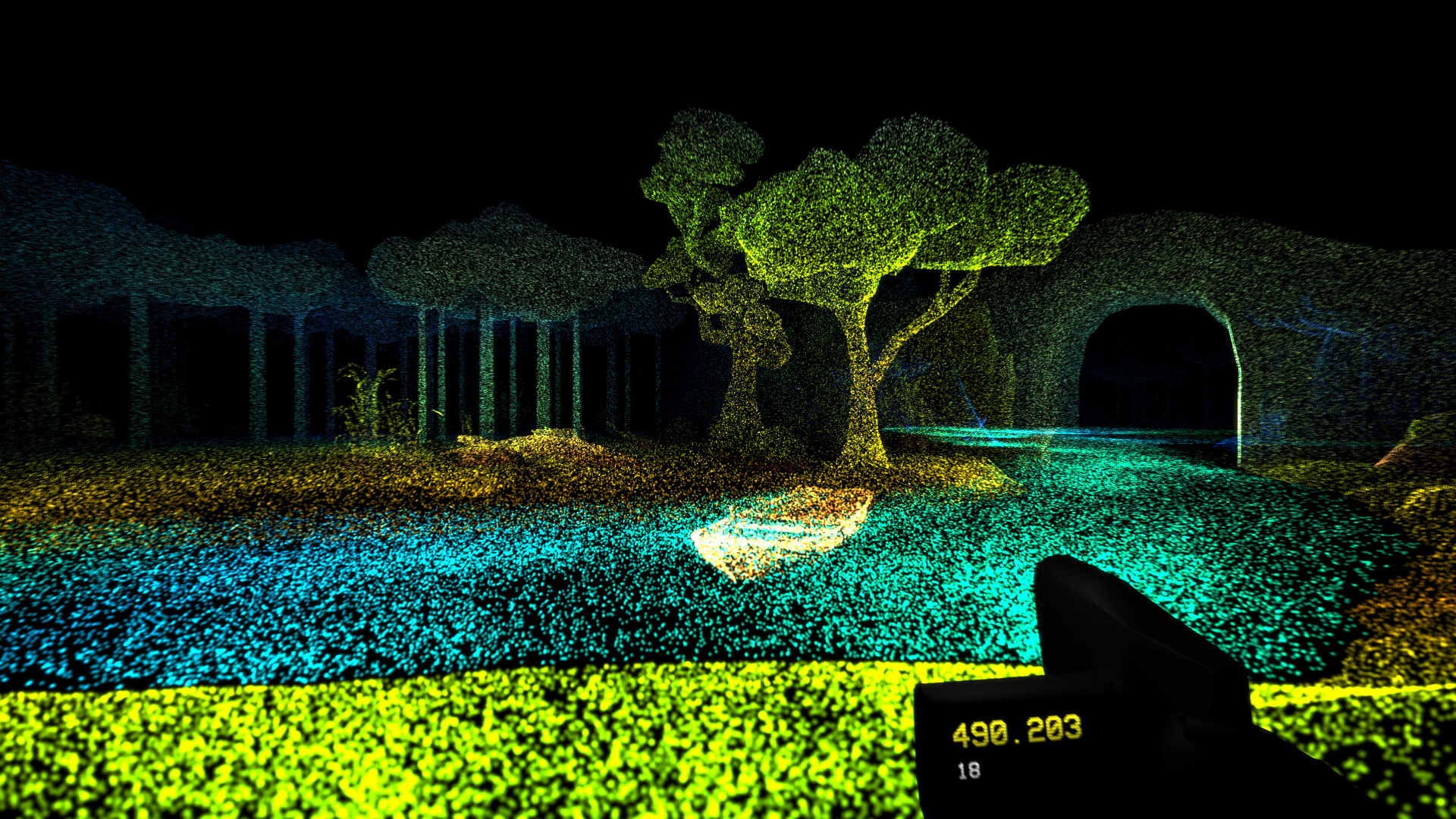
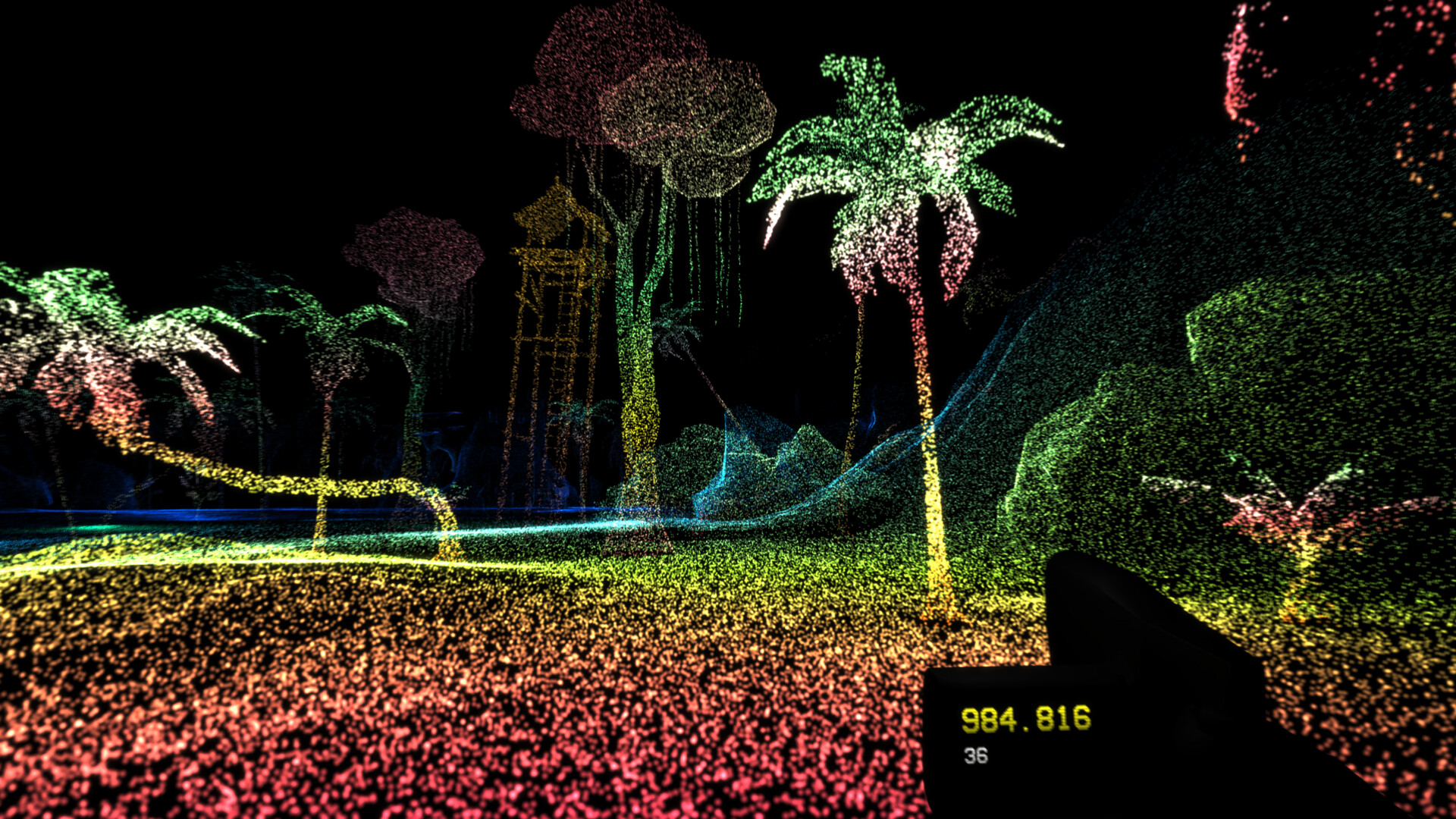
LiDAR Exploration Program is an atmospheric adventure game that places you in total darkness, relying on a lidar scanner to reveal the world. The scanner colors the environment, letting you navigate and investigate strange objects while a light horror tone lingers.
The game offers eight distinct locations—forests, caves, abandoned cities and more—each with its own color palette. Gameplay is simple: walk, scan, and use a top‑down map to locate items, while enjoying single‑player play, Steam achievements, and full controller support.
01 / THE GUIDE
Scanning in Complete Darkness
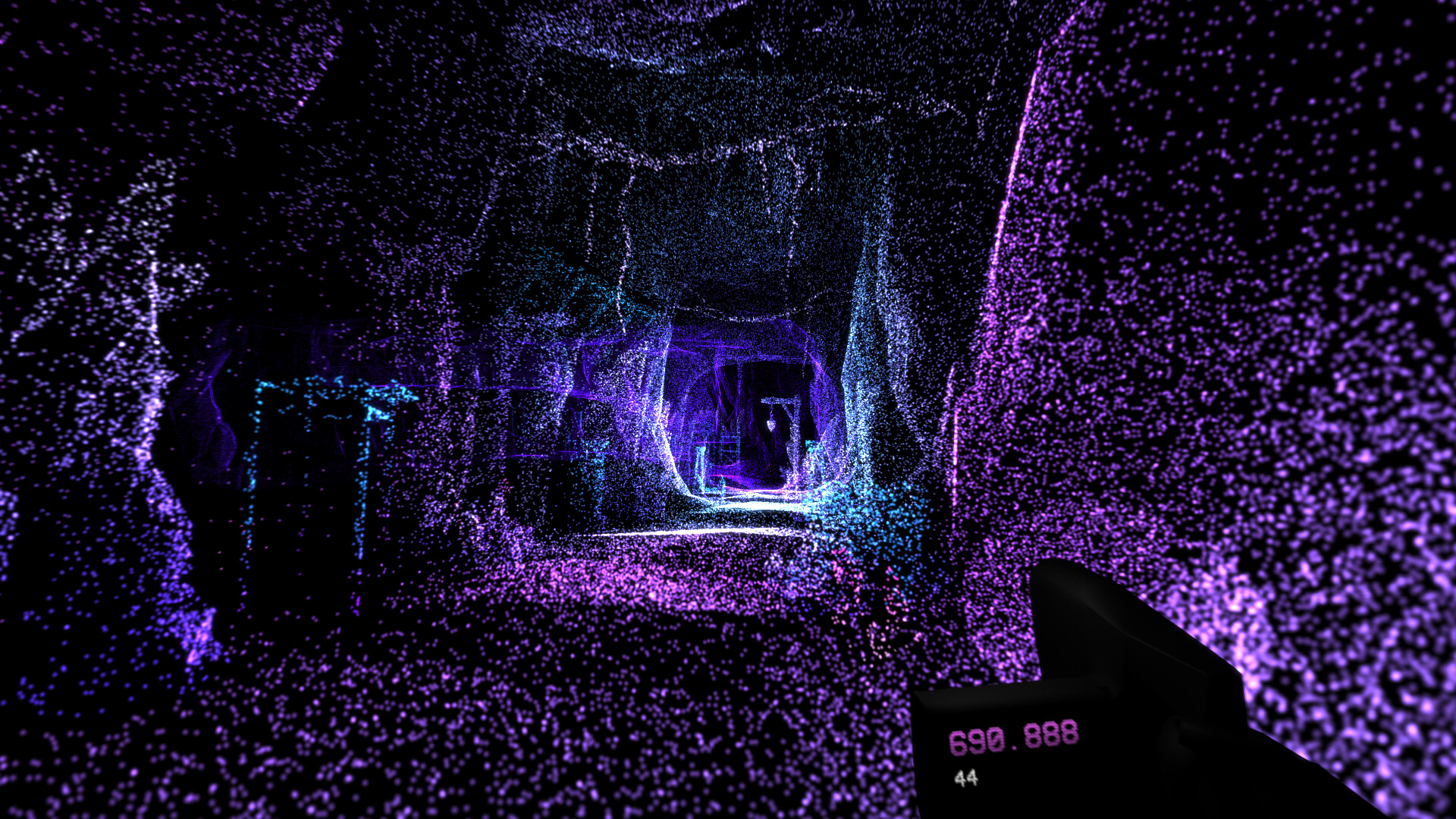
You begin in total darkness where nothing is visible until the lidar scanner is activated. The scanner colors everything around you, turning the unknown into a visible landscape. Scanning not only reveals terrain but also highlights ordinary and creepy objects, allowing you to explore them without any other visual cues.
- Observe how the scanner’s colors change when you approach different objects.
- Compare the scanner’s output in quiet areas versus more cluttered zones.
02 / THE GUIDE
Using the Overhead Map
A map showing the environment from above is available to help locate objects that need scanning. It provides a bird’s‑eye view, making navigation across the dark world more manageable. Relying on the map can reduce wandering and speed up the discovery of hidden items in each level.
- Toggle the map when you feel lost to re‑orient yourself.
- Use the map to re-check which parts of a level you may have already covered.
03 / THE GUIDE
Eight Distinct Levels
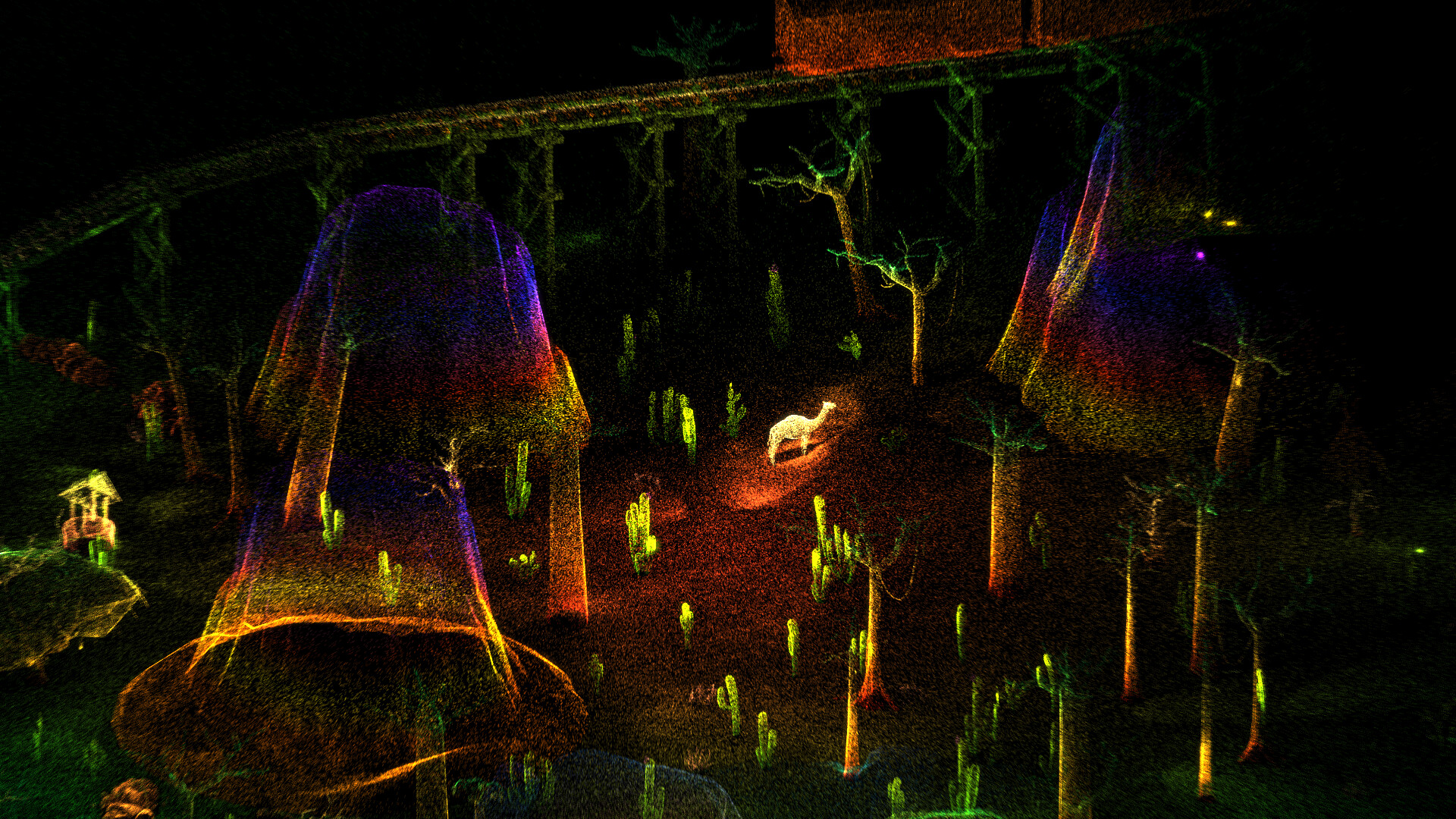
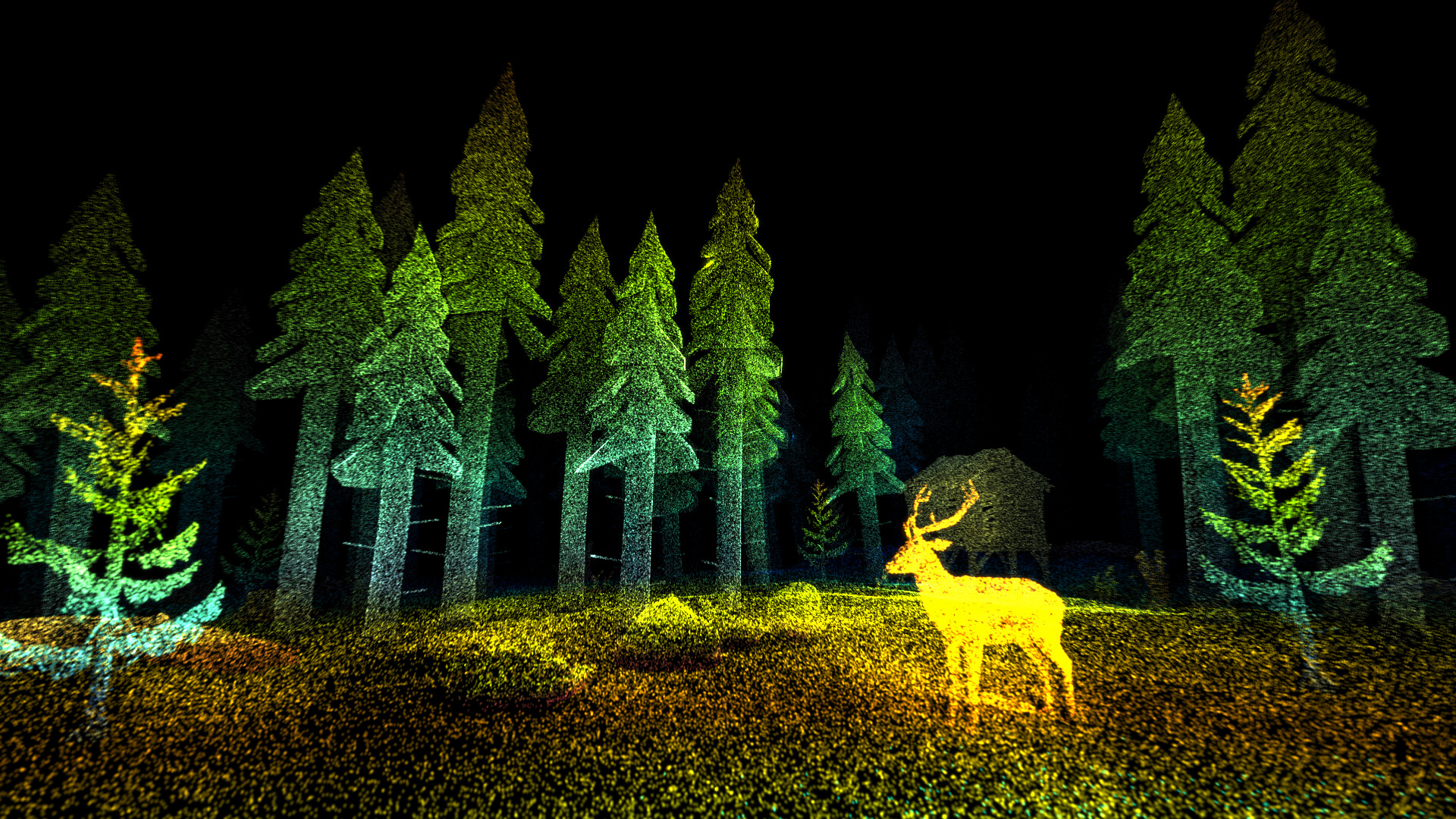
The game contains eight separate locations, each offering a unique setting such as forests, caves, and an abandoned city. Every level presents its own collection of objects to scan. Exploring different environments keeps the experience fresh, as each area introduces new visual themes and scanning challenges.
- Take note of how each level’s layout influences your scanning path.
- Compare the density of objects between natural and urban levels.
04 / THE GUIDE
Level‑Specific Color Palettes
Each level uses its own color palette, meaning scanned objects can appear in varying hues. Some objects even have distinct colors that differ from the surrounding environment. These palette differences help distinguish one area from another and add visual variety to the scanning process.
- Notice which colors dominate in each level to gauge the setting.
- Observe objects that break the palette’s norm for potential clues.
05 / THE GUIDE
Core Game Features
LiDAR Exploration Program is a single‑player title that includes Steam achievements and full controller support. The game’s design focuses on simple, addictive gameplay: walk and scan. Family Sharing is also supported, allowing the game to be shared within a Steam family group.
- Check the achievement list to set personal scanning goals.
- Experiment with controller input to see how it feels for navigating and scanning.
COMMUNITY
Player discussion