 GameWiki
GET YOUR BEARINGS
About Levelhead
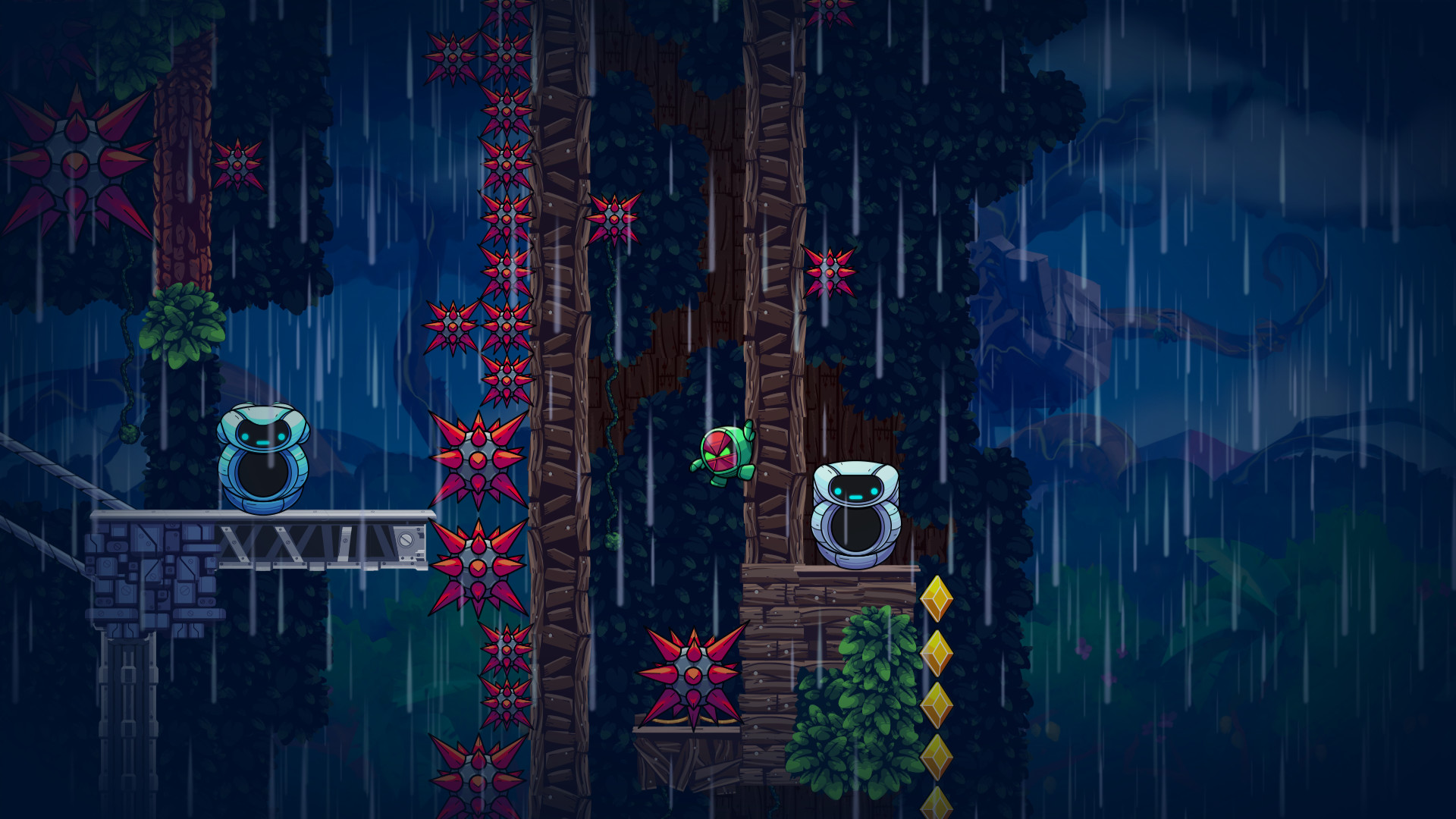
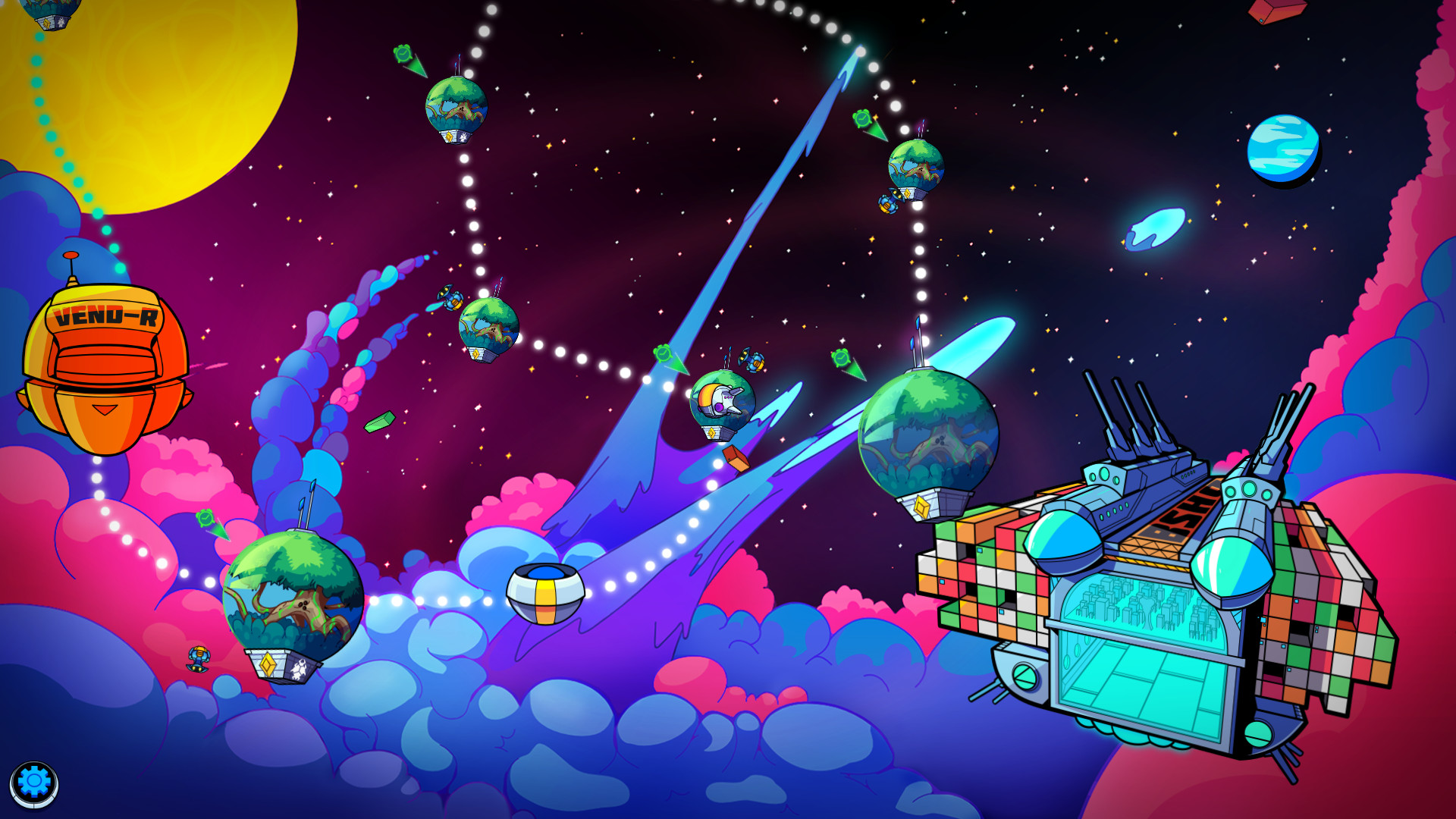
Levelhead puts you in the role of a GR‑18 delivery robot, guiding you through a hand‑crafted campaign of more than 90 platforming levels. You can unlock new avatars, race against benchmark times, and team up with up to three friends locally or via Steam Remote Play.
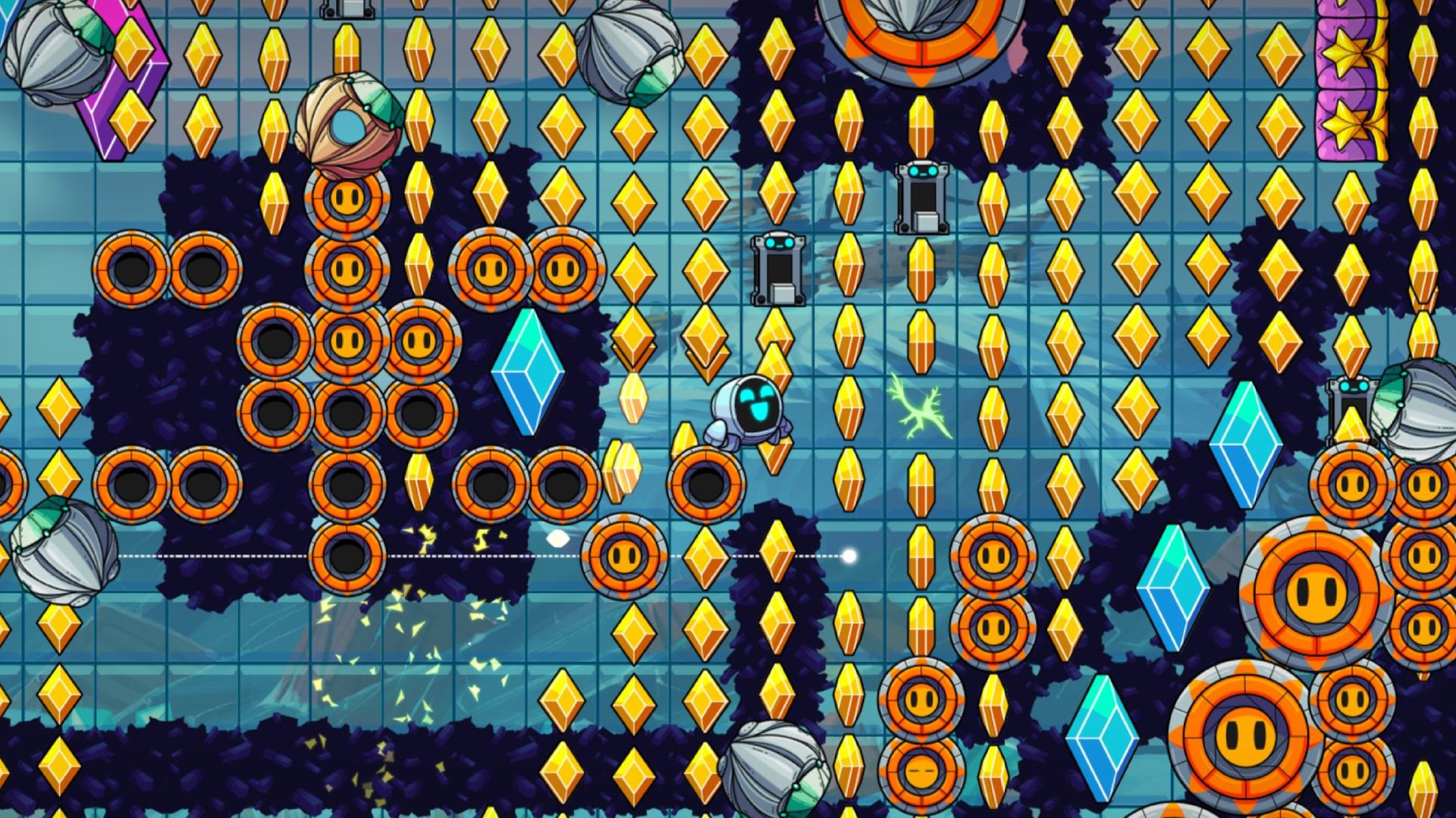
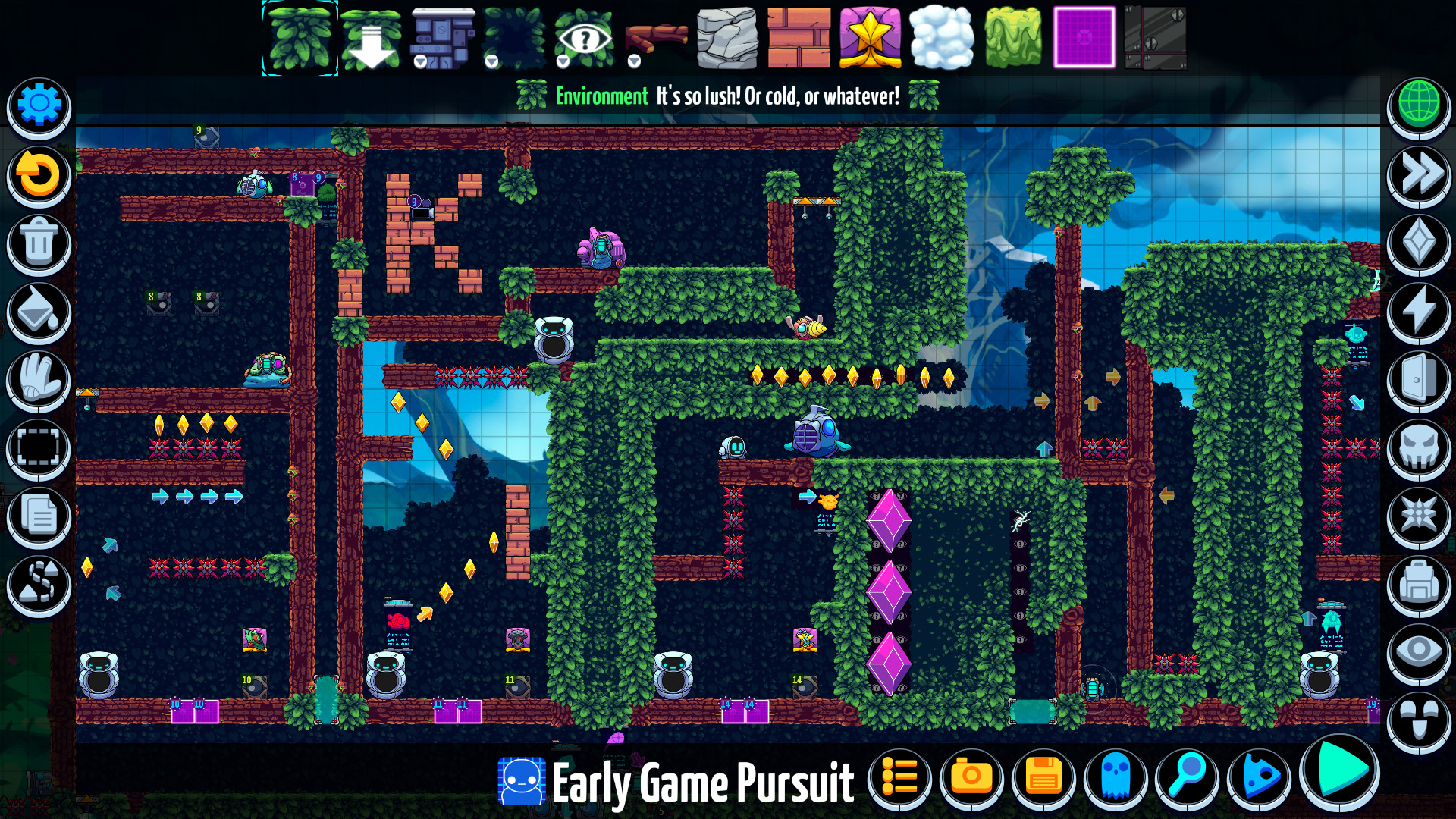
Beyond the campaign, Levelhead offers a full‑featured level editor with hundreds of items—enemies, hazards, switches, weather, music and powers. Published creations appear worldwide, gather followers, and compete on per‑level leaderboards.
01 / THE GUIDE
Campaign Gameplay
You control the GR‑18 robot and move through 90+ hand‑designed levels, running, jumping and blasting obstacles. The campaign tracks your progress, unlocks new avatars and records benchmark times for each level.
The campaign supports up to four players in local co‑op or through Steam Remote Play, allowing friends to share the same challenges and compete for the fastest times together.
- Try playing with friends to see how cooperative strategies affect completion speed.
- Watch benchmark times to identify sections where you can improve efficiency.
02 / THE GUIDE
Level Editor
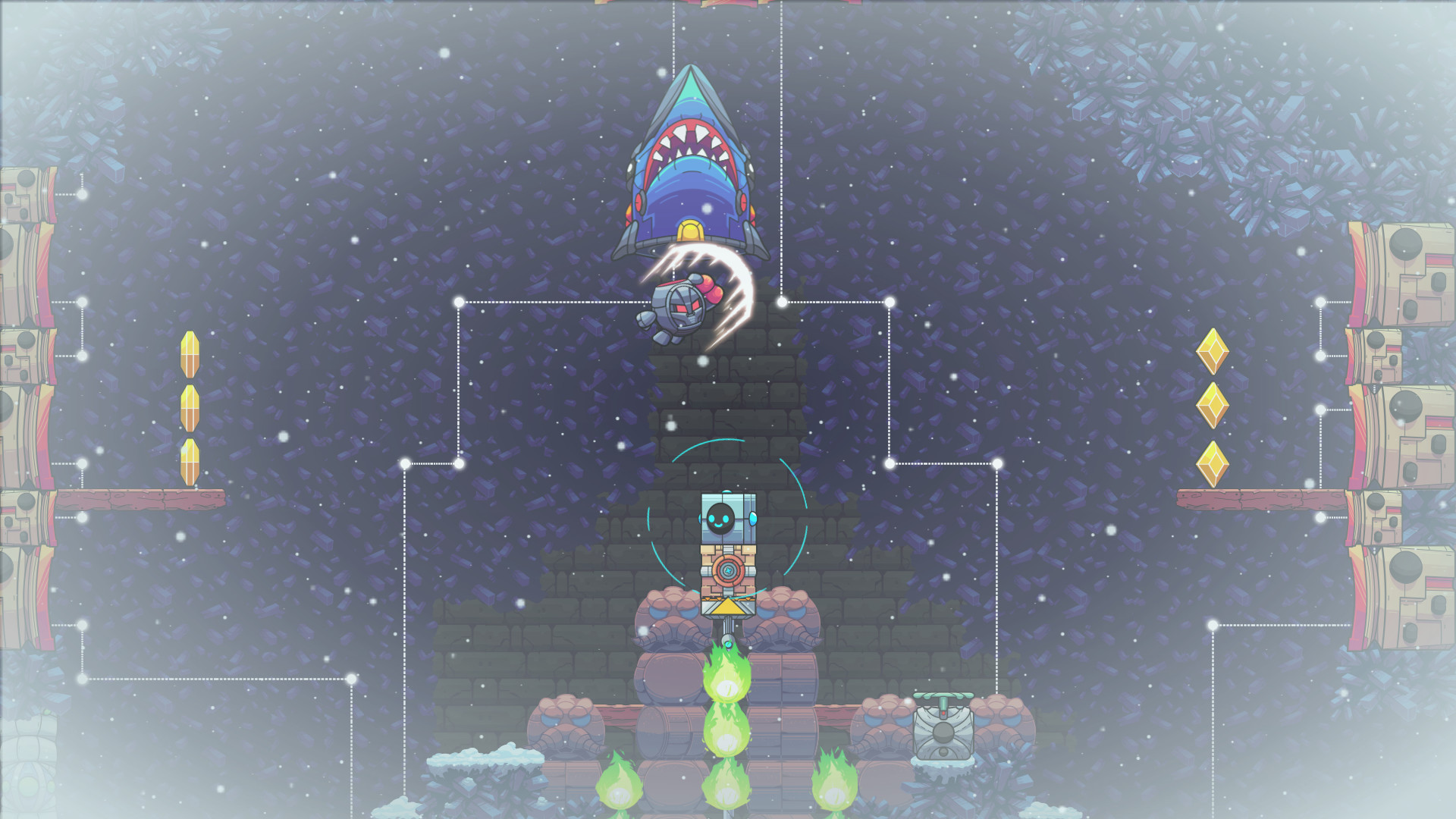
The editor supplies hundreds of items—enemies, hazards, paths, programmable switches, secrets, weather, music and powers—so you can build any type of platforming experience, from puzzles to pinball‑style contraptions.
When you publish a level, the system records play time, attempts and follower counts, and makes the level searchable worldwide, giving creators immediate feedback on community reception.
- Begin with a simple layout before adding complex switch networks.
- Test your level in single‑player mode to verify that all elements function as intended.
03 / THE GUIDE
Multiplayer & Co‑op
Up to four players can join locally or via Steam Remote Play, both in the campaign and while using the level editor, enabling shared‑screen co‑op and collaborative creation.
Each level includes a leaderboard, so players can compete for top scores while also enjoying cooperative modes that let friends tackle challenges together.
- Coordinate tasks when building a level with friends to keep the workflow smooth.
- Use the shared screen to stay aware of hazards that affect all players.
04 / THE GUIDE
Followers & Publishing
Publishing a level adds it to a global pool where play time, attempts and follower numbers are tracked, allowing creators to see how popular their work becomes.
Robust search and curation tools help surface the most active levels, and each level’s leaderboard lets creators and players compete for trophies.
- Play your own published level to increase its visibility early on.
- Observe high‑scoring runs to learn strategies that may improve your own attempts.
05 / THE GUIDE
Cross‑Platform & Cloud Backup
Levels you create are available to any player on a supported device, and the game lets you back up unfinished levels to the cloud for easy transfer between devices.
This cloud backup feature means you can continue editing a level on a different computer without losing progress, while the published version remains accessible worldwide.
- Back up important levels before making major edits to avoid losing work.
- Test a backed‑up level on another device to confirm visual consistency.
COMMUNITY
Player discussion