 GameWiki
GET YOUR BEARINGS
About Let's Cook Together
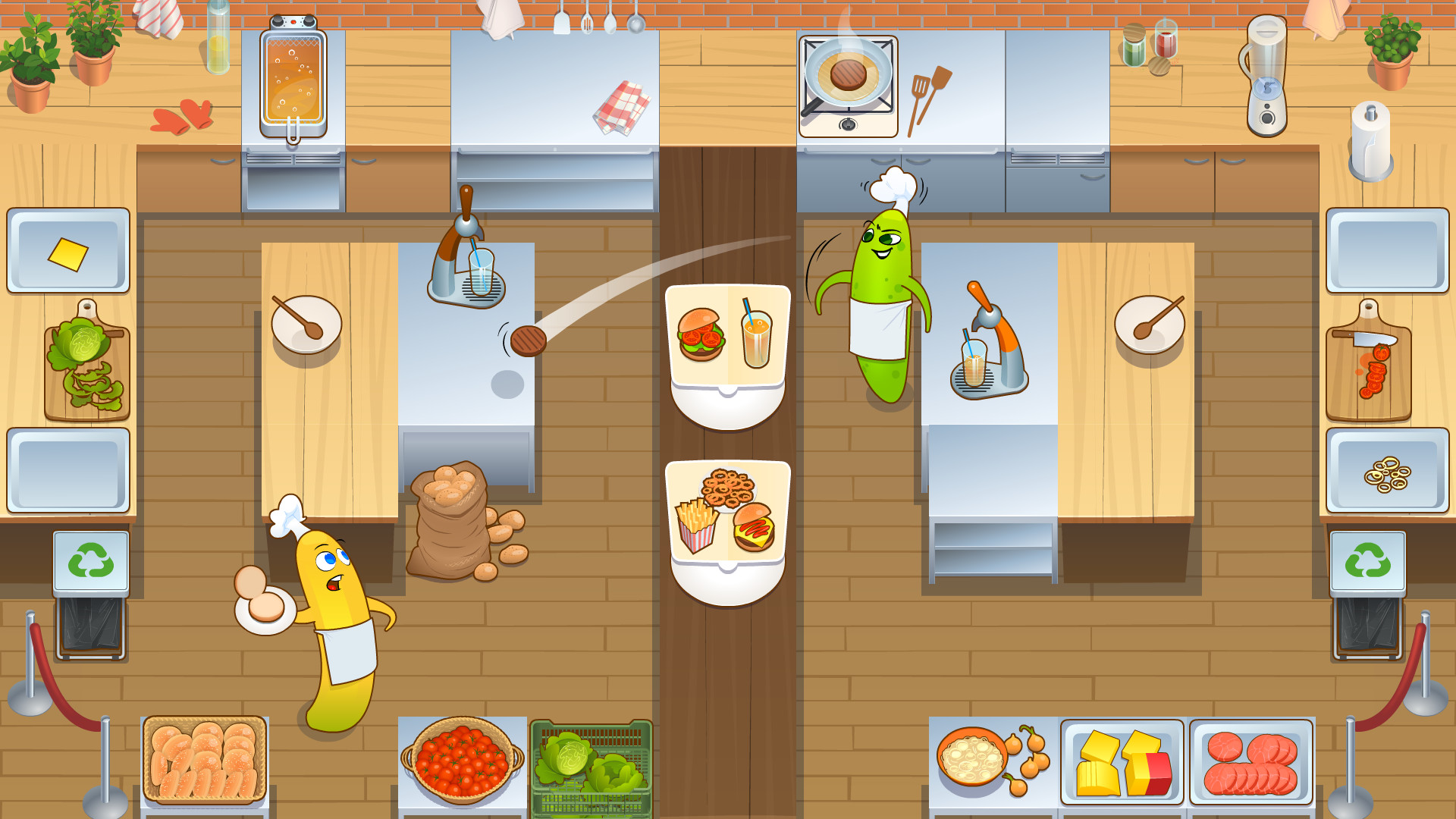
Let’s Cook Together is a casual indie couch co‑op where two aspiring chefs share a cramped commercial kitchen. A long serving counter splits the space, placing products and appliances on opposite sides, so each player must reach across to cooperate.
The game emphasizes planning and communication over reflexes, making it approachable for kids, teens, adults and elders. New ingredients, appliances and recipes appear each level, raising difficulty gradually while stars unlock new restaurants, gear upgrades and character skins.
01 / THE GUIDE
Core Gameplay
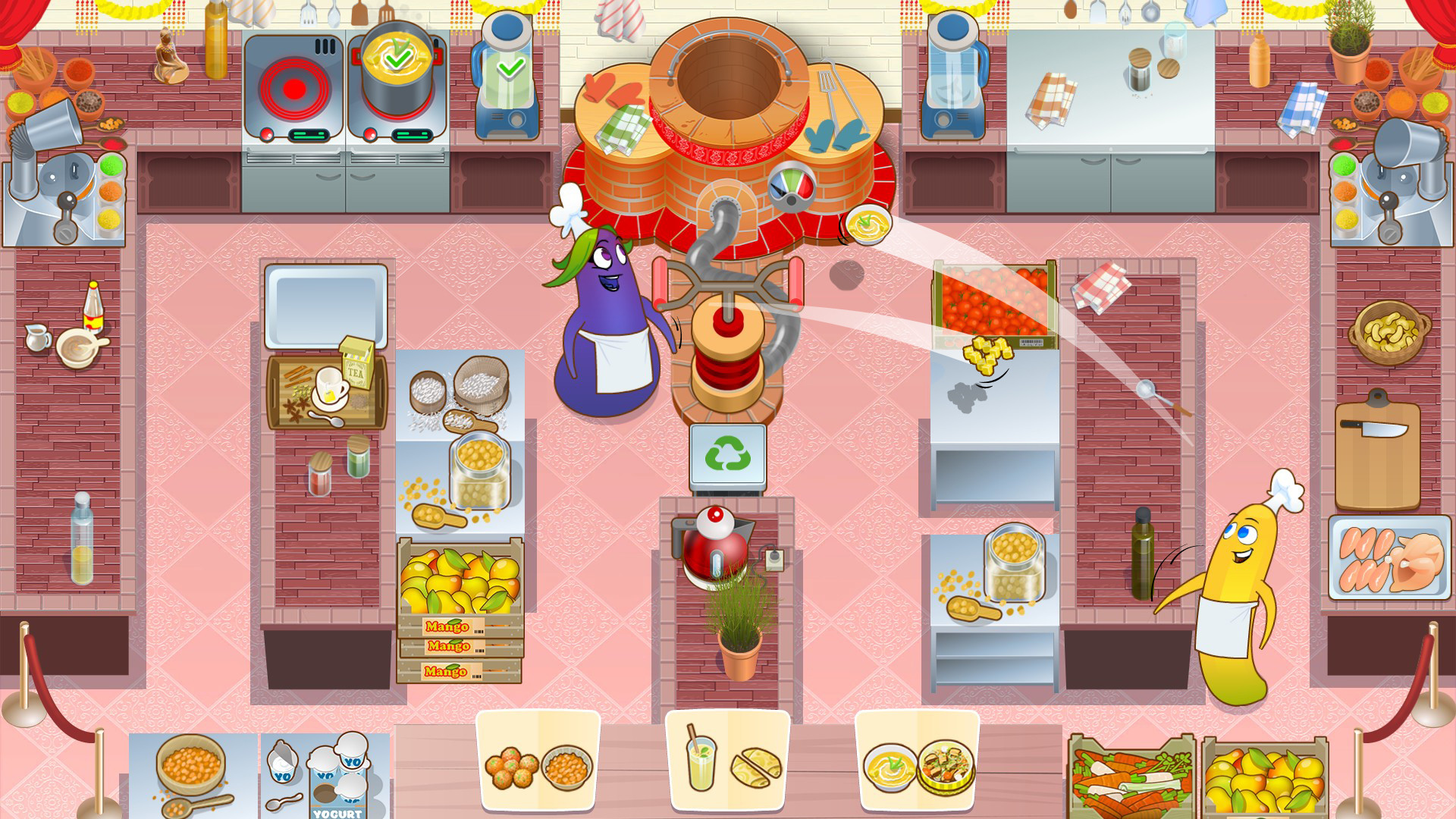
Players work together in a single kitchen divided by a long serving counter. Products and appliances sit on opposite sides, so each chef must retrieve items across the room, often tossing ingredients to the partner to complete orders.
The focus is on cooperation, planning and communication rather than speed or agility. Actions such as chopping, stirring and frying are shared tasks, and successful service of steaming dishes depends on how well the duo coordinates.
- Discuss who will handle each appliance before the level begins.
- Use the toss mechanic to pass needed items quickly across the counter.
02 / THE GUIDE
Level Progression
Each level introduces fresh ingredients, new appliances and additional recipes, raising the difficulty bit‑by‑bit. Completing orders awards stars, which serve as the currency for advancing through the game’s content.
Accumulated stars unlock new restaurants and allow upgrades to cooking gear, keeping the challenge aligned with ever‑changing cooking standards while also granting access to new character skins.
- Master the current recipe before moving to the next level.
- Collect stars consistently to unlock new restaurants early.
03 / THE GUIDE
Multiplayer Co‑op
The title is built around a two‑player couch co‑op experience, supporting split‑screen co‑op and PvP modes. Players share the same screen, which highlights the need to coordinate actions across the divided kitchen.
Remote Play Together lets friends join online, extending the bonding premise to players who cannot sit side‑by‑side, while the game’s description stresses its suitability for all ages.
- Use voice chat or simple call‑and‑response cues to keep coordination clear.
- Try split‑screen mode to maintain visual awareness of your partner’s actions.
04 / THE GUIDE
Customisation and Upgrades
Progress through the game grants access to new character skins, offering visual variety for each chef. The source presents skins as unlockable visual options for the chefs.
Stars also enable upgrades to cooking gear, which are described as necessary to meet ever‑changing cooking standards in later levels, suggesting functional benefits for handling more complex recipes.
- Prioritise gear upgrades that align with upcoming recipes.
- Experiment with different skins for a fresh visual feel.
05 / THE GUIDE
Platform Features
Let’s Cook Together runs on Windows and lists full controller support, including DualShock and DualSense compatibility. The game also lists Steam Cloud among its Steam features.
Additional Steam features include Remote Play on TV, Remote Play Together for online couch co‑op, and Family Sharing, allowing multiple accounts to access the same library copy.
- Steam Cloud is a listed feature, so check its settings in Steam if you play on multiple PCs.
- Use a supported controller for the recommended experience.


COMMUNITY
Player discussion