 GameWiki
GET YOUR BEARINGS
About Let's Build a Zoo
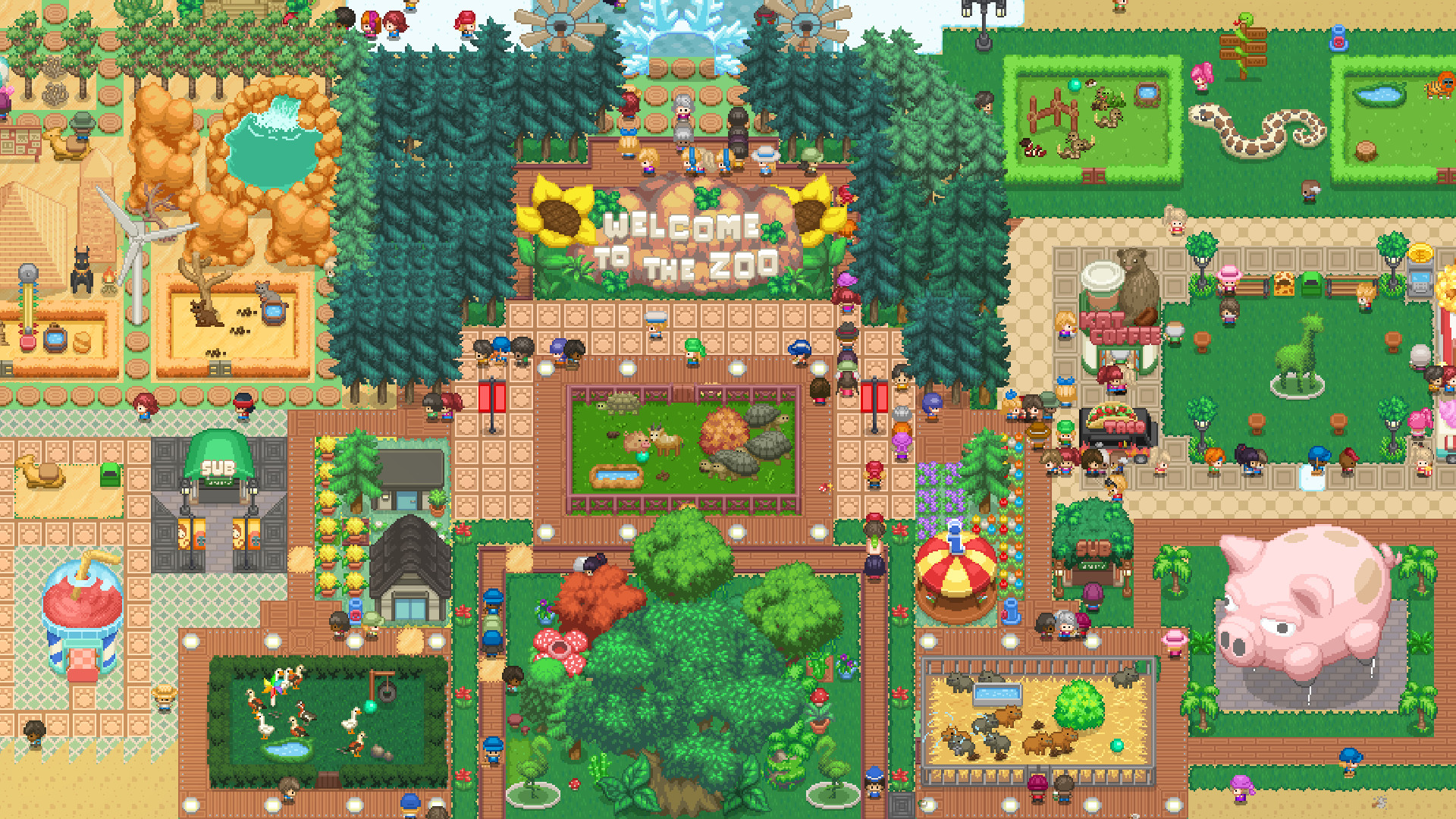
Let’s Build a Zoo puts you in charge of a sprawling animal empire. You can import wild creatures, breed families, and splice DNA to craft over 300,000 hybrid animals, all while managing a cute yet deep simulation.
Beyond animal care, you hire staff, decorate enclosures with hundreds of buildings and foliage, and choose to run the park legally or break the law for extra cash, shaping your finances.
01 / THE GUIDE
Importing and Breeding Animals
The game lets you import a variety of animals from other zoos worldwide, instantly expanding your collection. Imported species can be placed in enclosures and cared for like any native animal.
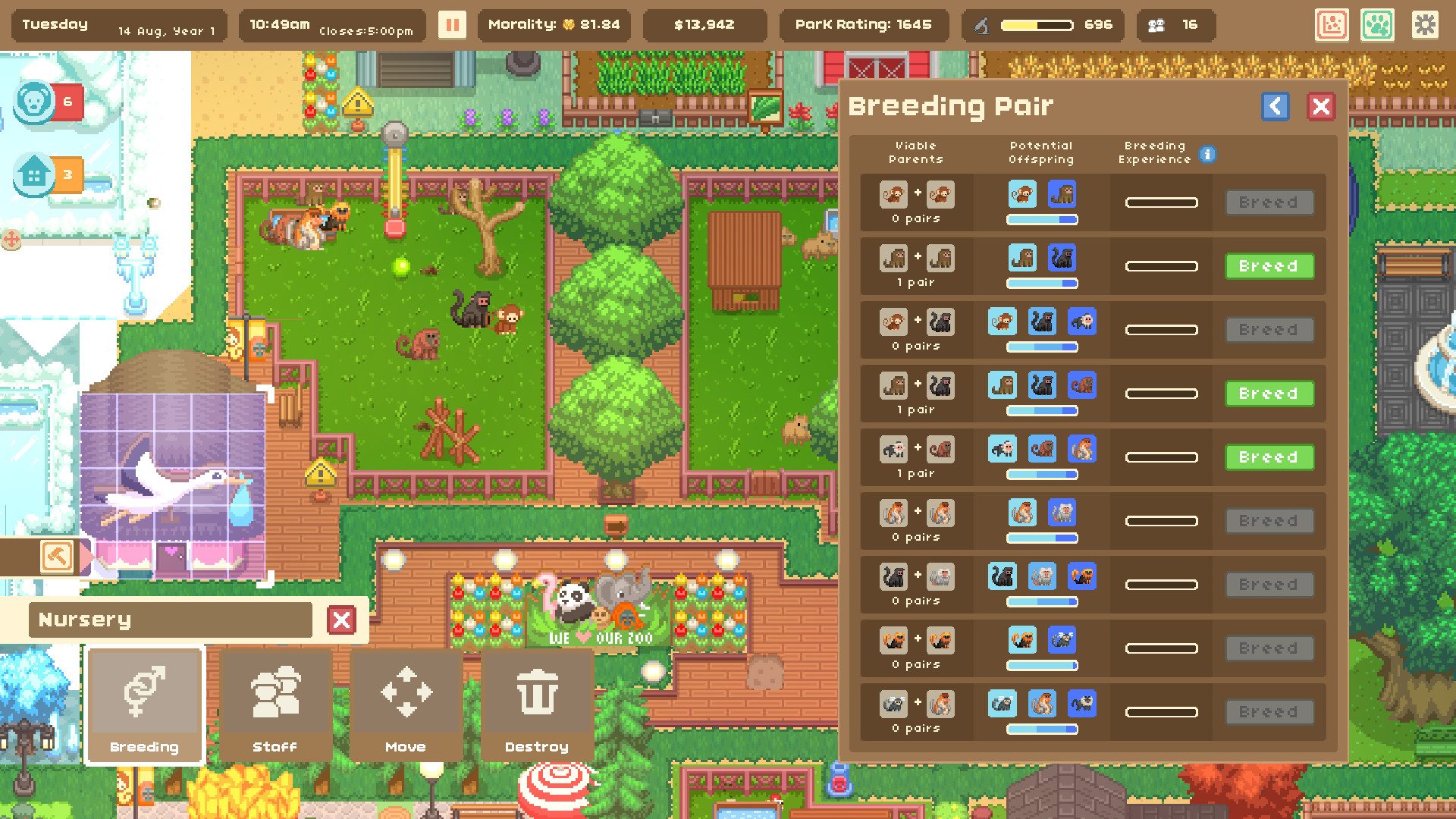
Once housed, you may breed animals to start families, filling enclosures and growing your wildlife without needing DNA splicing. Breeding offers a natural way to increase animal numbers.
- Compare the space needs of imported species before breeding.
- Observe how breeding cycles affect visitor interest.
02 / THE GUIDE
DNA Splicing
DNA splicing lets you bind together over 300,000 animal types, creating hybrids such as the Giraffephant or PandOwl. This tool is the primary method for crafting new creatures.
Splicing operates independently of breeding, so you can generate oddities and monstrosities even when you have no breeding pairs, expanding the animal roster dramatically.
- Mix contrasting traits to discover unexpected hybrids.
- Track visitor numbers for each hybrid to gauge popularity.
03 / THE GUIDE
Hiring and Managing Staff
Hiring the right employees is essential for handling a variety of life events that occur in the park. Staff can address animal needs, visitor concerns, and unexpected incidents.
Choosing the right employees for the events that occur most often in your park helps keep both animals and guests satisfied.
- Align staff specialties with frequent event types.
- Balance caretaker numbers with the size of your animal collection.
04 / THE GUIDE
Legal vs. Illegal Operations
You decide whether to run your zoo above board or break the law for extra cash. This choice influences financial management and how regulatory aspects are handled.
Illegal actions may provide short‑term monetary gains, while running the zoo above board is the alternative approach to managing your park.
- Weigh immediate cash against possible penalties.
- Consider how each approach fits your overall park strategy.
05 / THE GUIDE
Buildings, Foliage, and Decorations
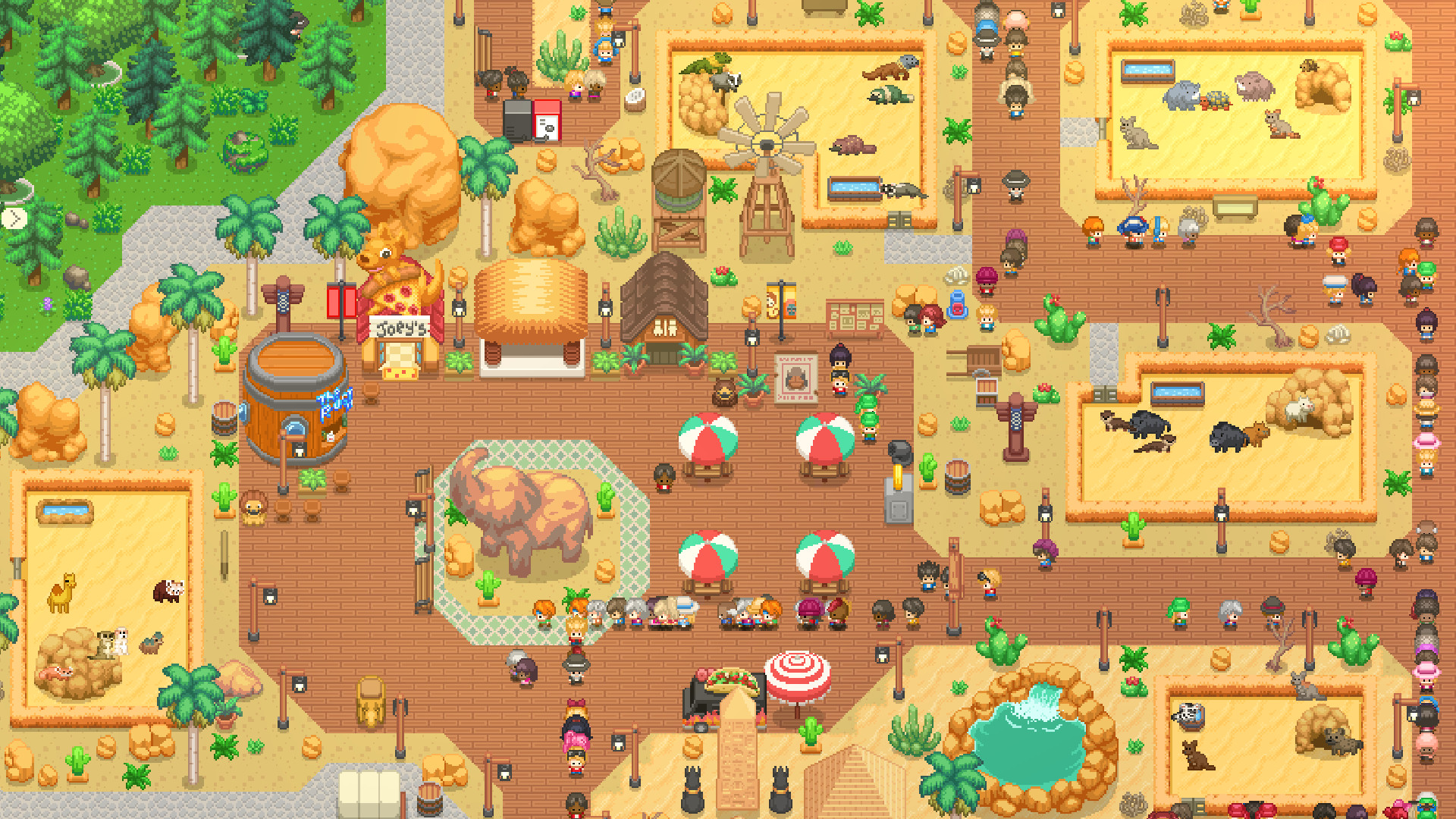
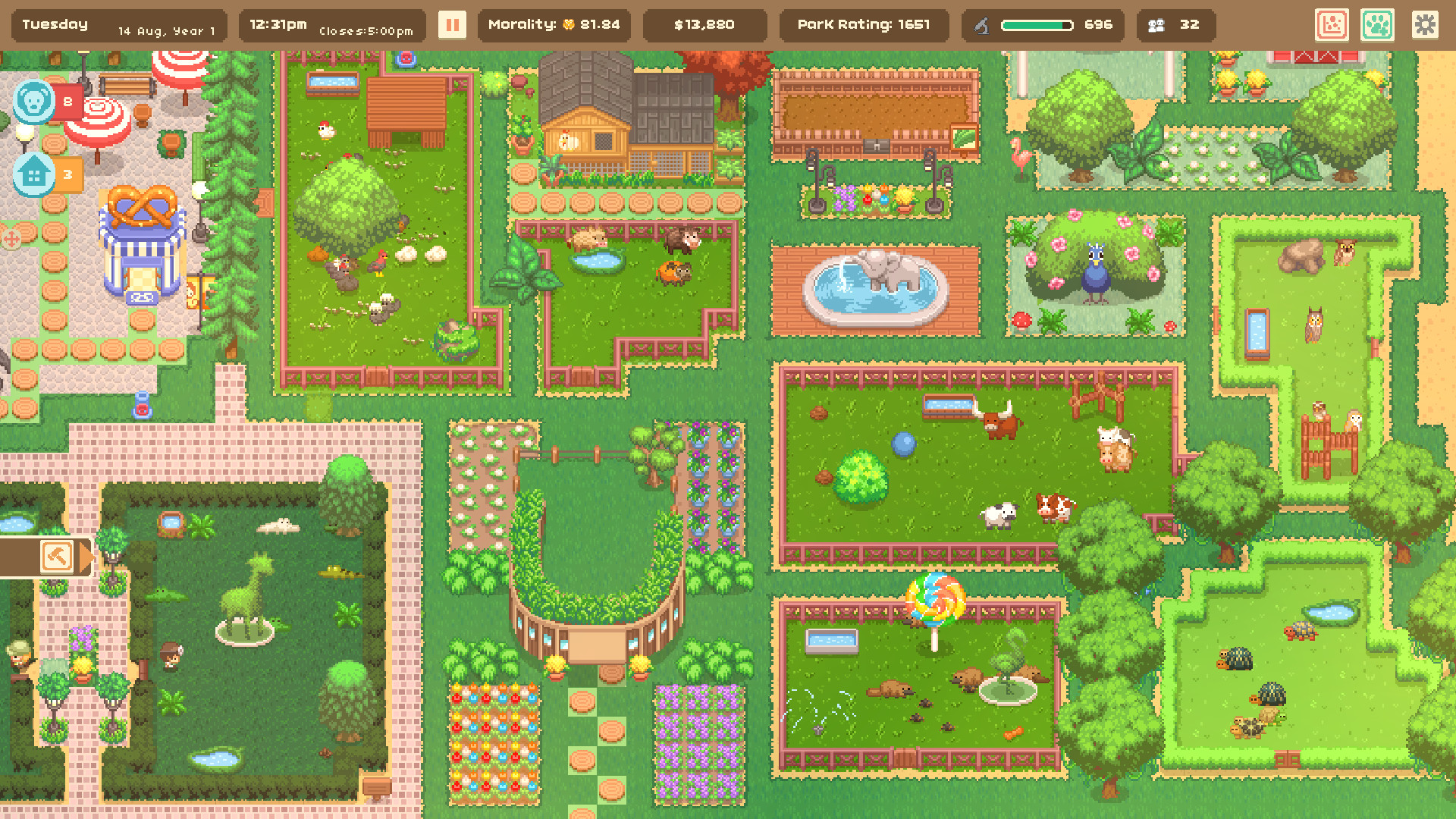
Hundreds of buildings, foliage, path, and enclosure decorations let you shape the look and feel of every area. Customization affects animal welfare and visitor enjoyment.
Using themed decoration sets can create cohesive zones, improving overall park aesthetics and potentially boosting visitor satisfaction.
- Group similar decorations for themed sections.
- Observe visitor reactions to different décor styles.
COMMUNITY
Player discussion