 GameWiki

GET YOUR BEARINGS
About Len's Island
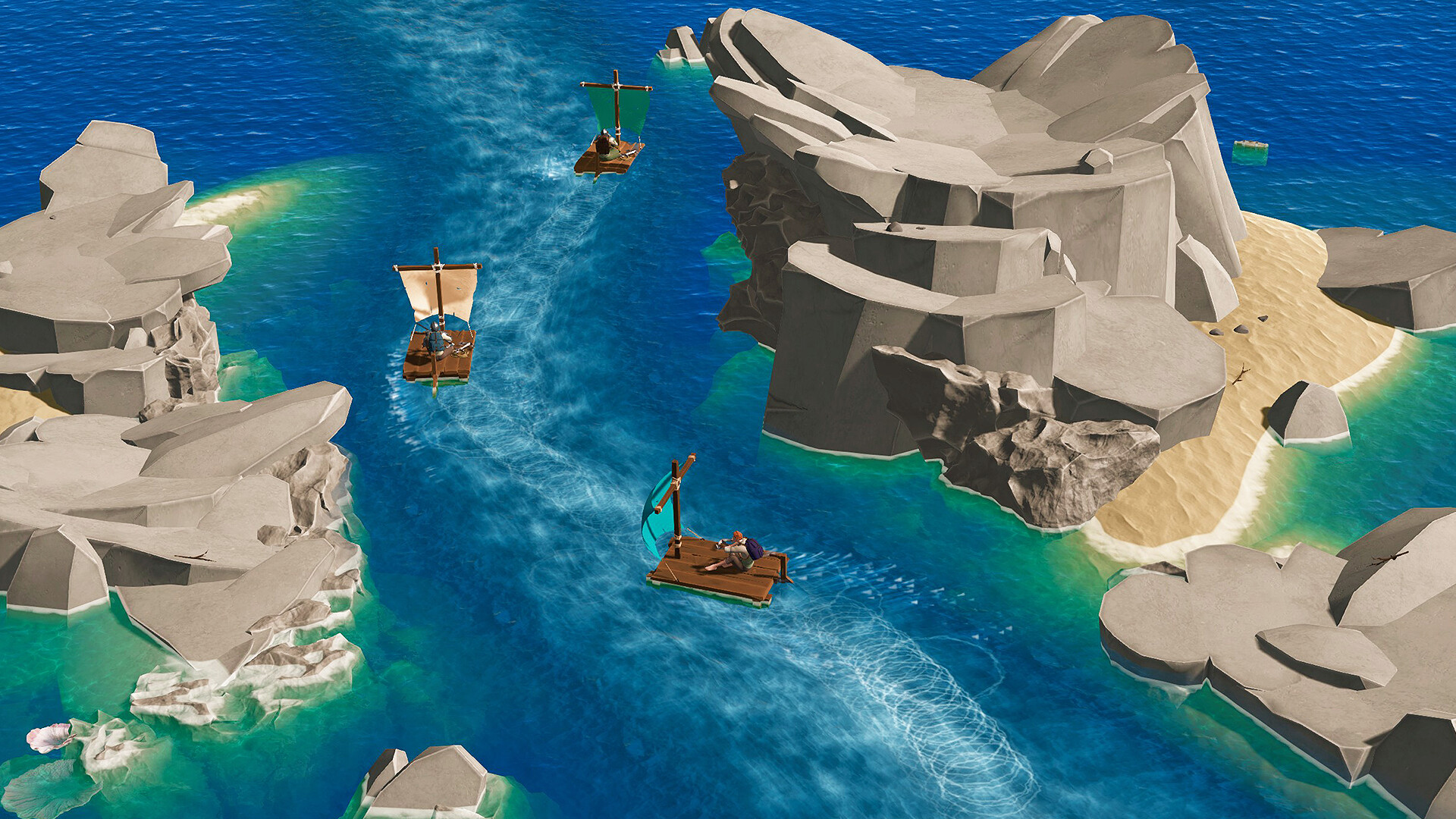
Len’s Island drops you onto a mysterious archipelago armed only with a backpack and a can‑do attitude. You may explore uncharted lands alone or with friends, shaping your own journey.
The game balances single‑player and multiplayer, offering crafting, building, farming and combat that adapt to a flexible progression system and selectable difficulty or fully personalized world settings for every player.
01 / THE GUIDE
Solo and Online Co‑op
You can begin your adventure alone or invite up to seven friends, creating a seamless online co‑op experience across the islands.
Both solo and multiplayer play are balanced to provide rewarding progression whether you focus on crafting, farming, or combat together.
- Start solo first to learn the basics.
- Try different group sizes for varied dynamics.
02 / THE GUIDE
Difficulty and World Settings
The game lets you select a preset difficulty that matches your comfort level, from peaceful to hardcore challenges.
You can also fully personalize world settings, unlocking infinite possibilities and tailoring the experience to your preferred playstyle.
- Begin with a moderate preset before tweaking.
- Record how setting changes affect resource abundance.
03 / THE GUIDE
Crafting and Enchanting
Crafting and enchanting let you combine gathered resources into weapons, armor, and essential survival tools for your character.
You can also prepare food and brew potions, expanding your options for combat and survival as you progress.
- Gather diverse materials before crafting.
- Compare tool stats to choose optimal options.
04 / THE GUIDE
Dungeons and Boss Battles
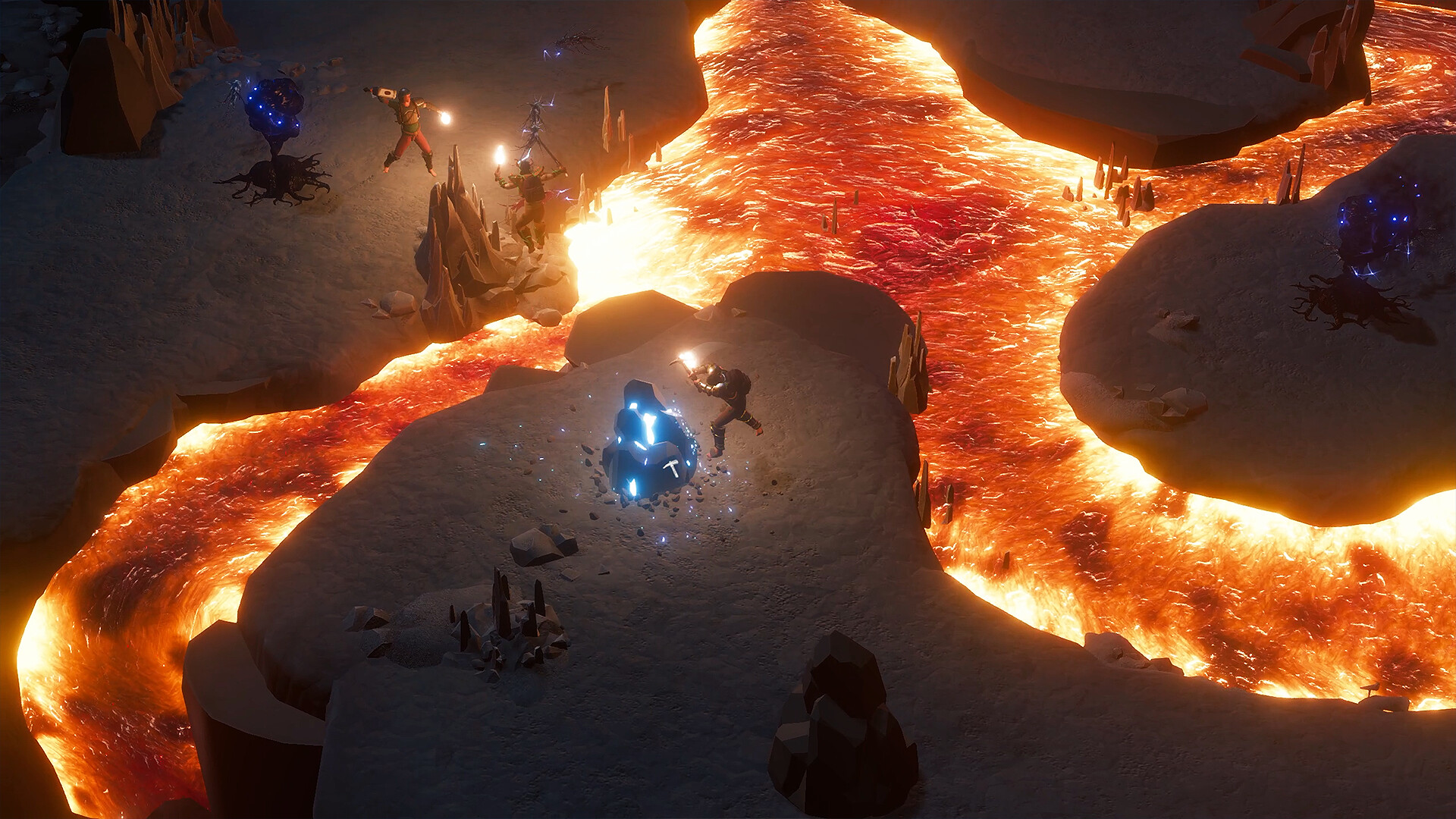
Dangerous dungeons are scattered across the archipelago, each ending with a boss encounter that tests preparation and strategy.
Defeating these bosses unlocks valuable loot, encouraging further exploration and deeper challenges throughout the islands for your progress.
- Scout dungeon layout before entering.
- Bring potions to mitigate boss damage.
05 / THE GUIDE
Building and Base Construction
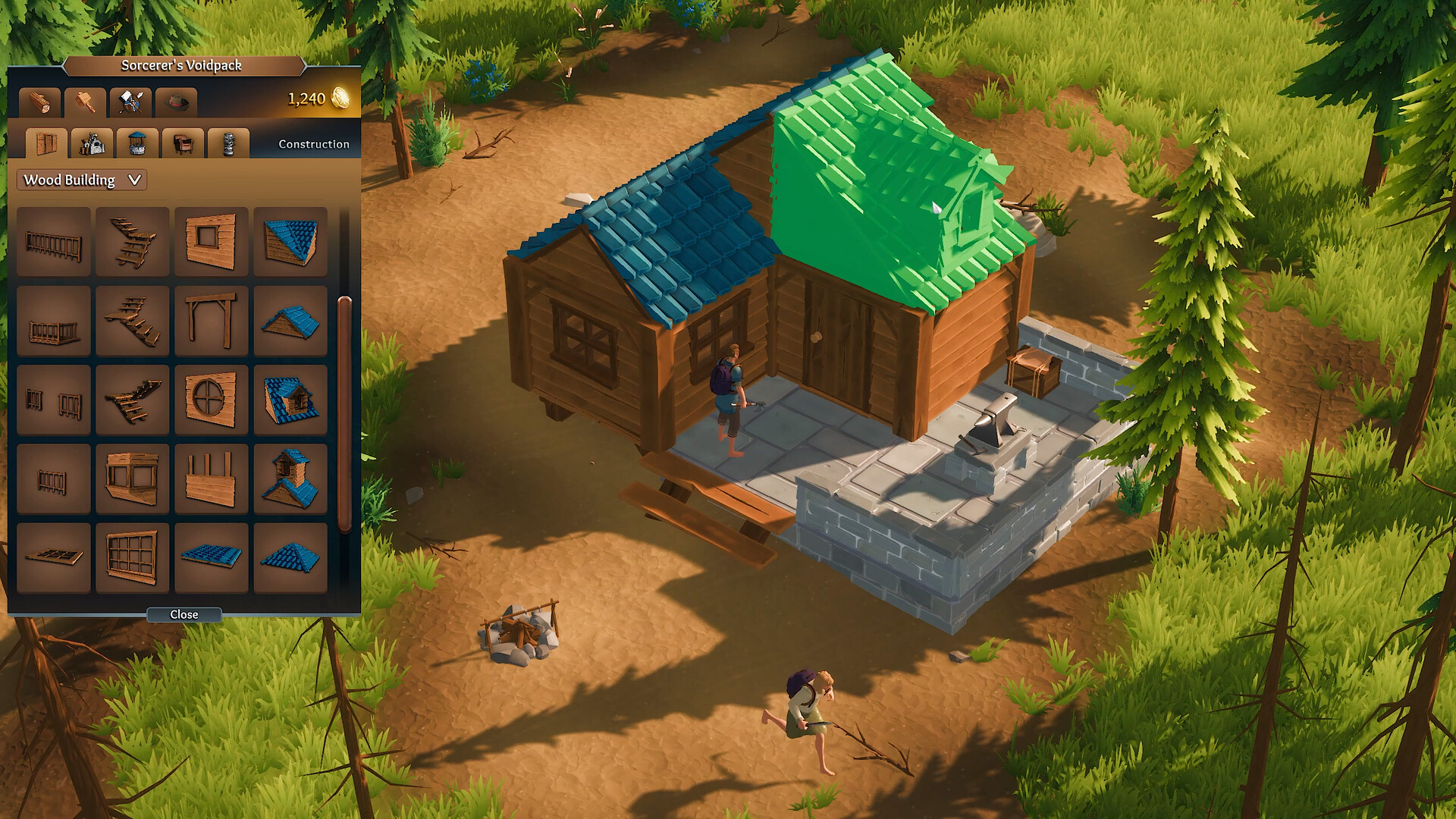
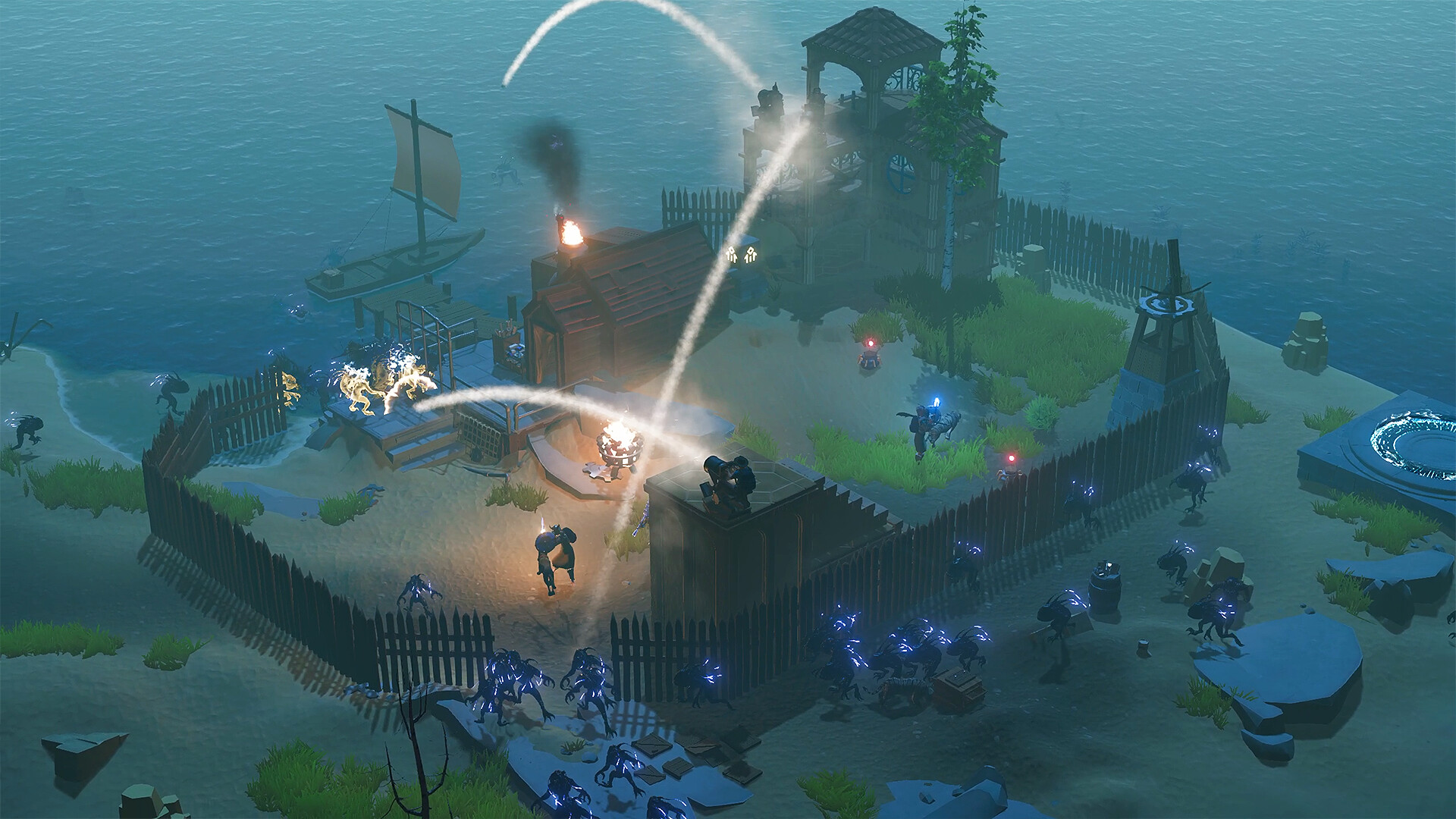
Construction lets you create homesteads ranging from cozy farms to sprawling fortified strongholds, using a variety of build styles.
You can collect and purchase decorations to personalize your structures, making each base feel unique to your playstyle.
- Plan building placement early for easier expansion.
- Mix functional structures with decorative items for visual appeal.
COMMUNITY
Player discussion