 GameWiki
GET YOUR BEARINGS
About LEGO Worlds
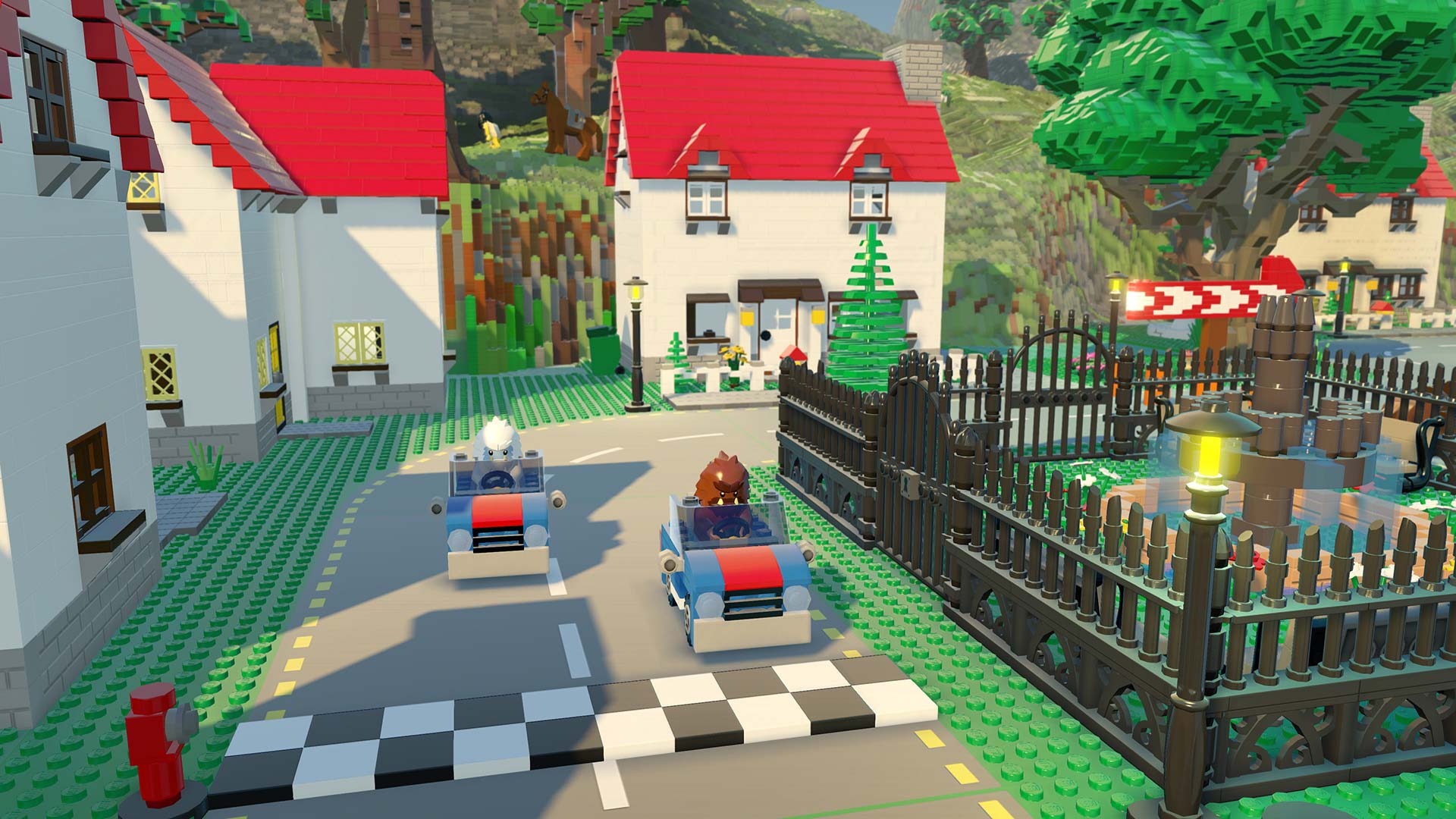
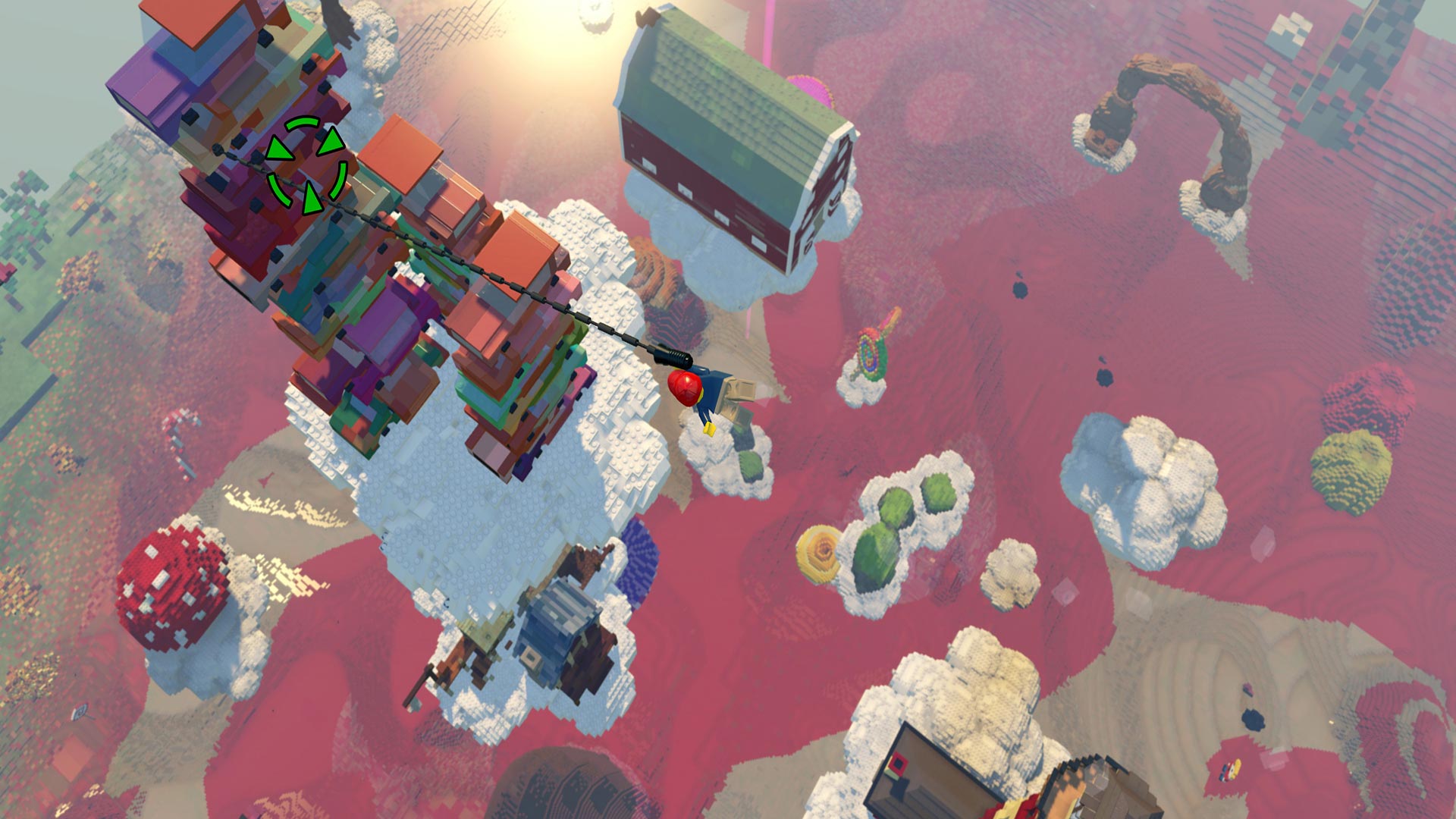
LEGO® Worlds offers an open, procedurally‑generated environment built entirely from LEGO bricks. Players can explore, discover, and create together, shaping terrain from single bricks to massive mountain ranges while dropping in prefabricated structures to customize any world.
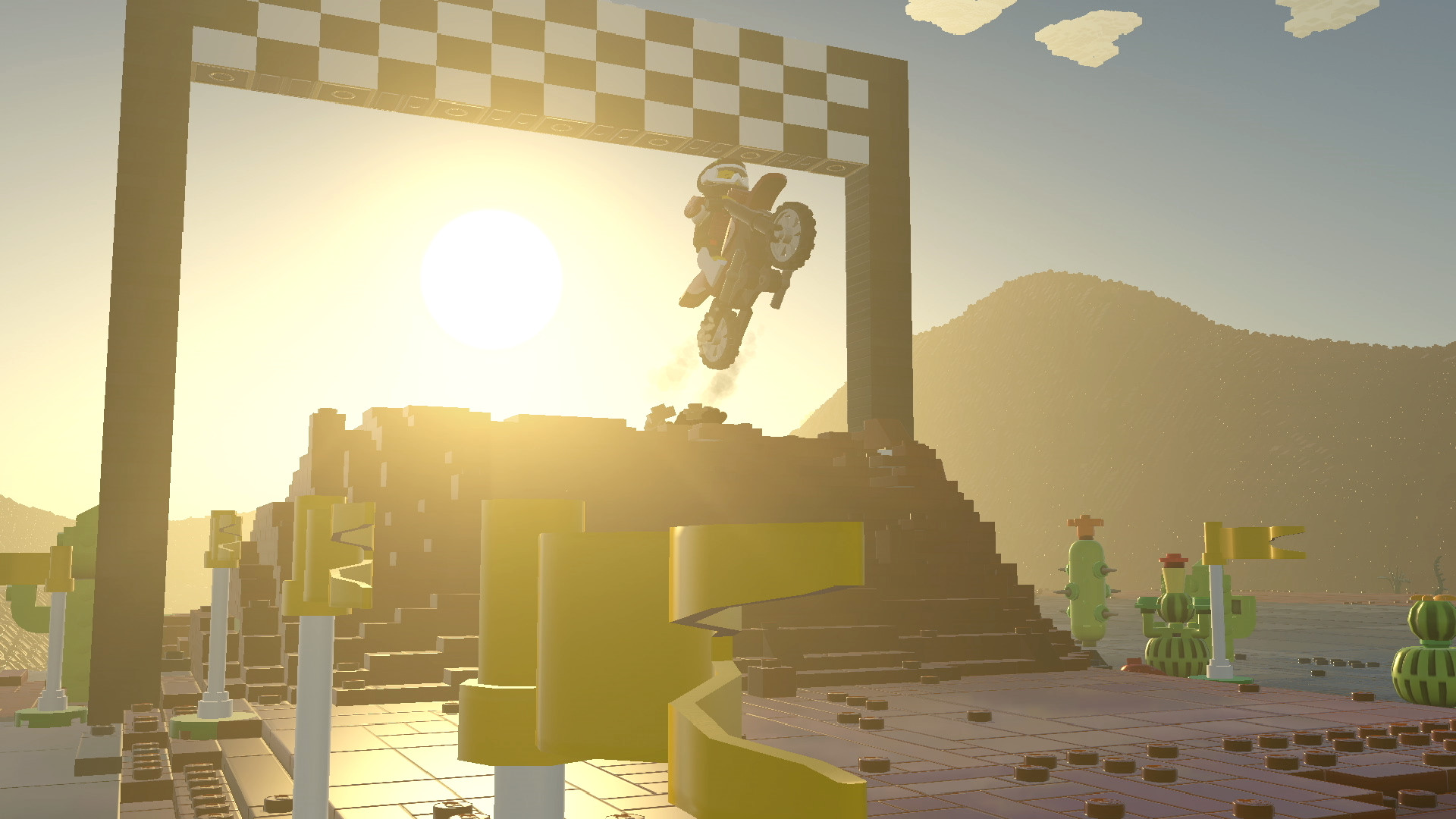
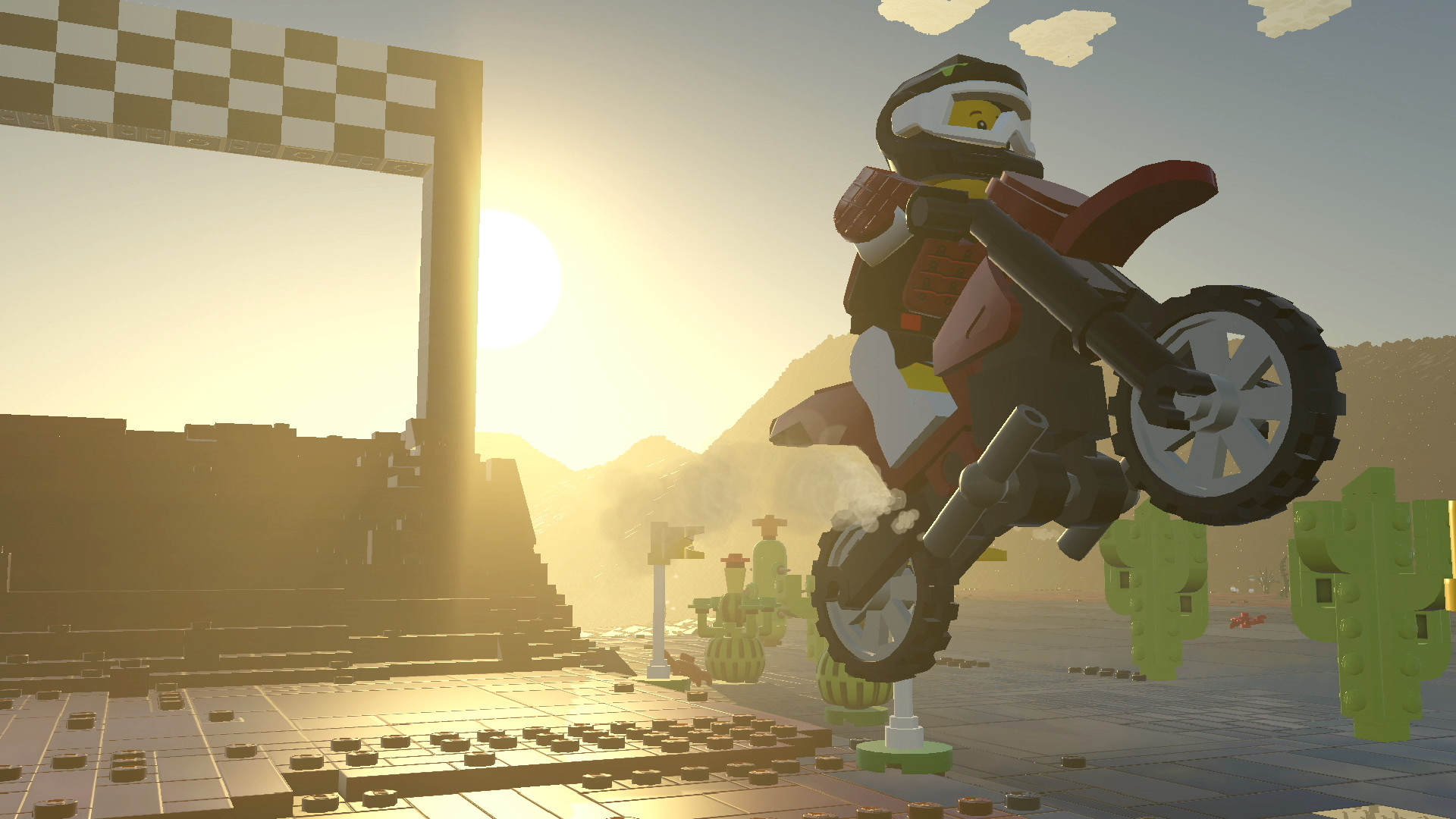
Travel options include helicopters, dragons, motorbikes and gorillas, and hidden treasures can be unlocked during exploration. Characters and creatures animate creations, interacting with each other in unexpected ways, reinforcing the claim that anything is possible in this LEGO sandbox.
01 / THE GUIDE
Exploration
The game generates worlds made of LEGO bricks, providing endless terrain variety. Players can move on foot or use listed travel methods, allowing them to encounter diverse landscapes and locate hidden treasures that are described as enhancing gameplay.
Treasure locations are tied to the act of exploring, encouraging players to investigate each generated region thoroughly. The presence of helicopters, dragons, motorbikes and gorillas expands the ways players can reach remote or elevated areas.
- Observe how each travel method reveals different parts of the terrain.
- Watch for visual cues that indicate treasure spots.
02 / THE GUIDE
Creation Tools
Players may manipulate individual LEGO bricks one at a time, giving fine‑grained control over any model. This brick‑by‑brick approach lets users craft detailed objects that become part of the world.
Large‑scale landscaping tools are also provided, enabling the formation of vast features such as mountain ranges or tropical islands. Prefabricated structures can be dropped in and customized, offering a quick start for larger projects.
- Combine small‑brick building with large‑scale tools for efficient world design.
- Use prefabricated structures as a base and modify them for personal flair.
03 / THE GUIDE
Travel Options
The game lists helicopters, dragons, motorbikes and gorillas as rideable options. These rideable options expand the ways players can move across the brick‑built landscape.
These travel methods are integrated into the open world, allowing access to remote areas that might be difficult to reach on foot and offering varied perspectives on the environment.
- Try faster options like helicopters for distant treasure hunts.
- Use slower options like gorillas to examine terrain details up close.
04 / THE GUIDE
Multiplayer Modes
LEGO Worlds supports co‑op and PvP experiences online, as well as shared or split‑screen play. Players can collaborate on building projects or compete in player‑versus‑player challenges within the same session.
Online co‑op lets friends join each other's worlds, fostering a shared creative space, while PvP adds a competitive layer that changes how players approach building and exploration.
- Coordinate building sessions with friends to combine ideas quickly.
- Experiment with PvP to experience a different style of play.
05 / THE GUIDE
Remote Play Features
Full controller support and Remote Play options let you stream LEGO Worlds to phones, tablets, or TVs. This flexibility allows continuation of building or exploring away from the primary PC.
Steam Achievements are integrated, enabling tracking of progress within the game’s ecosystem. The listed features also include Remote Play Together, which permits shared sessions across devices.
- Use Remote Play on a tablet for on‑the‑go creativity.
- Check Steam Achievements to monitor milestones.

COMMUNITY
Player discussion