 GameWiki
GET YOUR BEARINGS
About LEGO STAR WARS: The Force Awakens
LEGO® STAR WARS™: The Force Awakens returns the LEGO video‑game franchise to the newest Star Wars saga, letting players reenact the film’s key moments with a playful brick‑built twist. The title runs on Windows PCs and includes the movie’s full cast, from Rey and Finn to Kylo Ren and Captain Phasma.
New to the series are the enhanced Multi‑Build system and the first LEGO Blaster Battles, which add choice‑driven puzzles and environment‑based shooting. Both single‑player and shared‑screen co‑op are supported, and Steam features such as Cloud saves and Remote Play broaden where the game can be enjoyed.
01 / THE GUIDE
Character Roster
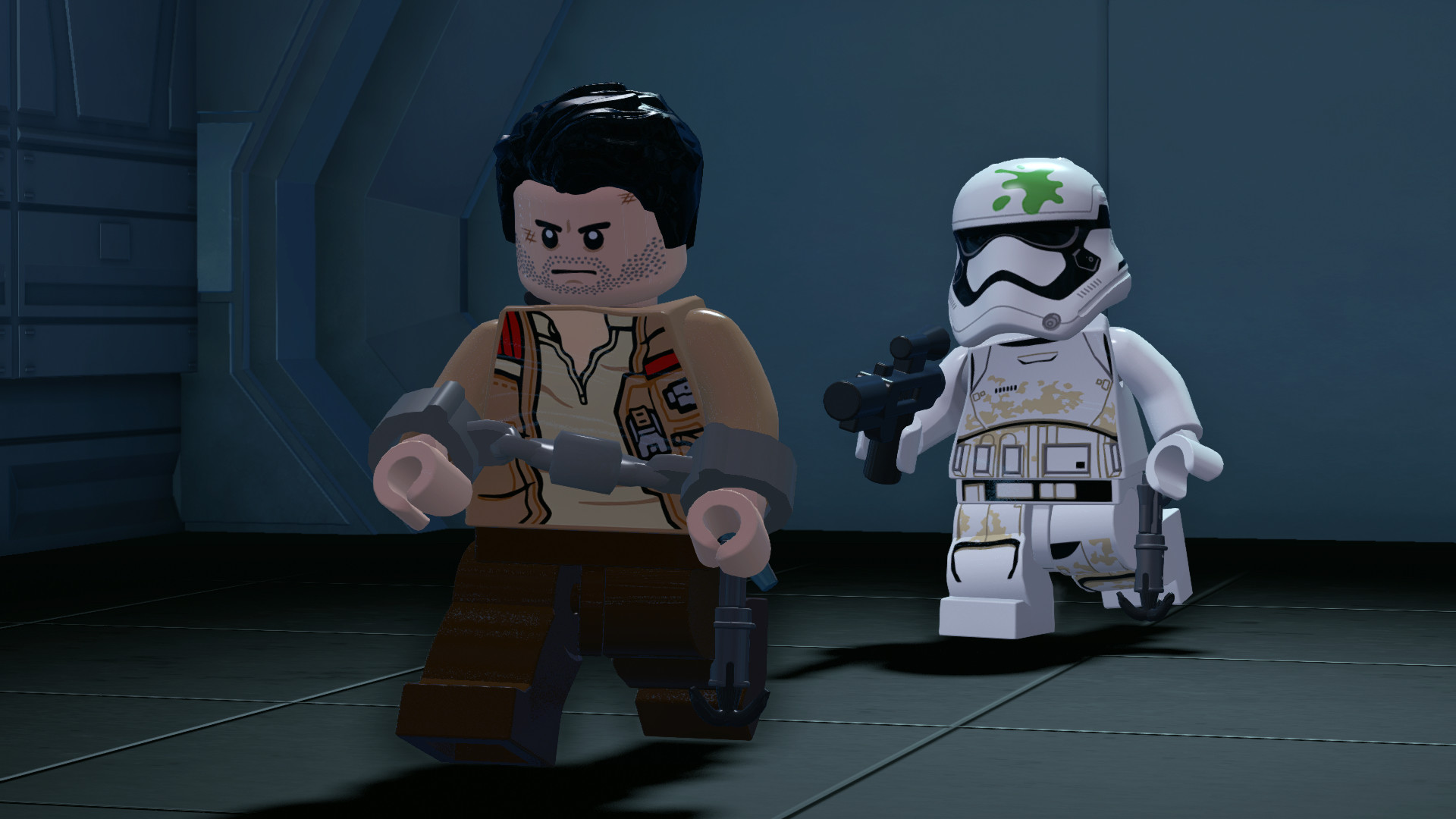
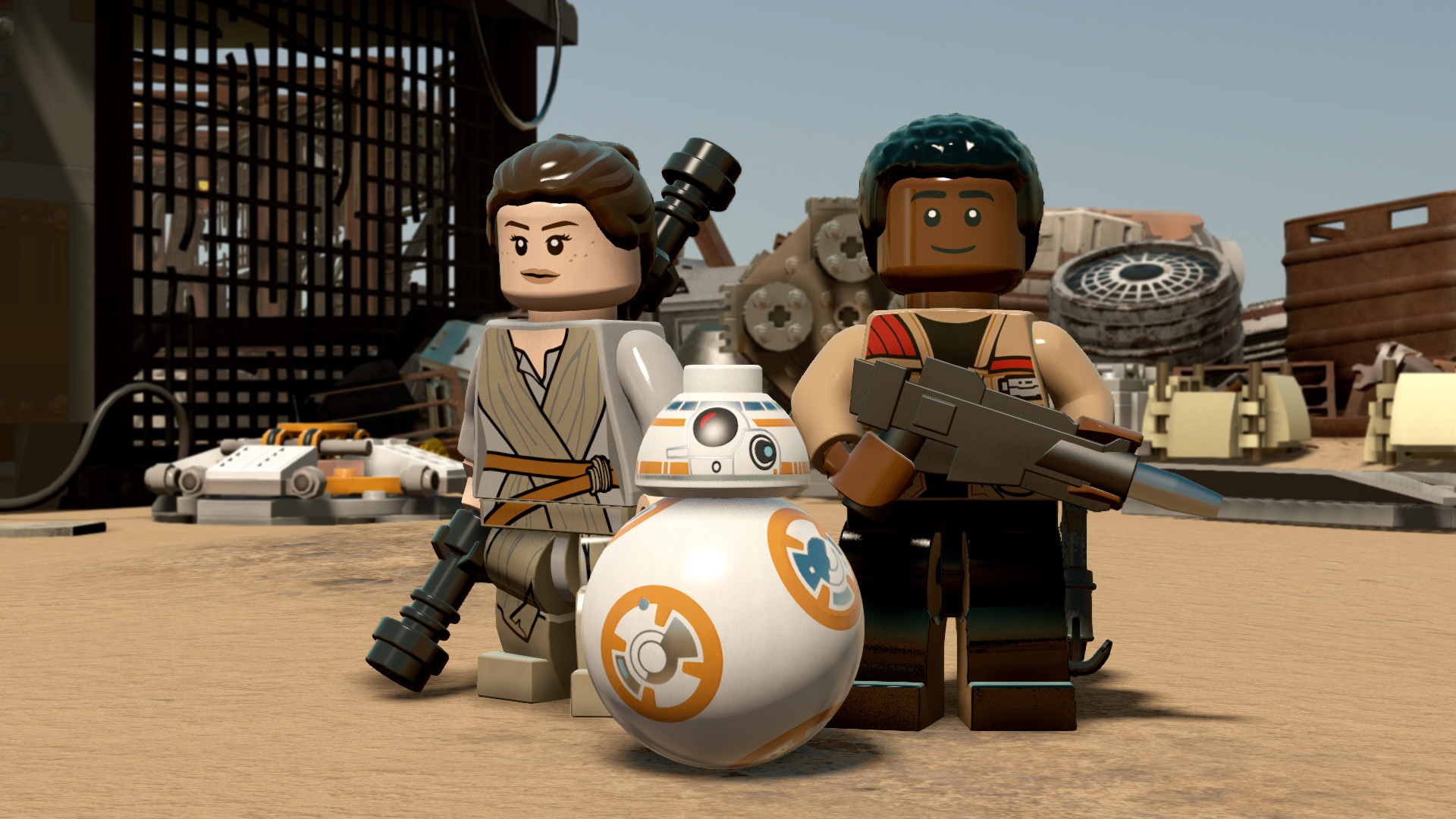
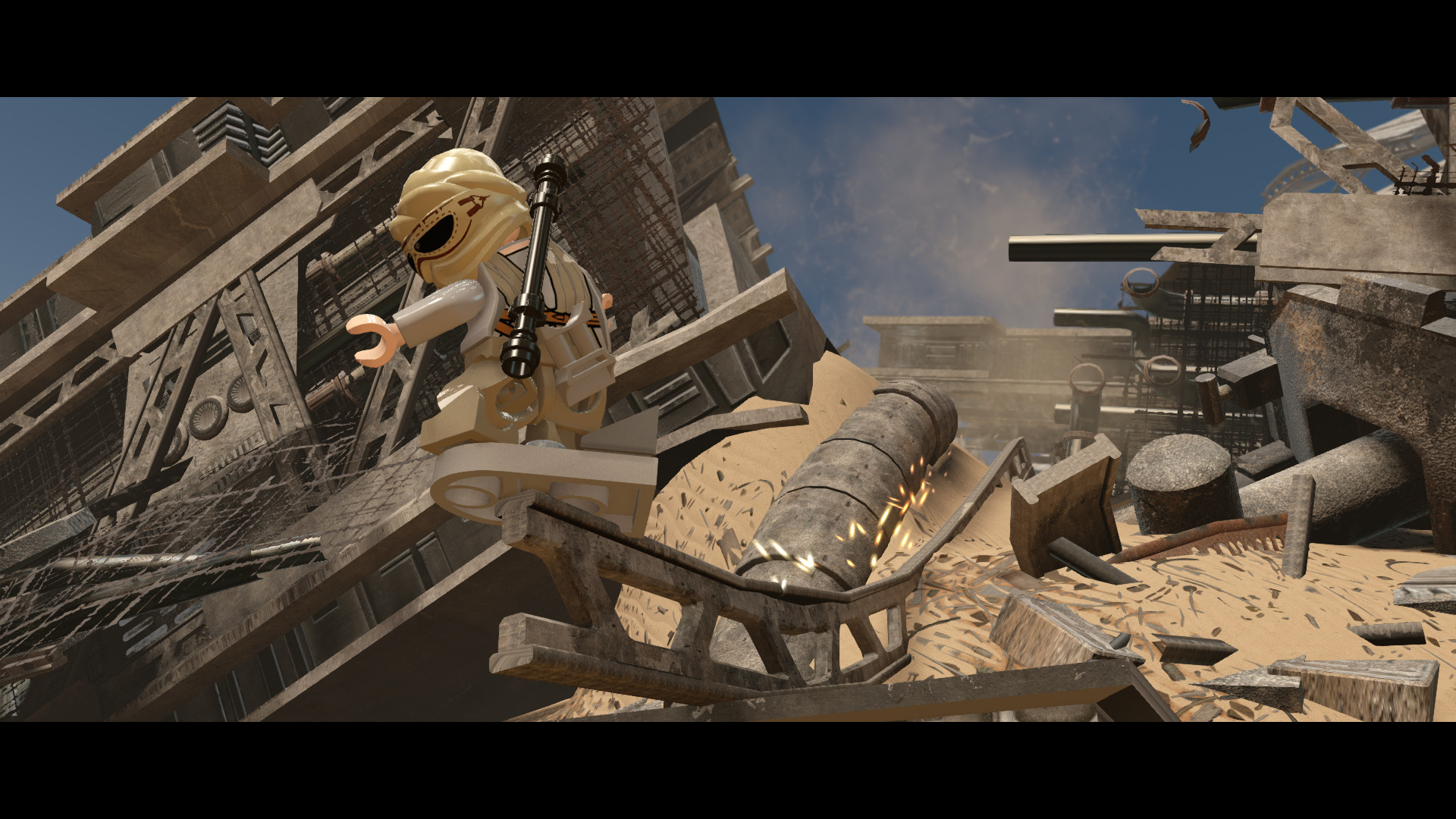
The game lists every major figure from the film, including Rey, Finn, Poe Dameron, Han Solo, Chewbacca, C‑3PO, BB‑8, Kylo Ren, General Hux and Captain Phasma. Each appears as a LEGO model that mirrors the on‑screen look while fitting the series’ humor.
Because the roster matches the movie’s cast, players can experience the same story beats from multiple perspectives. The game’s humor often plays off each figure’s film personality as you play through the story.
- Notice how each character’s voice lines echo their film personality; the humor often hinges on those quirks.
- Keep an ear out for LEGO jokes tied to whichever hero you are playing at the time.
02 / THE GUIDE
Story Content
Beyond recreating the film’s action, the title adds brand‑new story scenes that fill the interval between Return of the Jedi and The Force Awakens. These original moments expand the timeline while keeping LEGO’s comedic tone.
The extra narrative pieces are woven into the main campaign, so they appear alongside the movie’s set‑pieces without altering the core plot. They provide context for characters that later appear in the film.
- Watch for subtle LEGO references in the new scenes; they often nod to earlier Star Wars entries.
- The added beats can clarify motivations that seem abrupt in the movie, enriching the overall story.
03 / THE GUIDE
Gameplay Mechanics
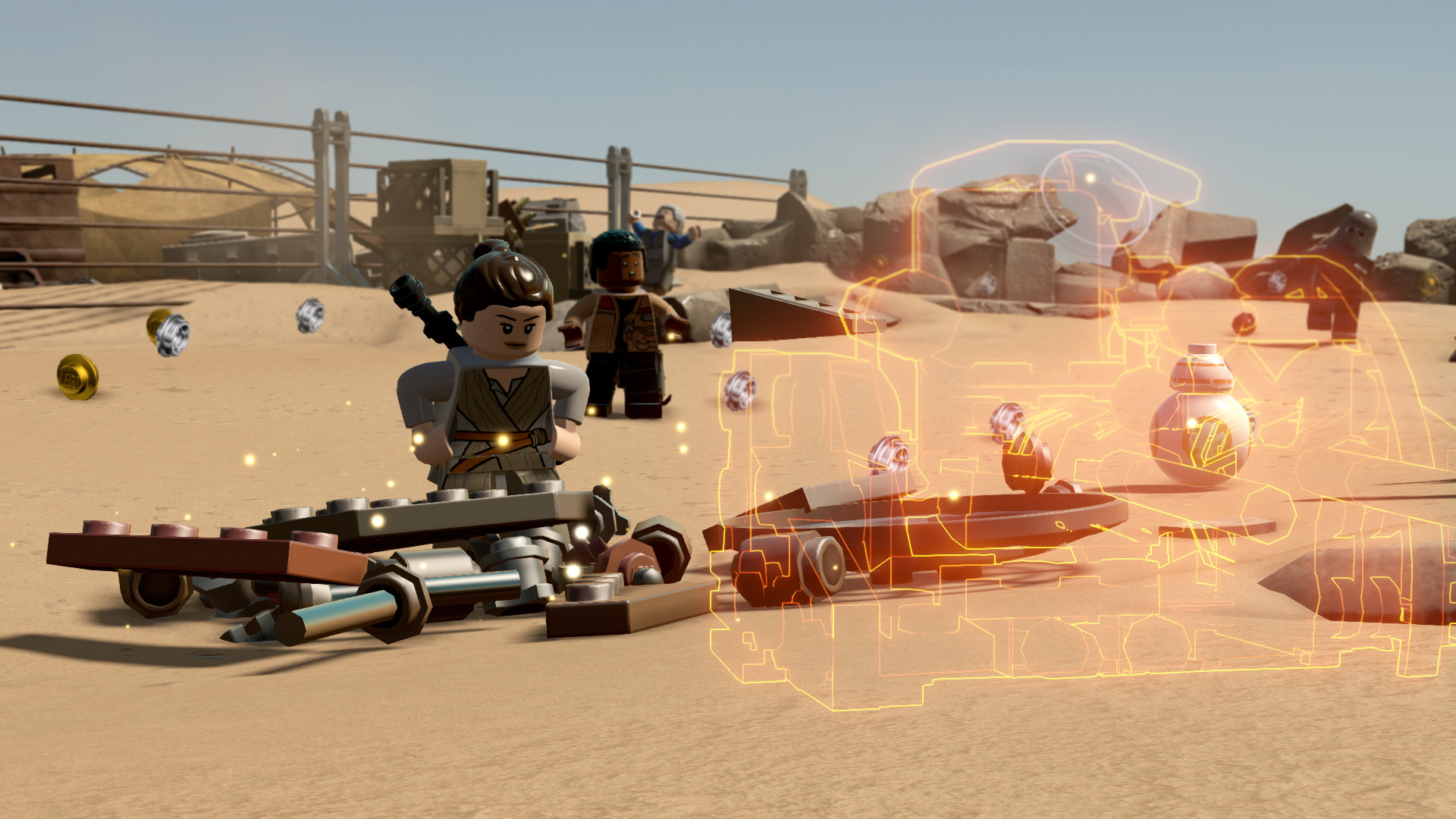
LEGO Star Wars: The Force Awakens introduces two notable systems: an enhanced Multi‑Build mechanic that offers several building options to progress, and Blaster Battles that let players fire blasters while using the surrounding environment for cover.
These mechanics blend classic LEGO puzzle solving with new action elements. Multi‑Build choices affect the path taken, while Blaster Battles add a shooting component that relies on environmental objects for tactical advantage.
- Try each Multi‑Build alternative in a level; some routes may expose extra LEGO jokes.
- During Blaster Battles, experiment with using nearby structures as cover to see how enemy behavior changes.
04 / THE GUIDE
Multiplayer Options
The feature list includes both single‑player and multiplayer modes, specifically Shared/Split Screen. This allows players to cooperate locally on the same Windows PC, each controlling their own LEGO character.
Co‑op is integrated throughout the campaign, letting friends share the screen as they play through the campaign together.
- Coordinate character abilities in co‑op to solve Multi‑Build puzzles more quickly.
- Observe how split‑screen humor differs between players; the jokes often appear on both halves of the screen.
05 / THE GUIDE
Platform Features
Released for Windows, the title lists Full controller support, Steam Cloud, Remote Play on Phone, Tablet, TV, Remote Play Together, and Family Sharing. These features broaden how and where the game can be accessed.
Steam Cloud enables saved progress to travel between devices, while Remote Play options let a host stream the game to another screen or let a friend join without owning a copy.
- Enable Steam Cloud in the settings to keep progress when switching between a PC and a remote device.
- Remote Play Together works well for a friend who has a controller but no copy of the game.
COMMUNITY
Player discussion