 GameWiki

GET YOUR BEARINGS
About Leafy Corner
Leafy Corner lets you run a cozy plant shop, growing, caring for, and selling over a hundred real‑life houseplants. Each plant unfurls leaf by leaf as you nurture it, and you match customers’ sometimes unusual requests. You can also decorate the shop with unlockable shelves, pots, and furniture, choosing colors that suit your style while reputation growth unlocks more content. The game runs at your own pace, offering full controller support, a mouse‑only option, and save‑anytime functionality.
01 / THE GUIDE
Plant Varieties
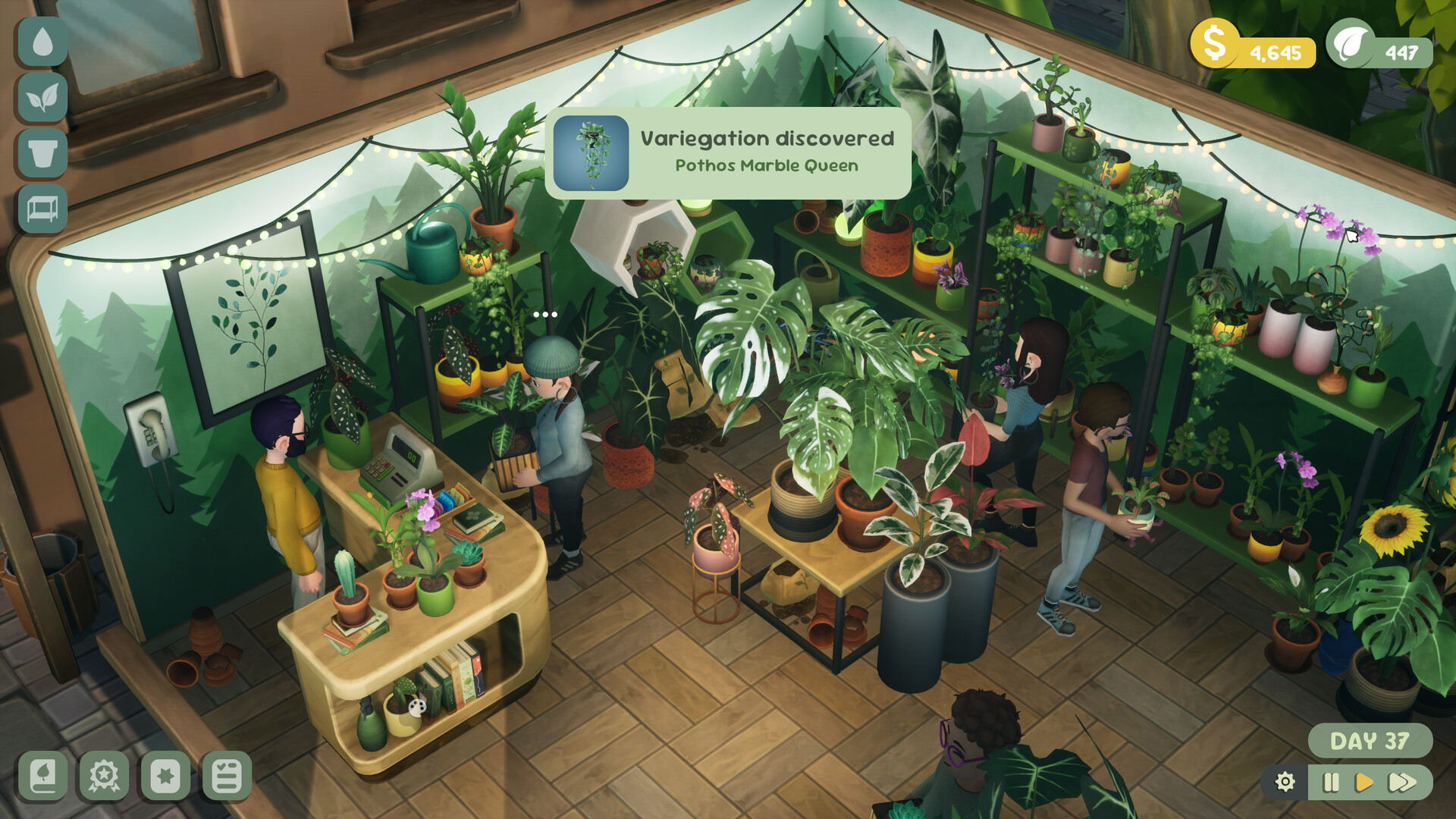
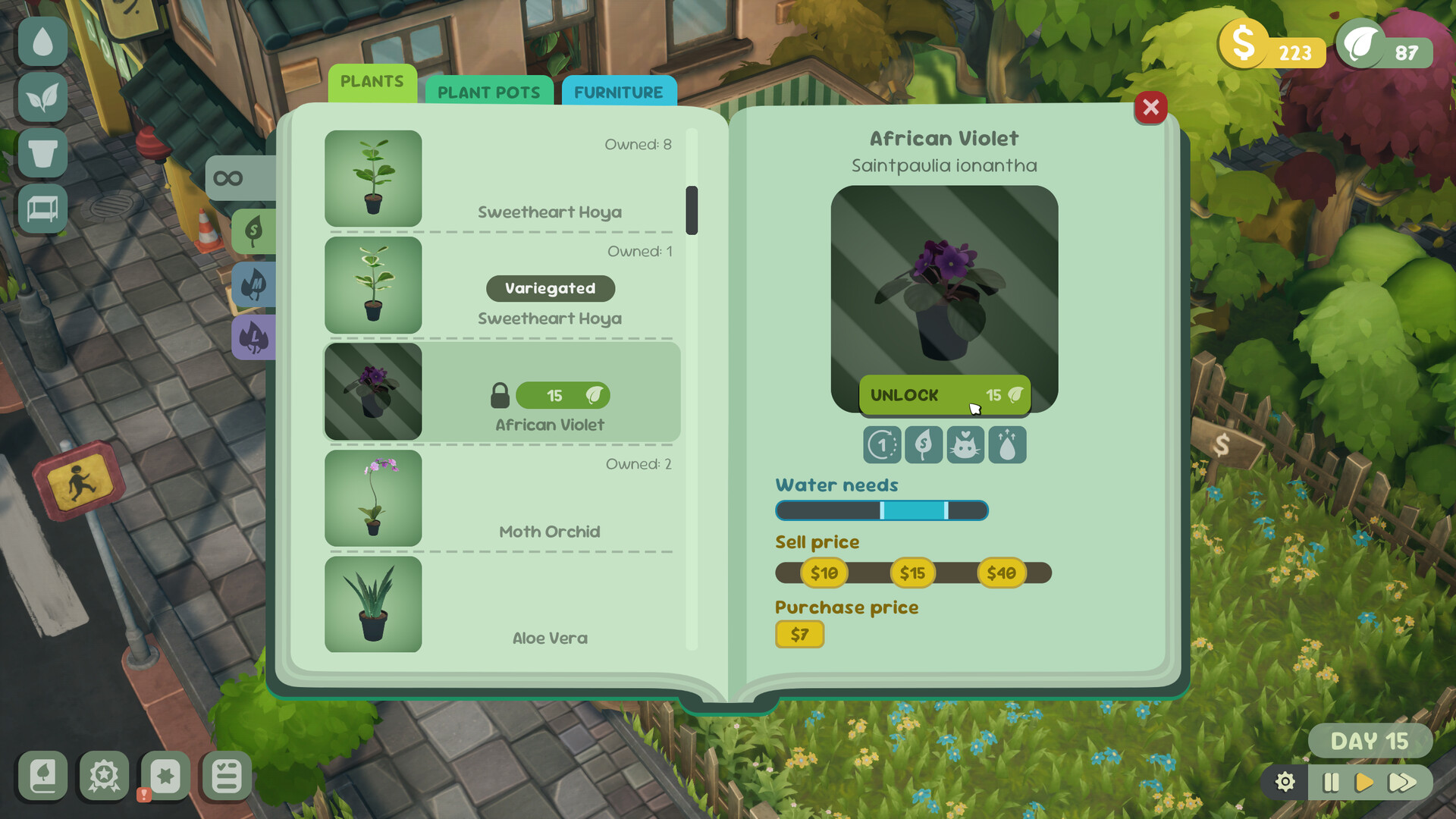
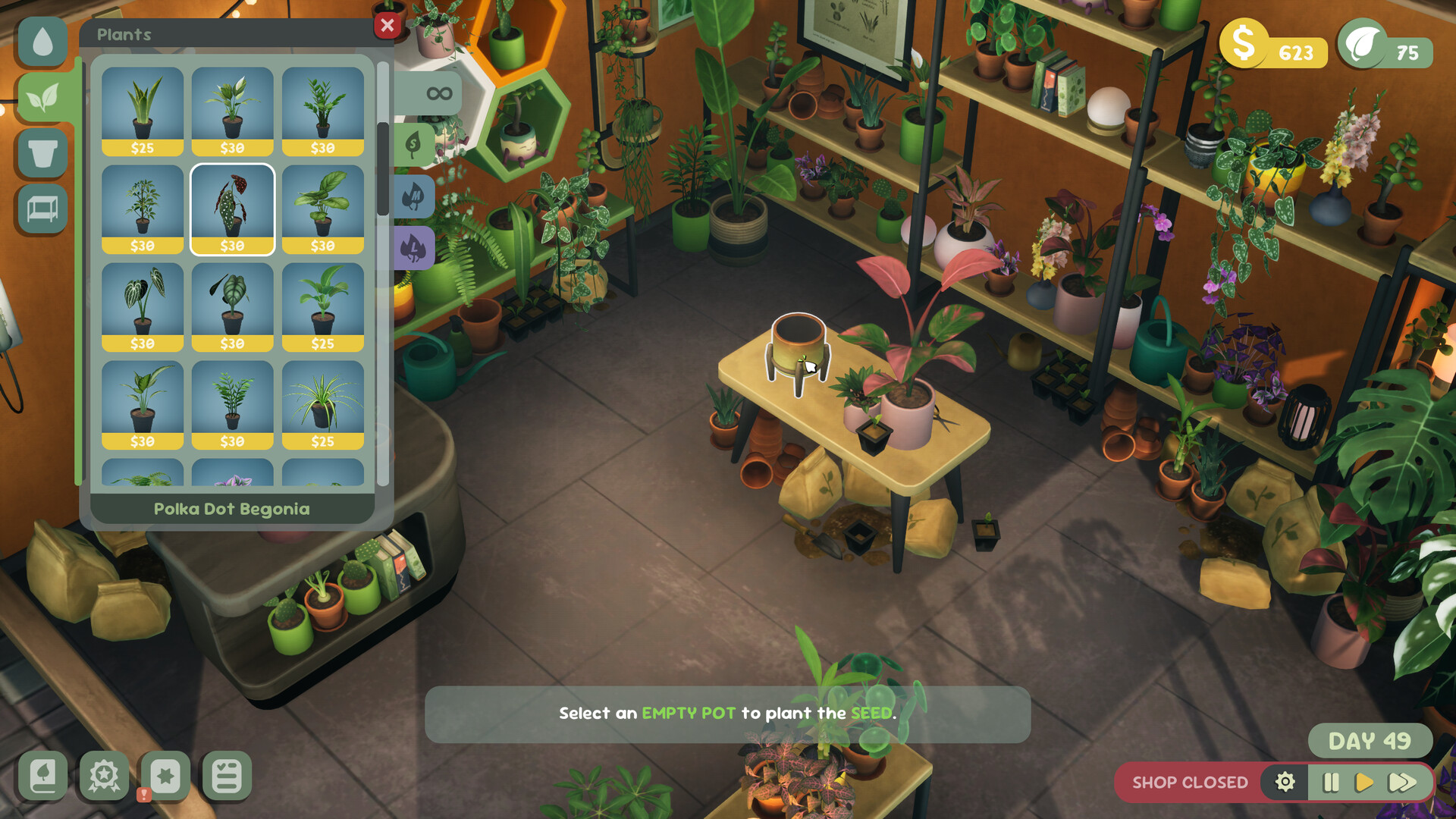
Leafy Corner includes more than 100 distinct houseplants, each with its own visual traits and growth pattern. Some entries feature special variegations that add extra colour to the display.
Plants develop over time, revealing new leaves as you tend to them, which encourages regular observation and care.
- Watch the visual growth stages to decide when a plant may need watering or repotting.
- Use variegated plants to add visual contrast to your shop.
02 / THE GUIDE
Customer Requests
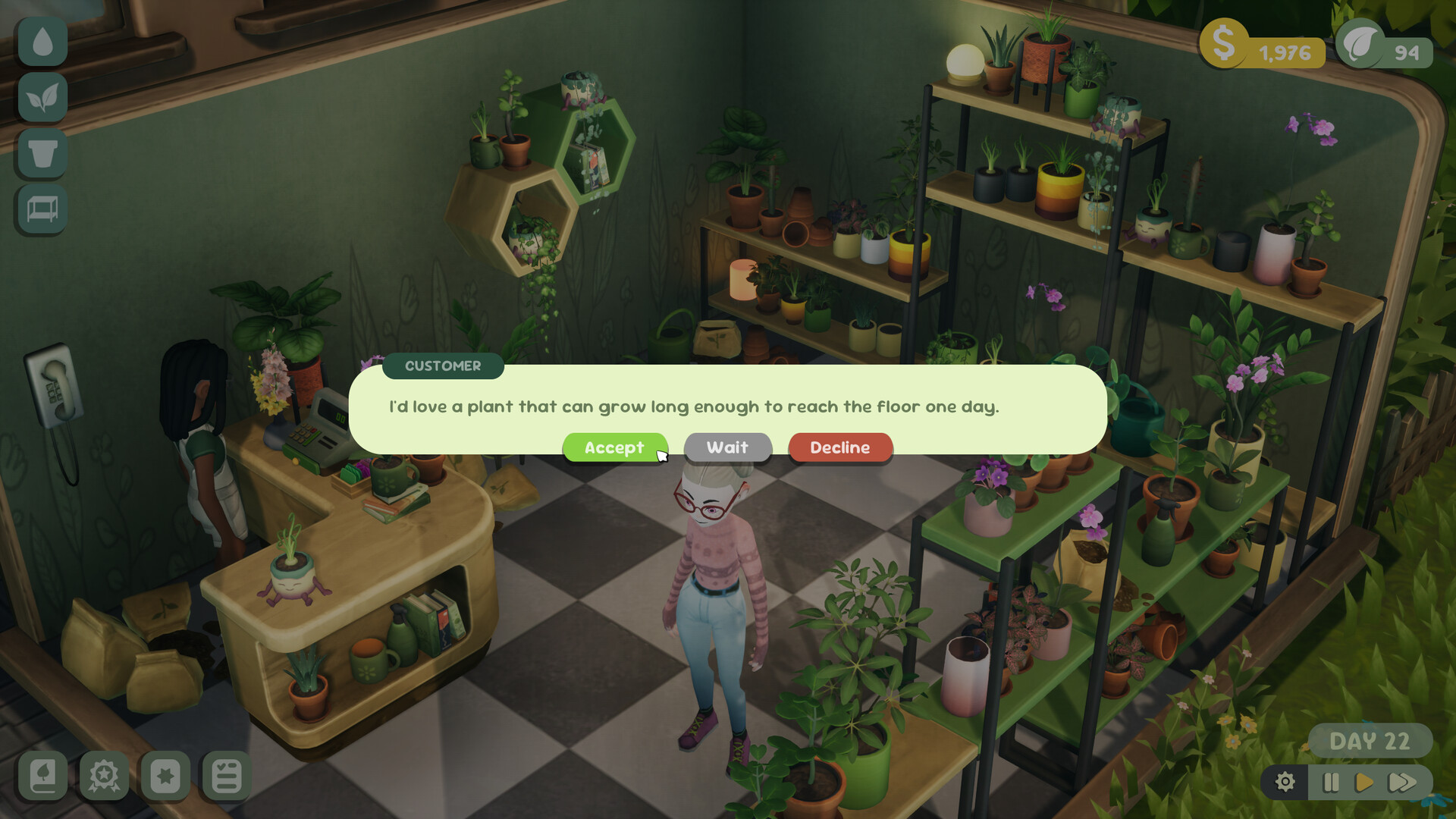
Customers sometimes arrive with unusual or tricky requests, challenging you to select the right plant for their needs. Satisfying these orders advances your shop.
Successful matches raise your reputation, which in turn unlocks additional plants and décor.
- Read the request details carefully before choosing a plant.
- Focus on orders that match plants you already have in stock.
03 / THE GUIDE
Shop Decoration
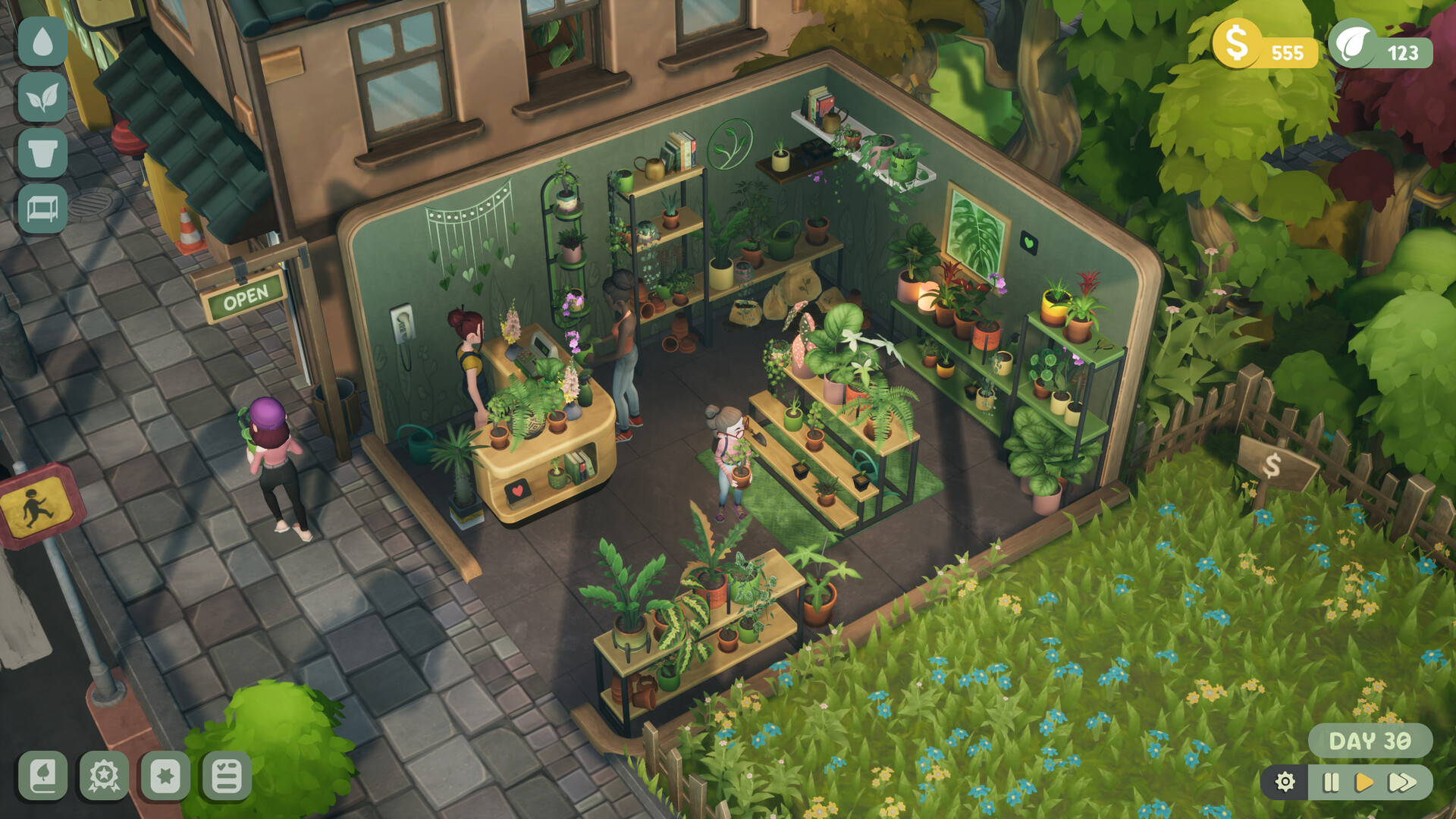
A range of unlockable items—shelves, pots, furniture—let you shape the shop’s appearance. You can pick colours that reflect your mood and aesthetic.
Personalising the space also contributes to reputation growth, encouraging you to experiment with new layouts.
- Combine pot and furniture colours that complement the foliage of your displayed plants.
- Earn new décor by completing tasks and increasing reputation.
04 / THE GUIDE
Progression System
Completing tasks and fulfilling orders raises your shop’s reputation, which unlocks further plants and decoration items. The system avoids timed challenges, allowing relaxed play.
Progress is measured by reputation rather than a deep economy or staff management.
- Prioritise tasks that grant the most reputation early on to unlock content faster.
- Use the save‑anytime feature to pause and plan your next steps.
05 / THE GUIDE
Accessibility Features
Leafy Corner offers full controller support, a mouse‑only option, and custom volume controls, catering to different play preferences. Camera comfort settings and the ability to play without timed input further enhance accessibility.
Steam Cloud saves and family sharing keep your progress safe across devices and households.
- Try the mouse‑only mode if you prefer precise plant selection.
- Enable Steam Cloud to keep your shop data synced when switching computers.
COMMUNITY
Player discussion