 GameWiki

GET YOUR BEARINGS
About Leaf it Alone
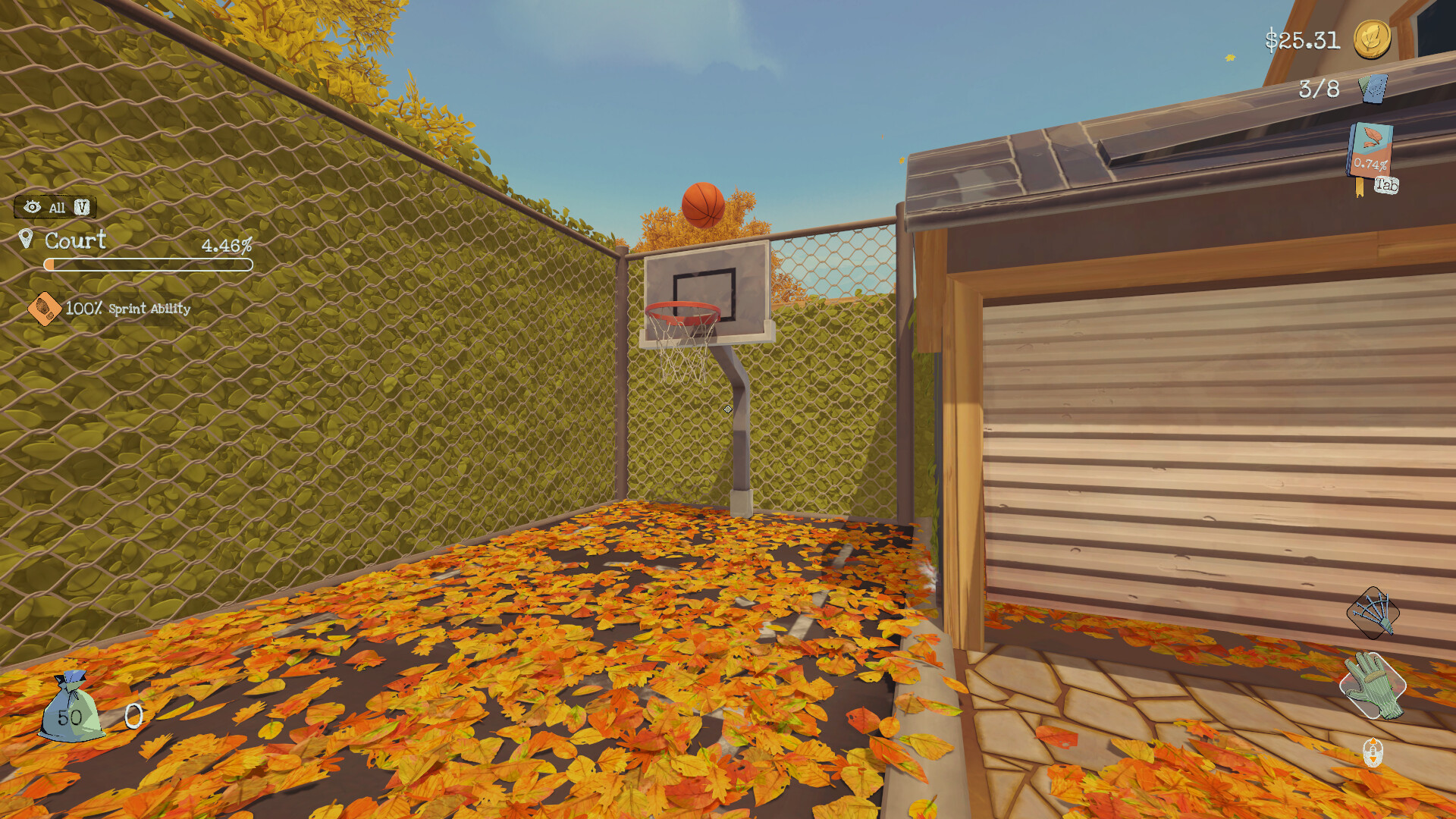
Leaf it Alone drops you into a cluttered yard where fallen leaves have accumulated, demanding a simple yet satisfying cleanup. Armed with basic tools, you clear the mess while the environment slowly shifts toward order. Progress is recorded in an in‑game journal, and completing objectives earns Steam achievements and a spot on the leaderboards, letting friends compare their tidying efficiency.
01 / THE GUIDE
Core Gameplay
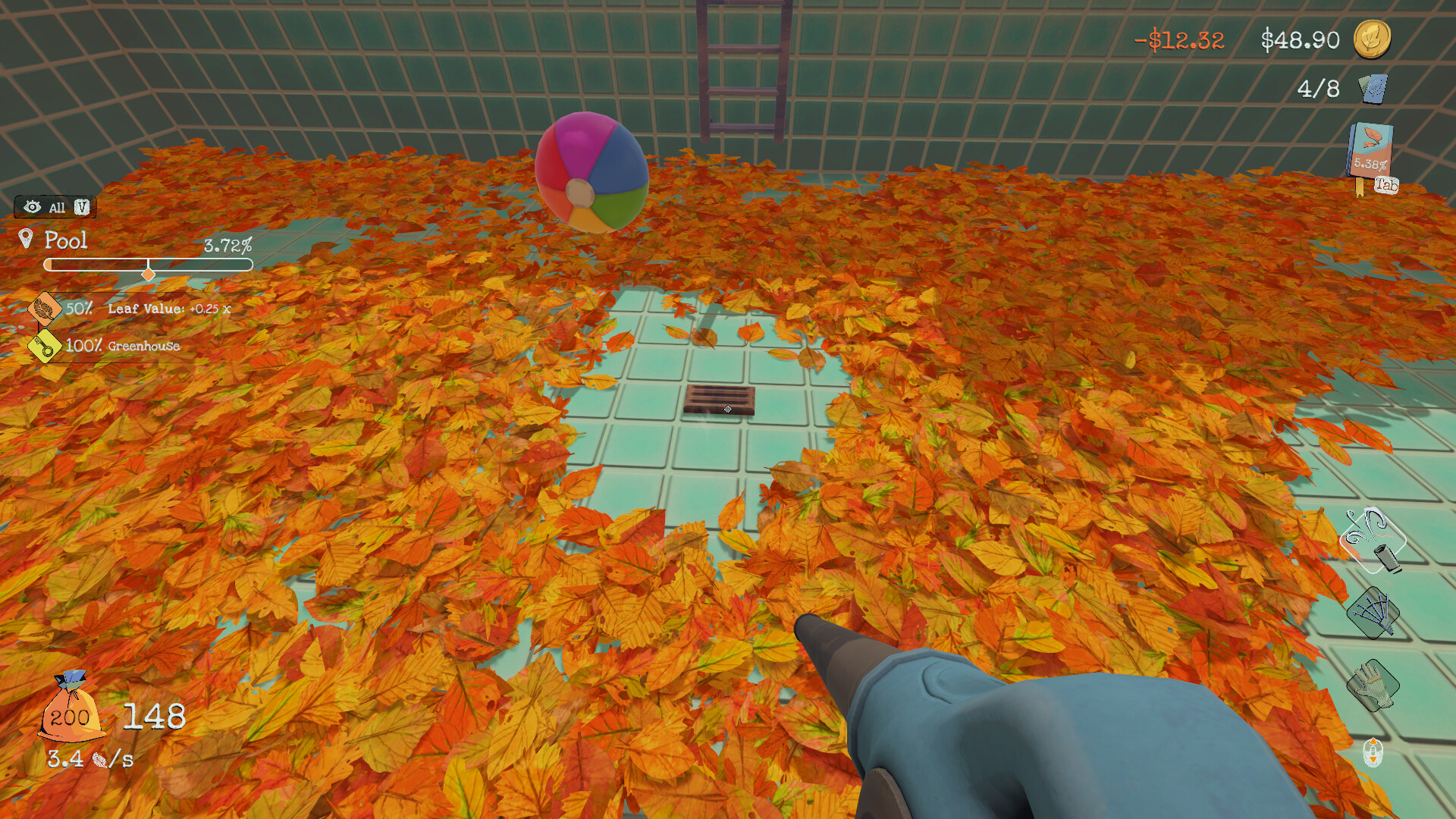
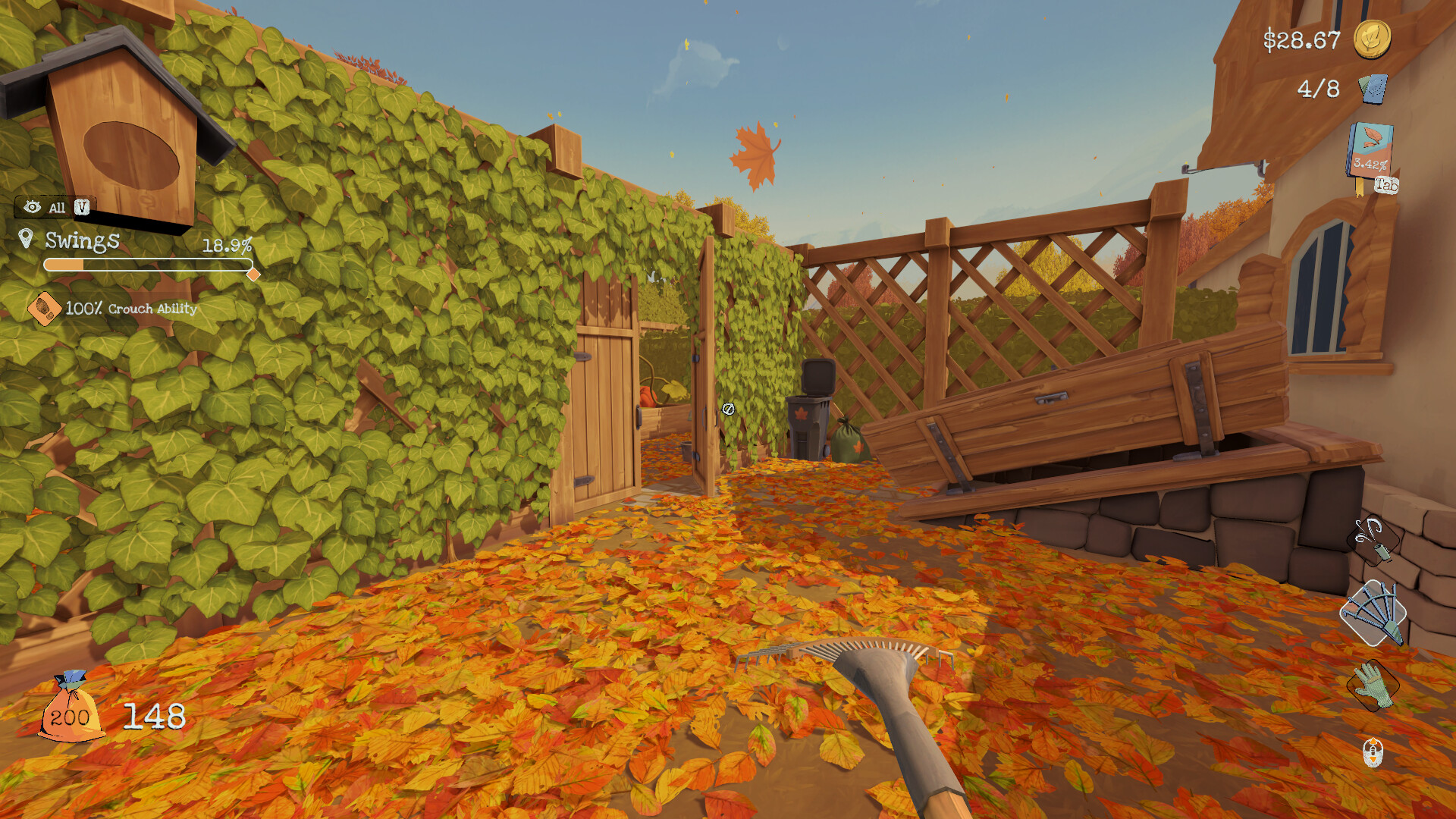
The primary task is to move leaves using a rake, a leaf blower, or simply your hands, each offering a distinct method of clearing space.
As you work, the yard gradually becomes less cluttered, providing visual feedback that the environment is responding to your effort.
- Try the rake for precise removal of small piles, and switch to the blower when larger areas need quick clearing.
- Observe how each tool affects the speed of cleanup; mixing them can keep the task feeling varied.
02 / THE GUIDE
Tool Upgrades
Initially tools work slowly, but the description notes that upgrading them makes the process quick, accelerating yard restoration.
Upgrades are tied to progress, so as you clear more leaves you unlock faster equipment, shifting the pacing from gradual to rapid.
- Monitor how tool speed changes after each upgrade to gauge the impact on your workflow.
- Consider focusing on one tool at a time to see its specific improvement before switching.

03 / THE GUIDE
Journal & Objectives
All actions are logged in an in‑game journal, giving you a record of how many leaves have been moved and which tasks remain.
Objectives appear as clear goals; completing them advances your progress and contributes toward unlocking achievements.
- Review the journal before each session to prioritize remaining objectives.
- Use the journal as a visual motivator to see how much the yard improves over time.
04 / THE GUIDE
Achievements & Leaderboards
Steam achievements are awarded for meeting milestones, encouraging players to fully engage with the cleanup tasks.
A built‑in leaderboard records each player's total leaf removal, allowing friends to compare their efficiency and brag about the tidiest yard.
- Aim for consistent leaf removal numbers to climb the leaderboard steadily.
- Check which achievements you lack; they often align with specific cleanup challenges.
05 / THE GUIDE
Accessibility & Controls
The game supports full controller input, includes camera comfort options, custom volume controls, and can be played without timed input, making it approachable for varied play styles.
Saving is possible at any moment, and progress syncs via Steam Cloud, ensuring your yard state is preserved across sessions.
- Take advantage of the save‑anywhere feature to pause when you need a break.
- Adjust volume and camera settings early to tailor the experience to your comfort.

COMMUNITY
Player discussion