 GameWiki
GET YOUR BEARINGS
About Leaf Blower Co.
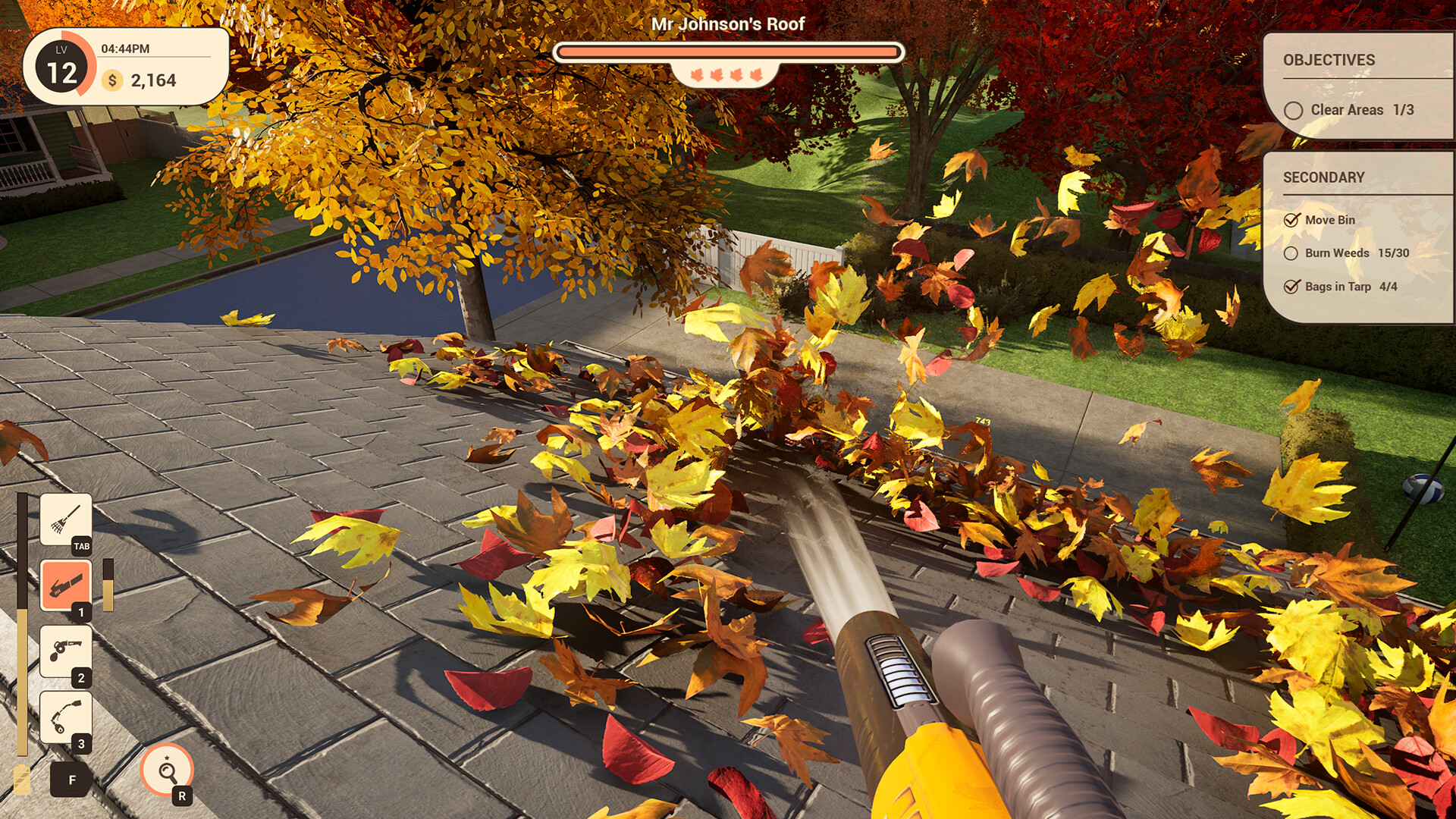
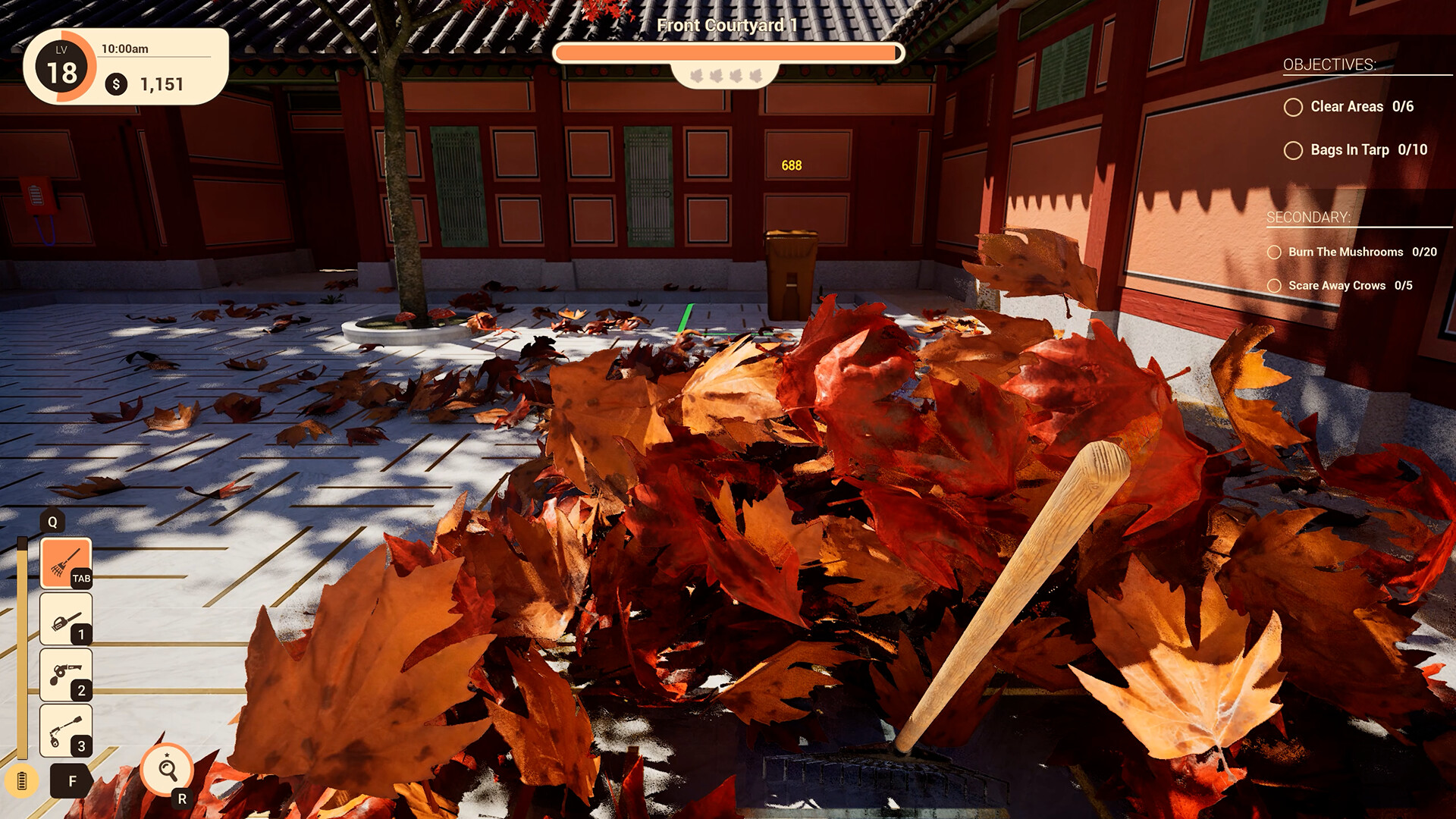
Leaf Blower Co. lets you experience a quirky story where you clear leaves to restore peace and tranquility. The single‑player campaign guides you through varied locales, each with optional bonus goals and hidden easter eggs.
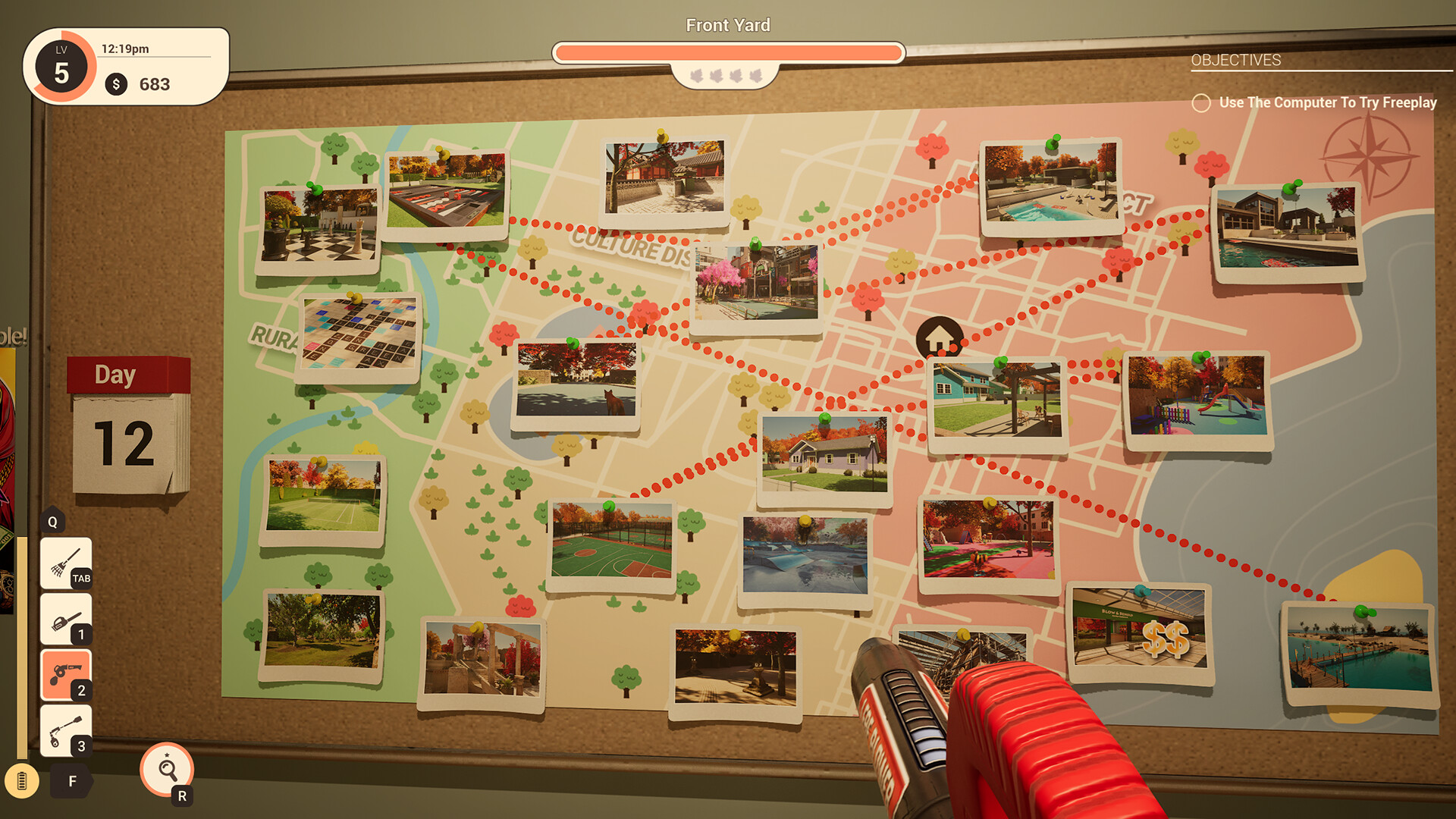
After finishing the story, Free Play lets you pick any location, weather and time of day, letting you blow leaves at your own pace. The game supports full controller use and integrates Steam features like achievements and cloud saves.
01 / THE GUIDE
Story and Setting
The narrative follows a leaf‑blowing business tasked with cleaning up everything from school playgrounds in rain to a mayor’s garden after sunset. Each job aims to bring back a world of calm after the clutter is cleared.
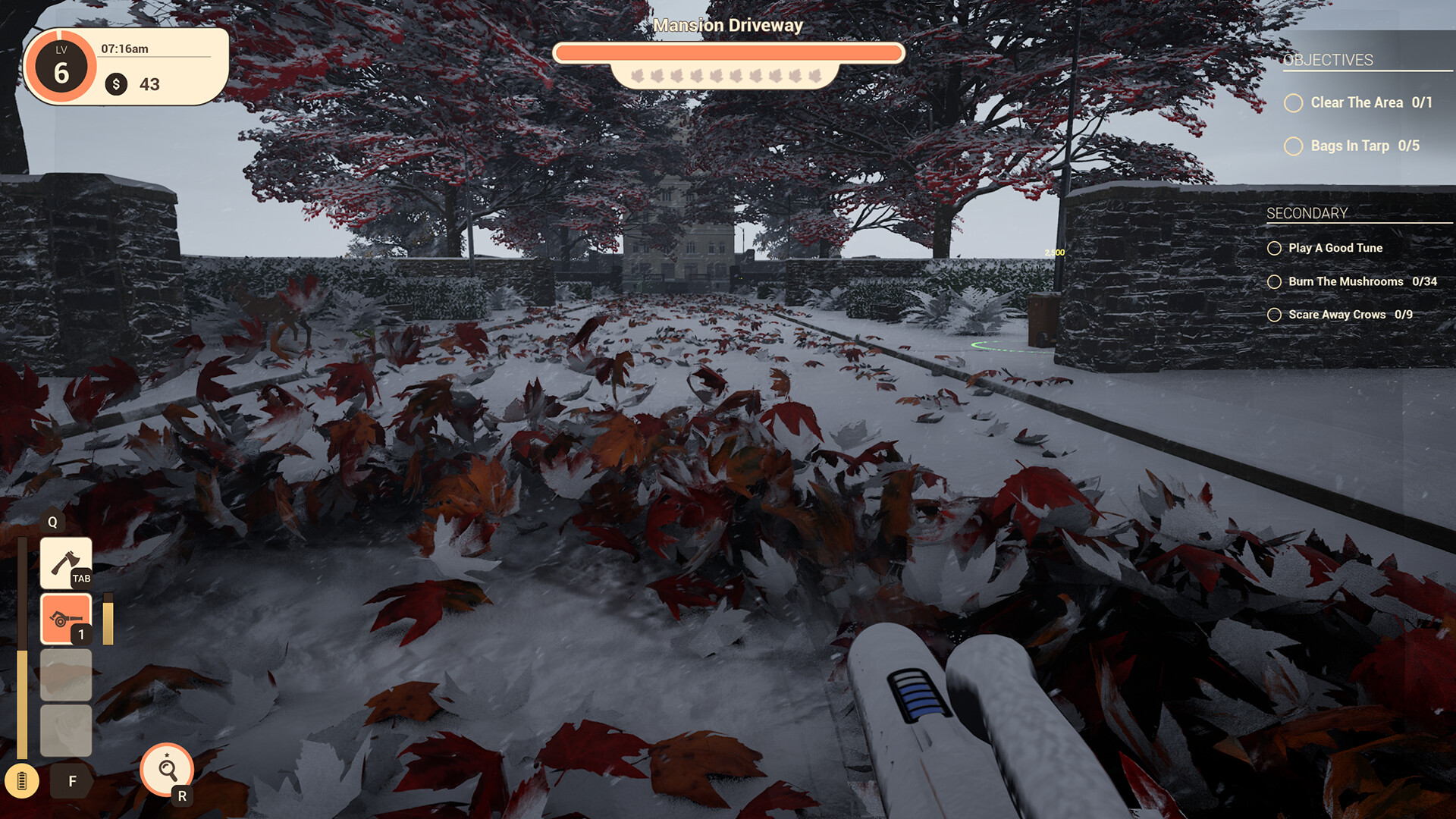
Locations are described as warm and welcoming, ranging from snowy beaches to sunset parks, each offering hidden easter eggs that reward careful exploration.
- Take time to look around each area; hidden easter eggs reward exploring every nook and cranny.
- Compare weather conditions across locations to notice how the atmosphere changes.
02 / THE GUIDE
Campaign Mode
The campaign presents a series of jobs, each with its own optional bonus objectives. Success restores tranquility to the area and moves the story forward.
Bonus objectives and easter eggs are scattered throughout, encouraging players to explore every nook and cranny for extra rewards.
- Focus on completing the main task first, then return for optional goals.
- Revisit each area and check every nook and cranny for anything you may have missed during the initial run.
03 / THE GUIDE
Free Play Mode
When the campaign ends, Free Play unlocks, allowing you to choose any location, weather condition, and time of day. This mode lets you continue leaf‑blowing without story constraints.
The flexibility includes scenarios like a snowy morning on the beach or a glorious sunset in the park, letting you tailor the experience to your preferences.
- Experiment with different weather settings to see how they affect visual ambience.
- Try the same location at multiple times of day for varied lighting.
04 / THE GUIDE
Gear and Upgrades
Players can spend earned cash on new gear, upgrades, and styles. Having the right tool is emphasized as essential for completing jobs efficiently.
Upgrades and styles are presented as optional purchases that can affect how you approach each cleaning task.
- Consider buying upgrades that match the typical conditions of your favorite locations.
- Compare the cost of styles versus functional upgrades to prioritize spending.
05 / THE GUIDE
Platform Features
Leaf Blower Co. runs on Windows and includes full controller support, Steam achievements, cloud saves, and family sharing. These features integrate with the Steam ecosystem.
The game is developed by LifT Games and is categorized as casual, indie, and simulation, reflecting its approachable yet detailed design.
- Enable Steam Cloud to keep progress synced across installations.
- Use family sharing to let multiple accounts try the game without separate purchases.

COMMUNITY
Player discussion