 GameWiki
GET YOUR BEARINGS
About Lawn Mowing Simulator
Lawn Mowing Simulator lets you run a lawn‑care business across the British countryside, using faithfully recreated machines from real manufacturers. You can choose from twelve licensed mowers, adjust blade height, and attach tools such as mulching kits or grass collectors. The game offers three play styles—Career, Free and Challenge—while letting you manage finances, hire staff and upgrade a headquarters. It supports full controller use, adjustable text and a range of audio options, all in a single‑player package.
01 / THE GUIDE
Licensed Mowers and Attachments
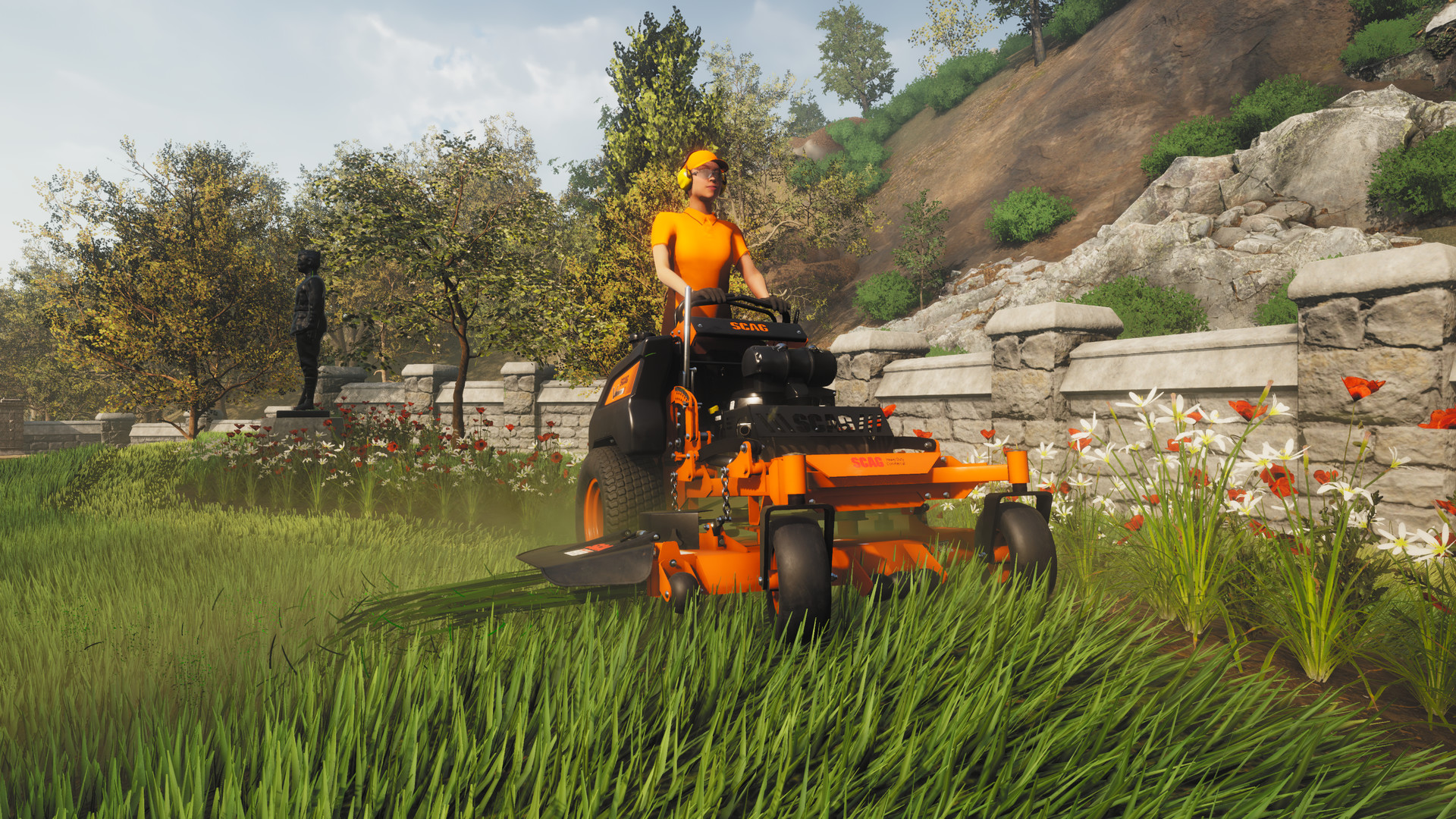
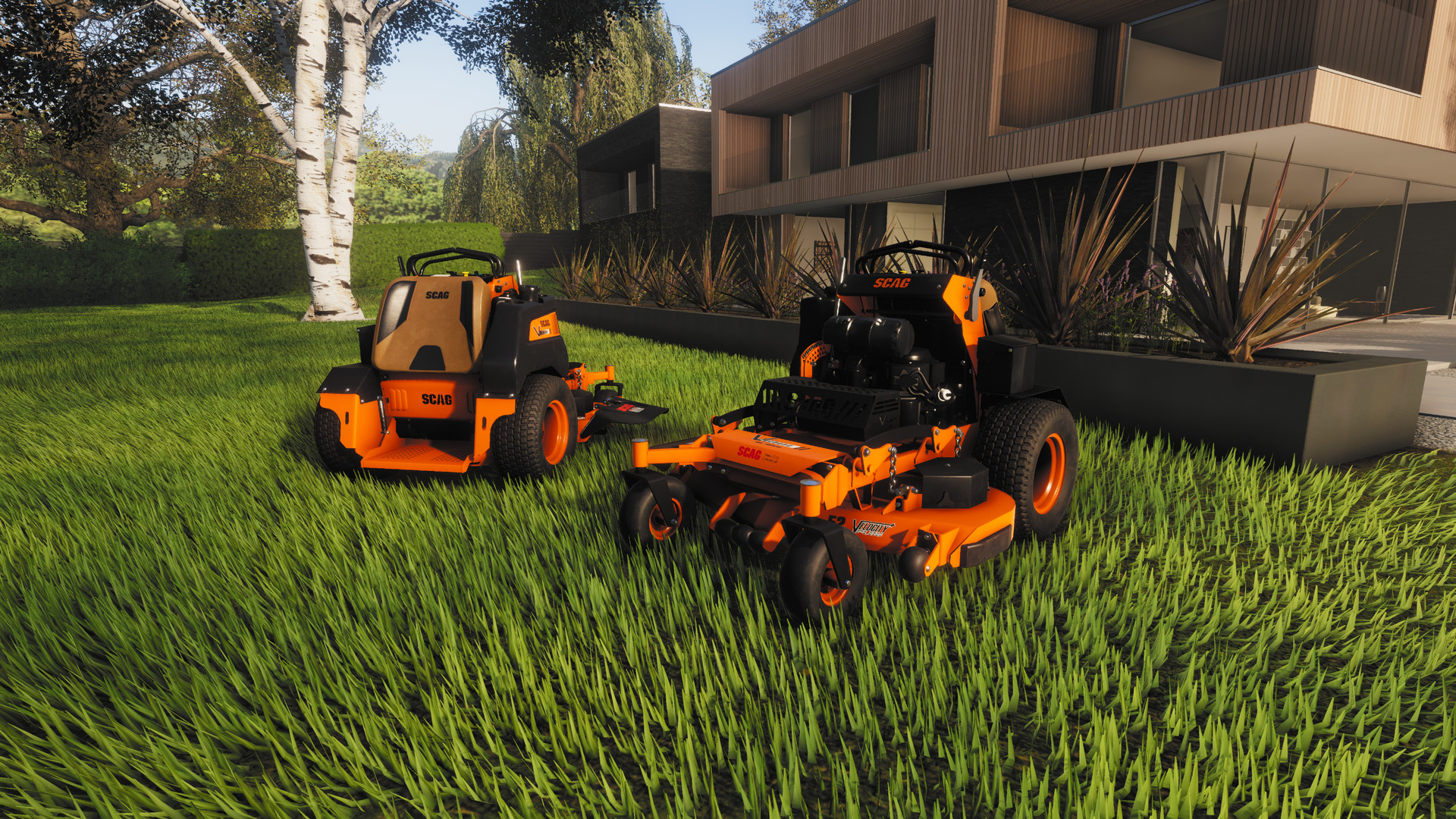
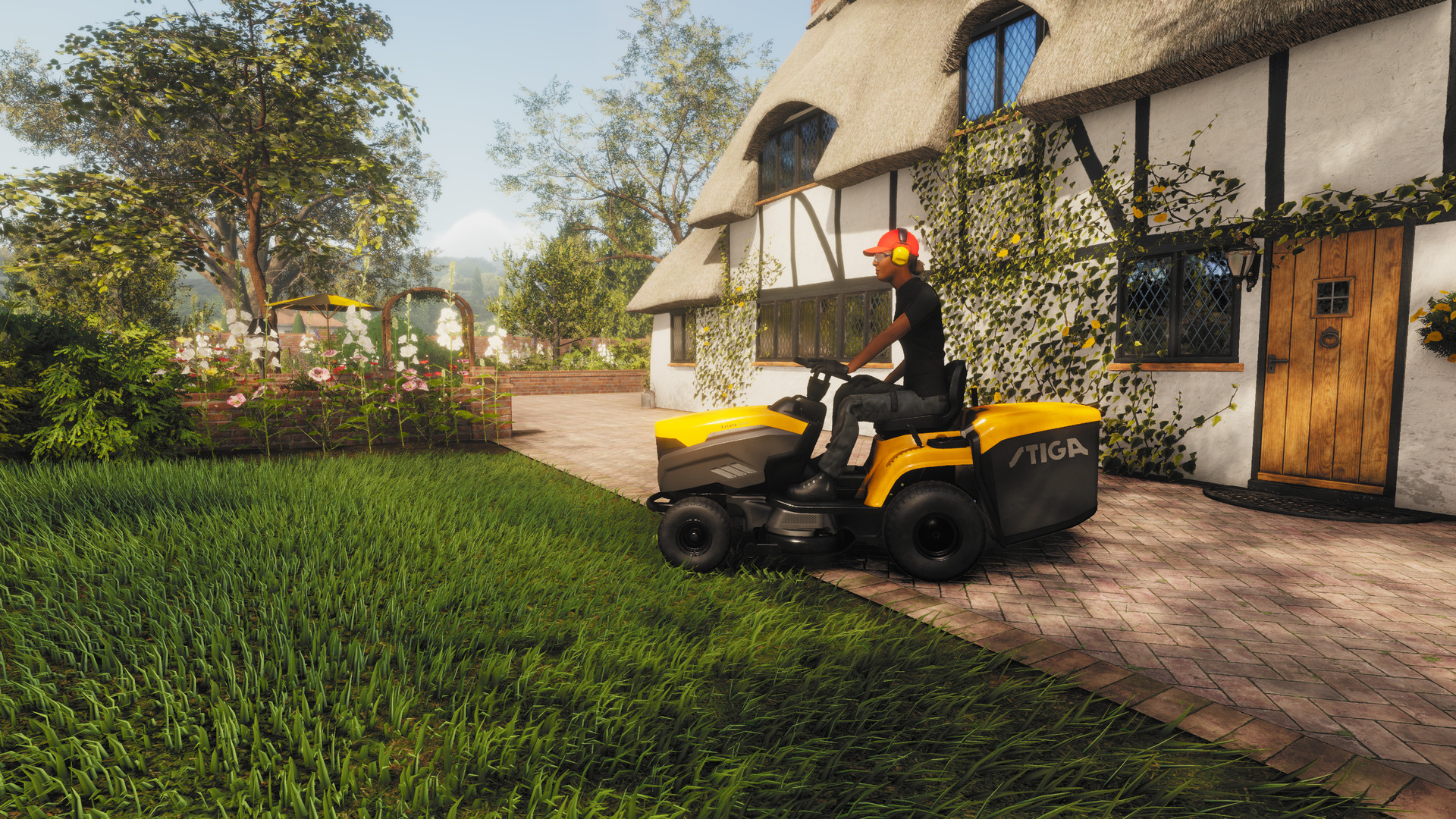
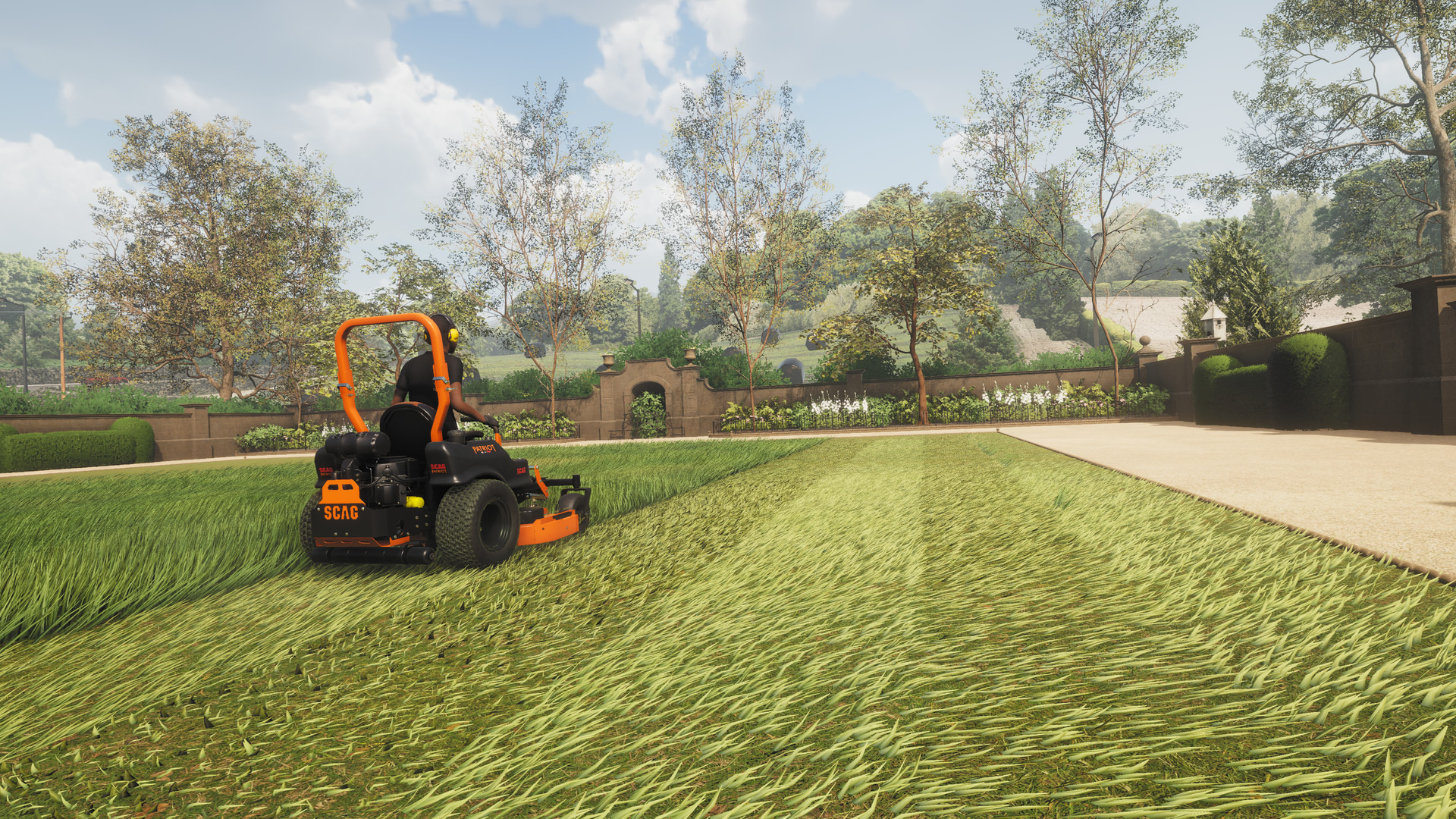
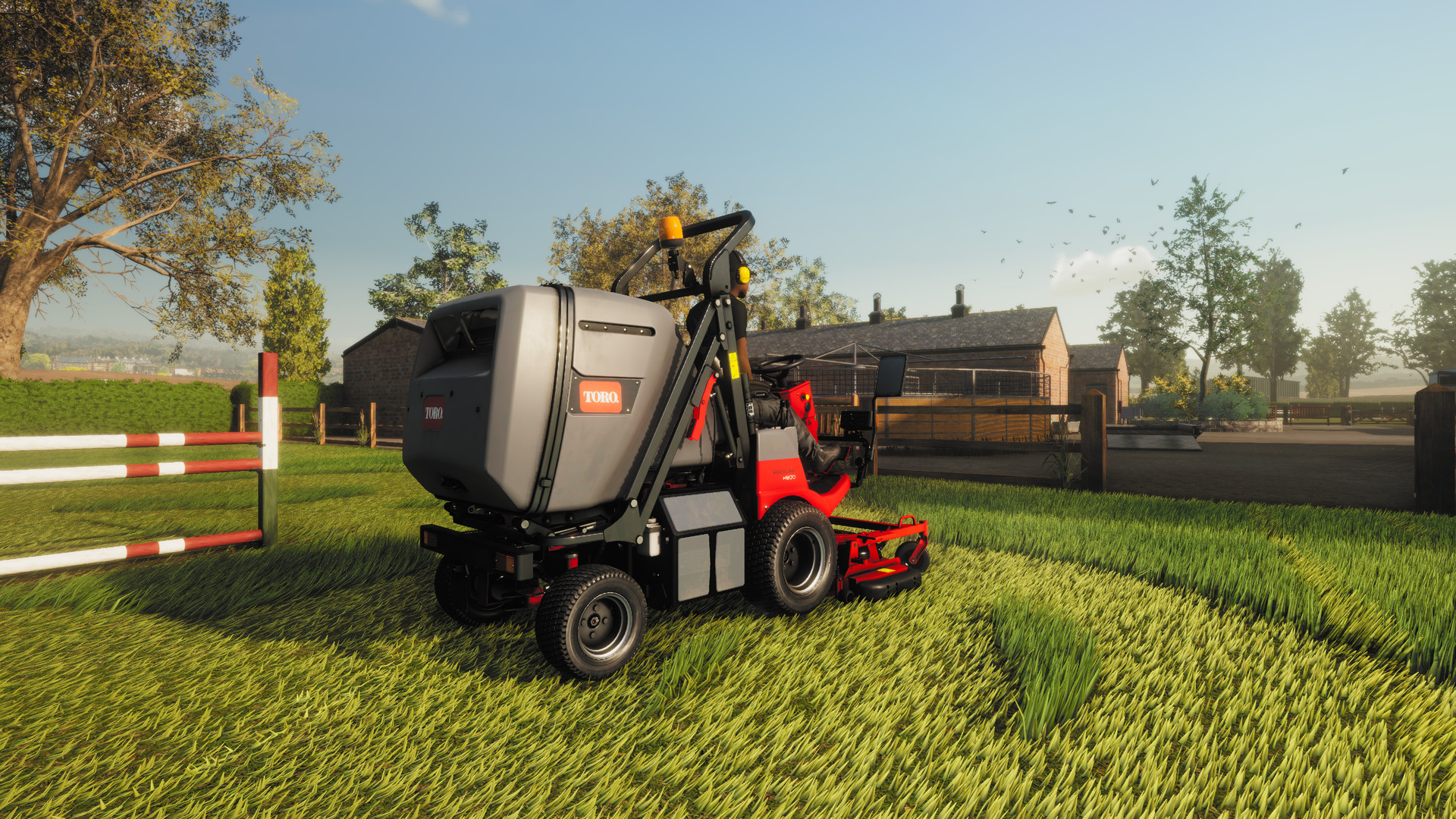
The base game includes twelve mowers from Toro, SCAG and STIGA, each modeled visually and physically after their real‑world counterparts. These machines can be equipped with various attachments, including stripe rollers, mulching kits, grass collectors, recyclers and flail decks. Attachments change how the mower interacts with the grass, letting you tailor each job to the contract’s requirements. Choosing the right combination can affect how efficiently you complete a contract.
- Experiment with different attachment combos to see which best matches a contract’s terrain.
- Consider blade height adjustments before adding an attachment for smoother cuts.
02 / THE GUIDE
British Countryside Settings
Mowing takes place in a stylised British town featuring busy residential streets, vast castle grounds, quaint cottage greens and large equestrian fields. Each area presents distinct visual detail. The diversity of locations provides visual variety and influences the size and shape of each mowing contract, encouraging players to adapt their approach for each setting.
- Take note of the layout before starting a contract to plan efficient routes.
- Use the camera comfort feature to keep a clear view of larger fields.
03 / THE GUIDE
Career, Free and Challenge Modes
Three distinct modes shape the experience. Career Mode guides you through a progression of contracts while expanding your business. Free Mode and Challenge Mode offer additional ways to complete mowing tasks. Each mode uses the same mower roster and locations, but the objectives and rewards differ, giving players flexibility in how they engage with the simulation.
- Use Free Mode to practice new attachment setups before tackling a contract.
- Challenge Mode can be a good test of efficiency after mastering Career basics.
04 / THE GUIDE
Business Management System
Beyond mowing, you build a lawn‑care business from the ground up. You can purchase and upgrade a headquarters, hire employees, buy advertising and balance the books as you grow. Financial decisions directly affect the ability to acquire new mowers or upgrades, linking the simulation’s operational side with its on‑field activities.
- Invest in advertising as part of growing your business.
- Monitor engine load and set your blade height as you complete contracts.
05 / THE GUIDE
Platform and Accessibility Features
The game runs on Windows and includes full controller support, a keyboard‑only option, adjustable text size, camera comfort, custom volume controls, stereo and surround sound, as well as Steam Cloud and family sharing. These features aim to make the simulation accessible and convenient across different hardware setups while preserving progress across sessions.
- Adjust text size if on‑screen information feels cramped.
- Enable Steam Cloud to keep your business data safe between installations.
COMMUNITY
Player discussion