 GameWiki
GET YOUR BEARINGS
About Lawn Care Simulator
Lawn Care Simulator invites players to the tranquil town of Trimsdale, where each job is a chance to cut, trim, and shape grass at a relaxed pace. The core experience focuses on rhythm and visual satisfaction as you watch blades of grass bend beneath your tools.
As you progress, you can broaden your service by unlocking additional equipment and larger locations, building a reputation as the town’s preferred lawn‑care professional. The game emphasizes calm, unhurried play without timed pressure, letting you unwind while perfecting clean stripes and tidy edges.
01 / THE GUIDE
Rhythmic Mowing and Trimming
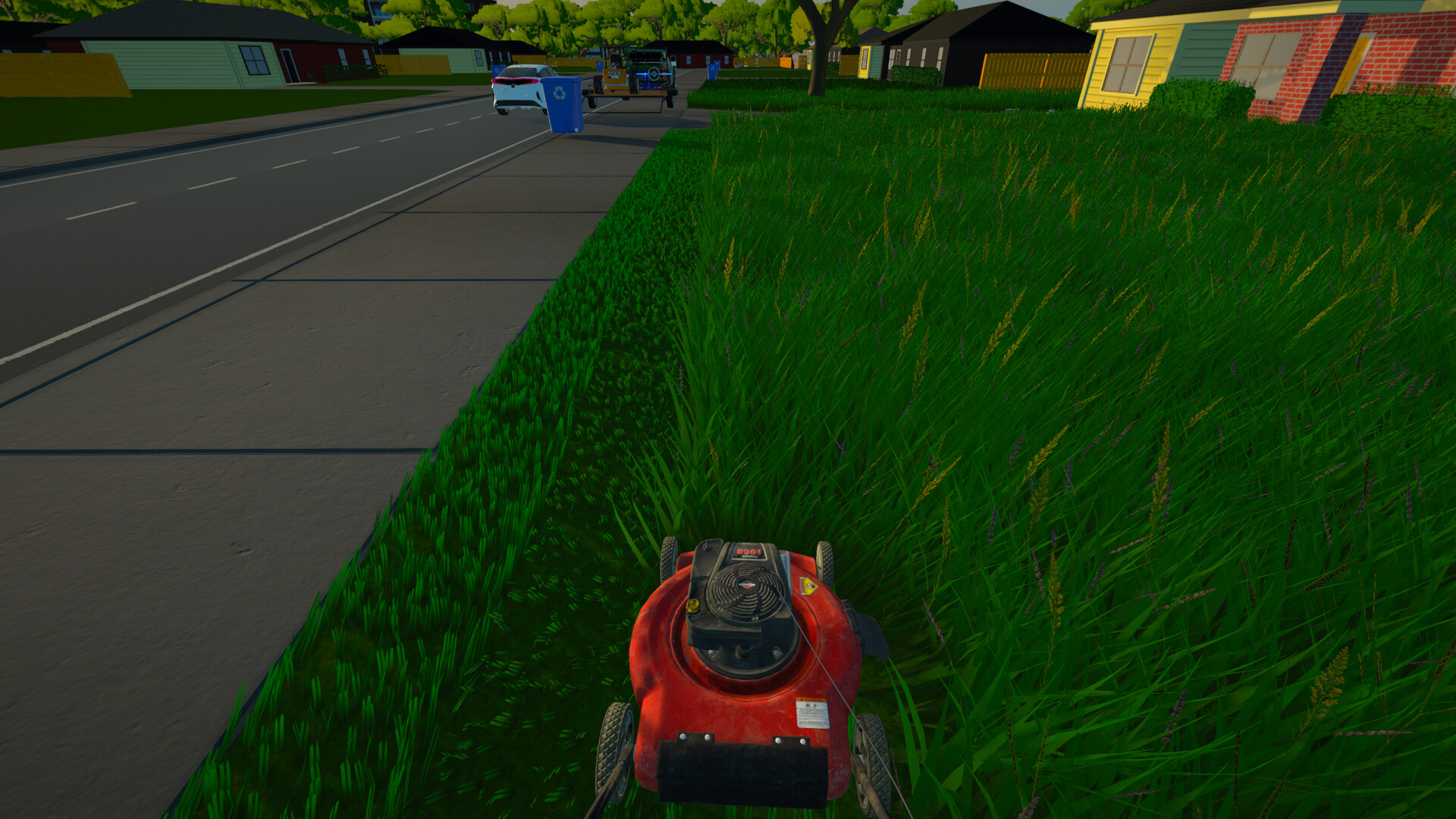
The core loop centers on firing up a mower, trimming every blade, and shaping edges to create orderly lawns. Visual feedback shows grass bending and clean stripes forming, reinforcing a sense of rhythm.
Players can take their time, focusing on patience and care rather than speed, which the description highlights as a way to unwind and enjoy the process.
- Observe how the grass reacts to each pass for a smoother visual rhythm.
- Experiment with different tool combinations to see varied edge shapes.
02 / THE GUIDE
Growing Your Lawn Care Service
Progress unlocks a larger arsenal of mowers, trimmers, hedgers, and leaf blowers, allowing you to tackle bigger jobs and new locations. Expanding equipment directly ties to building a reputation in Trimsdale.
The description notes that unlocking new locations and larger jobs is part of the business growth, encouraging players to develop their service over time.
- Prioritize equipment that matches the size of upcoming jobs.
- Track which tools feel most satisfying for your personal rhythm.
03 / THE GUIDE
Diverse Job Sites
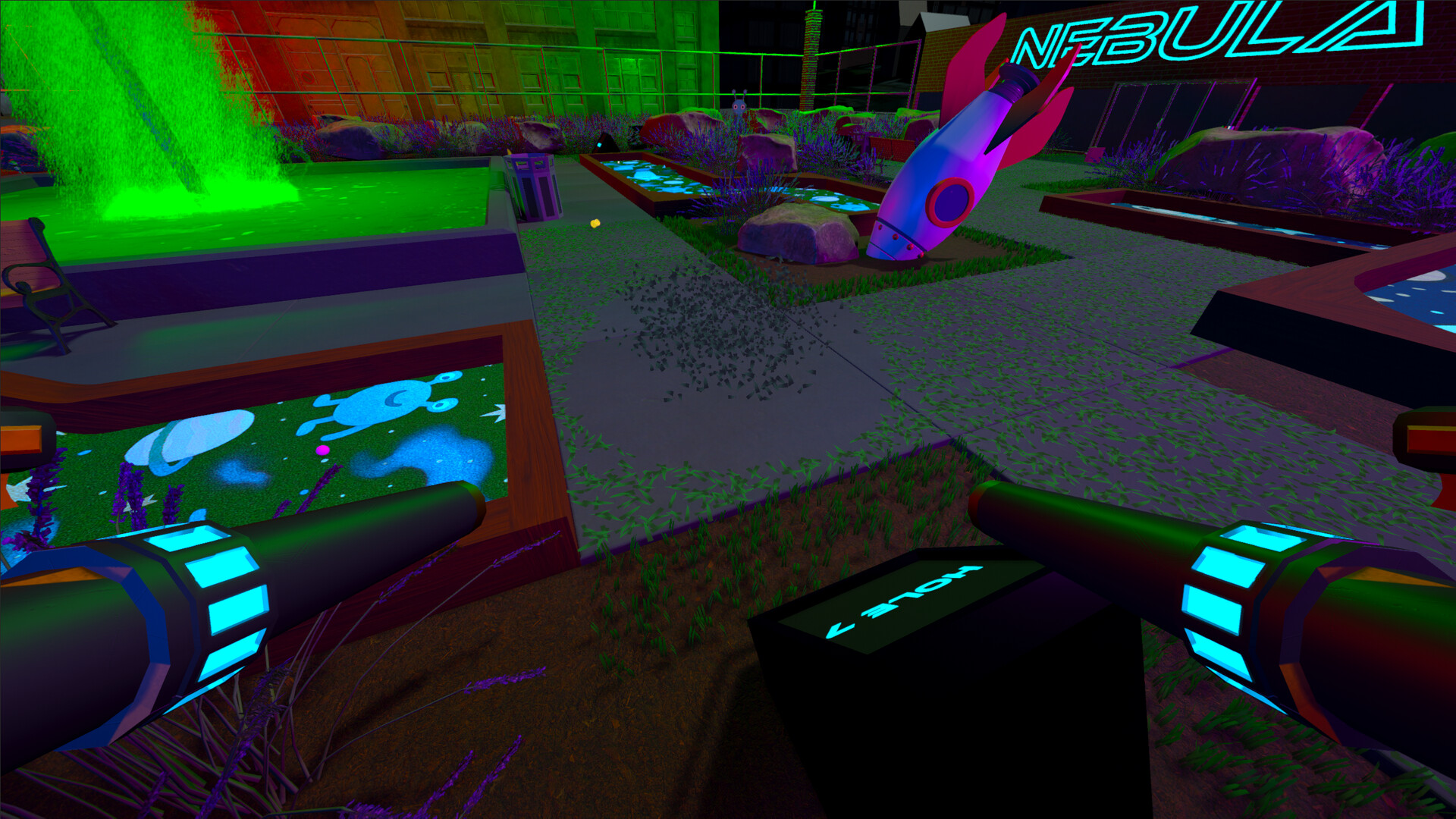
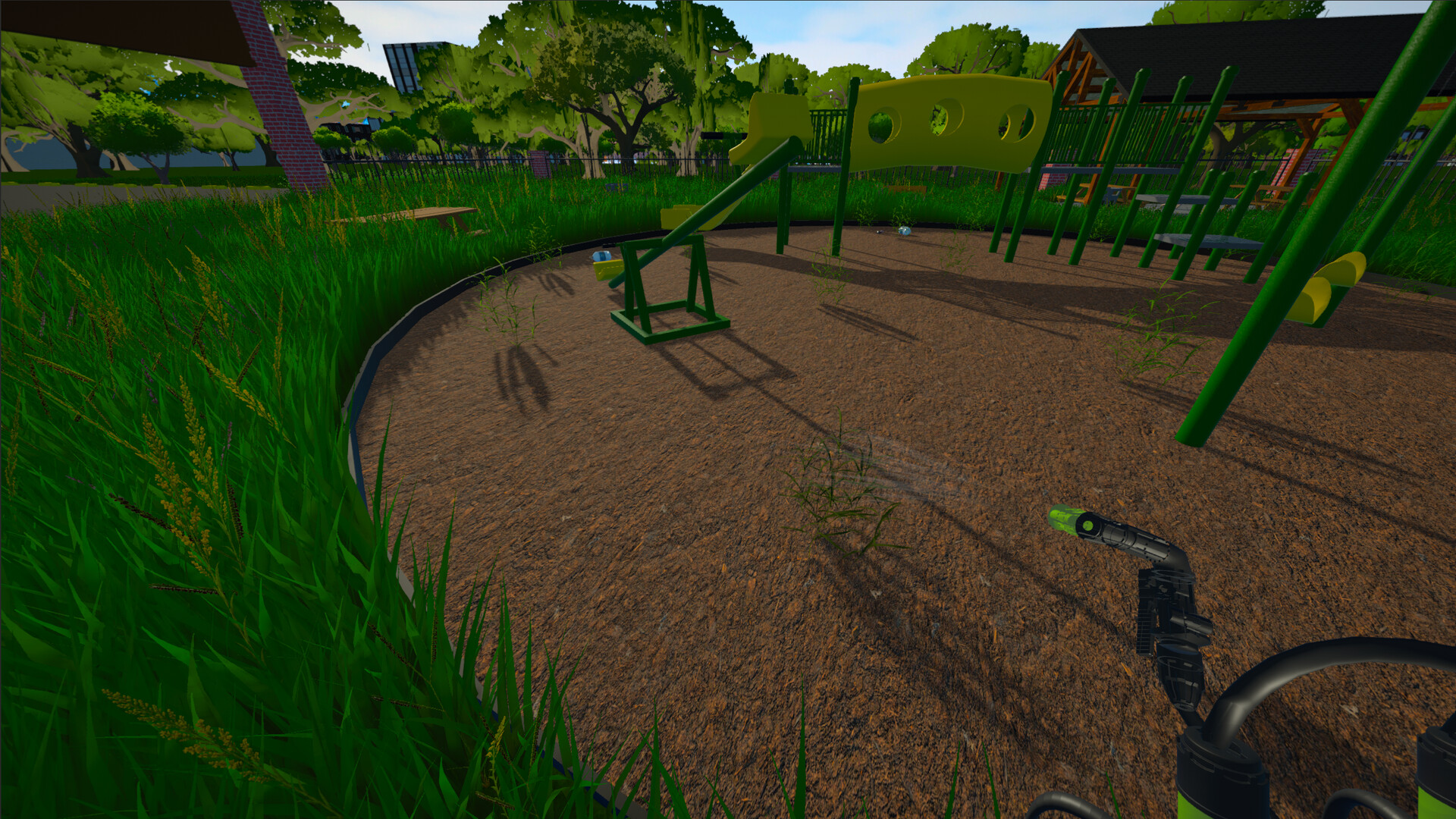
Jobs span cozy neighborhoods, public parks, farms, museums, and even the mayor’s estate, each offering a distinct visual setting. This variety keeps the mowing experience fresh across Trimsdale.
The game’s description emphasizes that every lawn is an opportunity to slow down and enjoy the work, regardless of the environment.
- Take note of how different terrains affect your visual satisfaction.
- Use each location as a chance to practice new edge‑shaping techniques.
04 / THE GUIDE
Audio and Camera Comfort
The game includes stereo and surround sound options, as well as camera comfort features, allowing players to tailor the sensory experience. Custom volume controls let you adjust sound to your preference.
These settings support the peaceful pacing by letting you fine‑tune how the engine hum and environmental sounds are heard.
- Adjust volume to highlight the mower’s hum for a more immersive rhythm.
- Experiment with camera comfort settings to find the most relaxing view angle.
05 / THE GUIDE
Supported Platforms and Controllers
Lawn Care Simulator runs on Windows and Linux, offering full controller support including DualShock and DualSense devices. Steam Cloud and Family Sharing are also listed, enhancing accessibility.
The description confirms single‑player mode and notes that the game can be played without timed input, reinforcing a relaxed experience across supported platforms.
- Try both DualShock and DualSense controllers to see which feels more natural for the mowing rhythm.
- Steam Cloud is listed, which may help keep progress available when switching between Windows and Linux machines.


COMMUNITY
Player discussion