 GameWiki
GET YOUR BEARINGS
About Laundry Store Simulator
Laundry Store Simulator puts you in charge of a modest laundry shop and lets you grow it into a full‑scale business empire. You start with basic machines and a small floor, then expand, upgrade, and add services as you progress.
The game focuses on three main pillars: upgrading equipment, designing an inviting interior, and managing staff and product sales. Each pillar is presented as a concrete option you can select and develop within the single‑player experience.
01 / THE GUIDE
Building & Expansion
You begin with a small laundry store and can unlock new areas as you advance. Each new area adds space for additional machines, seating, or decorative items, directly increasing the store’s capacity to serve customers.
Expansion is tied to progress, meaning that new zones become available only after meeting in‑game milestones. This structure lets you plan the layout step‑by‑step, matching space to the equipment and design choices you have made.
- Map out where machines will go before unlocking a new area to keep traffic flow logical.
- Compare the space each new equipment piece requires with the area you plan to open.
02 / THE GUIDE
Equipment Upgrades
The game offers upgrades for washing machines, dryers, ironing equipment, and even automated washers. Upgrading replaces older units with higher‑quality models that promise better cleaning performance.
Each upgrade is presented as a selectable option, allowing you to invest in the specific machines that match the growing demand of your expanding shop.
- Weigh the cost of each upgrade against the expected increase in customer throughput.
- Observe which machines are used most often and prioritize those for upgrades.
03 / THE GUIDE
Store Design
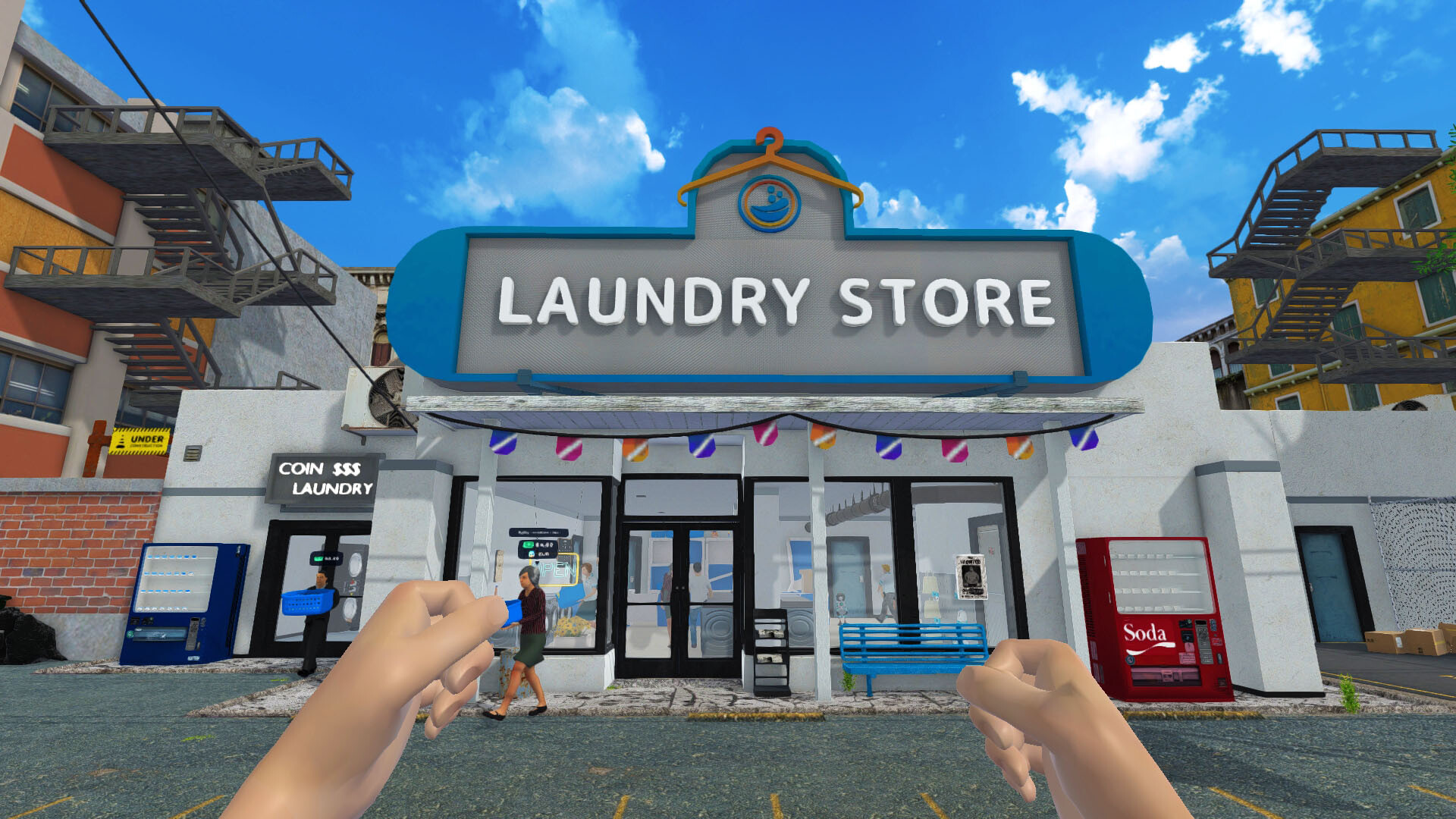
You can add comfortable seating, warm decorations, and other visual touches to create a stylish and inviting space. These elements help create a welcoming atmosphere for your customers.
You can balance functional layout with decorative flair to attract and retain customers.
- Mix functional items like seating with decorative pieces to keep the floor plan practical.
- Experiment with color schemes to see which feels most welcoming.
04 / THE GUIDE
Staff Management
Hiring qualified laundry attendants—such as washers and dryer operators—helps keep the shop running efficiently. Staff handle routine tasks, freeing you to focus on expansion and design.
Each employee brings experience that supports service quality as the business scales, and you can add more staff as new areas open.
- Recruit staff whose skills match the current bottlenecks in your workflow.
- Monitor staff performance and adjust hiring when the store grows.
05 / THE GUIDE
Product Sales & Custom Shirts
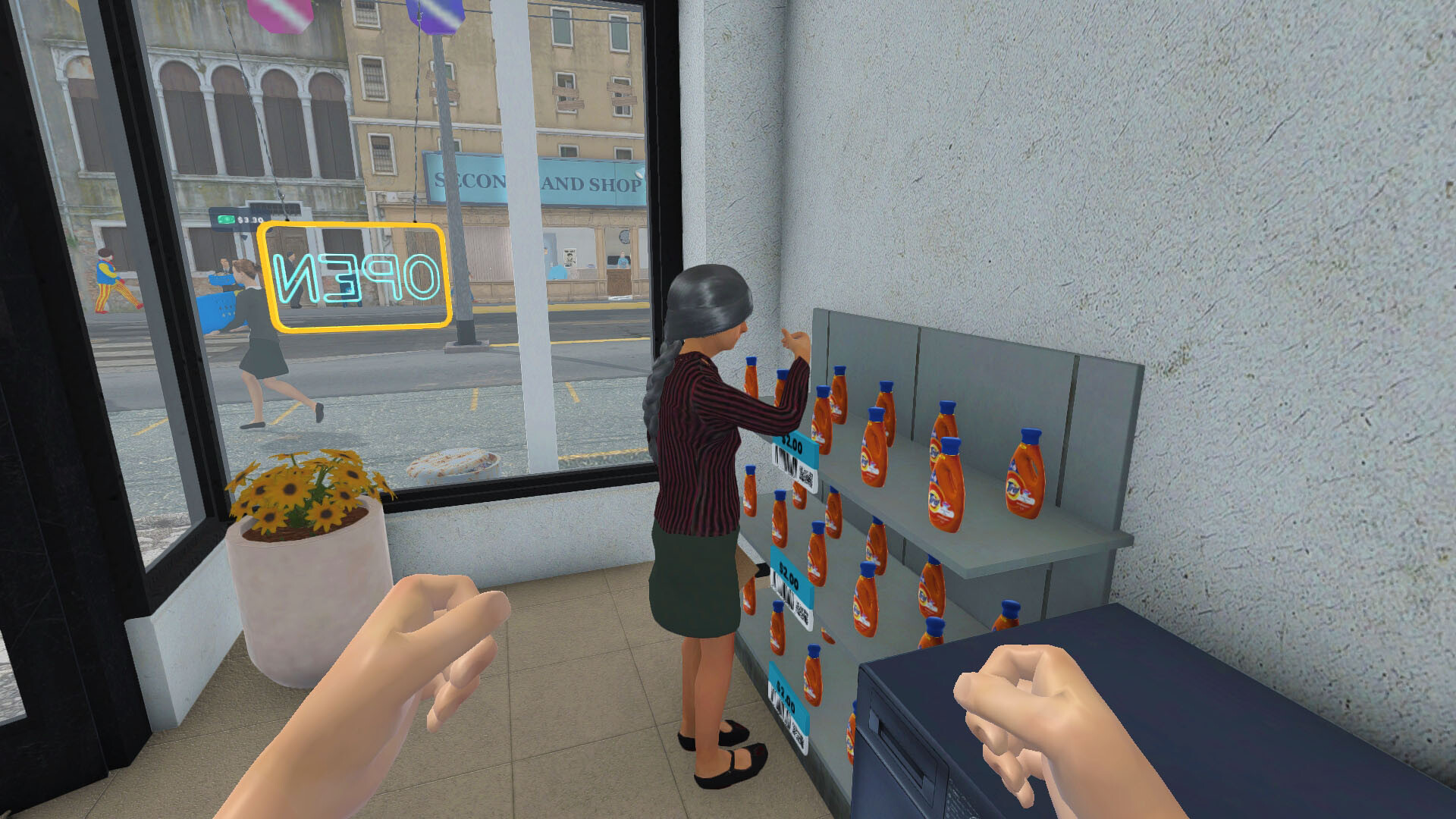
The game lets you sell cleaning supplies—including detergents, fabric softeners, and stain removers—turning the shop into a one‑stop laundry resource. This adds a revenue stream beyond washing services.
You can also design custom shirts by drawing, printing, and delivering them to customers, providing a creative outlet that generates additional profit.
- Stock a variety of cleaning products to meet diverse customer needs.
- Try different shirt designs to see which styles attract more sales.


COMMUNITY
Player discussion