 GameWiki
GET YOUR BEARINGS
About Landscaper Simulator
Landscaper Simulator lets you tidy messy outdoor spaces using three tools: a weed whacker for grass and weeds, a pressure washer for dirt on structures, and a trash vacuum for litter. Each tool provides visual feedback as the environment transforms, creating a clear sense of progress.
The single‑player title offers a range of missions—suburban homes, city parks, rooftop gardens, outdoor cinemas, museum entrances, and more—played at your own pace. Features such as Full controller support, Save Anytime, and custom volume controls let you shape a calm, stress‑free experience.
01 / THE GUIDE
Cut Grass
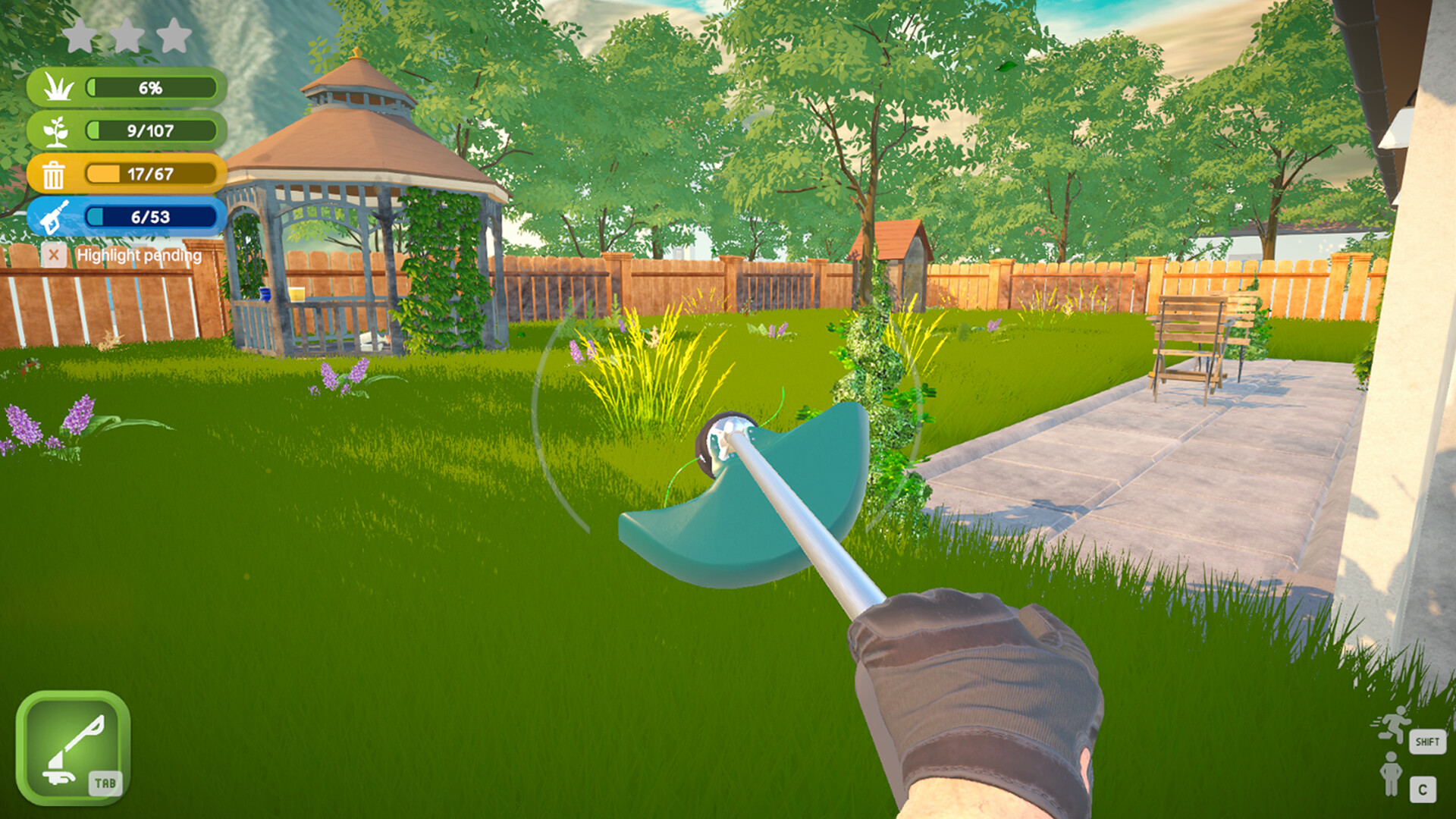
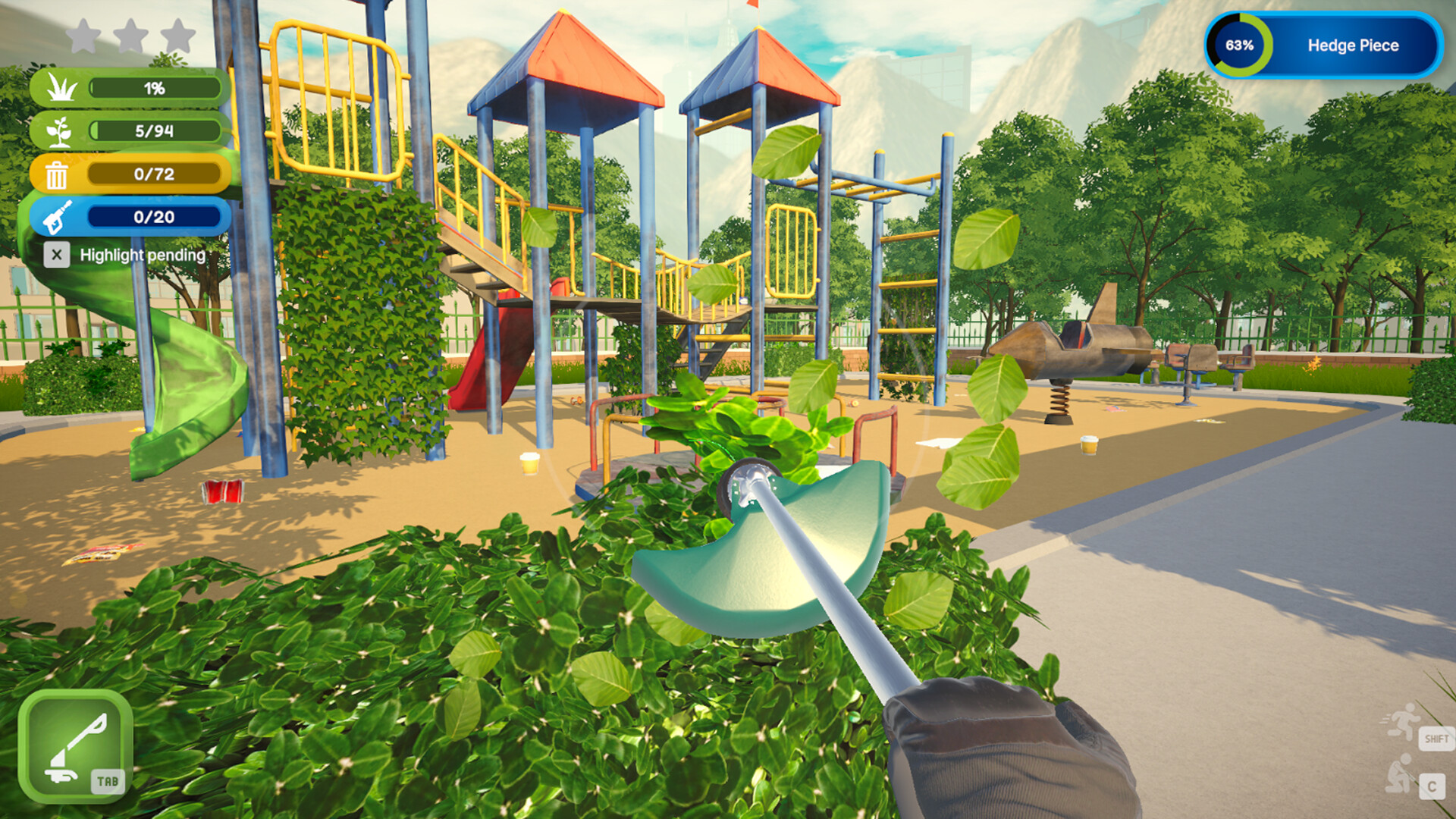
The weed whacker is used to trim overgrown grass and cut through stubborn weeds. You use it to turn tangled lawns into neat patches and providing a visual cue of cleared space.
When the whacker contacts vegetation, the game shows the blades cutting and the grass shortening, confirming that the tool has been applied correctly. The transformation is easy to see as neglected spaces change while you work.
- Watch the grass height to know when a section is fully cleared.
- Compare the tool’s effect on a simple lawn versus a dense weed patch.
02 / THE GUIDE
Pressure Wash
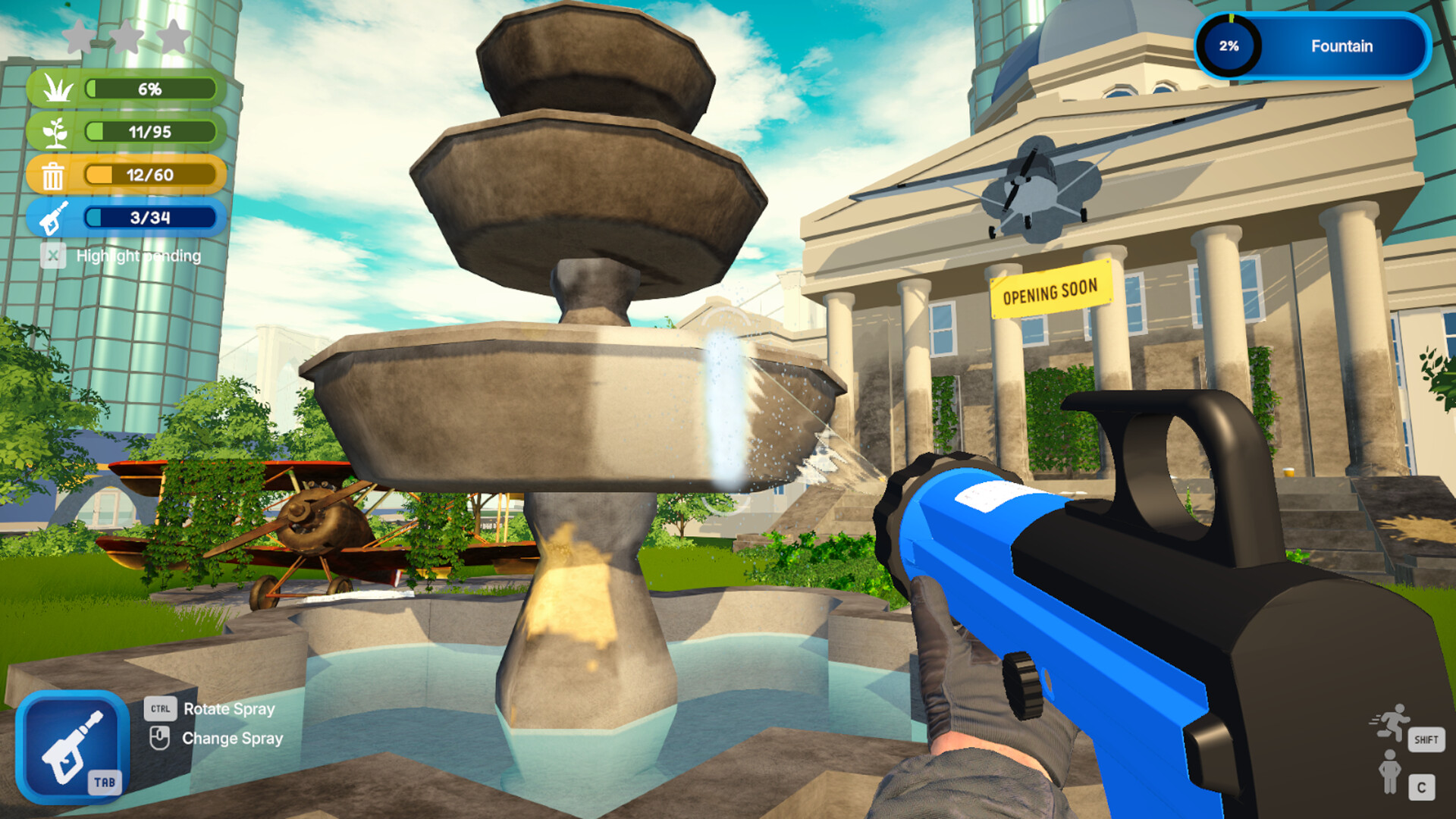
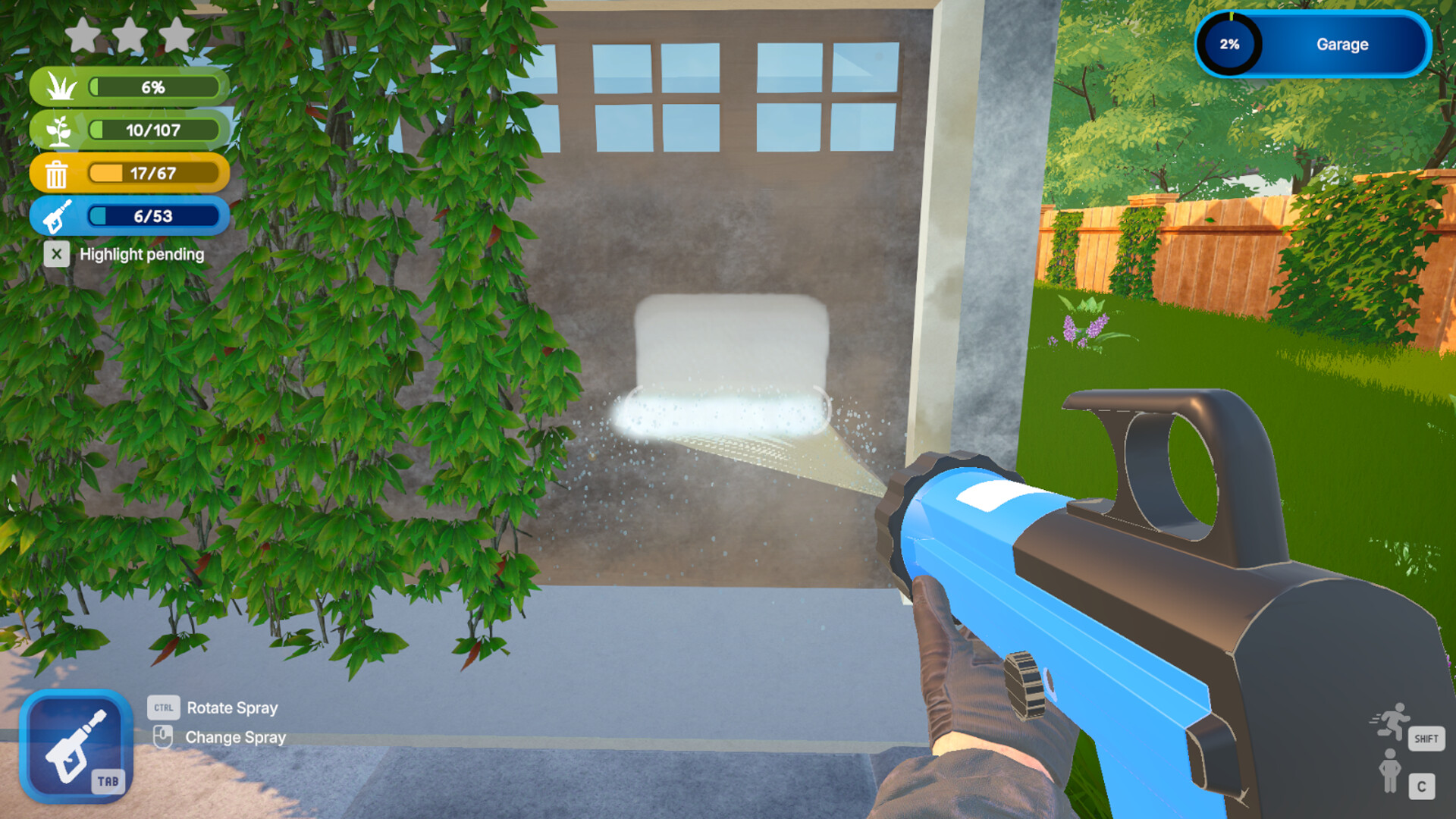
The pressure washer blasts dirt from fences, houses, benches, and other public structures. It is presented as the primary method for cleaning hard‑scaped elements, revealing a fresh surface beneath grime.
During use, the game shows the dirt being blasted away as the surface transforms.
- Observe the spray pattern to see which surfaces respond best.
- Notice how the visual dirt removal differs between large and small objects.
03 / THE GUIDE
Vacuum Trash
The trash vacuum sucks up garbage from streets, parks, and hidden corners. It handles the cleanup of non‑organic messes across missions, such as littered walkways and debris in outdoor cinemas.
When the vacuum contacts trash, the game shows the items being collected into the device, confirming successful removal. The transformation of littered spaces is easy to see as you work.
- Watch how the vacuum reacts to different debris sizes for efficient collection.
- Use the vacuum after other tools to finish off remaining small items.
04 / THE GUIDE
Cozy Cleanup Missions
Missions span suburban homes, city parks, graveyards, rooftop gardens, outdoor cinemas, museum entrances, and more. Each location provides a distinct layout while keeping the objective focused on cleaning.
All missions are described as relaxing objectives and the game includes the Playable without Timed Input feature, meaning there is no enforced time pressure and players can save at any moment.
- Notice how each location’s layout influences which tool you reach for first.
- Compare the pacing of a suburban home versus a city park to find your preferred rhythm.
05 / THE GUIDE
Atmosphere and Visual Satisfaction
The game delivers a soothing atmosphere with peaceful vibes, gentle ambience, and stress‑free progression. Visual feedback shows neglected spaces transforming as you work, reinforcing a sense of accomplishment.
Custom volume controls and Camera Comfort options let players fine‑tune audio and view angles, supporting the overall cozy feel while maintaining clear visibility of the cleanup process.
- Adjust volume settings to match your preferred level of ambient sound.
- Experiment with camera comfort options to find a view that highlights transformations.

COMMUNITY
Player discussion