 GameWiki
GET YOUR BEARINGS
About Laid-Back Camp All -in -one!! Chill Time
Laid-Back Camp All‑in‑one!! Chill Time lets you work or study while the Yuru Camp crew relaxes at a virtual campsite. The game records each Pomodoro session in a diary, letting you review daily progress on a calendar. You can customize the campsite with over 1,000 gear and outfit options, set ambient sound layers, and keep the scene visible in an always‑on‑top window, turning a desk into a shared camp experience.
01 / THE GUIDE
Pomodoro Timer & Diary
The built‑in Pomodoro timer lets you switch between work and break periods, adding each interval to an in‑game diary. This diary logs the time you spend cycling between tasks, which you can later view on a calendar. The calendar view provides a visual record of your daily productivity, letting you review your daily progress at a glance.
- Try matching break lengths to the in‑game camp activities for a relaxed rhythm.
- Use the calendar to spot patterns in your most productive times.
02 / THE GUIDE
Campsite Customization
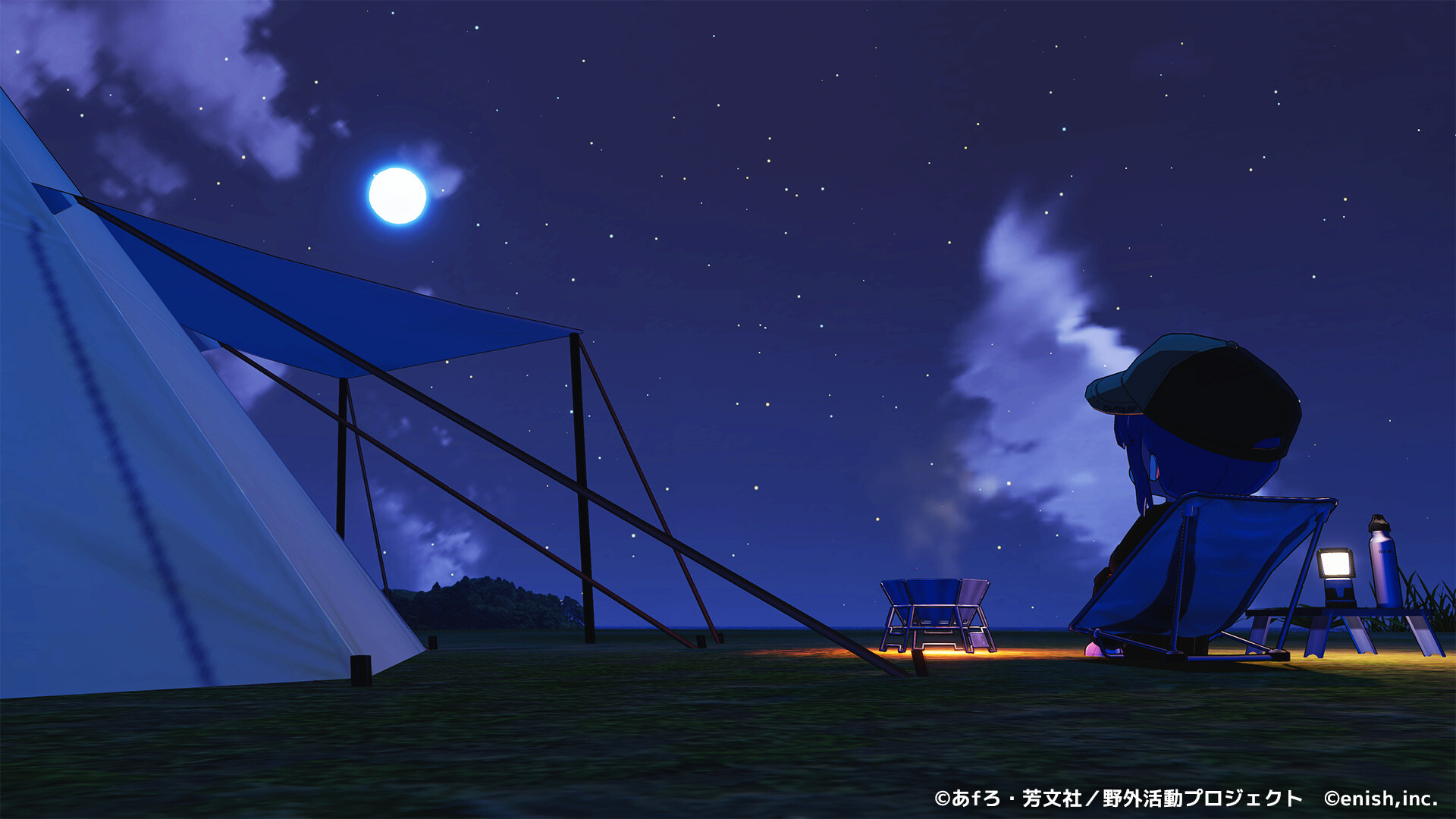
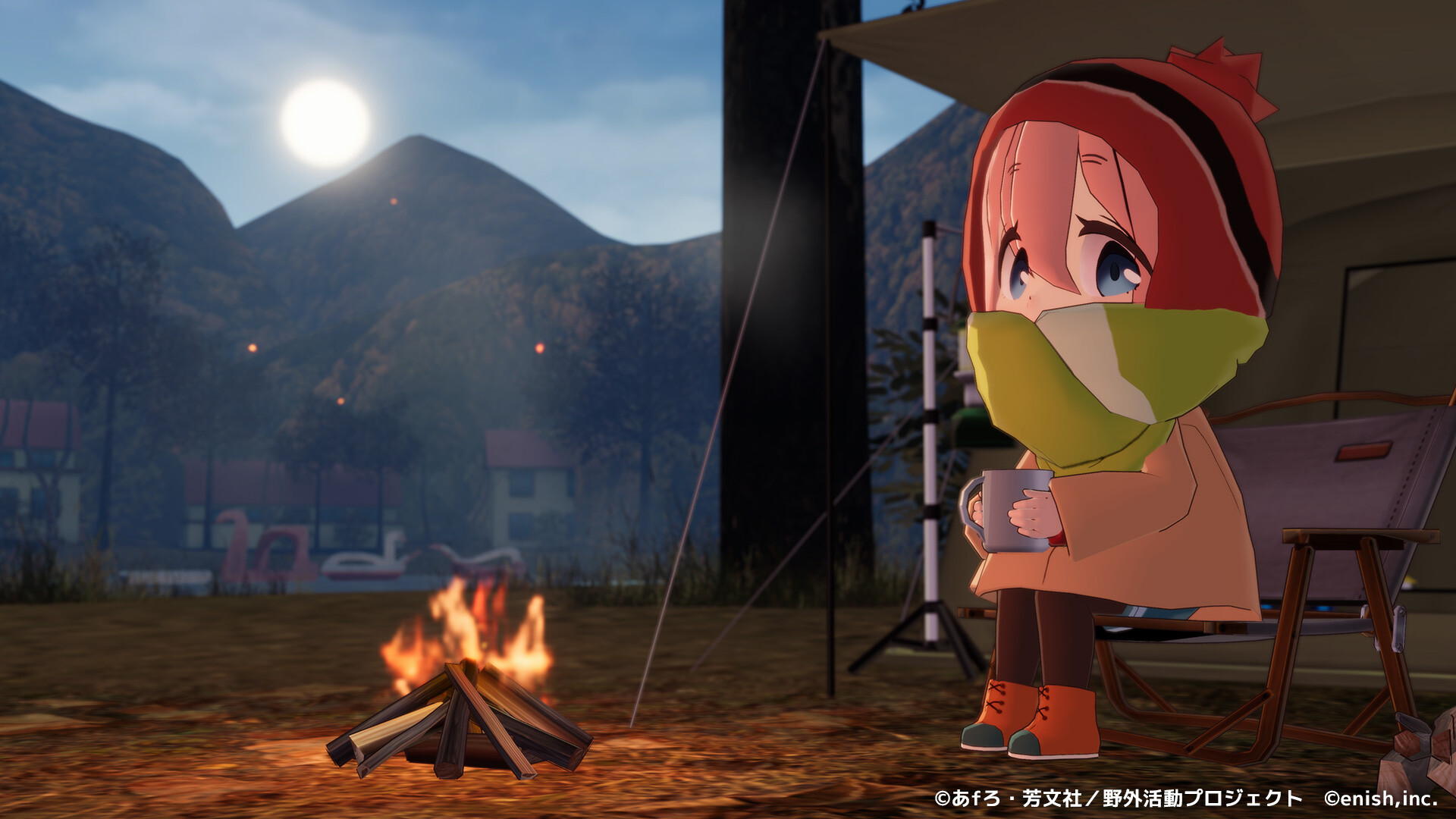
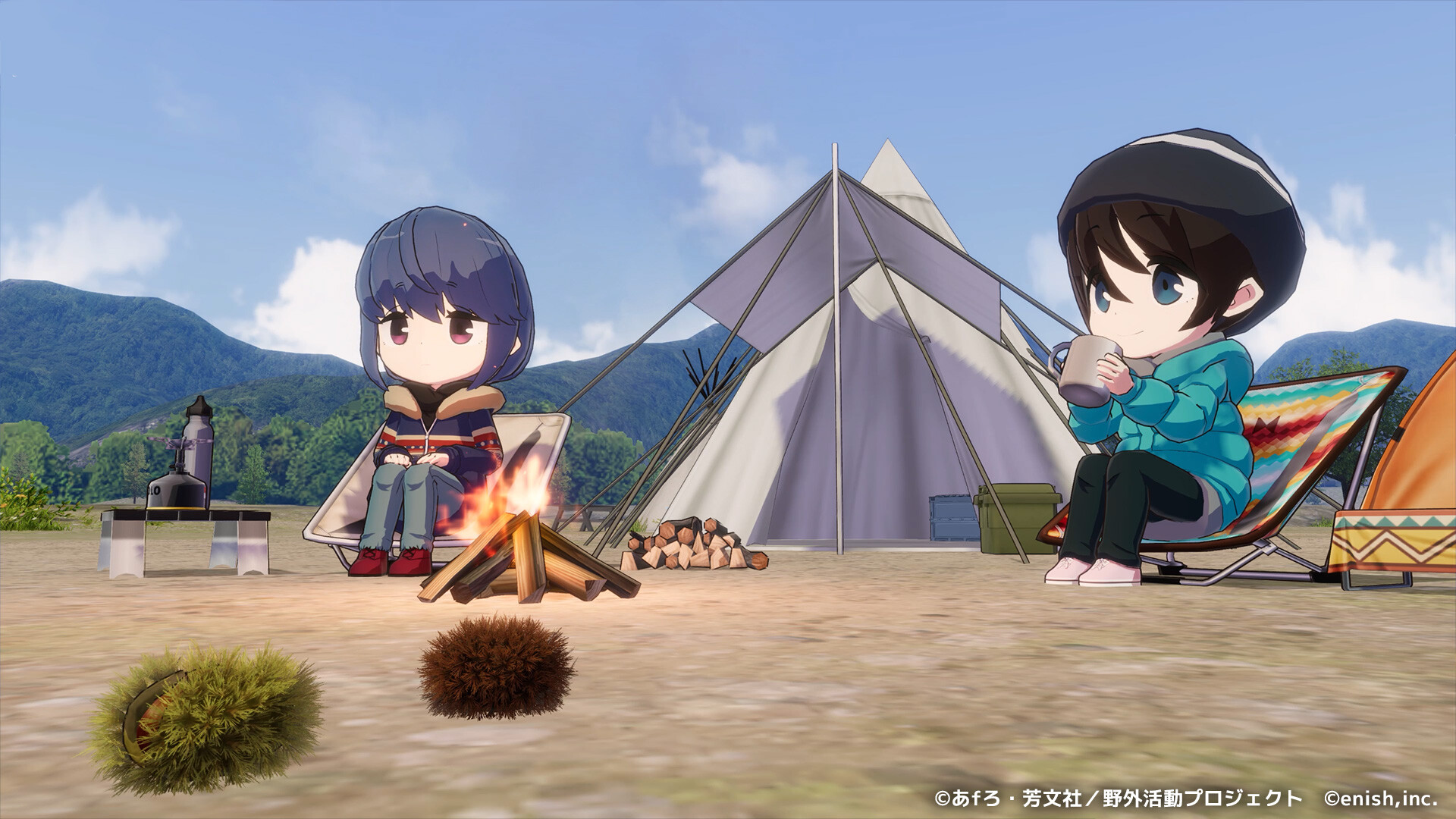
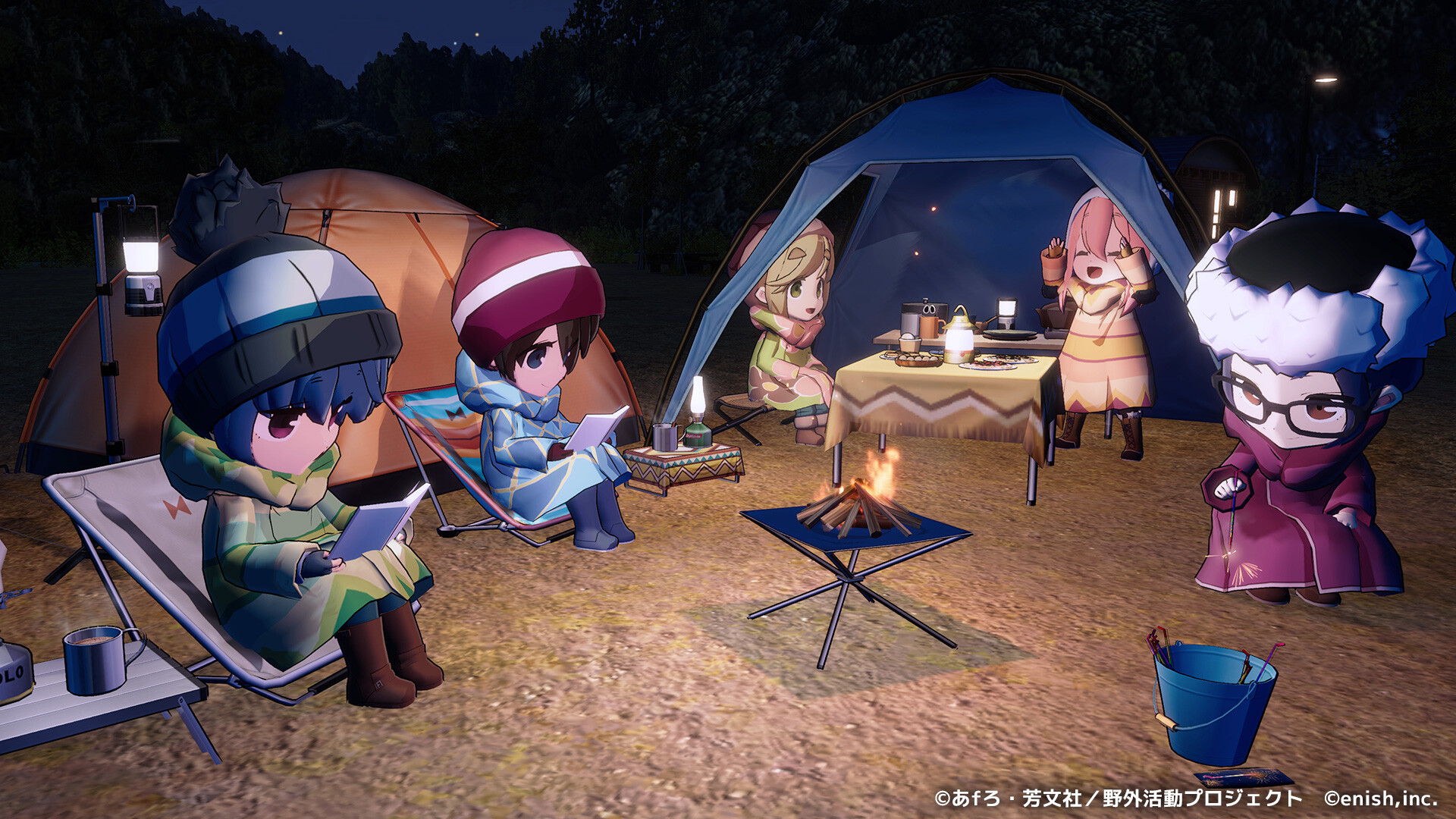
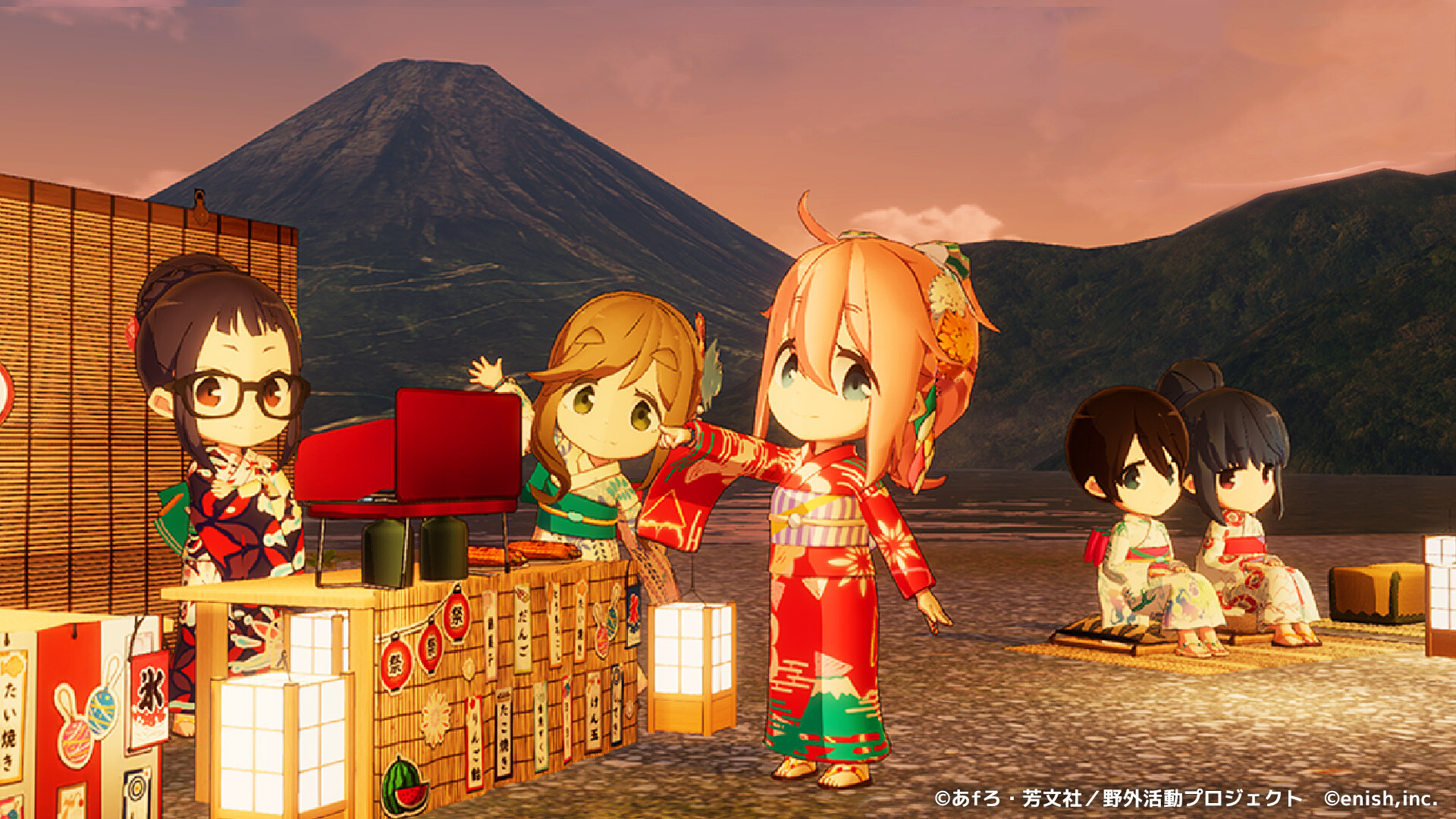
Players can build a unique campsite using over 1,000 gear and outfit options. Tents, cooking equipment, and scenery can be placed freely, and characters like Rin and Nadeshiko can be dressed in familiar or original costumes. The extensive catalog lets you craft a visual setting that matches your personal taste, whether you prefer a cozy lakeside or a forest clearing.
- Mix familiar outfits with original costumes for a fresh visual blend.
- Arrange gear to create natural focal points that draw the eye.
03 / THE GUIDE
Soundscape Composer
A sound composer lets you select background music and layer ambient sounds such as campfire, rain, river, insects, wind, or ocean. You can adjust each layer’s volume to suit your mood while you work. Changing the soundscape can alter the atmosphere of the campsite without moving any visual elements, offering a simple way to refresh your environment.
- Balance ambient sounds with music to avoid overwhelming background noise.
- Swap seasonal sounds like rain for wind to keep the experience fresh.
04 / THE GUIDE
Camera Movement & Window Display
The camera automatically shifts to different spots around the campsite every few seconds, keeping the scenery dynamic even when you pause work. You can keep the view in a small window set to "always on top" so it stays visible over other tasks. The timer remains readable at a glance, allowing you to monitor work intervals without disrupting the visual backdrop.
- Place the always‑on‑top window in a corner that doesn’t block important desktop icons.
- Use the moving camera as a subtle reminder to take regular breaks.
05 / THE GUIDE
Steam Edition Bonus Campsites
Purchasing the Steam edition grants immediate access to six distinct campsites, including Lake Motosu and Jinba Kogen Mountain. These locations are unlocked from the start via a Gift Box in‑game. If you already own any of these campsites, the bonus will not duplicate them, ensuring only new locations are added to your collection.
- Explore each bonus campsite to discover unique layout possibilities.
- Combine gear from different sites for hybrid campsite designs.
COMMUNITY
Player discussion