 GameWiki
GET YOUR BEARINGS
About LABYRINTH OF TOUHOU - GENSOKYO AND THE HEAVEN-PIERCING TREE
Labyrinth of Touhou – Gensokyo and the Heaven‑Piercing Great Tree is a Windows‑only dungeon crawler that mixes adventure and RPG elements. Players guide a party through a towering tree and additional incident zones.
The game offers over forty floors in the Great Tree, a randomly generated endless dungeon, and two separate Gensokyo incidents, together delivering more than one hundred boss battles.
01 / THE GUIDE
Character Roster & Party Size
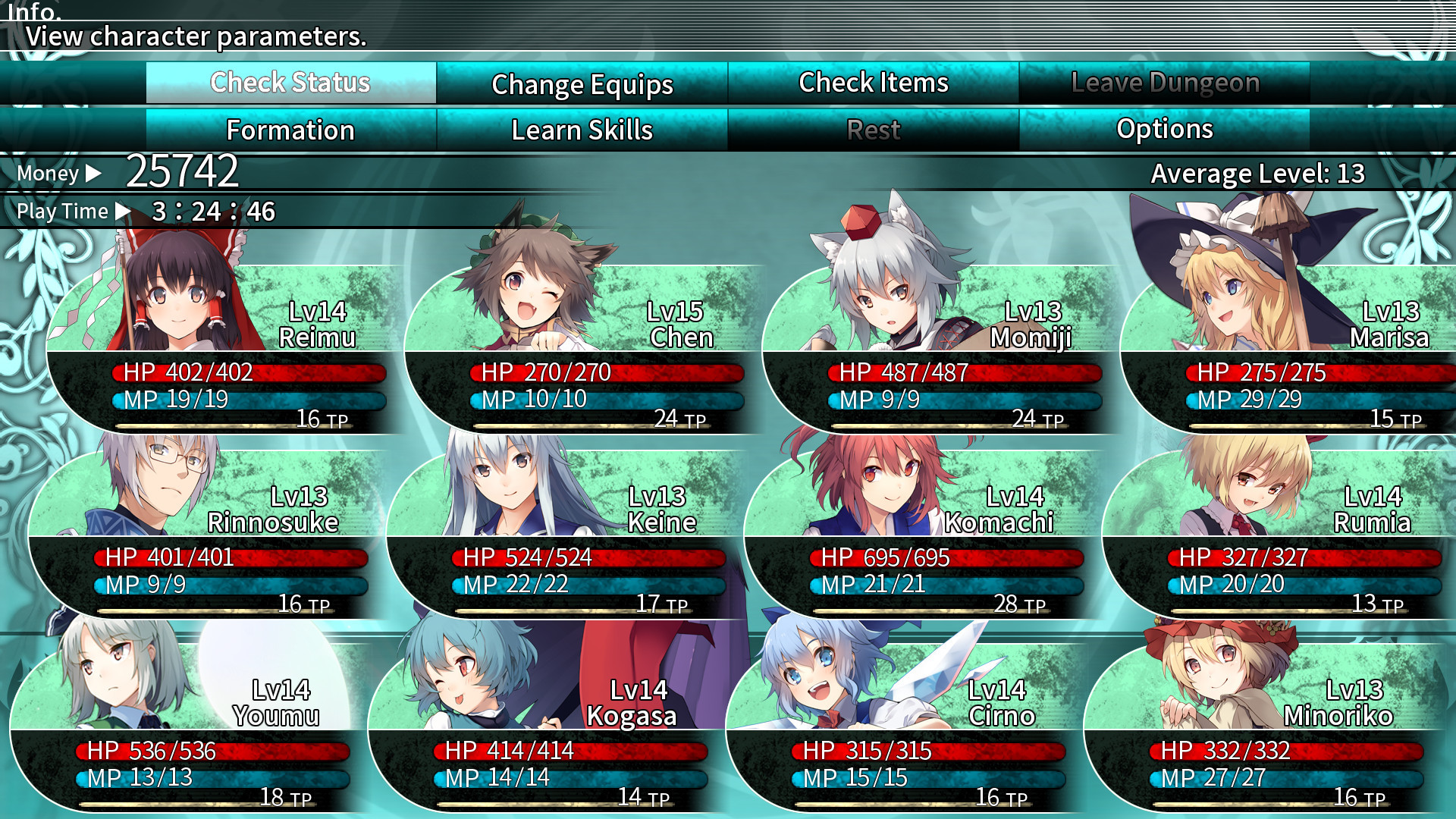
Players can select from a roster of more than fifty Touhou characters, assembling a team of up to twelve members for each expedition.
Each character brings a distinct skill set, allowing varied tactical combinations without restricting the choice of favorites for.
- Mix offensive and support abilities.
- Experiment with different line‑ups.
02 / THE GUIDE
Great Tree and Dungeon Modes
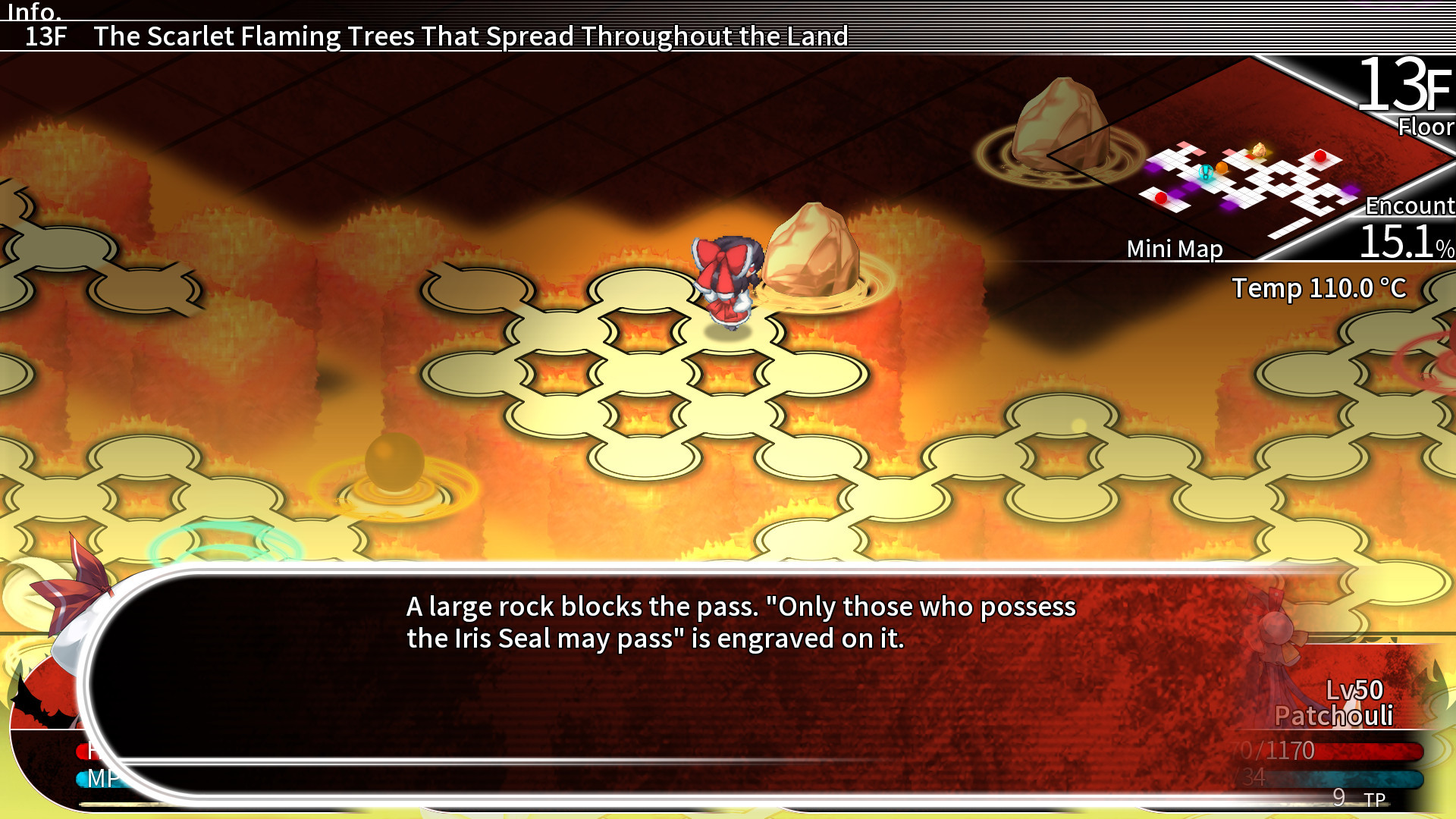
The central challenge is the Great Tree, which contains more than forty floors of rooms that are generated anew each run.
Beyond the tree, the game includes a randomly generated endless dungeon and two distinct incident areas set in Gensokyo.
- Start on lower floors to learn patterns.
- Explore incident maps for variety.
03 / THE GUIDE
Boss Battles
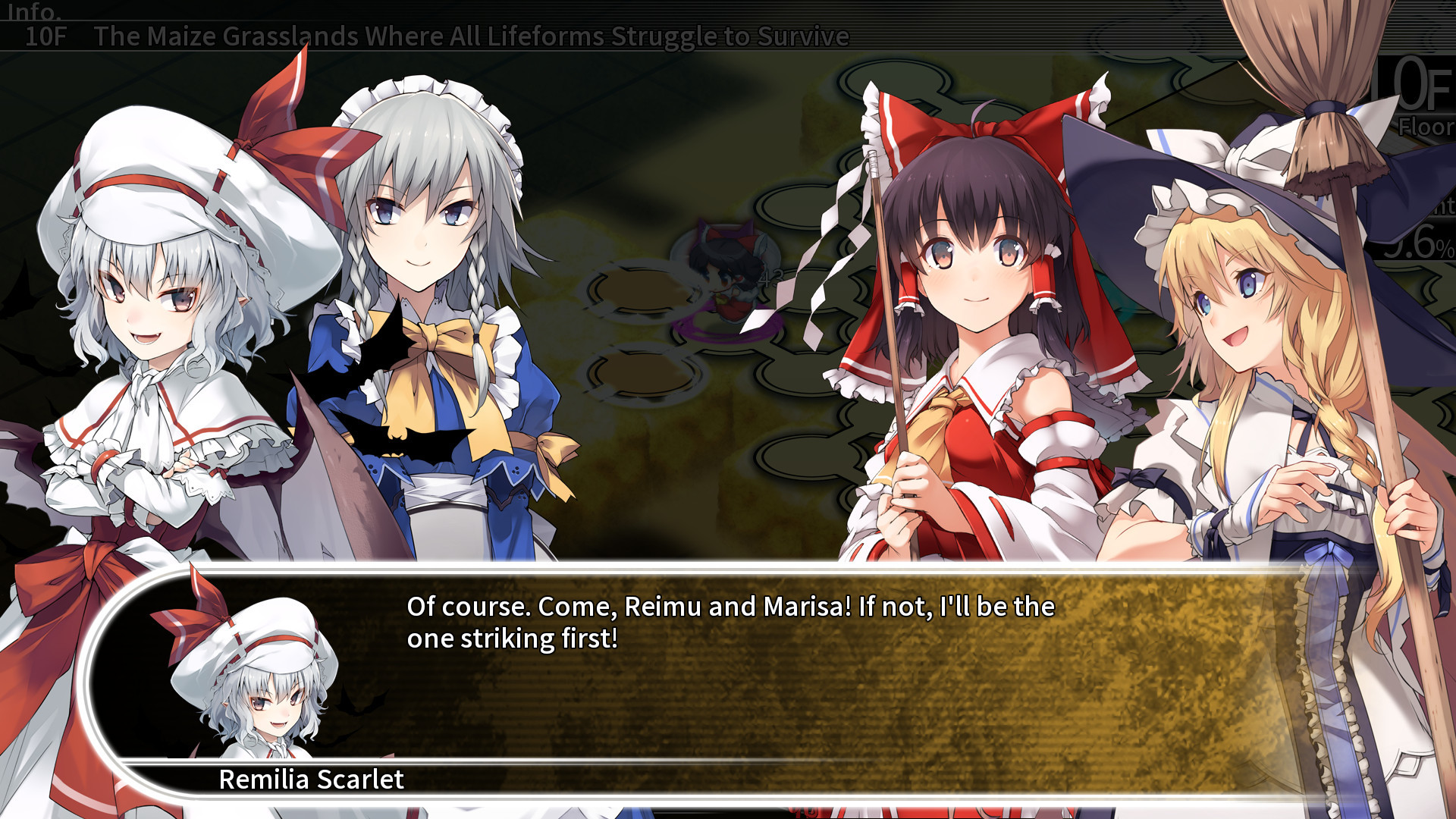
More than one hundred boss encounters appear throughout the tree and incident zones, each featuring its own attack rhythm.
Players can draw on character skills, crafted equipment, and status‑boosting items to survive these demanding fights successfully again.
- Focus fire on pattern weak points.
- Keep status items ready for spikes.
04 / THE GUIDE
Customization & Subclass System
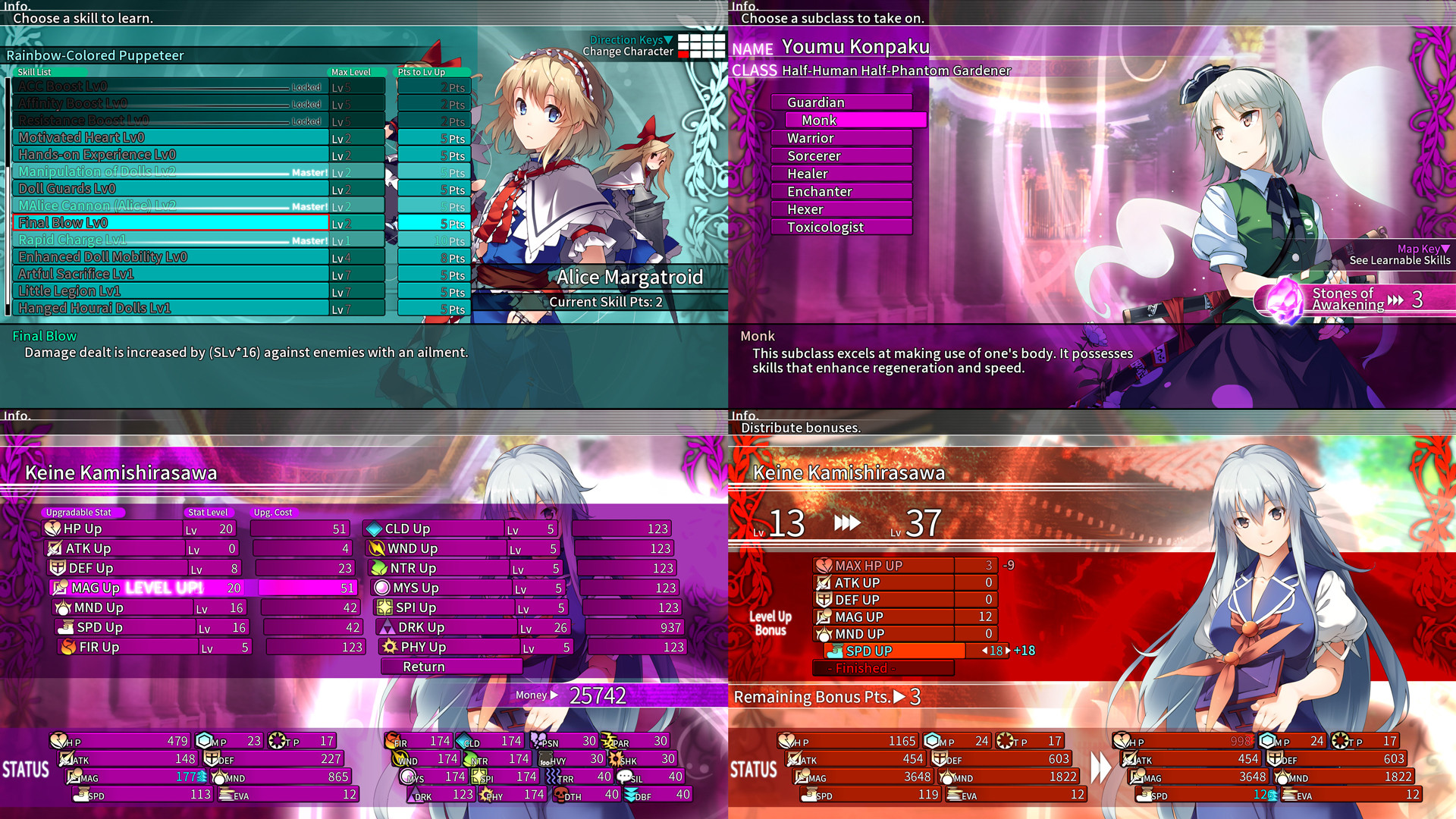
Special items let players teach characters new subclasses, expanding their combat roles beyond the base abilities available.
Money can be spent to raise a character's status, and level‑up bonuses further refine individual performance throughout the game.
- Try different subclass combos.
- Invest money where stats matter most.
05 / THE GUIDE
Platform Features & Save Options
The title runs on Windows and lists full controller support, including DualShock and DualSense devices, allowing gamepad play on the primary platform.
Steam Cloud stores progress, while Family Sharing permits multiple accounts to access the same purchase; Remote Play extends play to phone, tablet, or TV.
- Enable Cloud sync in Steam settings.
- Share the game via Family Sharing for guests.
COMMUNITY
Player discussion