 GameWiki

GET YOUR BEARINGS
About La-Mulana
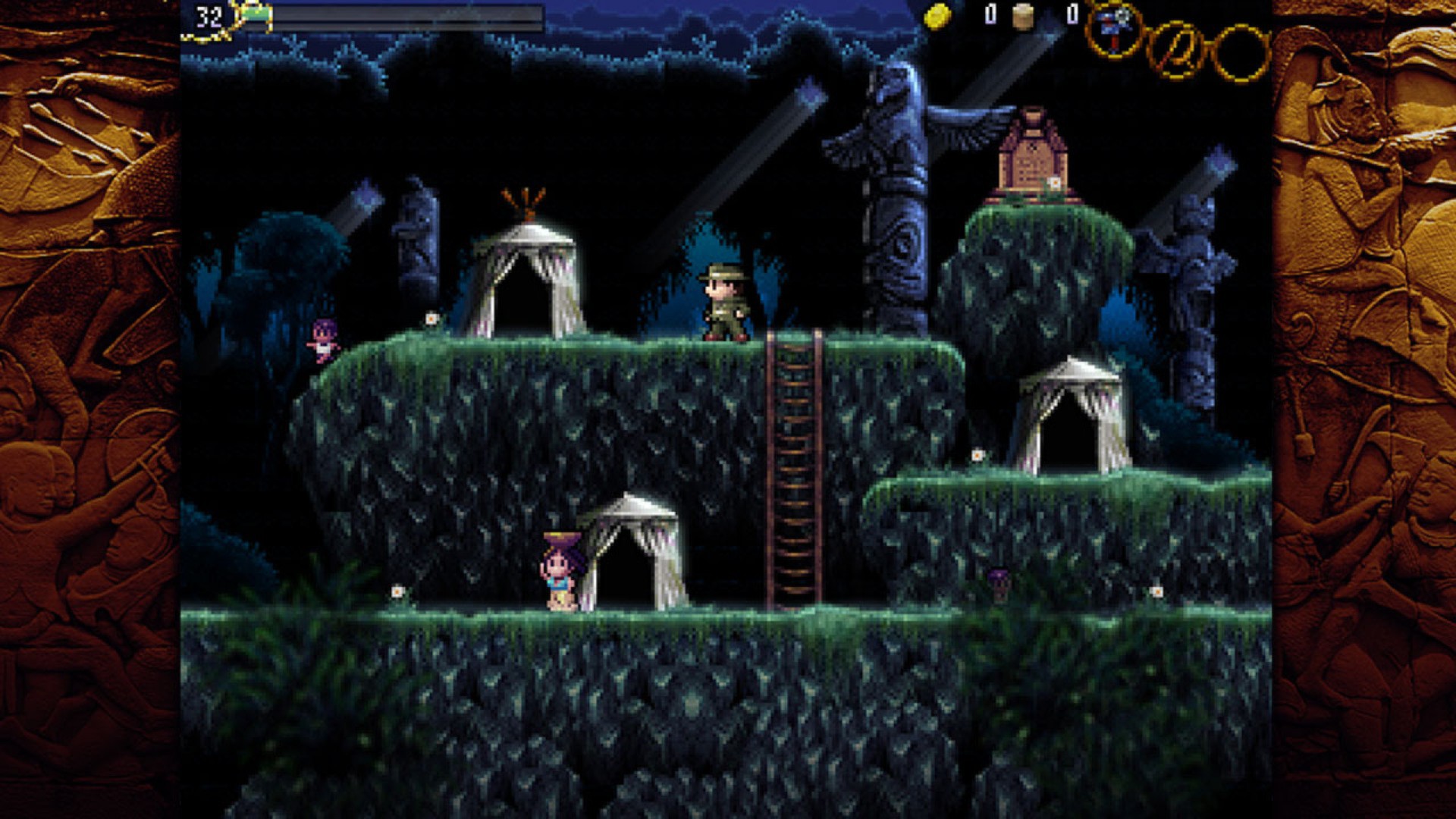
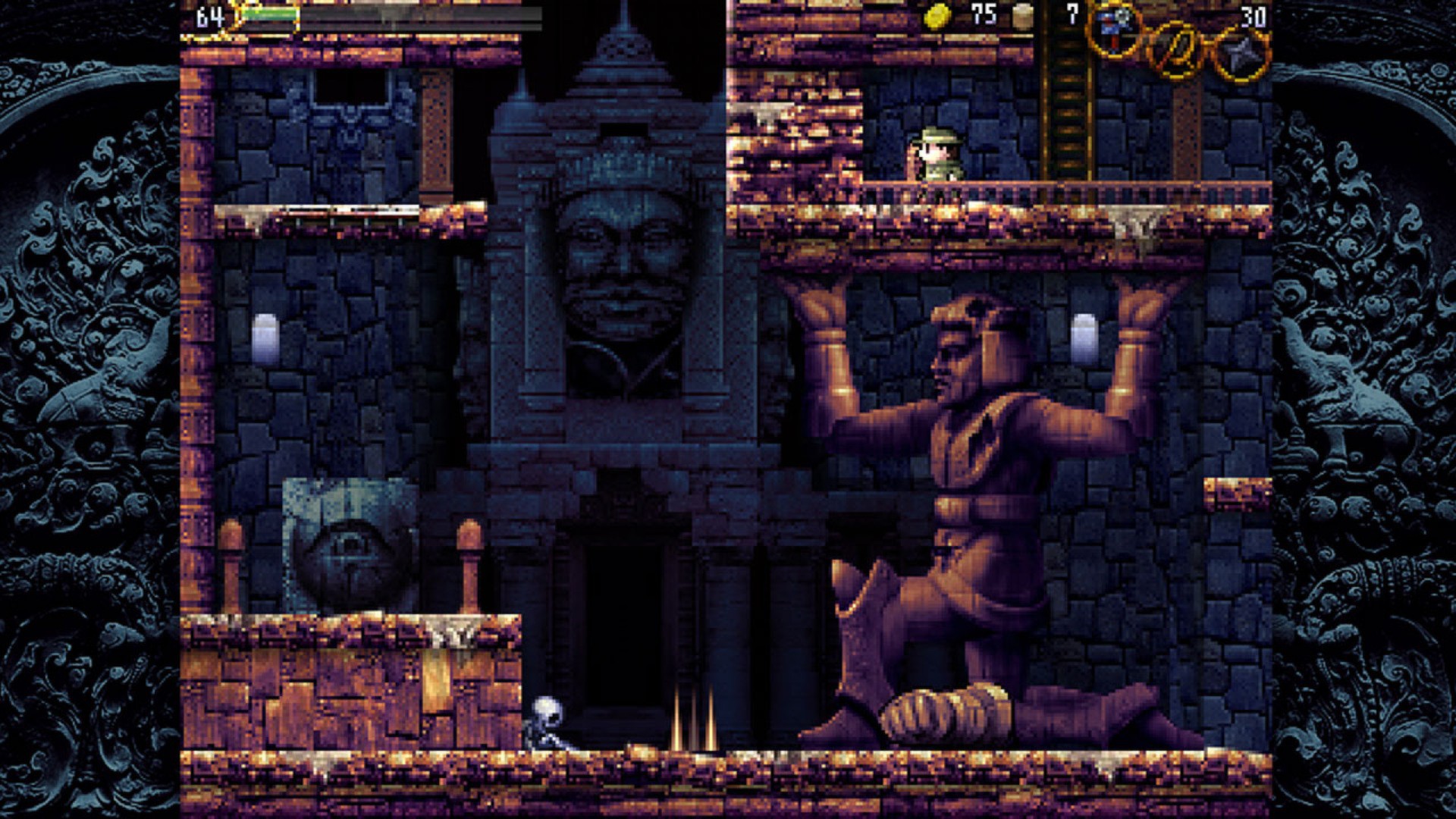
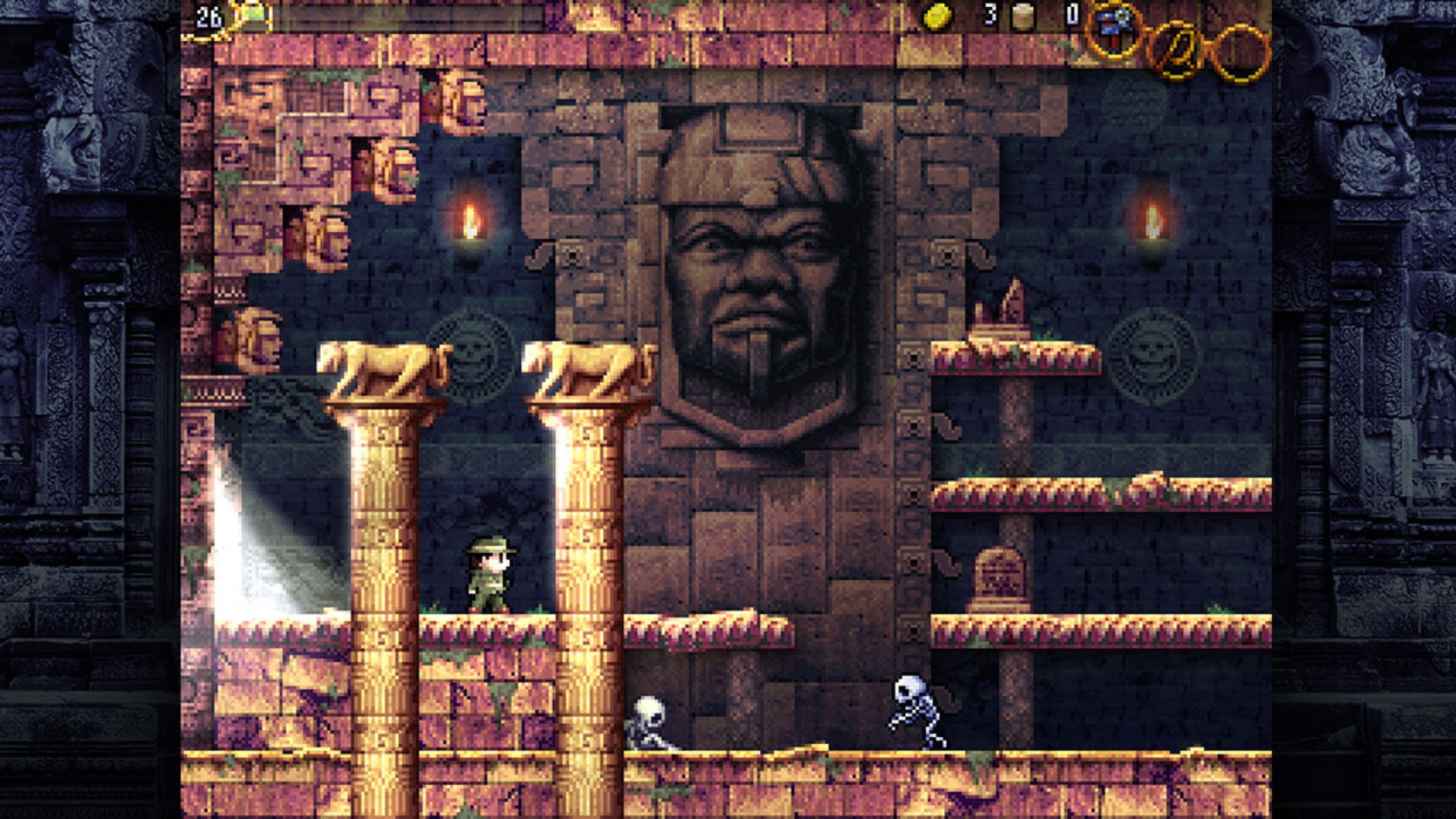
La-Mulana is an archaeological ruin‑exploration action game that blends classic adventure sensibilities with retro‑inspired difficulty. Players delve into sprawling ruins in search of the “Secret Treasure of Life,” confronting traps, monsters, and increasingly complex puzzles as they descend.
The title is a remake of the original WiiWare release and runs on Windows, macOS, and Linux via Steam. It offers full controller support, Steam achievements, cloud saves, and family sharing, catering to both solo explorers and those who enjoy the challenge of old‑school game design.
01 / THE GUIDE
Gameplay
The core loop centers on exploring ancient ruins, solving varied mysteries, and battling monsters that guard the depths. Players must also disarm numerous traps that litter the environment. Progression is tied to depth: the farther you travel, the tougher the puzzles and enemies become, reinforcing a steady increase in challenge.
- Take time to map each area; the layout repeats in later sections.
- Observe enemy patterns before engaging to avoid unnecessary damage.
02 / THE GUIDE
Difficulty
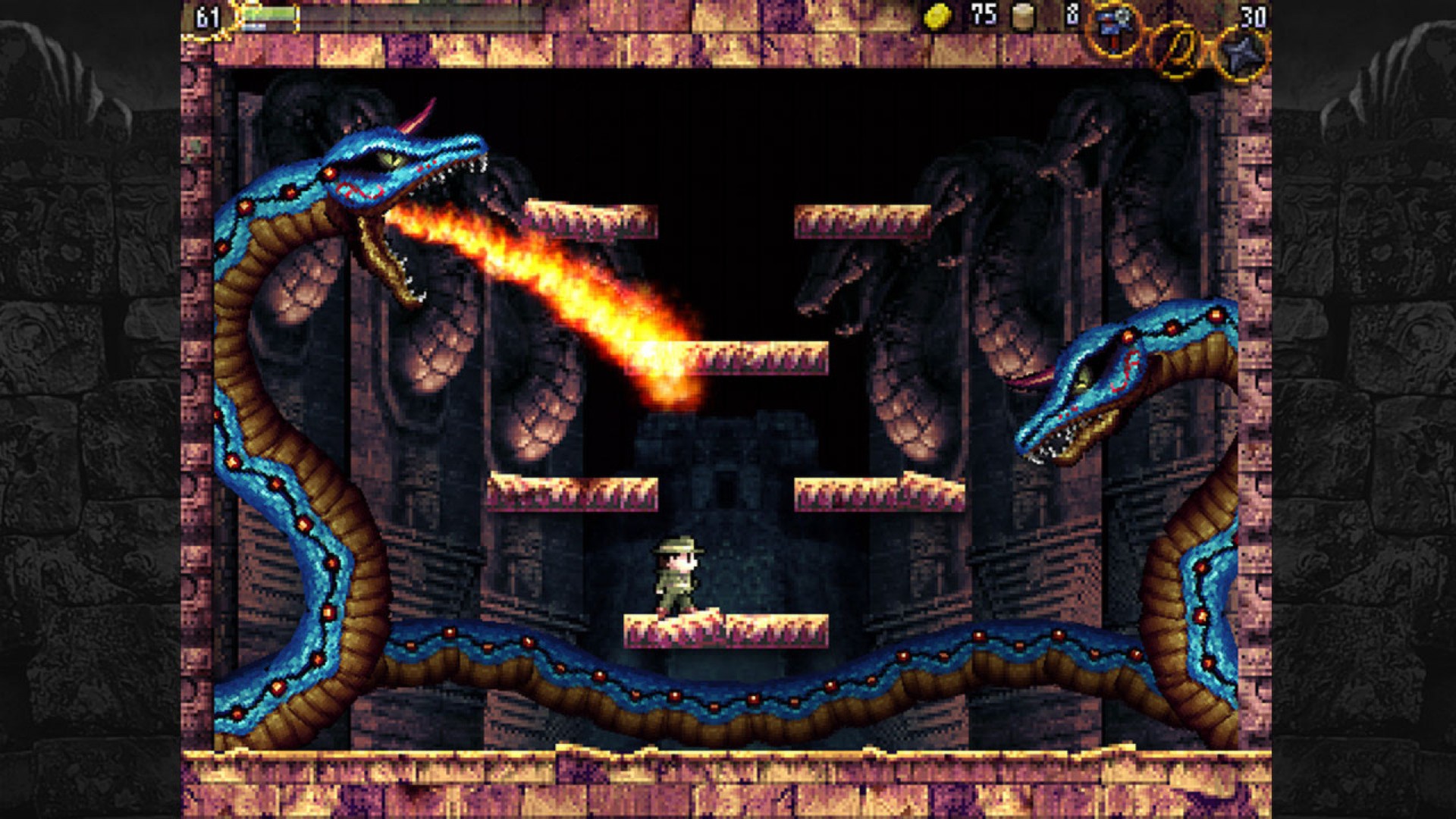
La‑Mulana is noted for its punishing difficulty, mirroring the retro games that inspired it. The designers deliberately avoided “new school” ease, aiming for total immersion and a steep learning curve. Even seasoned players report frequent deaths, especially against foes like Mushussu, underscoring the game's relentless challenge.
- Save often using Steam Cloud to avoid losing progress.
- Learn from each failure; patterns repeat across rooms.

03 / THE GUIDE
Exploration
Exploration is driven by the search for the hidden treasure that “sleeps in the sprawling ruins of LA‑MULANA.” The game rewards thorough investigation of each ruin segment. Traps and hidden passages are abundant, encouraging players to examine every corner before moving deeper.
- Use the whip to interact with distant objects.
- Mark discovered shortcuts to reduce backtracking.
04 / THE GUIDE
Platform Support
The Steam version runs on Windows, macOS, and Linux, providing broad accessibility. Full controller support lets players choose between keyboard‑mouse or gamepad inputs. Additional Steam features include achievements, trading cards, cloud saves, and family sharing, enhancing the overall experience.
- Enable Steam Cloud before starting to keep saves synced.
- Try both controller and keyboard to see which feels more natural.
05 / THE GUIDE
Steam Achievements
La‑Mulana integrates Steam achievements that track milestones such as defeating major bosses or uncovering hidden items. Collecting these adds a layer of optional goals beyond the main quest. Trading cards are also available, allowing players to complete sets for display in their Steam profile.
- Check the achievement list early to prioritize challenging goals.
- Trade duplicate cards with friends to complete your collection.
COMMUNITY
Player discussion