 GameWiki
GET YOUR BEARINGS
About L.A. Noire: The VR Case Files
L.A. Noire: The VR Case Files drops you into 1940s Los Angeles as Detective Cole Phelps, letting you investigate brutal crimes in full virtual reality. The game rebuilds seven cases from the original title, spanning Traffic, Arson, Homicide and other desks, and adds immersive actions like clue handling, driving, and interrogations.
All gameplay is single‑player and requires a VR headset with tracked controller support. You’ll need to log into Rockstar Games Social Club, meet specific hardware combos, and install several supporting packages before you can begin solving the city’s darkest mysteries.
01 / THE GUIDE
Case Structure and Departments
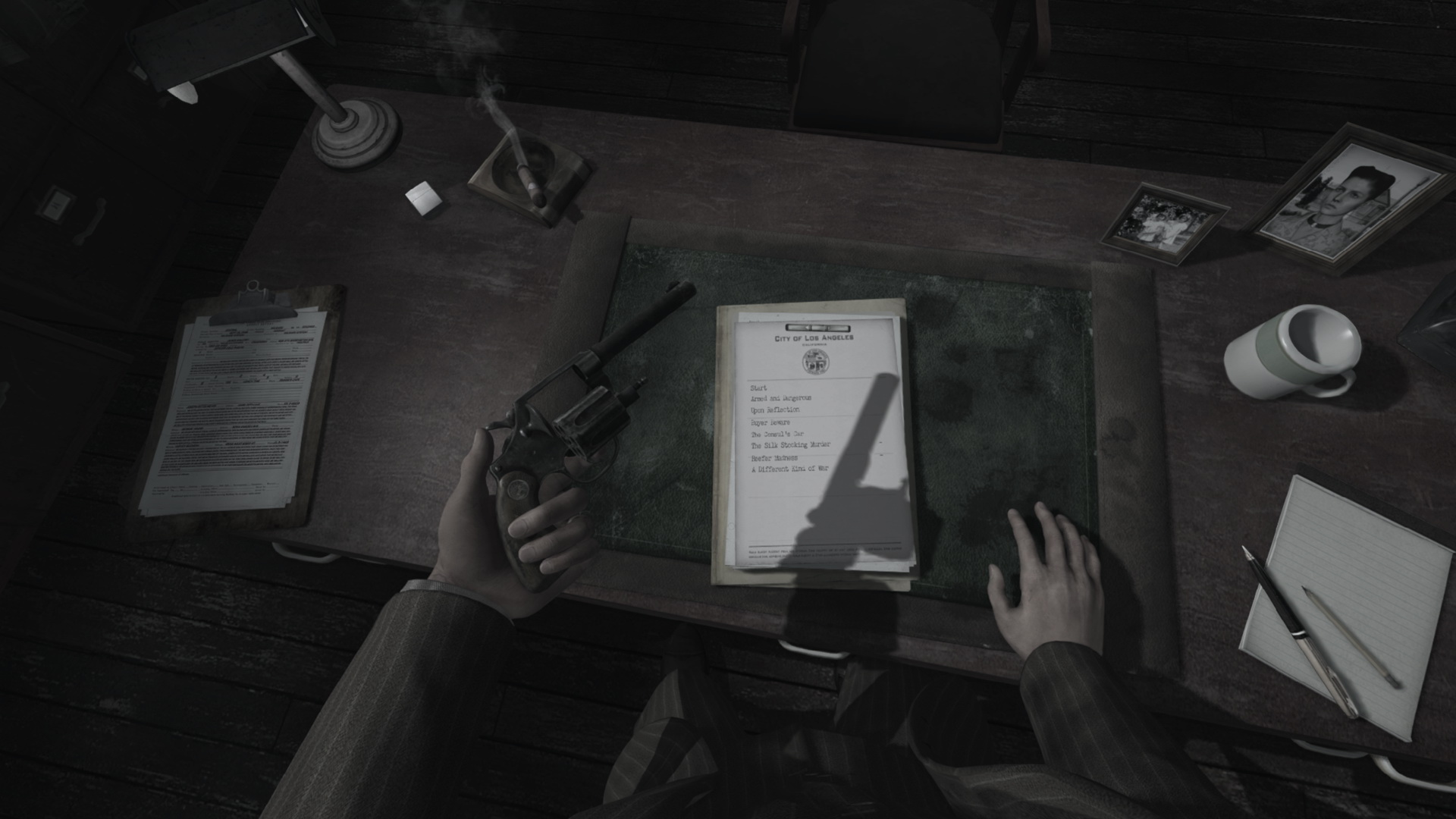
The VR edition features seven cases spanning police departments such as Traffic, Arson, and Homicide. These cases are rebuilt specifically for virtual reality, preserving the original narratives while adding new interactive moments.
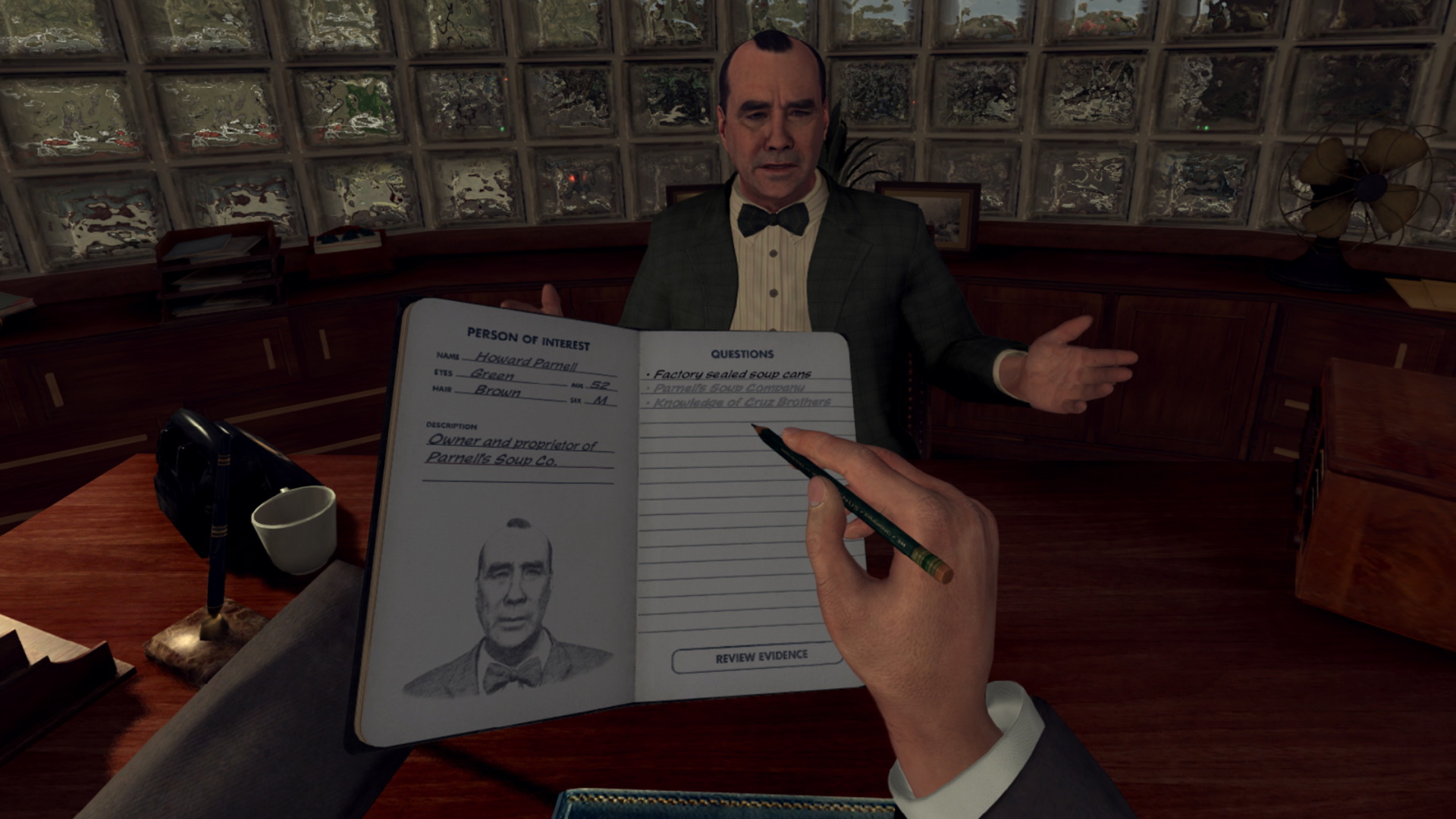
Each case guides you through a series of crime scenes, witness interviews, and suspect confrontations, requiring you to piece together evidence and draw conclusions in your detective notebook.
- Compare how each department’s focus changes the types of clues you’ll encounter.
- Take brief notes after each scene to keep track of department‑specific details.
02 / THE GUIDE
VR Interaction Mechanics
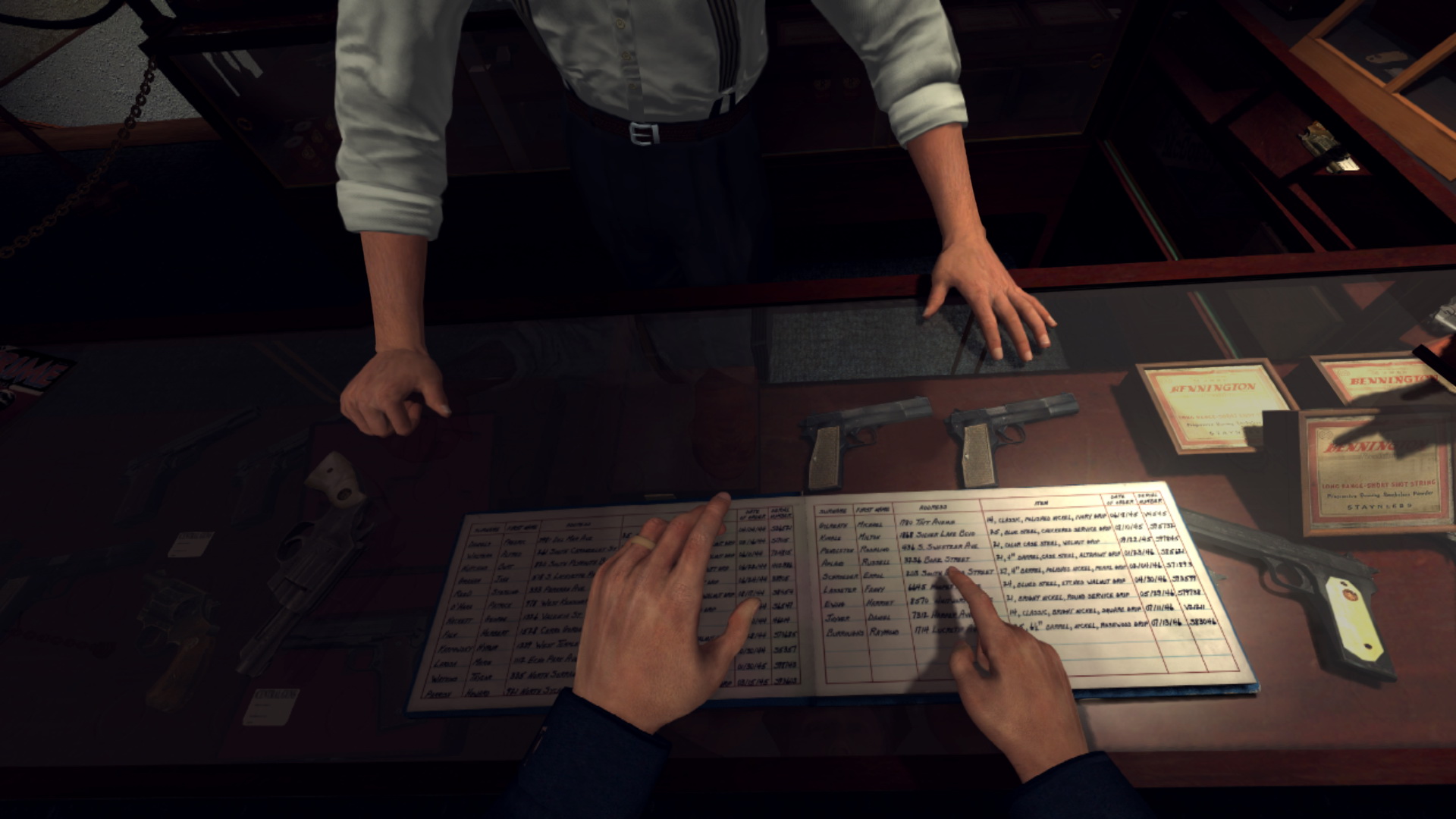
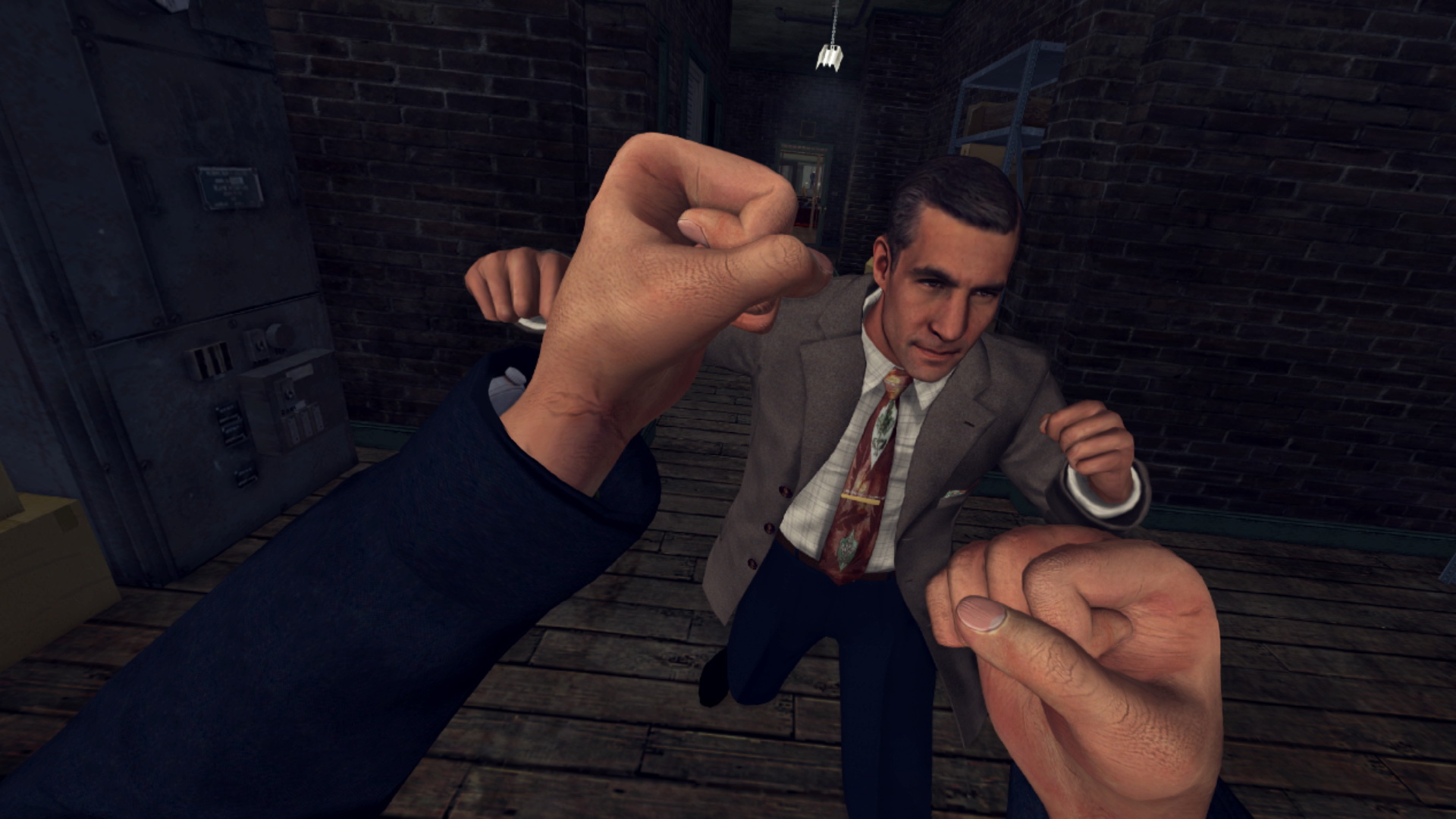
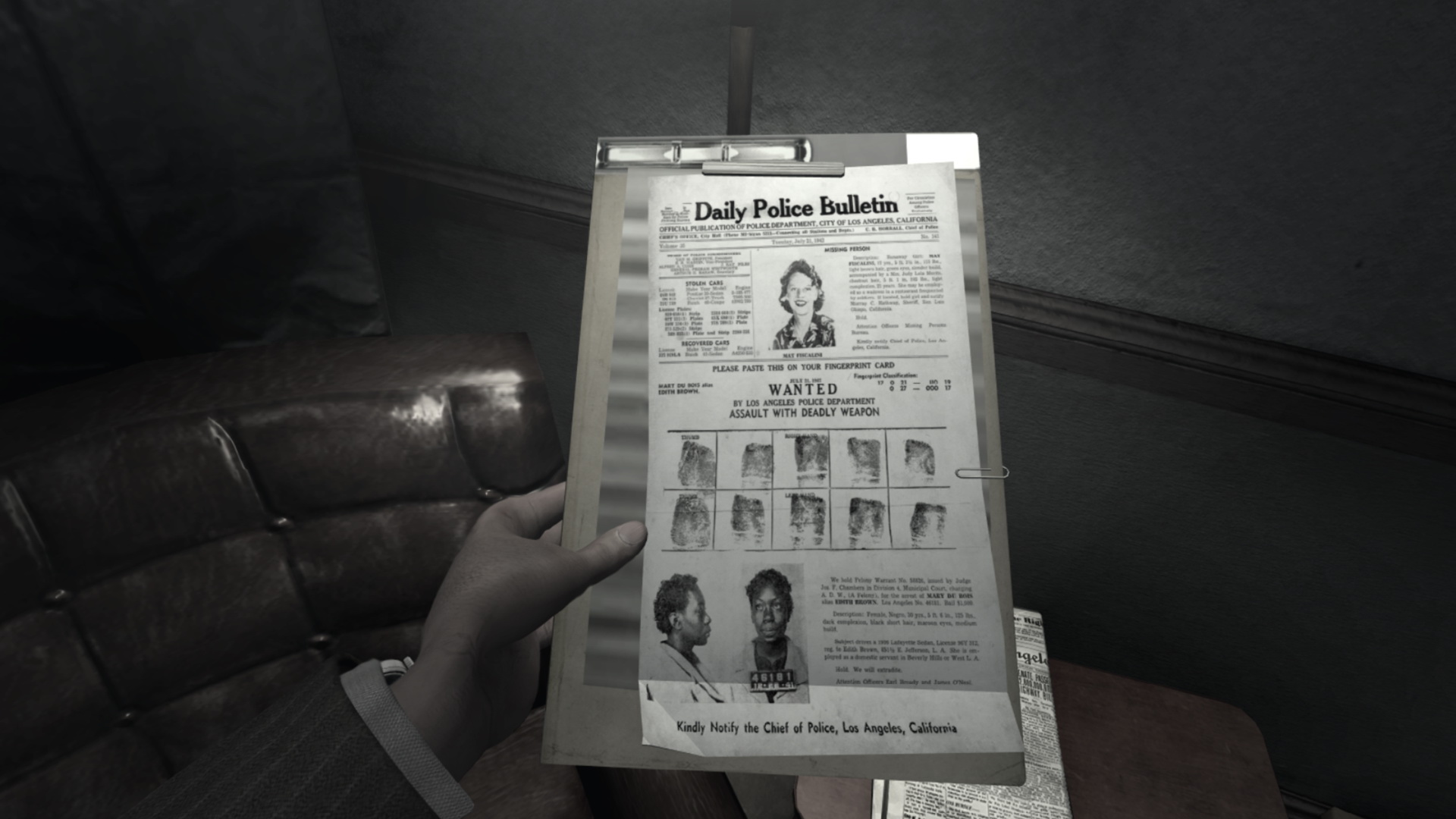
Players can grab, inspect, and manipulate objects in the environment using tracked controllers, allowing detailed clue examination. The game also supports driving to crime scenes and engaging in chases, fistfights, and shootouts.
Interrogations rely on your wits; you must separate truth from lies by observing witness behavior and choosing dialogue options, all while using the VR interface to take notes or draw freehand in the notebook.
- Use the freehand notebook to sketch scene layouts for later reference.
- Practice the grab gesture in a quiet area before tackling high‑stress chase sequences.
03 / THE GUIDE
Hardware Compatibility
The game runs only with certain AMD‑CPU/NVIDIA‑GPU or Intel‑CPU/AMD‑GPU pairings due to performance issues. For example, an AMD Ryzen 7 CPU requires at least an NVIDIA GeForce GTX 1070, while an AMD Vega 56 GPU needs an Intel i7 6700 or newer.
Multi‑GPU setups like NVIDIA SLI or AMD CrossFire are not supported, and some mobile or integrated graphics may be incompatible. System requirements may change over time, so checking with hardware manufacturers is advised.
- Verify your CPU‑GPU pairing before purchase to avoid compatibility problems.
- Disable any multi‑GPU configuration in your system settings.
04 / THE GUIDE
Required Software and Activation
Installation demands a Rockstar Games Social Club account (age 13+), an internet connection for activation, and periodic entitlement verification. Several packages must be installed, including DirectX 9, DirectX June 2010 Redistributable, Chromium, and Microsoft Visual C++ 2012/2015 Redistributables.
A single‑use serial code registers the game to one Social Club account, with only one PC login allowed per Social Club account at any time. The serial code cannot be transferred after use.
- Keep a record of your serial code in case you need to reinstall.
- Ensure your internet connection is stable during the initial activation.
05 / THE GUIDE
Single‑Player Focus
L.A. Noire: The VR Case Files is designed as a single‑player experience, meaning all investigations, driving, and combat occur without multiplayer elements. This focus allows the narrative to unfold solely through your actions and decisions.
Because it is VR‑only, the game does not support non‑VR play modes, ensuring every interaction is performed with the headset and tracked controllers.
- Allocate uninterrupted time for each case to stay immersed in the story.
- Adjust your play area to accommodate both driving and close‑quarter combat.
COMMUNITY
Player discussion