 GameWiki
GET YOUR BEARINGS
About KUUKIYOMI 4: Consider It
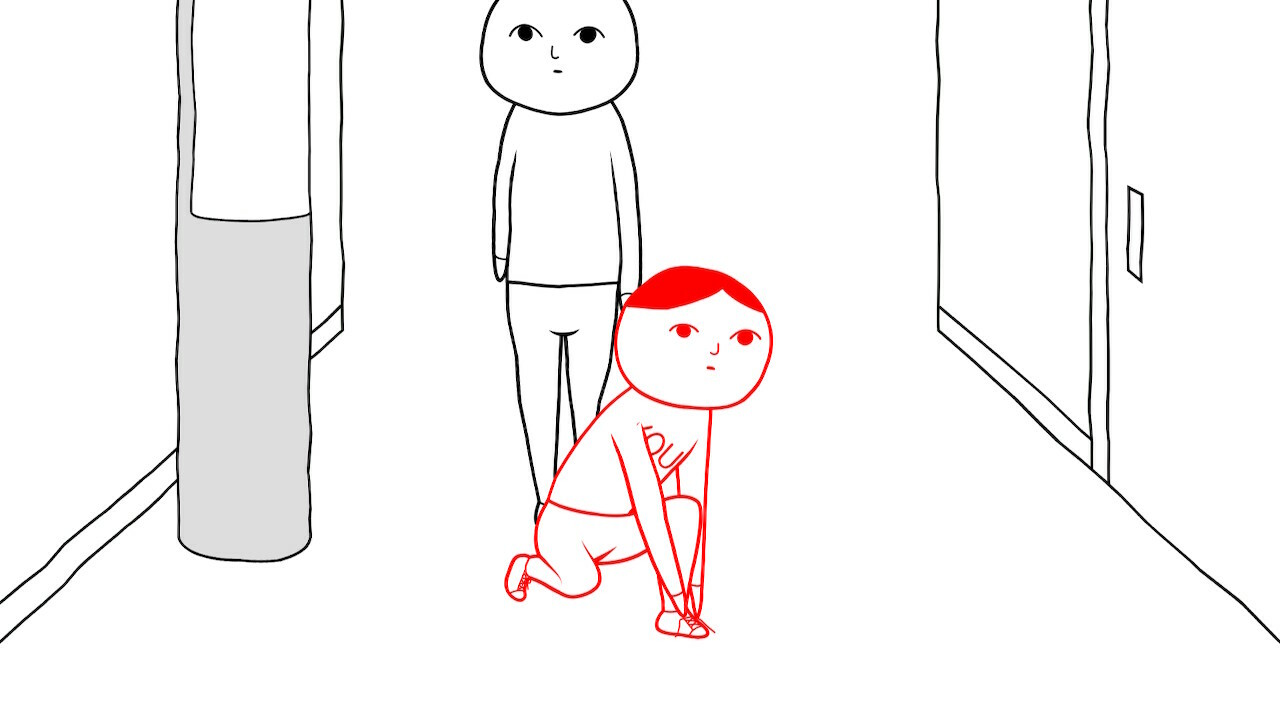
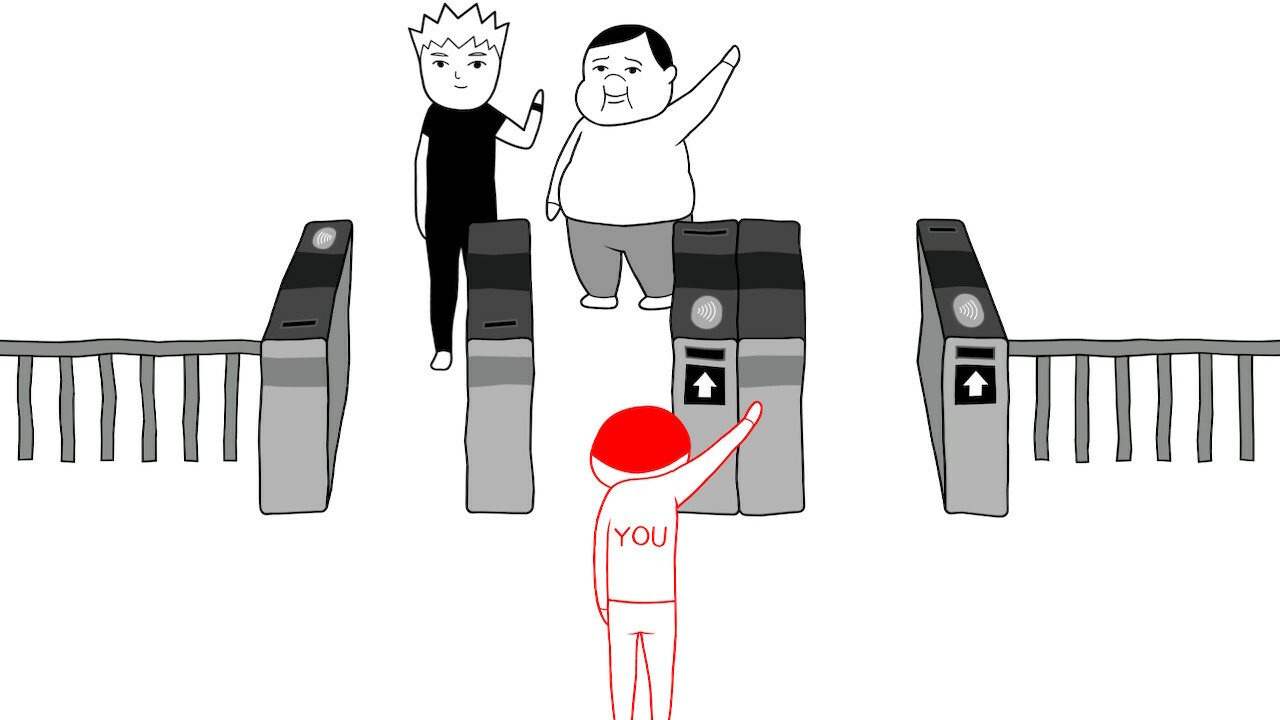
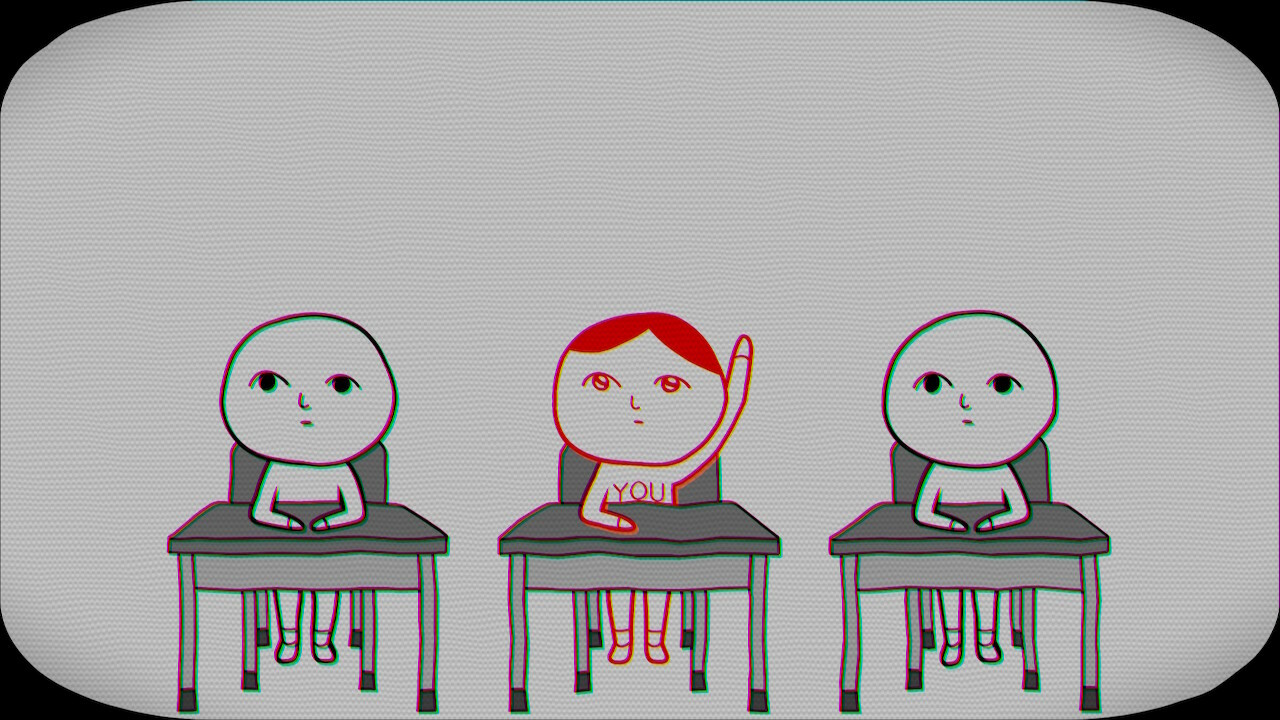
KUUKIYOMI 4: Consider It asks players to read social cues by moving a red object in childhood‑themed scenes. Each choice reflects how the player interprets the atmosphere, aiming to promote considerate thinking.
The title offers three distinct modes—solo, cooperative, and a set of score‑attack mini‑games—each measuring either personal perception or compatibility with another player.
01 / THE GUIDE
Consider It Mode
In the single‑player mode the player encounters 100 separate situations. For each scenario the player moves the red object to indicate the chosen response, following the core rule shared across the game.
When all 100 questions have been answered, the game presents a diagnosis of the player’s “ability to read the atmosphere,” summarising the results of the session.
- Pause briefly before moving the red object to let the context settle in your mind.
- After finishing, note any recurring themes in your choices for later comparison.
02 / THE GUIDE
Consider It Together Mode
This cooperative mode supports two players sharing or splitting the screen. From a pool of 30 questions, 10 are presented for the pair to answer together.
At the end of the 10‑question round the game evaluates the compatibility between the two participants, providing a joint diagnosis.
- Discuss each scenario with your partner before moving the red object to align interpretations.
- Try the mode with different age groups to see how perspectives shift.

03 / THE GUIDE
Fun Minigames Mode
Three separate mini‑games are available in this mode. Each mini‑game follows a Score Attack style, encouraging the player to achieve the highest possible score.
The mini‑games are separate from the atmosphere‑reading questions, and each is played as a Score Attack challenge.
- Spend a few rounds in each mini‑game to learn its timing rhythm.
- Aim for consistent high scores rather than a single perfect run.
04 / THE GUIDE
Controller Support
The game recommends using a gamepad and lists DualShock and DualSense controllers as supported options. Partial controller support is listed, alongside a recommendation to use a gamepad.
No additional input methods are specified, so the documented experience centers on controller‑based navigation of the red object.
- Test the analog stick on a DualSense for smooth red‑object movement.
- Choose a controller that feels comfortable for extended sessions.
05 / THE GUIDE
Steam Features
KUUKIYOMI 4 integrates Steam Achievements, Steam Cloud, Remote Play Together, and Family Sharing. These features operate alongside the core gameplay without altering the question‑answer mechanics.
Steam Cloud is listed as a feature, but the source does not specify which data, if any, is synchronized via the cloud.
- Enable Steam Achievements to track progress across play sessions.
- Use Remote Play Together if you want a friend without the game to view or join your screen.

COMMUNITY
Player discussion