 GameWiki
GET YOUR BEARINGS
About KuloNiku: Bowl Up!
In KuloNiku: Bowl Up! you inherit your grandmother’s former meatball restaurant in the town of KuloNiku and aim to restore its reputation. The single‑player experience mixes order‑taking, tactile cooking actions, and story interactions with townsfolk.
Beyond the main campaign you can compete in Meatball Brawls, explore Endless Mode, and personalize the eatery with decorations that sometimes grant gameplay perks. The game supports full controller use, mouse‑only input, and Steam Cloud saves.
01 / THE GUIDE
Cooking Mechanics
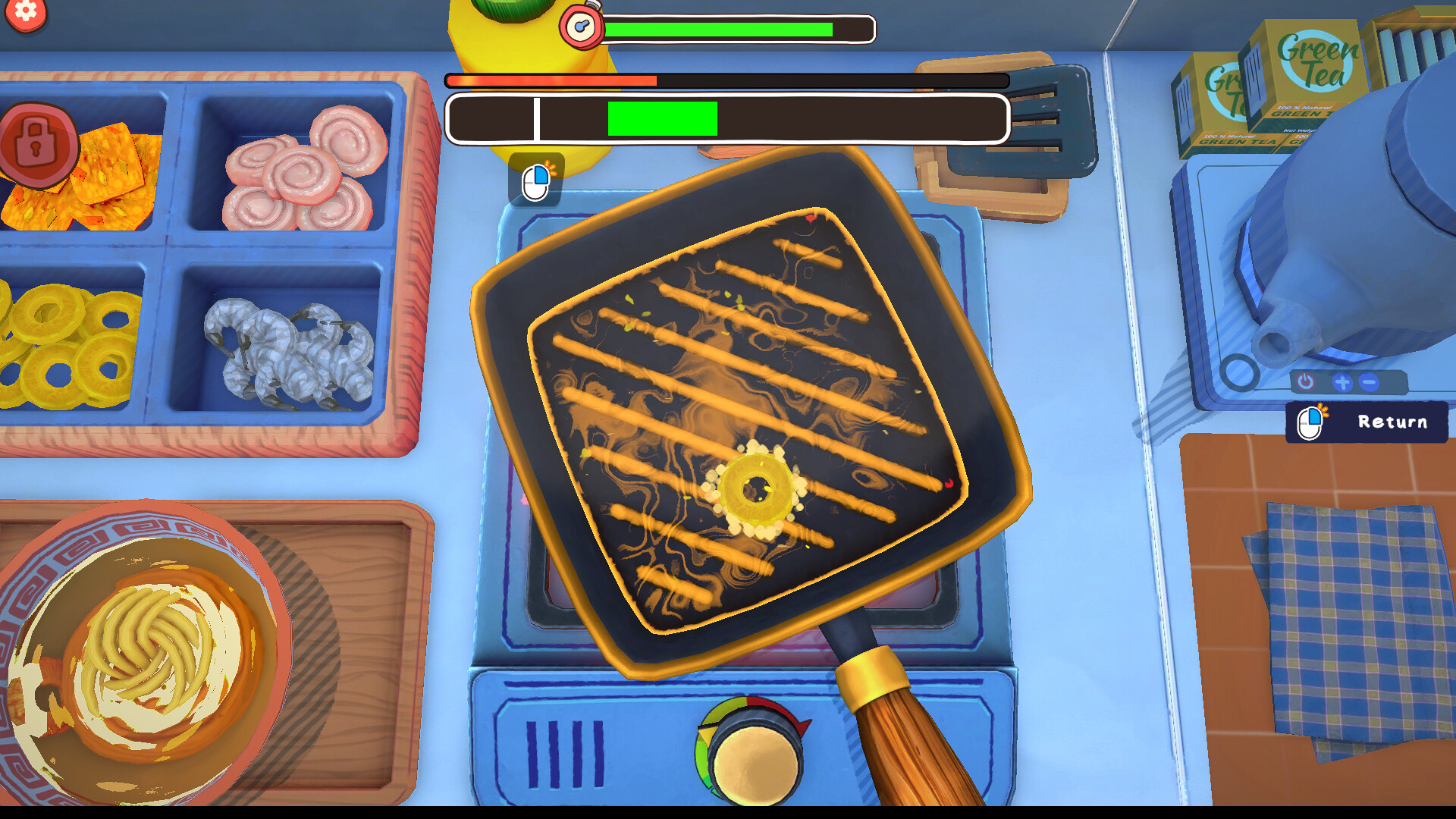
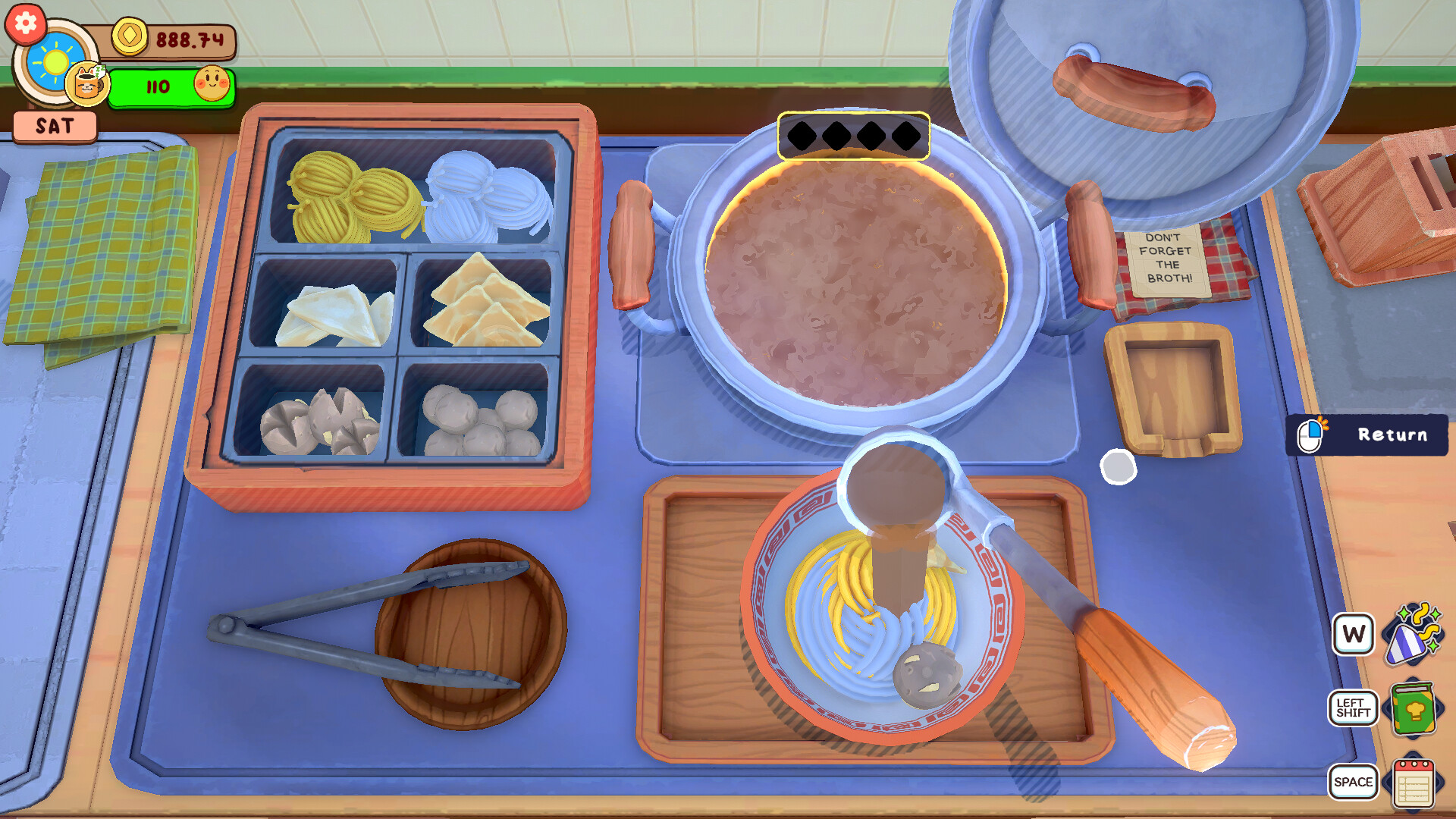
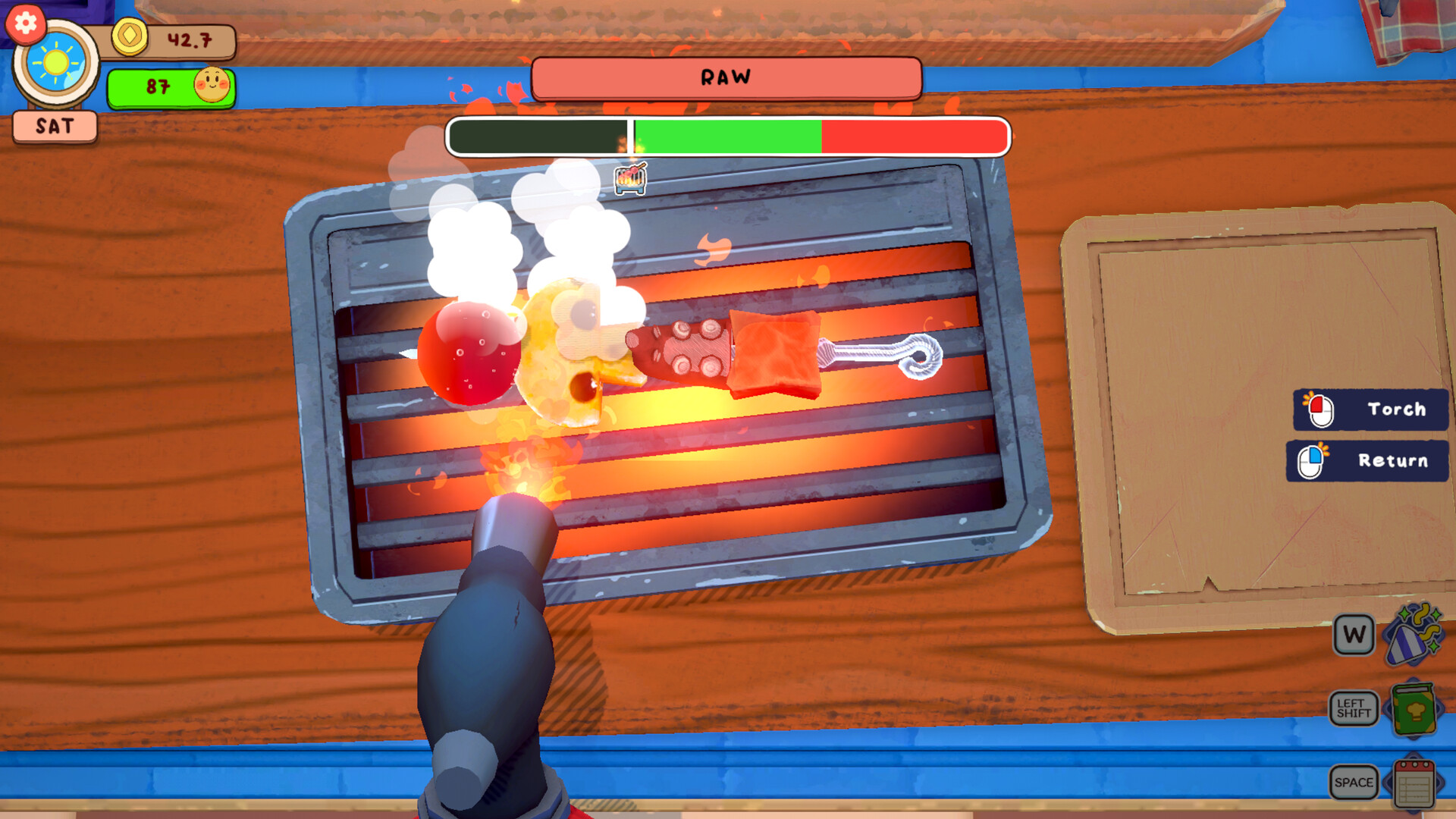
The game lets you chop, boil, fry, torch, pour, sizzle, slice, and skewer using immersive, tactile controls that respond to each input. These actions form the core of every order you fulfill.
Customers may request specific seasonings such as extra garlic or a pinch of salt, giving you multiple ways to assemble a dish. Trying different combinations lets you observe how each request influences the tip you receive.
- Experiment with seasoning variations on similar orders to notice any pattern in tip size.
- Focus on mastering one tactile action at a time to improve overall speed.
02 / THE GUIDE
Meatball Brawls
Meatball Brawls are culinary duels where you face rival chefs before a rotating panel of judges. Success requires completing each cooking step while meeting on‑the‑spot requests that appear during the duel.
Mini‑games pop up during a Brawl, letting you impress both the judges and a live‑watching crowd. The crowd’s requests can add extra points if you manage to satisfy them in time.
- Pay attention to on-the-spot requests from the live crowd; fulfilling them can boost your score.
- When a crowd request appears, pause briefly to assess whether you can meet it without breaking your flow.
03 / THE GUIDE
Restaurant Customization
You can decorate the restaurant with items ranging from single pieces to full sets. Some decorations are marked as providing gameplay perks that affect how customers react to your service.
Special decorations become available by playing during festivals or by raising friendship levels with town residents, adding both visual variety and potential functional benefits.
- Compare a perk‑granting decoration with a purely cosmetic one to see if customer satisfaction changes.
- Check festival schedules early so you can plan for exclusive decorative rewards.
04 / THE GUIDE
Friendship and Story
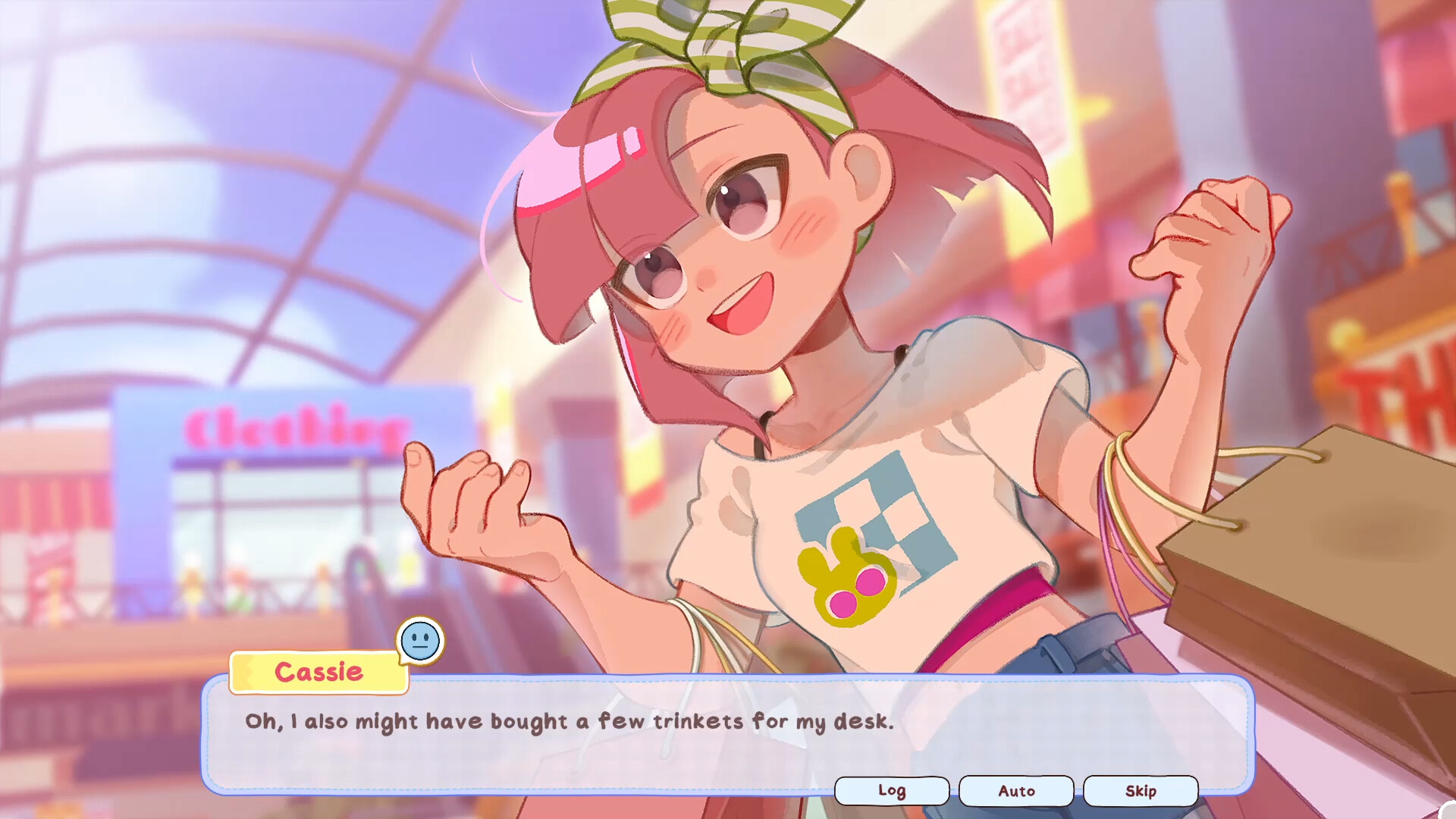
An eclectic cast of townsfolk offers dialogue and stories. Raising your friendship level with a companion unlocks special illustrations and sometimes new decorations.
These relationships also reveal pieces of the mystery of your own eye-raising past, intertwining personal story beats with the restaurant’s revival.
- Talk to each character at least once per day to track friendship progress.
- Note when new illustrations appear; they often coincide with a friendship milestone.
05 / THE GUIDE
Endless Mode and Tools
Endless Mode lets you cook without a set endpoint, providing a sandbox for practicing recipes and experimenting with ingredient tweaks such as extra garlic or a sprinkle of salt.
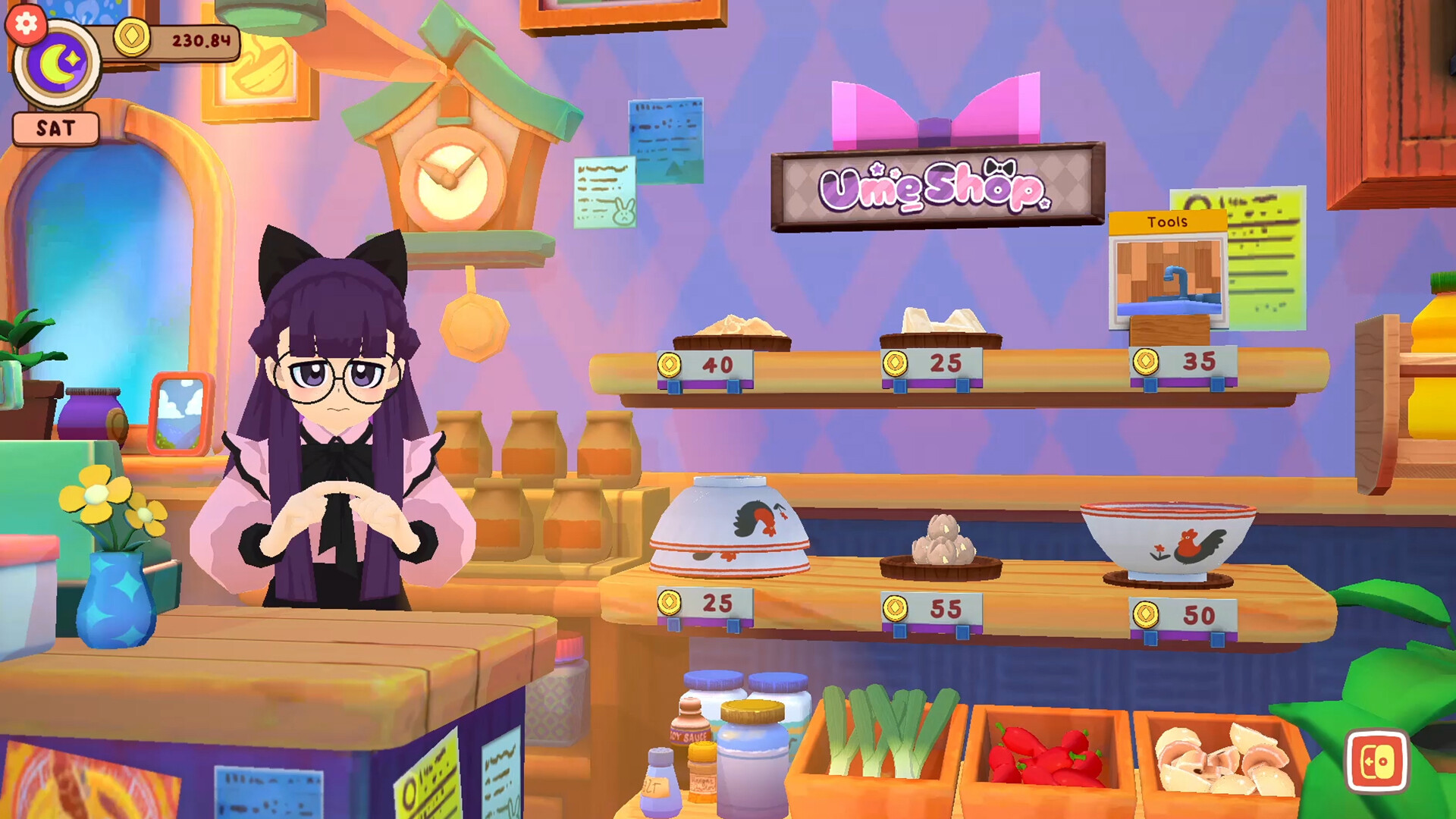
As you progress you can unlock new kitchen tools and purchase higher‑quality ingredients, expanding the range of dishes you can prepare in both story and Endless modes.
- Use Endless Mode to test a new tool before applying it to timed orders.
- Try a single seasoning change across several runs to see if tip patterns emerge.
COMMUNITY
Player discussion