 GameWiki
GET YOUR BEARINGS
About Kukoro: Stream chat games
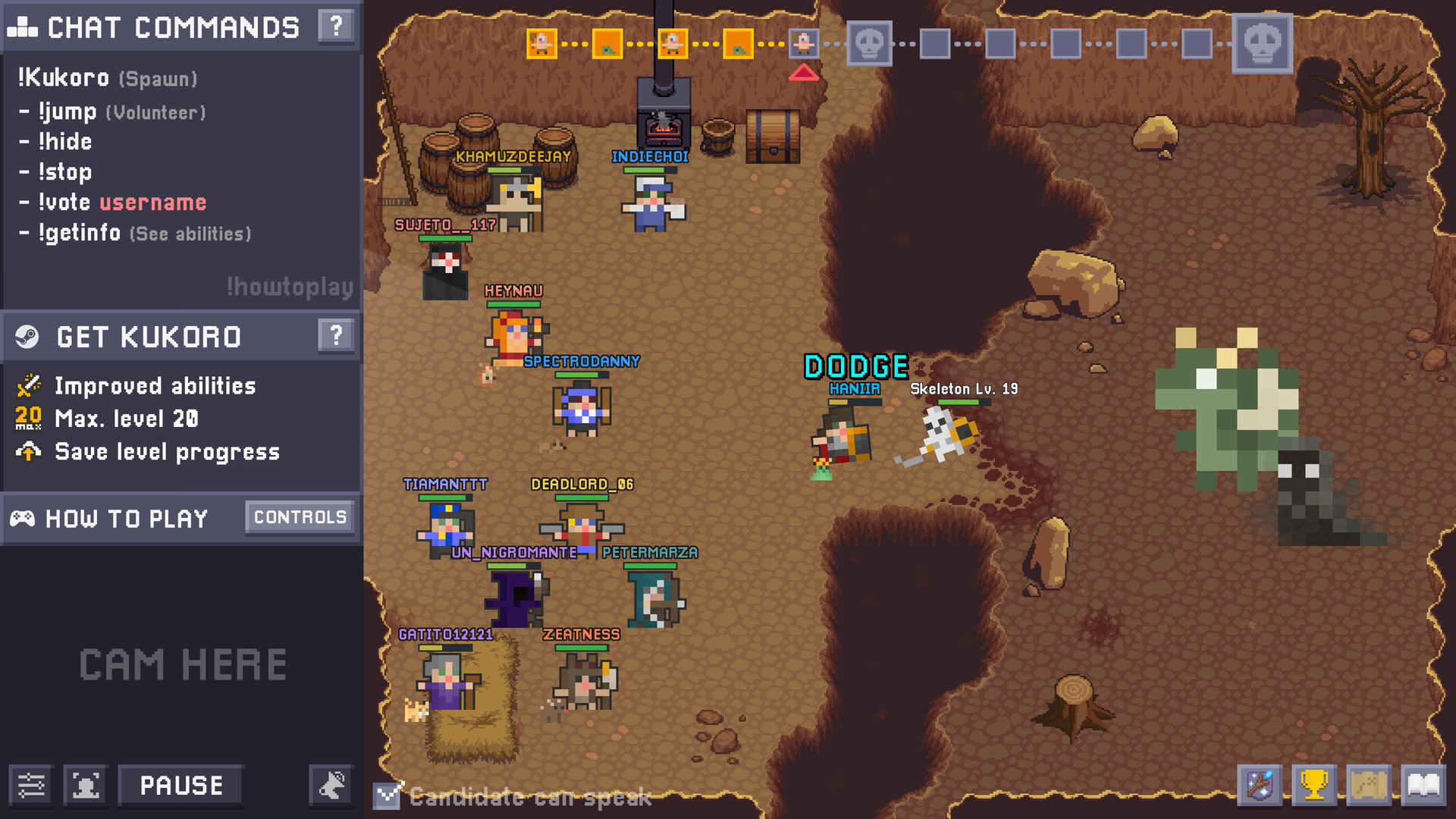
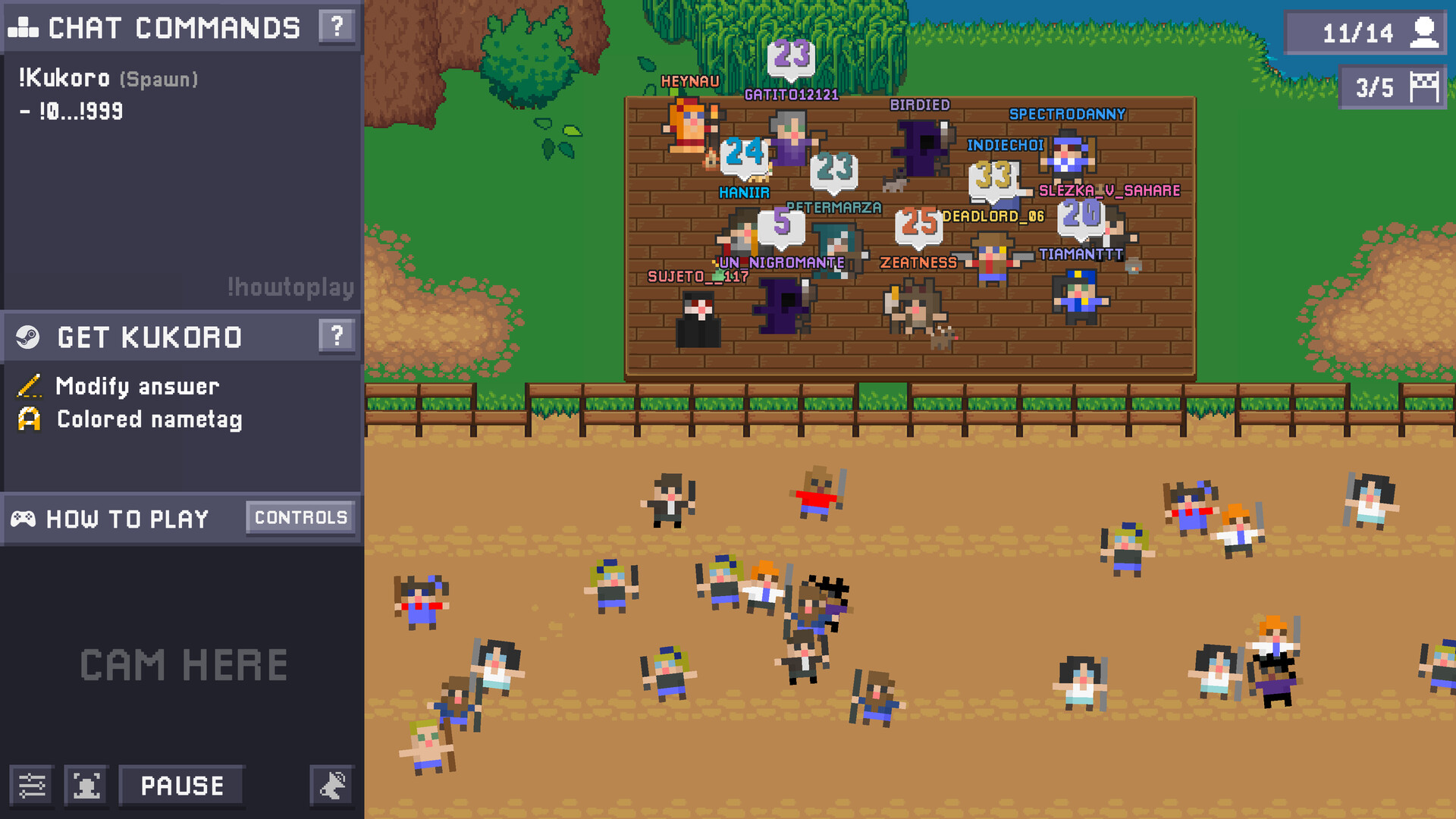
Kukoro: Stream chat games is a mini‑game compilation designed for Twitch interaction. Viewers join matches by typing a command in chat, which reserves a spot for the next round, and they earn experience and levels that persist across streams.
The title offers fast‑paced action, cooperative challenges, strategic puzzles, investigative code‑breaking, role‑play deception, sociological prediction, skill‑based tests, and a PvP mode where the whole chat faces the streamer. It runs on Windows and macOS and includes multiplayer, online co‑op, online PvP, Steam achievements, in‑app purchases, partial controller support, Steam Cloud and family sharing.
01 / THE GUIDE
Chat Participation
Players enter a game by typing a specific command in the Twitch chat; the system then reserves a place for them in the next round. This ties a viewer’s presence directly to the game flow and lets the streamer see who is queued.
The description notes that typing the command saves a spot for the upcoming game, but it does not specify any further mechanics about how the reservation interacts with different game modes.
- Type the command early in a busy stream to increase the chance of securing a spot before the round fills.
- Watch the streamer’s chat for the exact command format to avoid entry errors.
02 / THE GUIDE
Avatar Customization
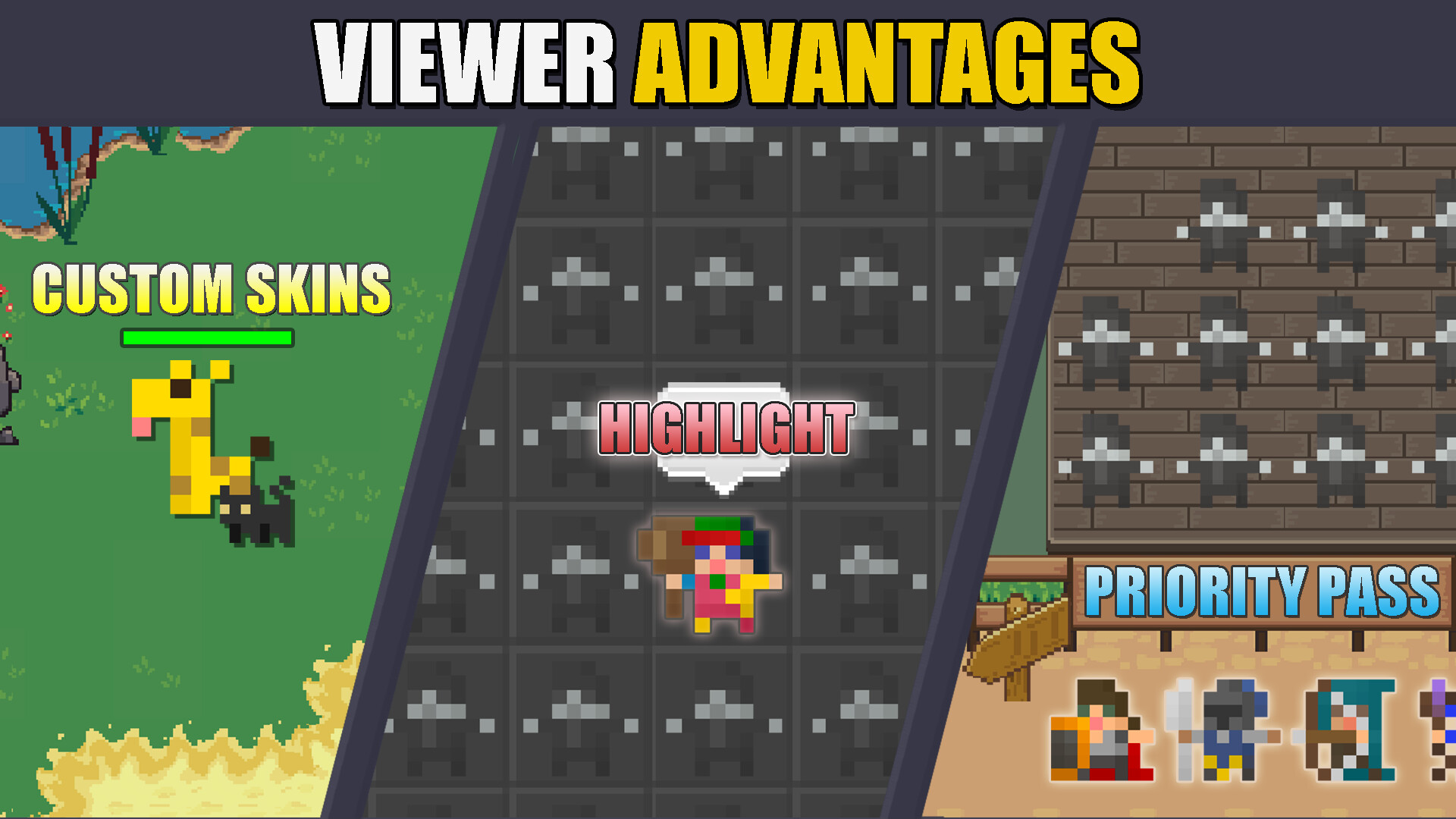
Viewers can unlock skins, pets, emotes and dances and equip them on their avatar. These cosmetics appear in any stream where the player participates, giving a visual identity that other viewers can recognize.
The source states that these items are unlockable and usable on any stream, without mentioning any impact on core gameplay.
- Combine a distinctive skin with a unique emote to make your avatar stand out in crowded chats.
- Check mission rewards regularly; some cosmetics are only available through mission completion.
03 / THE GUIDE
Missions and Experience
Playing any mini‑game grants experience points, which accumulate toward a level that persists across streams. The description links experience gain directly to participation in matches.
Specific missions provide additional cosmetics and achievements when completed, and the experience system works regardless of whether the player faces bots, other viewers, or the streamer.
- Focus on missions that match the mini‑game type you enjoy most to complete them efficiently.
- Track your level progression to see how many matches are needed to reach the next tier.
04 / THE GUIDE
Mini‑Game Variety
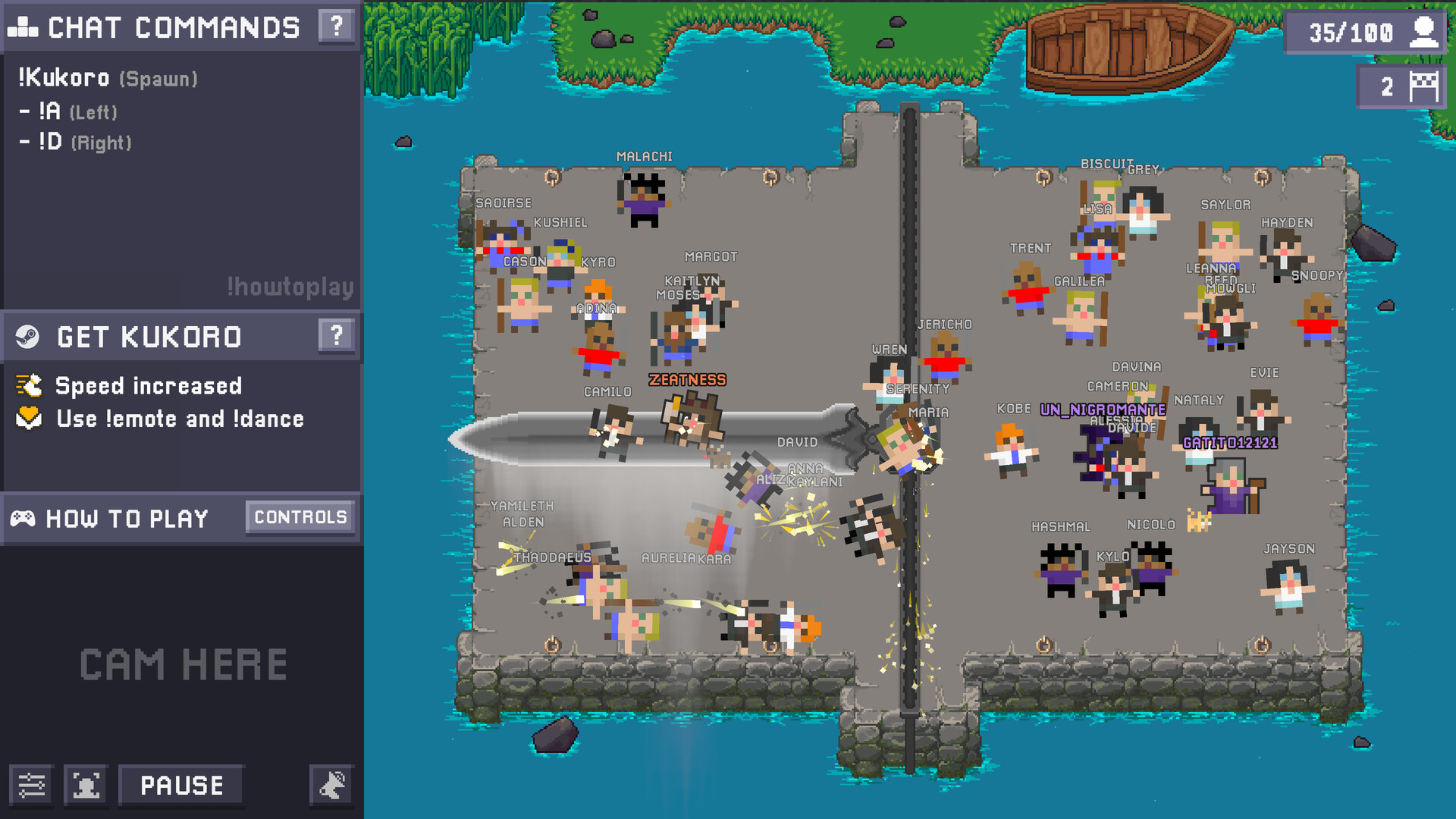
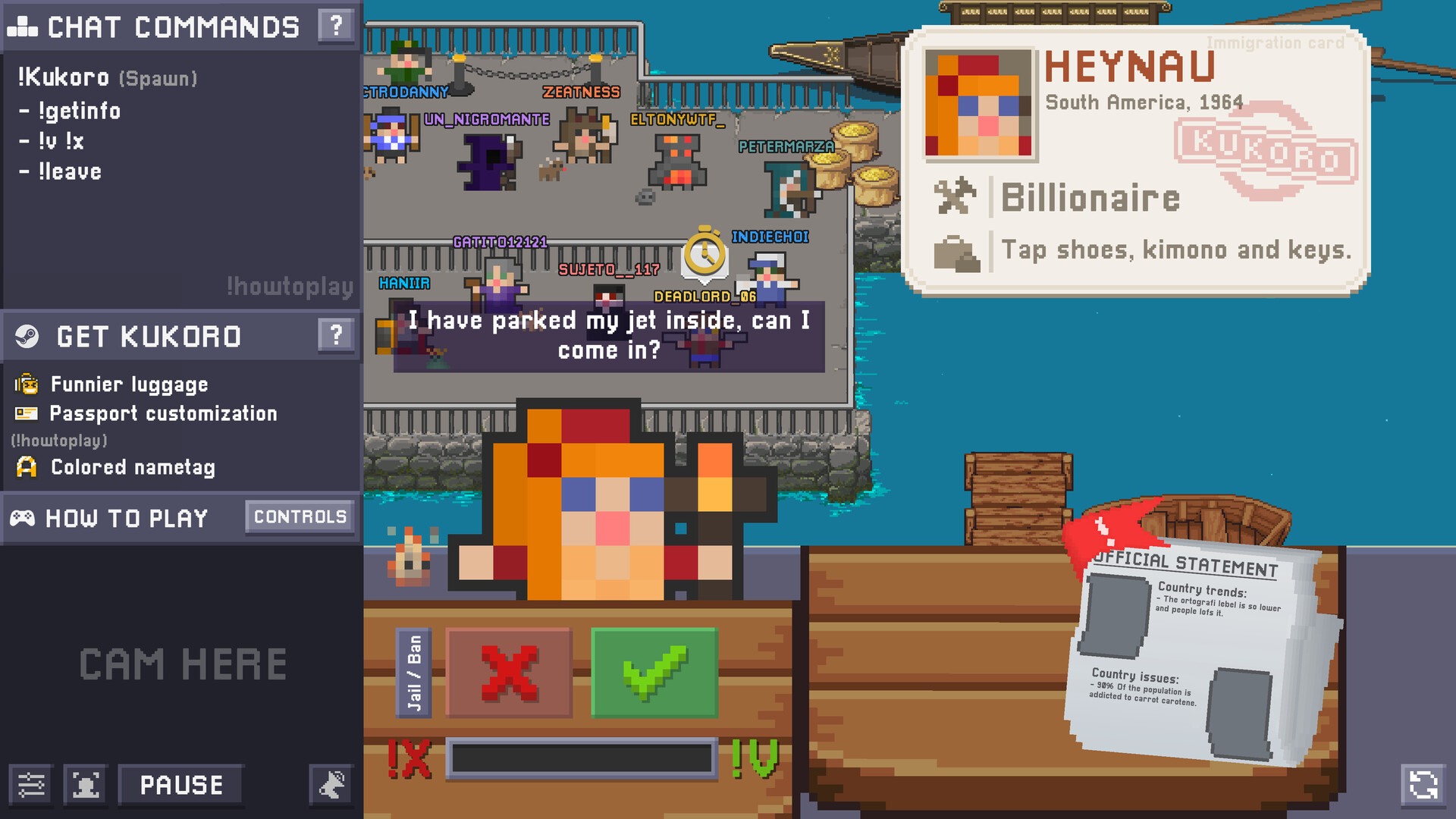
The compilation lists several genres: frantic action, cooperative challenges, strategic puzzles, investigative code‑breaking, role‑play deception, sociological prediction, skill‑based reflex tests, and a PvP mode where all chat faces the streamer.
Each genre emphasizes a different player strength—speed, teamwork, cleverness, deduction, persuasion, anticipation or manual dexterity—allowing viewers to choose the style that fits their preferences.
- Try a short session of each genre to discover which aligns with your natural play style.
- When playing with friends, discuss which genre each person prefers to maximize group enjoyment.
05 / THE GUIDE
Streamer vs. Chat PvP
A dedicated PvP mode pits the entire chat against the streamer. Viewers control their characters via chat commands while the streamer participates directly in the same mini‑game, creating a collective challenge.
The description notes that this mode can be played by a single viewer or by a group of friends who join the same Twitch channel, allowing coordinated or independent attempts against the streamer.
- If you play with friends, use a voice call to coordinate command timing and roles.
- Watch the streamer’s patterns early in the match to anticipate their actions.
COMMUNITY
Player discussion