 GameWiki

GET YOUR BEARINGS
About Konbini Cleanup
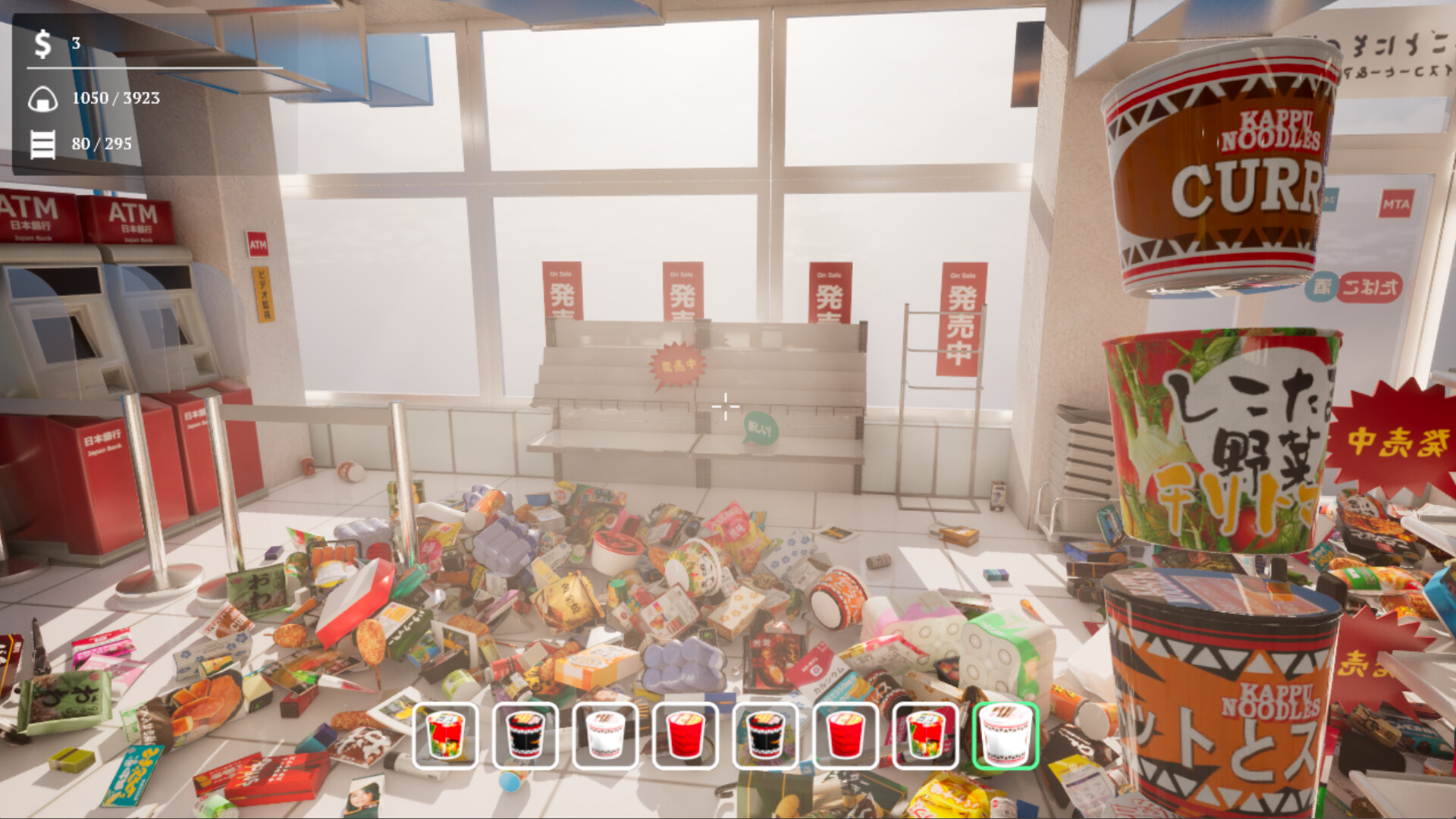
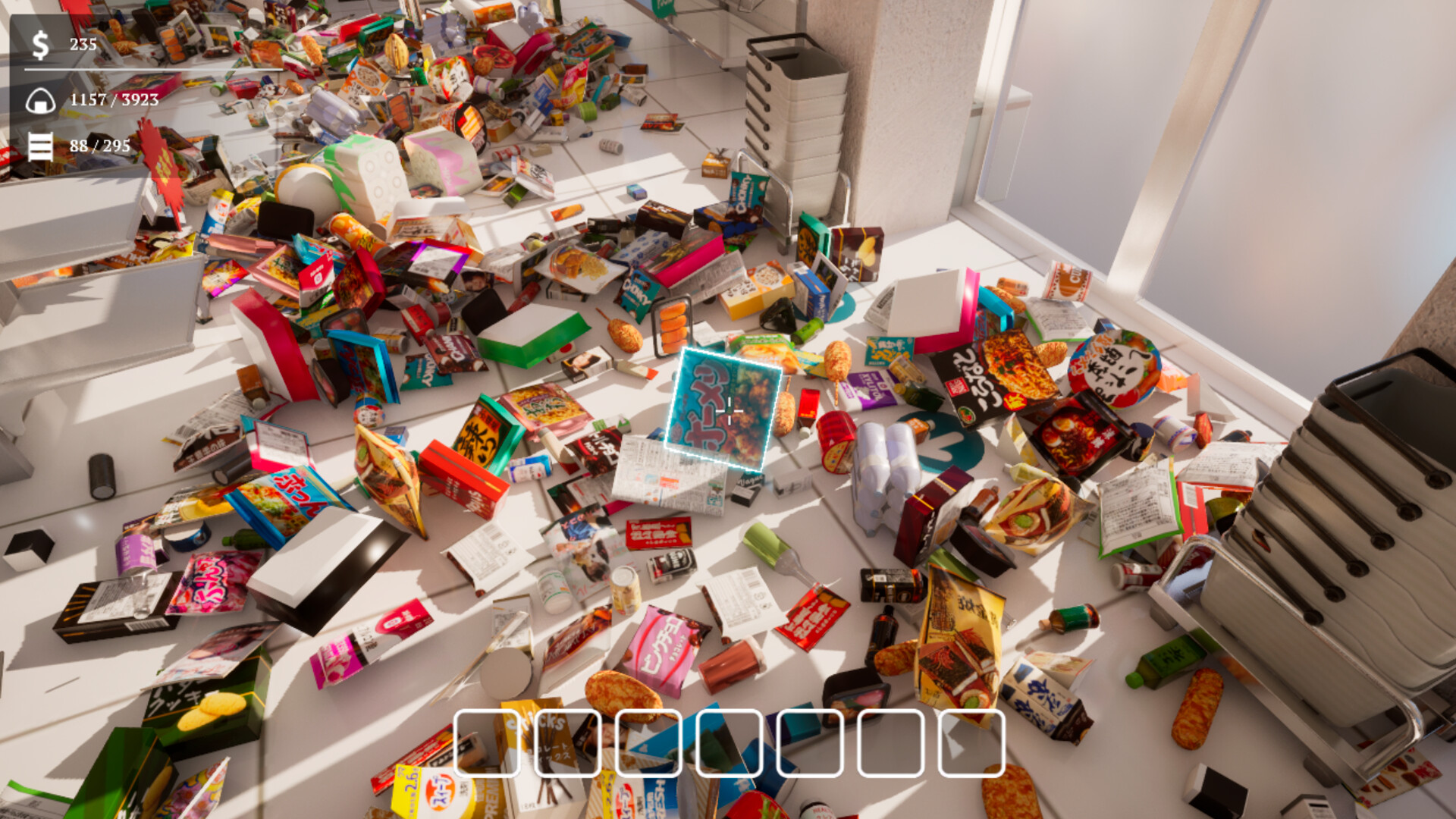
Konbini Cleanup is a casual organizing simulator where you restore a disordered Japanese convenience store. You handle more than 2,900 items across over fifteen sections such as drinks, noodles, candy, and chips.
The game runs at a relaxed pace with no timers or game‑over conditions. While you tidy each shelf you can earn upgrades that raise movement speed, extend reach, and unlock a few unique abilities.
01 / THE GUIDE
Gameplay Basics
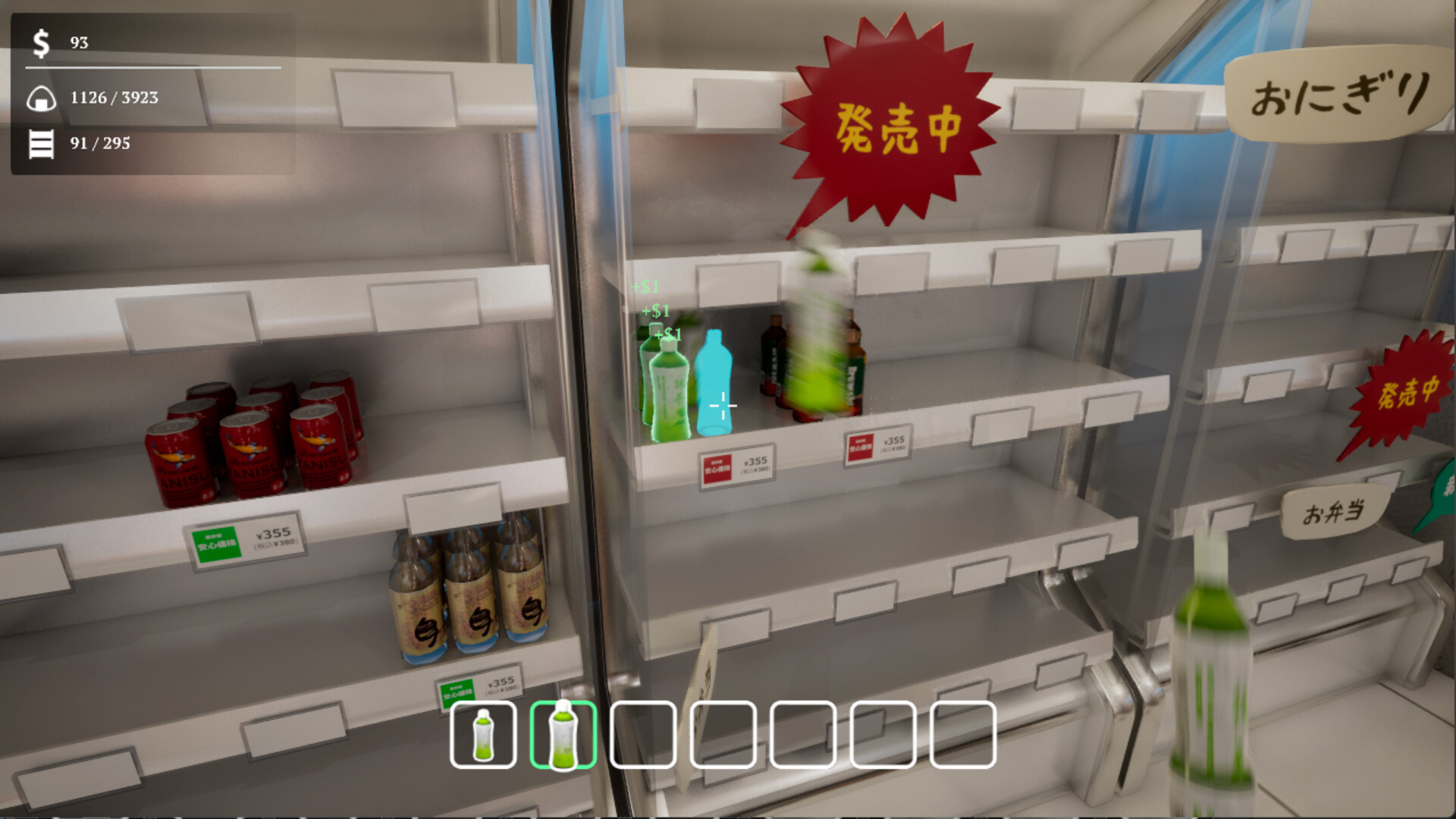
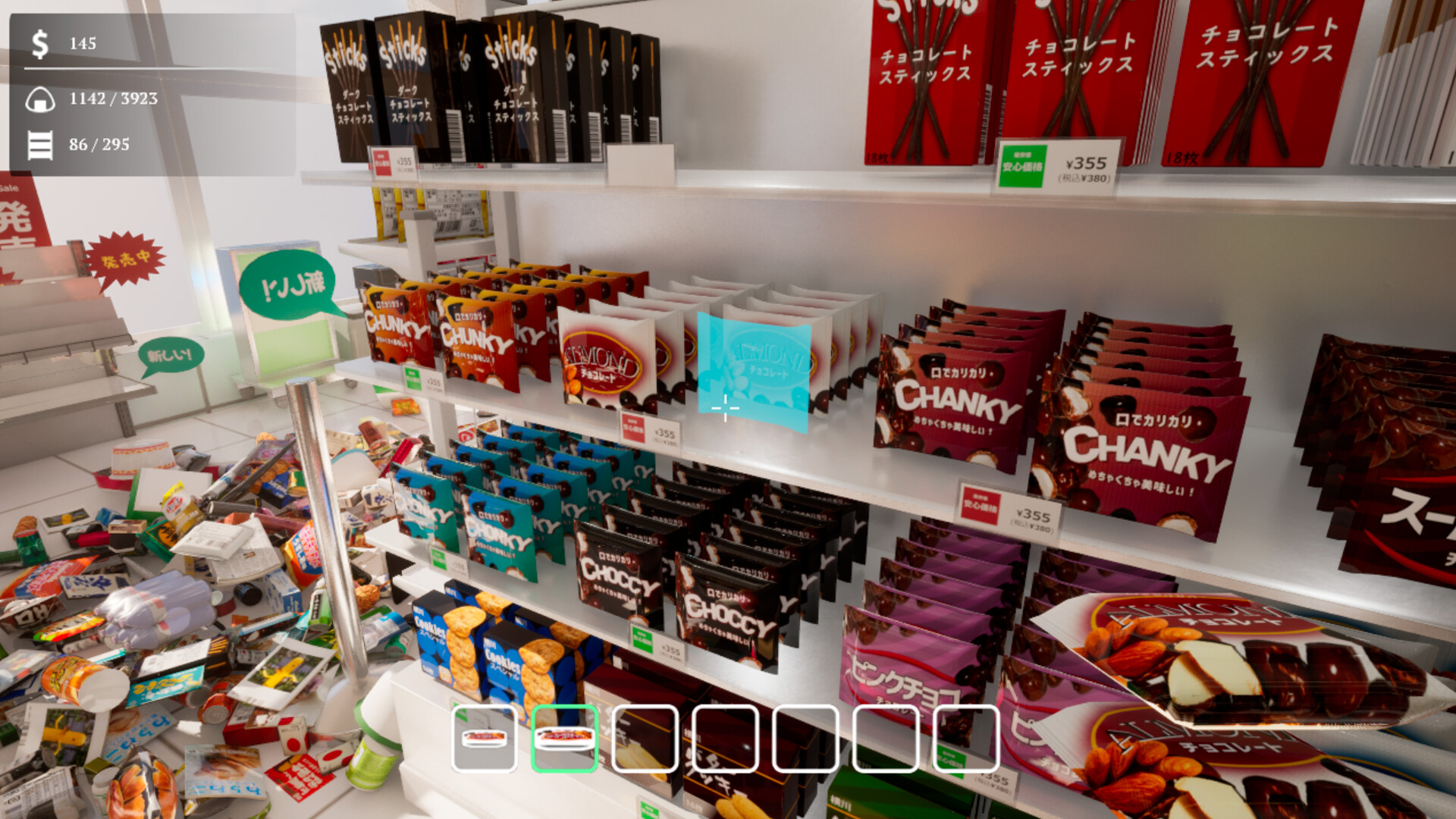
The core loop consists of picking up a product, locating its correct section, and placing it back on the appropriate shelf. Progress is measured one shelf at a time, and the description emphasizes that you set your own speed.
Each finished section displays a clear progress marker, and the lack of timers or loss conditions means the experience stays stress‑free regardless of how quickly you work.
- Observe the layout of a shelf before moving items to reduce back‑tracking.
- Take short pauses between sections to keep the pace relaxed.
02 / THE GUIDE
Product Sorting
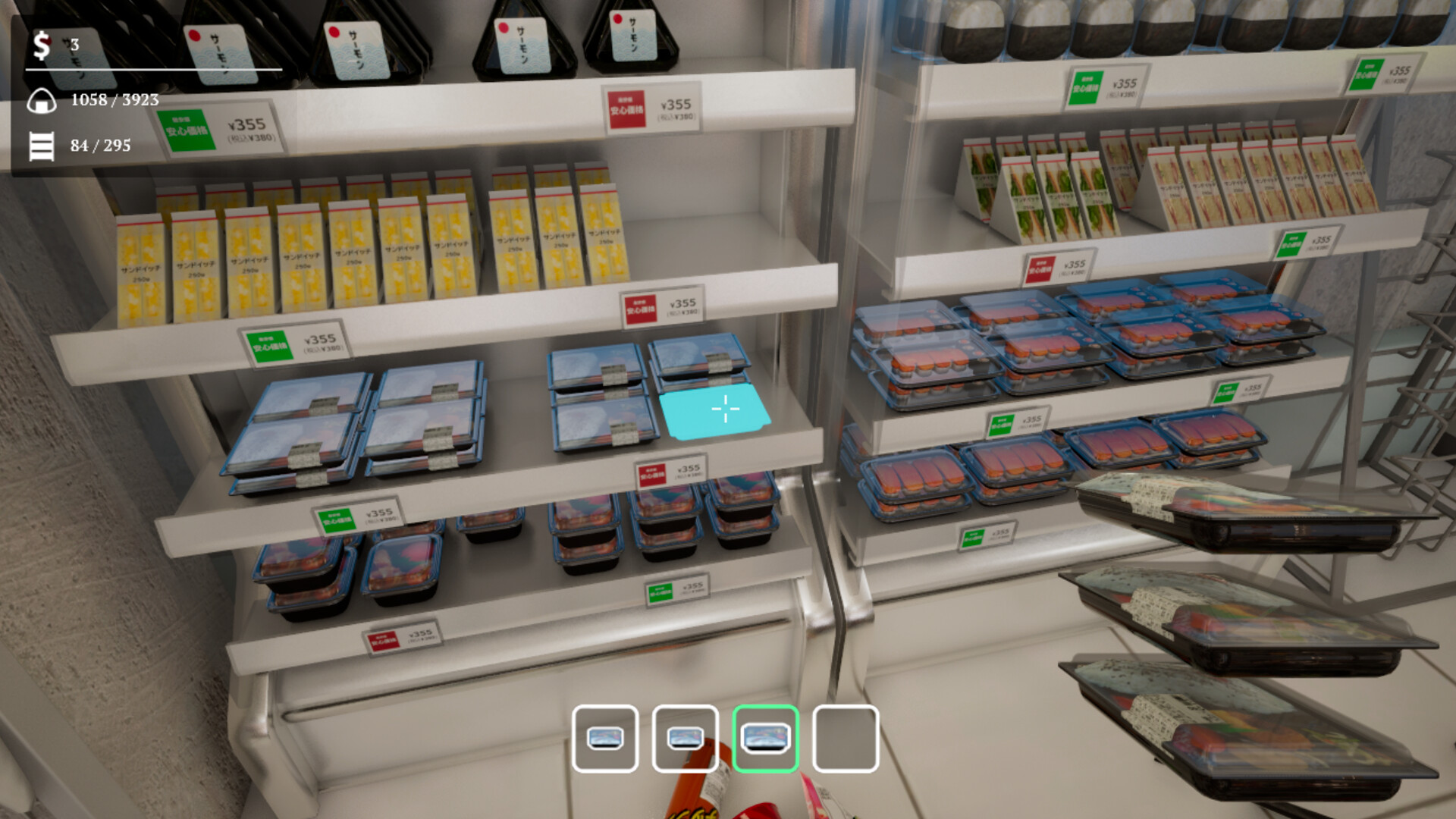
Every item belongs to a specific category, and each category has its own shelf area. Correct placement is confirmed by matching the product with its price tag, as stated in the description.
With more than 2,900 items, the variety is large but the mechanic stays simple: pick‑up, find the right section, and place. The description does not mention penalties for misplacement.
- Group similar items mentally before picking them up.
- Use the visual price‑tag cues to verify correct sections quickly.
03 / THE GUIDE
Skill Upgrades
Upgrades are earned as you play and increase movement speed and reach, allowing you to cover larger shelf areas more efficiently. The description also notes a couple of unique abilities become available.
These upgrades modify the pick‑up‑place loop but the description does not state they alter the relaxed pacing or introduce new challenges.
- Try a speed upgrade first to see how faster movement feels.
- Experiment with reach upgrades to reduce the number of steps per shelf.
04 / THE GUIDE
Progress Tracking
Each completed section shows a clear progress indicator, letting you see how much of the store you have organized. Visual changes such as neat rows of onigiri appear as you finish areas.
The description highlights that these visual cues provide a sense of accomplishment without any competitive pressure or time limits.
- Focus on one section at a time to see immediate visual rewards.
- Use the progress markers to decide which area to tackle next.
05 / THE GUIDE
Platform Features
Konbini Cleanup runs on Windows and lists full controller support, including DualShock and DualSense devices. It also includes Steam Cloud integration and Family Sharing, as noted in the feature list.
The game is described as single‑player only, meaning there are no multiplayer or online components required for the core experience.
- Enable Steam Cloud to keep your save data across installations.
- Family Sharing allows another account on the same library to play the game.
COMMUNITY
Player discussion