 GameWiki
GET YOUR BEARINGS
About Koishi Navigation Desktop Youkai
Koishi Navigation Desktop Youkai places the Touhou character Komeiji Koishi on a Windows desktop as a small, animated pet. Players can touch, feed, and chat with her while she wanders the screen and occasionally delivers quirky lines.
The app includes a daily luck display, a toggle that controls whether Koishi tricks the player, and support for user‑created dialogue files. Community content can be shared through the Steam Workshop, and the title lists Steam Cloud, Family Sharing, and Commentary as features.
01 / THE GUIDE
Interaction Methods
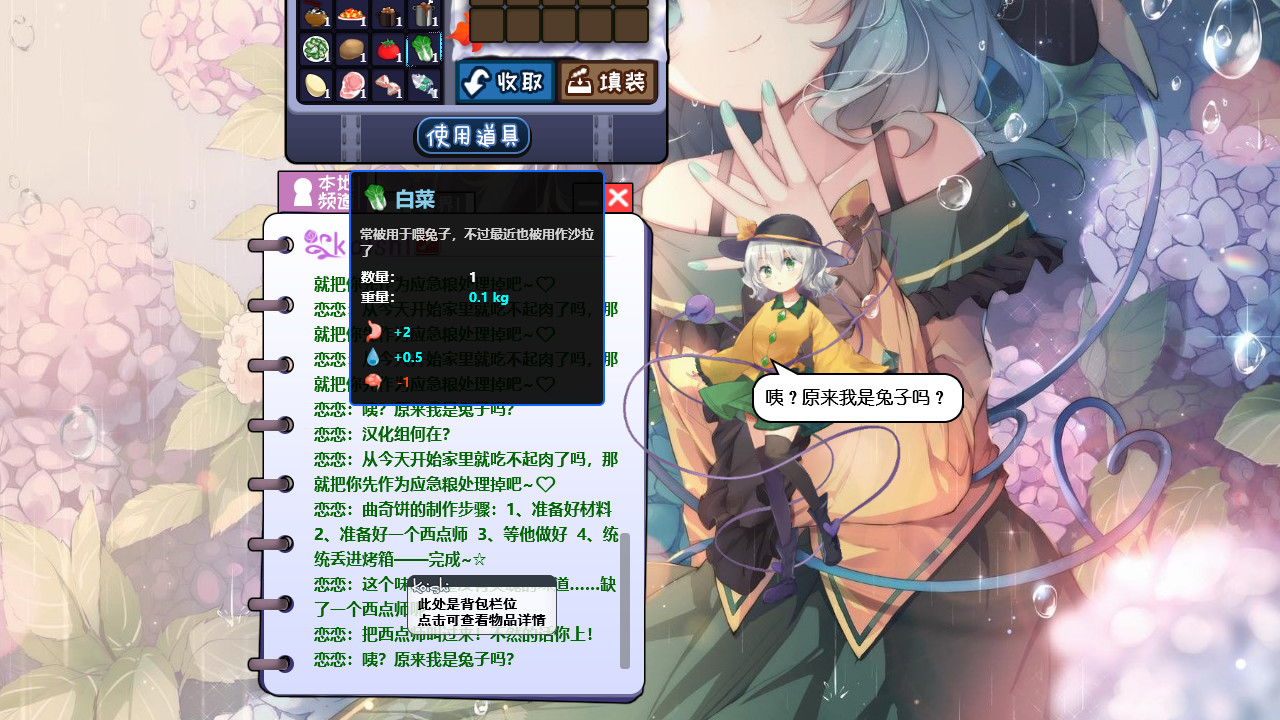
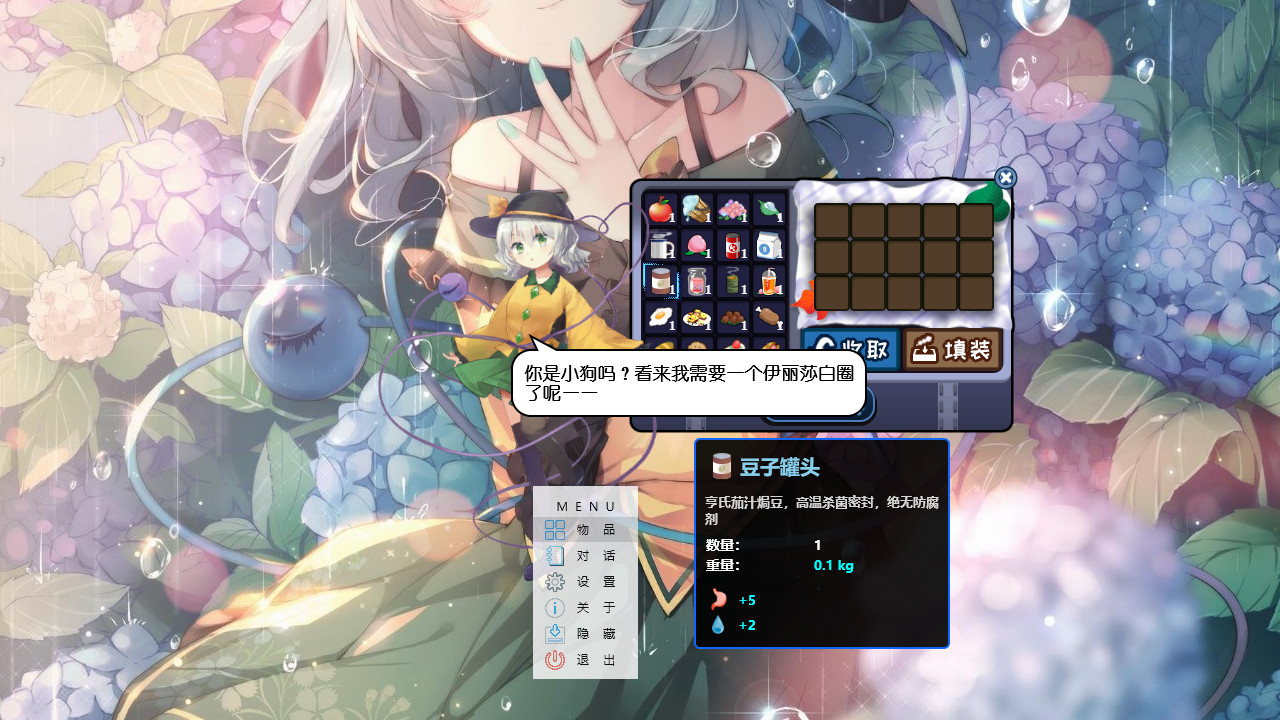
The desktop pet can be touched directly on the screen, fed, and spoken to via a chat interface. Each action prompts Koishi to respond with either preset or custom dialogue, creating a responsive desktop companion.
Beyond direct interaction, Koishi may disappear, wander across the desktop, and emit occasional strange statements, adding visual variety to the desktop environment.
- Observe how Koishi reacts when touched in different screen corners.
- Try feeding her after a break to notice any change in her response style.
02 / THE GUIDE
Chat Customization
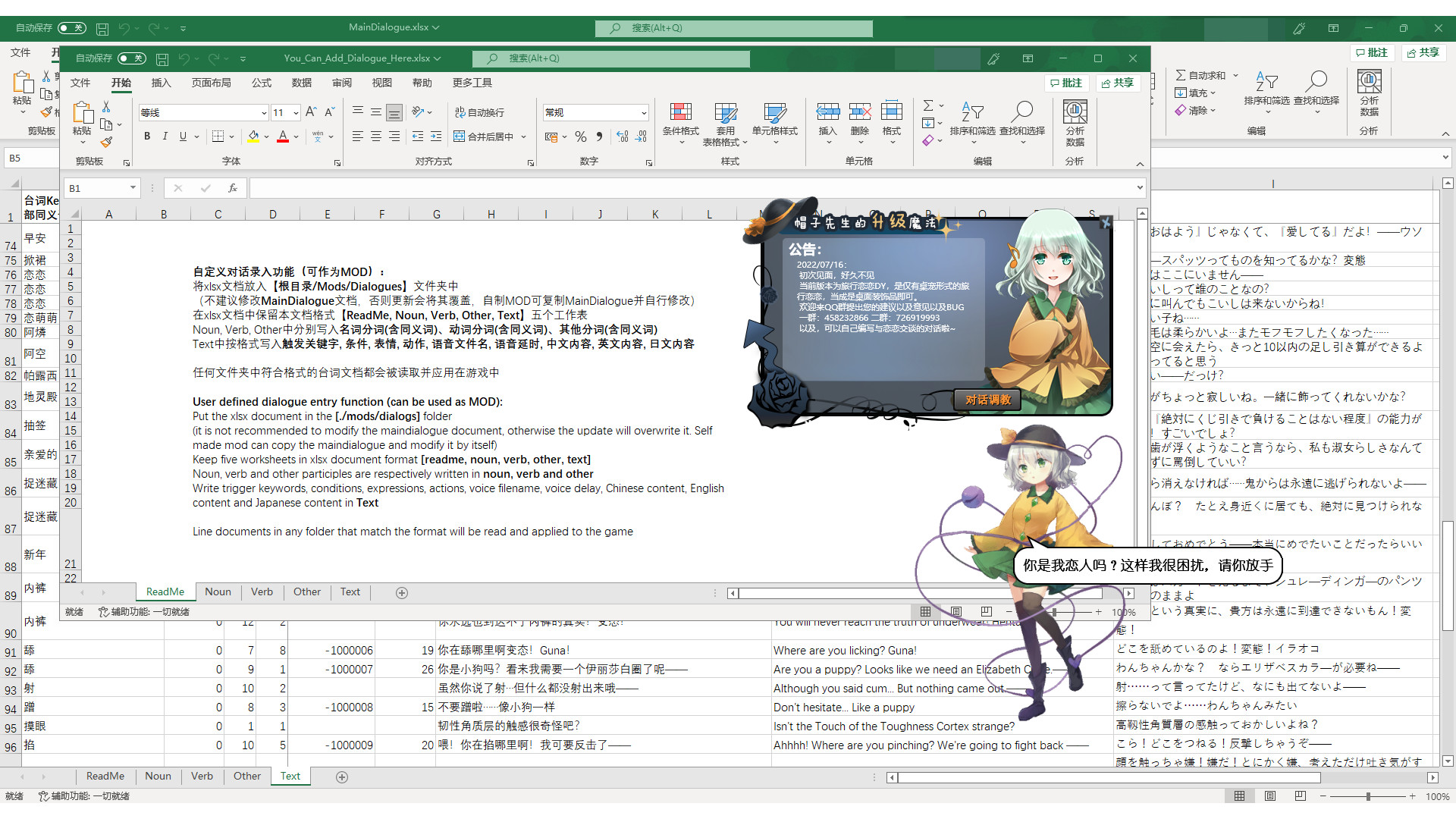
Dialogue triggers are stored in the file maindialogue.xlsx located in ./mods/dialogues. Editing this spreadsheet lets users define new keywords and associated responses, effectively teaching Koishi new lines.
The “Koishi Won't Trick” switch needs to be turned off to see Koishi disappear, wander around, and come up with strange lines, while custom dialogue files can be edited separately in the dialogue folder.
- Back up the original maindialogue.xlsx before making changes.
- Share edited dialogue files through the Steam Workshop for community testing.

03 / THE GUIDE
Daily Lottery
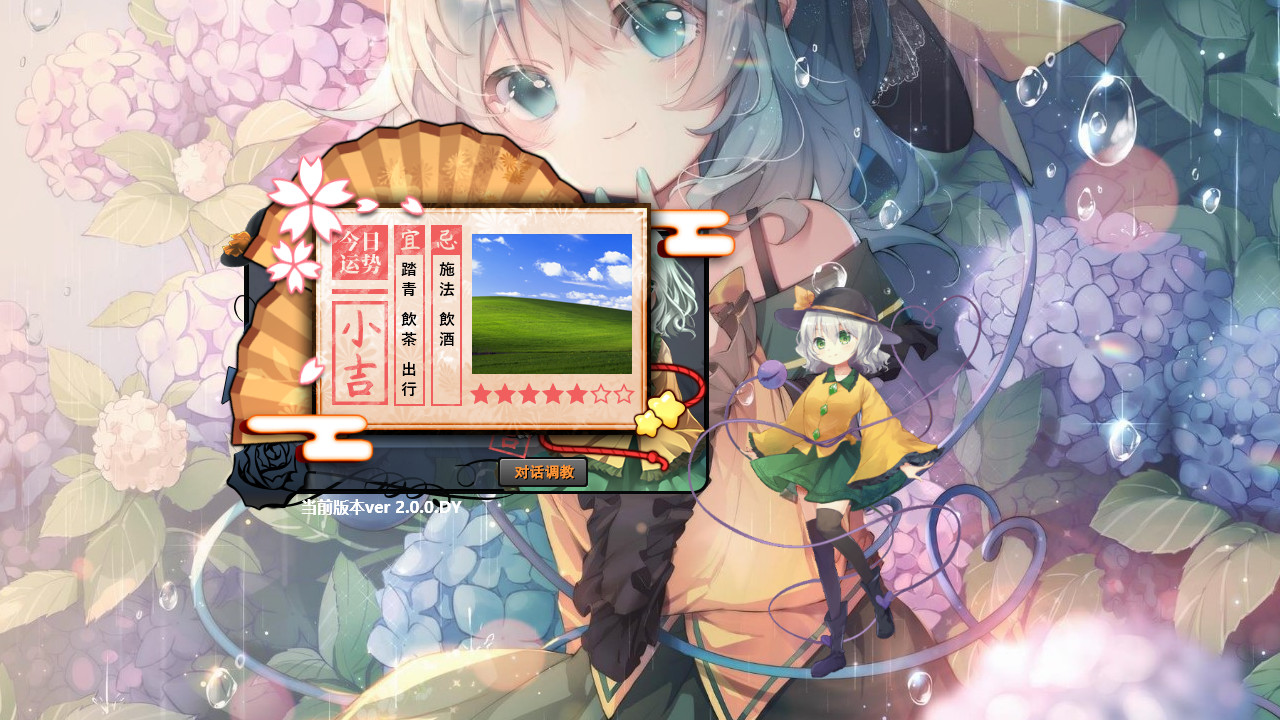
Each day Koishi presents a lottery that shows the player’s luck for that day. The display is informational only and does not influence other aspects of the program.
The lottery simply shows today's luck, and the source encourages players not to worry about it.
- Check the lottery immediately after launching to set a light‑hearted tone.
- Use the displayed luck as a conversation starter with Koishi.
04 / THE GUIDE
Steam Workshop Integration
The title supports the Steam Workshop, enabling users to upload and download custom dialogue packs. This encourages community‑driven content creation and sharing.
Workshop items are listed as a feature, indicating that dialogue packs can be accessed directly through the Steam interface.
- Browse popular dialogue packs before creating your own.
- Rate downloaded packs to help other users discover quality content.
05 / THE GUIDE
Platform and Save Features
Koishi Navigation Desktop Youkai is released for Windows only, as indicated by the platform list. No macOS or Linux support is mentioned.
The feature list includes Steam Cloud, Family Sharing, and Commentary, showing that cloud saving, shared access, and optional commentary are available.
- Confirm Steam Cloud is enabled in the client if you wish to use cloud saving.
- Use Family Sharing to let household members launch the app on the same machine.
COMMUNITY
Player discussion