 GameWiki
GET YOUR BEARINGS
About Knight Squad
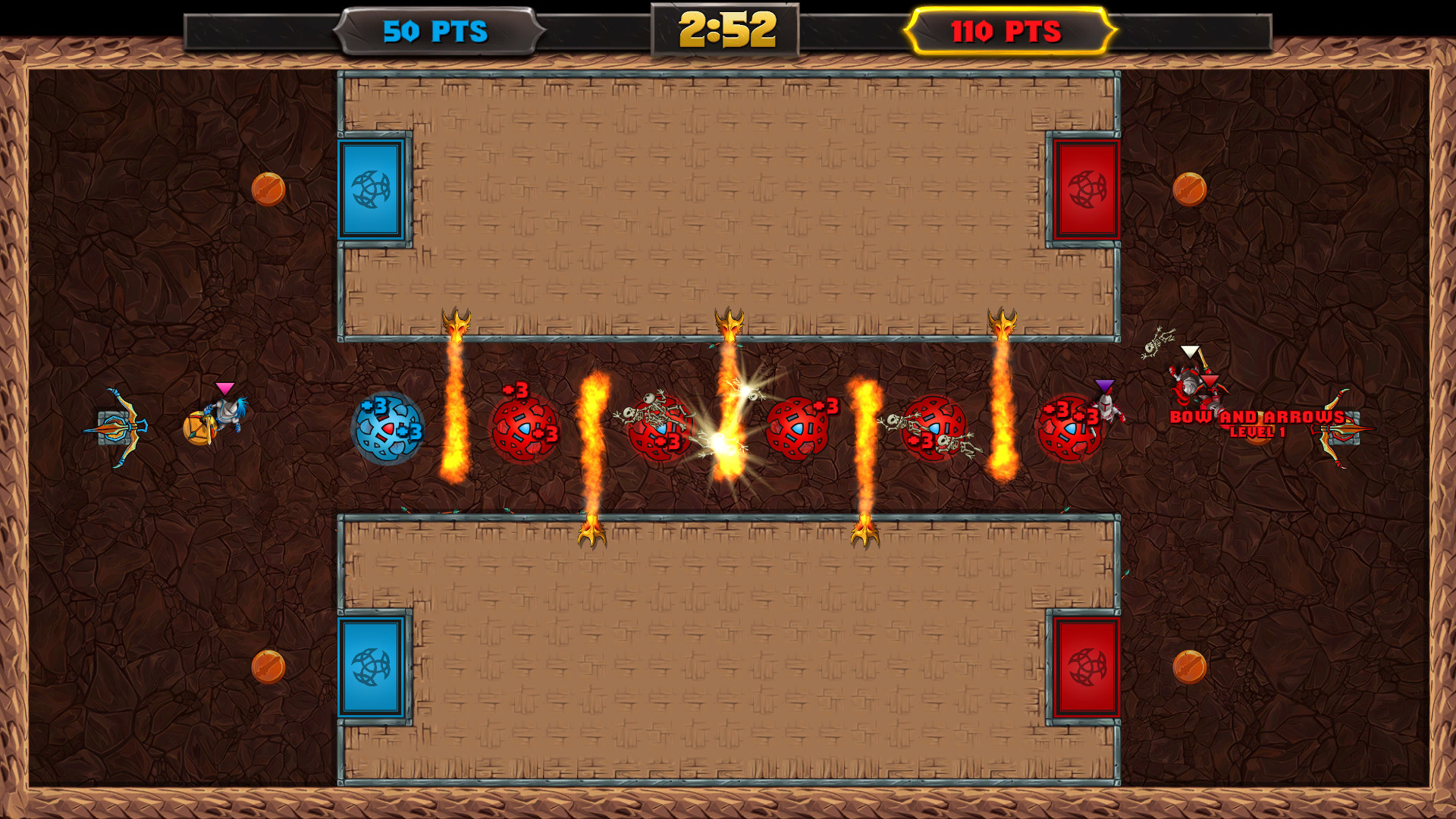
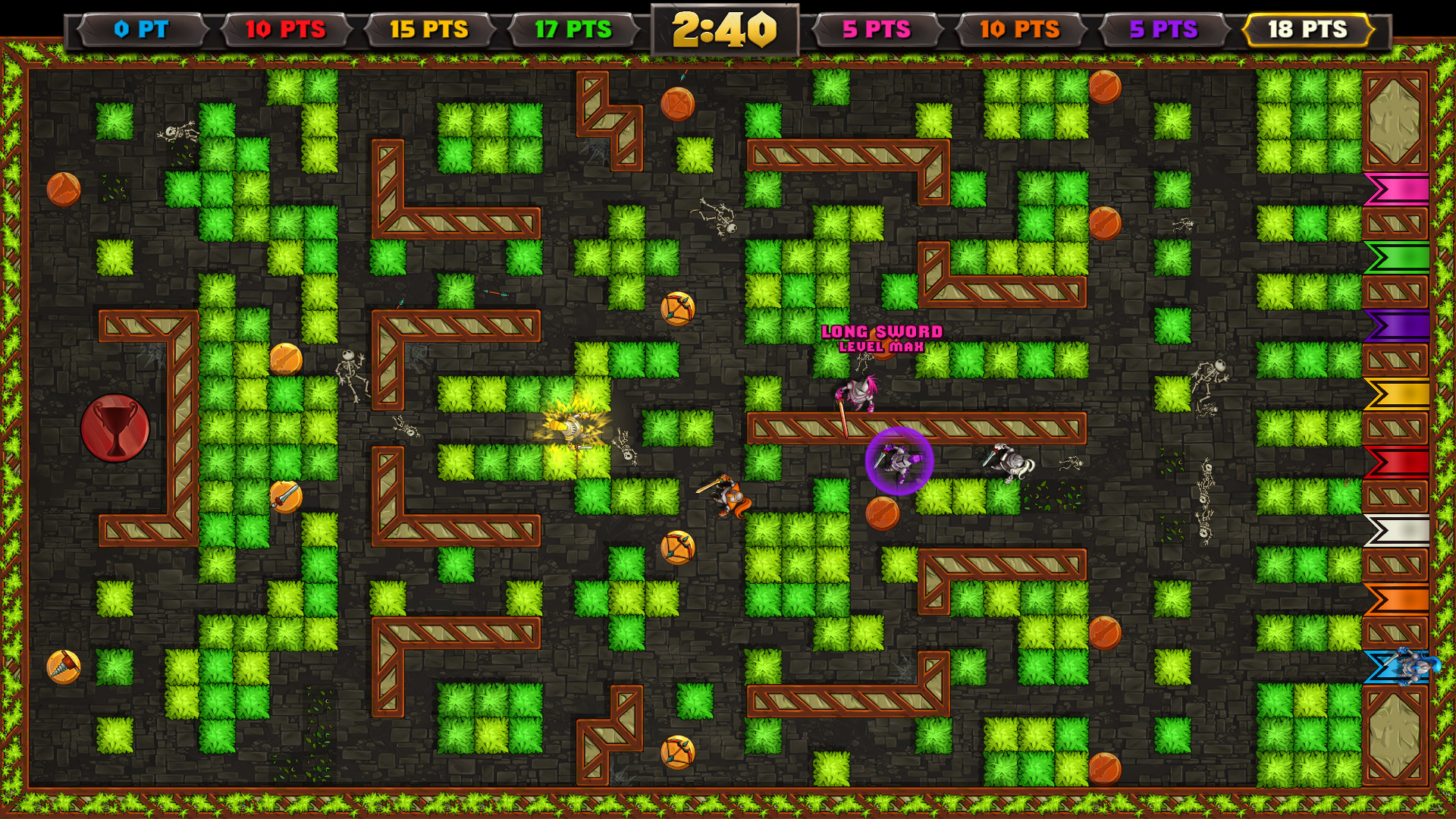
Knight Squad delivers chaotic arena battles for 1‑8 players, blending medieval weapons with laser guns and miniguns. The game features fast‑paced party action across several modes, such as Last Man Standing and a medieval‑themed soccer match.
Matches can be played locally with split‑screen or online against worldwide opponents. When human players are missing, bots fill the spots and their difficulty can be set, while achievements track progress.
01 / THE GUIDE
Versus Game Modes
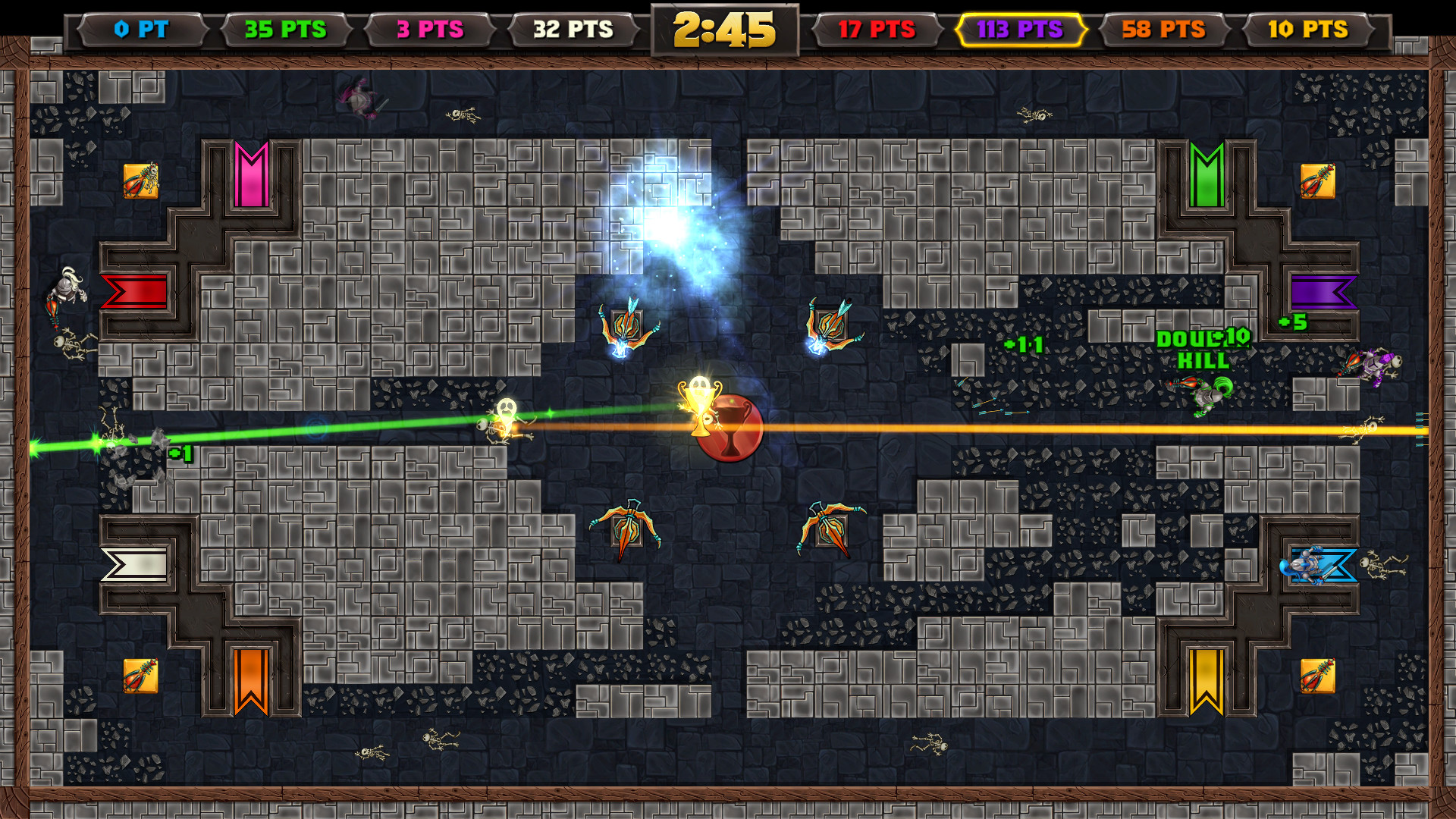
Knight Squad includes a collection of versus modes, among them Team Capture the Flag, Last Man Standing, Capture the Grail, and Soccer. Each mode runs on multiple levels, providing varied arena layouts for every round.
These modes are designed for short, repeatable matches that encourage competition. The challenge levels offer a leaderboard where players can compare performance.
- Try each mode to discover which objective best fits your group's play style.
- Switch team sizes to keep the experience fresh.
02 / THE GUIDE
Player Count and Bot Support
The game supports between 1 and 8 players. If fewer human participants are present, bots automatically join the match to fill empty slots.
Before the match begins, you can select the bots' difficulty, allowing the challenge level to be tailored to the skill of your group.
- Adjust bot difficulty to match the skill of your friends.
- Use bots for practice when you lack enough human players.
03 / THE GUIDE
Weapons and Power‑Ups
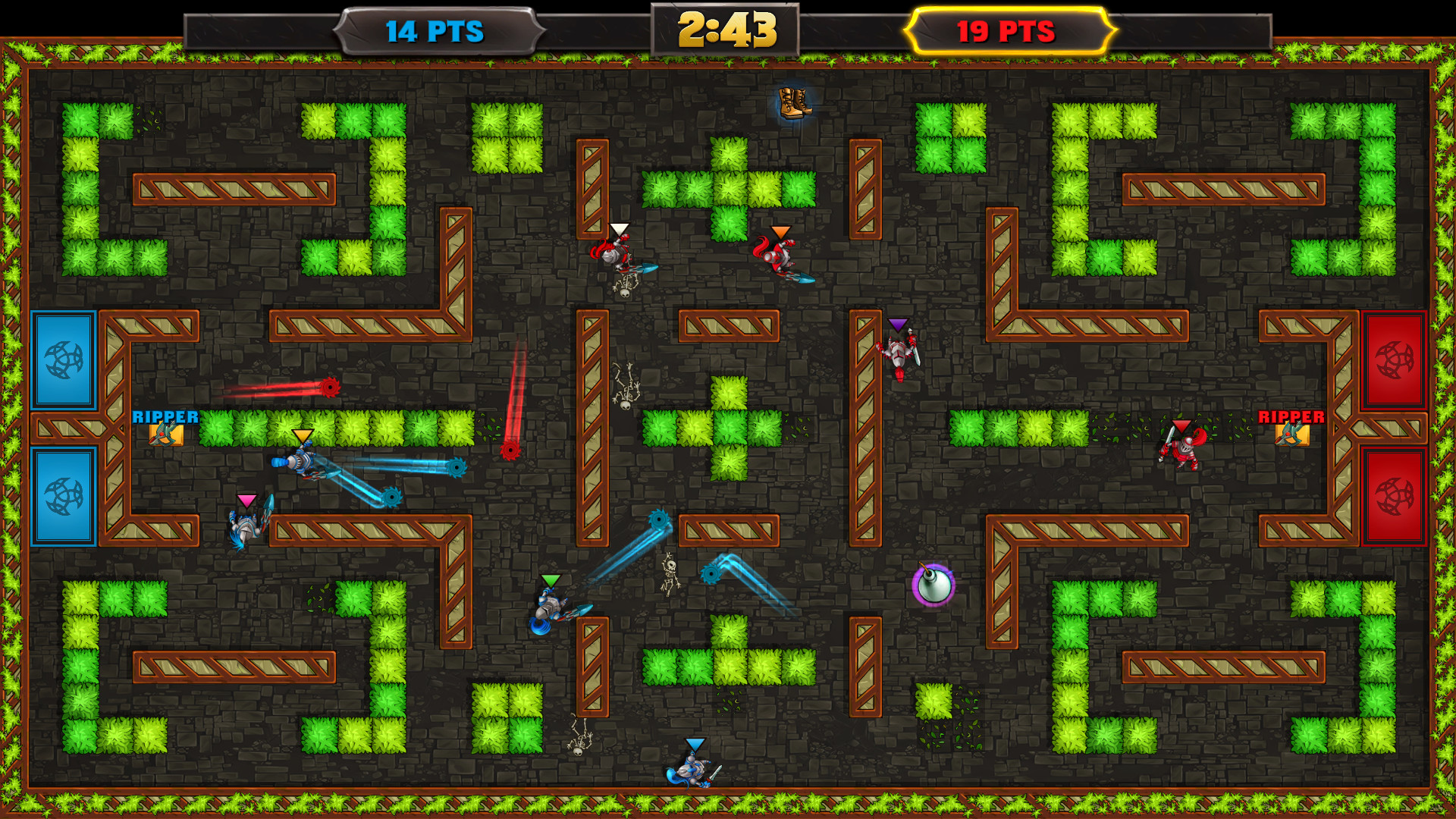
During a match, players can pick up a variety of weapons scattered across the battlefield, including swords, bows, crossbows, bombs, laser guns, and miniguns.
Power‑ups also appear on the map, granting temporary advantages that can shift the outcome of a round when collected at the right moment.
- Watch weapon spawn points to stay equipped throughout the match.
- Combine melee and ranged options for flexible tactics.
04 / THE GUIDE
Online Multiplayer and Leaderboards
Knight Squad offers online multiplayer, letting you compete against players around the world. Steam leaderboards are supported, with the challenge levels offering a path to the top of the leaderboard.
Steam achievements provide additional goals that can be pursued while playing either online or locally, adding optional challenges beyond the core matches.
- Check the leaderboard after each session to gauge your standing.
- Target achievements that align with your preferred mode.
05 / THE GUIDE
Platform Features
The title runs on Windows, macOS, and Linux, and includes Shared/Split Screen for local multiplayer. Partial Controller Support is listed among the input options.
Additional Steam services are supported, such as Steam Achievements, Trading Cards, Family Sharing, and Remote Play Together, expanding how the game can be accessed and shared.
- Use split‑screen to enjoy the game with a friend on the same device.
- Explore Remote Play Together to invite others who lack the game locally.
COMMUNITY
Player discussion